소개
The Logitech Signature M550 L Wireless Mouse is designed for enhanced comfort and productivity, especially for users with larger hands. It features an adaptive SmartWheel for precise or hyper-fast scrolling, SilentTouch technology for quiet clicks, and versatile connectivity options. This manual provides detailed instructions for setup, operation, and maintenance of your device.
패키지 내용
- Logitech Signature M550 L Wireless Mouse
- AA 배터리 1개 (사전 장착 또는 포함)
- Logi Bolt USB Receiver (may be stored inside the mouse battery compartment)
- 사용자 문서(이 매뉴얼)
제품 끝view
Familiarize yourself with the key components of your Logitech Signature M550 L mouse.

이미지: 상단 및 측면 view of the Logitech Signature M550 L mouse, highlighting its features including the SmartWheel, silent clicking buttons, Bluetooth connectivity, ergonomic shape, and 24-month battery life.
- 왼쪽/오른쪽 클릭 버튼: Feature SilentTouch technology for reduced clicking noise.
- 스마트휠: Adaptive scroll wheel for line-by-line precision or super-fast free-spin scrolling.
- LED 표시등: Shows battery status and connection mode.
- 켜기/끄기 스위치: 마우스 아랫부분에 위치해 있습니다.
- 배터리 칸: Houses the AA battery and Logi Bolt USB receiver.
- 인체공학적 디자인: Contoured shape with soft thumb area and rubber side grips for comfort.
설정
1. 배터리 설치
- 마우스 아랫면에 있는 배터리함 덮개를 여세요.
- 동봉된 AA 배터리를 삽입할 때, 극성(+/-)을 정확히 확인하십시오.
- Close the battery compartment cover. The LED indicator on the mouse may flash briefly.
2. 기기에 연결
Signature M550 L은 Logi Bolt USB 수신기 또는 Bluetooth Low Energy의 두 가지 연결 방법을 제공합니다.
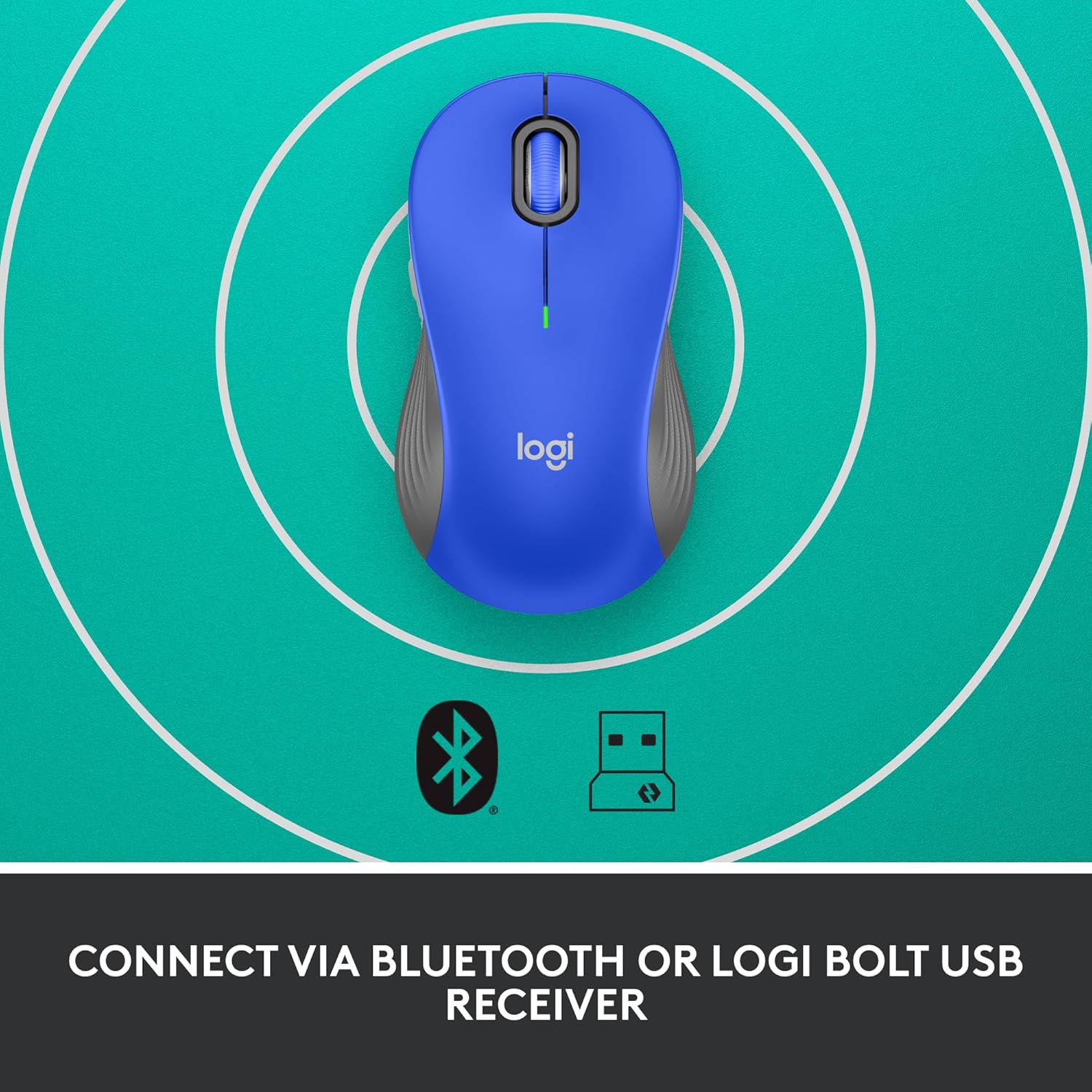
Image: The Logitech Signature M550 L mouse shown with icons representing Bluetooth and Logi Bolt USB receiver connectivity options.
옵션 A: Logi Bolt USB 수신기
- 일반적으로 마우스 배터리 칸 내부에 보관되어 있는 Logi Bolt USB 수신기를 찾으십시오.
- Logi Bolt USB 수신기를 컴퓨터의 사용 가능한 USB 포트에 꽂습니다.
- Turn on the mouse using the On/Off switch on the bottom. Your computer should automatically detect the mouse.
옵션 B: 블루투스 저에너지
- 마우스 하단에 있는 전원 스위치를 사용하여 마우스를 켜세요.
- Press and hold the Easy-Switch button (usually on the bottom or side, refer to product diagram if available) for 3 seconds until the LED indicator starts blinking rapidly. This indicates pairing mode.
- 컴퓨터나 기기에서 Bluetooth 설정을 엽니다.
- Select "Logitech M550 L" from the list of available devices and follow any on-screen prompts to complete pairing.
이 마우스는 Windows, macOS, Linux, Chrome OS, iPadOS 및 Android 운영 체제와 호환됩니다.
작동 지침
스마트휠 스크롤링
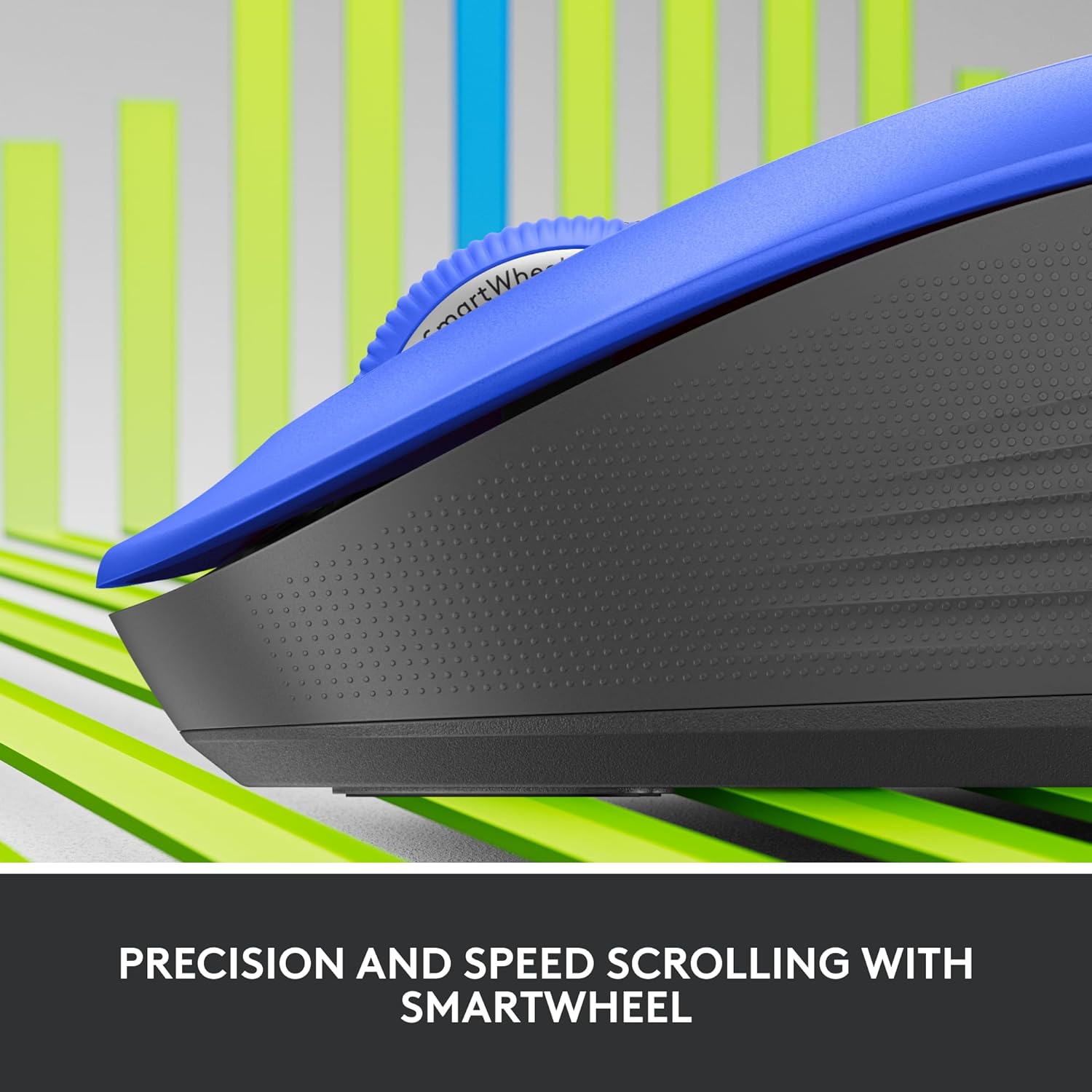
이미지: 클로즈업 view of the Logitech SmartWheel, demonstrating its precision and speed scrolling capabilities.
SmartWheel은 두 가지 모드 사이를 자동으로 전환합니다.
- 라인별 정밀도: Ideal for detailed work and navigating documents. Scroll slowly for precise control.
- Super-Fast Free-Spin: For quickly navigating long web pages or documents. Flick the wheel to activate.
조용한 클릭

Image: A person using the Logitech Signature M550 L mouse at a desk, illustrating the benefit of 90% less clicking noise for a focused work environment.
The mouse features Logitech's SilentTouch technology, reducing click noise by over 90% compared to traditional mice. This allows for a quieter work environment without compromising click feel.
다중 장치 호환성
The Signature M550 L can be paired with multiple devices and switched between them using the Easy-Switch button. This feature is ideal for users who work across several computers or tablets.
유지
배터리 교체
The mouse operates on a single AA battery, offering up to 24 months of battery life depending on usage. When the battery is low, the LED indicator will turn red. To replace:
- 마우스를 끄십시오.
- 배터리함 아래쪽 덮개를 여세요.
- 기존 AA 배터리를 제거하고 극성을 확인하여 새 배터리를 삽입하십시오.
- Close the cover and turn the mouse back on.
청소
마우스를 청소하려면 부드럽고 보푸라기가 없는 천을 가볍게 사용하십시오.amp물이나 순한 세척액으로 닦으십시오. 강한 화학 물질이나 연마제를 사용하지 마십시오. 마우스의 구멍에 액체가 들어가지 않도록 하십시오.
문제 해결
- 마우스가 응답하지 않습니다.
- 마우스가 켜져 있는지 확인하세요.
- 배터리 잔량을 확인하고 필요한 경우 교체하십시오.
- If using the Logi Bolt receiver, try plugging it into a different USB port or a different computer to rule out port issues.
- If using Bluetooth, ensure Bluetooth is enabled on your device and the mouse is properly paired. Try re-pairing the mouse.
- Move the mouse closer to the receiver or Bluetooth-enabled device to ensure it's within range.
- 커서 움직임이 불규칙적임:
- 마우스 바닥의 광학 센서를 청소하세요.
- 마우스를 적절한 표면에서 사용하고 있는지 확인하세요. 반사율이 높거나 투명한 표면은 피하세요.
- Connectivity issues after system update:
- 컴퓨터를 다시 시작하세요.
- Check for updated drivers for your mouse or Bluetooth adapter.
명세서
| 상표 | 로지텍 |
| 모델 번호 | 910-006794 |
| 연결 기술 | Bluetooth Low Energy, Logi Bolt USB 수신기 |
| 움직임 감지 | 광학 |
| 특별 기능 | Lightweight, Portable, Silent Clicks (SilentTouch), SmartWheel, Wireless |
| 배터리 유형 | AA 배터리 1개 |
| 배터리 수명 | 최대 24개월 (사용량에 따라 다를 수 있음) |
| 운영 체제 호환성 | 윈도우, 맥OS, 리눅스, 크롬 OS, 아이패드OS, 안드로이드 |
| 품목 무게 | 3.92 온스 |
| 색상 | 파란색 (이 변형의 경우) |
보증 정보
Logitech products are manufactured to high quality standards and are covered by a limited hardware warranty. For specific warranty terms and conditions applicable to your region and product, please refer to the official Logitech web사이트 또는 구매 시 포함된 보증 카드를 참조하세요.
지원하다
For further assistance, technical support, or to download the latest software and drivers for your Logitech Signature M550 L Wireless Mouse, please visit the official Logitech support web대지:
지원 사이트에서 FAQ와 커뮤니티 포럼도 찾을 수 있습니다.


