1. 서론
This manual provides essential instructions for the safe and effective use of your Generic AC/DC Adapter. This adapter is designed as a compatible replacement power supply for specific Shark WZ140 series cordless stick vacuums. It is not an original Shark product but is manufactured to be 100% compatible.
Please read this manual thoroughly before using the adapter to ensure proper function and to prevent damage to the product or your device.

Image 1: The Generic AC/DC Adapter, showing the main unit with a standard US plug and the barrel connector cable.
2. 안전 정보
화재, 감전 및 부상의 위험을 줄이기 위해 전기 제품을 사용할 때는 항상 기본적인 안전 수칙을 준수하십시오.
- 호환성: This adapter is specifically designed for Shark WZ140 V5, WZ140V5 26, WZ14026, WZ140PK, and WZ 140 models ONLY. Do not use it with any other devices, especially cellphones, as this may cause damage.
- 전원: 전원 콘센트의 볼륨을 확인하세요tage matches the adapter's input voltag전자 범위(100V-240V).
- 보호 기능: 어댑터에는 Over Vol 기능이 포함되어 있습니다.tage Output Protection, Over Current Output Protection, and Short Circuit Output Protection to safeguard your device.
- 환경: 어댑터는 건조한 환경에서 사용하십시오. 물, 습기 또는 극한 온도에 노출되지 않도록 하십시오.
- 통풍: Do not cover the adapter during use, as this can lead to overheating.
- 손상: Do not use the adapter if the cord or plug is damaged. Contact support for a replacement.
- 어린이들: 어댑터를 어린이의 손이 닿지 않는 곳에 보관하십시오.
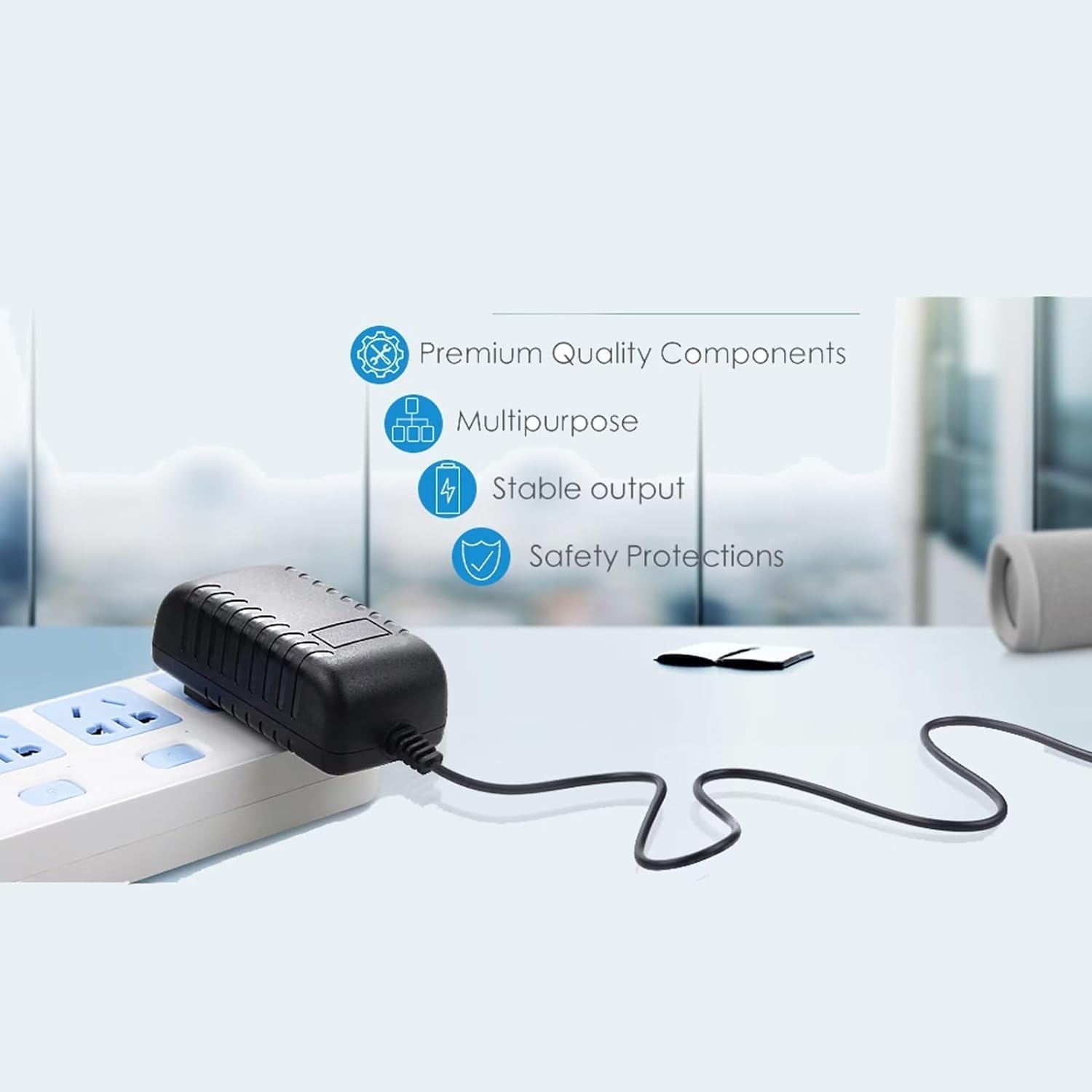
Image 2: The adapter connected to a power strip, highlighting its premium quality components, stable output, and safety protections.
3. 설정
- 호환성 확인: Before connecting, confirm that your Shark vacuum model is one of the compatible models: WZ140 V5, WZ140V5 26, WZ14026, WZ140PK, or WZ 140.
- 진공청소기에 연결하세요: Insert the barrel connector end of the adapter cable firmly into the charging port of your Shark cordless stick vacuum.
- 전원 콘센트에 연결: AC 어댑터를 일반 벽면 콘센트(100V-240V)에 꽂으세요.
- 충전 표시기: The adapter features an LED light to indicate power status. Refer to your vacuum's manual for its specific charging indicator behavior.

Image 3: This adapter features a 5-foot cable length and an integrated LED light to indicate power.
4. 운영
Once connected, the adapter will begin charging your Shark vacuum's battery. The charging time will depend on the battery's current charge level and capacity. Always refer to your vacuum's user manual for specific charging instructions and battery care.
- 충전 중: Allow the vacuum to charge fully before its first use or after extended periods of non-use.
- 플러그 뽑기: When charging is complete, unplug the adapter from the wall outlet first, then disconnect it from the vacuum.
- 저장: 사용하지 않을 때는 어댑터를 서늘하고 건조한 곳에 보관하세요.
5. 유지관리
- 청소: Disconnect the adapter from the power source and the vacuum before cleaning. Wipe the adapter with a dry, soft cloth. Do not use liquid cleaners or solvents.
- 코드 관리: Avoid bending, twisting, or crimping the power cord excessively. Do not place heavy objects on the cord.
- 점검: Periodically inspect the adapter, cord, and connectors for any signs of damage, such as cuts, fraying, or loose connections. If damage is found, discontinue use and replace the adapter.
6. 문제 해결
If you encounter issues with your adapter, please review 다음은 일반적인 문제와 해결책입니다.
| 문제 | 가능한 원인 / 해결책 |
|---|---|
| Adapter not charging the vacuum. |
|
| 어댑터는 사용 중에 뜨거워집니다. |
|
| LED light on adapter is off. |
|
If you are unsure whether the battery or charger is at fault, a voltmeter can be used to test the charger's output voltage. If issues persist, please contact customer support.
7. 사양
| 상표 | 일반적인 |
| 호환 장치 | Shark WZ140 V5, WZ140V5 26, WZ14026, WZ140PK, WZ 140 (Fit these models ONLY) |
| 입력 Voltage | 100V - 240V AC (Worldwide Compatible) |
| 출력 와트tage | 140 와트 |
| 출력 전류 | 2 Amps |
| 커넥터 유형 | 배럴 커넥터 |
| 특별 기능 | 오버볼tage Protection, Over Current Protection, Short Circuit Protection, LED Indicator |
| 케이블 길이 | 5 피트 |
| 색상 | 검은색 |
| 제품 치수 | Approximately 2 x 2 x 3 inches (adapter unit) |
| 품목 무게 | 4 온스 |
| 제조업체 | GuyPower |
8. 보증 및 지원
This product is a replacement part and typically comes with a standard return policy. For specific warranty details and customer support, please refer to the seller's information on the platform where the product was purchased.
If you have questions regarding compatibility or require further assistance, please contact the seller directly through the Amazon messaging system.
반품 정책: 일반적인 반품 정책에 따라 30일 이내에 반품하시면 환불 또는 교환이 가능합니다.