
Zopsc Zopsco7eidy25u3-01
Zopsc Phone Adapter for Linksys PAP2T User Manual
Model: Zopsco7eidy25u3-01
소개
This user manual provides comprehensive instructions for the installation, operation, and maintenance of your Zopsc Phone Adapter for Linksys PAP2T. This device is designed to convert traditional analog telephone signals into digital IP packets, enabling voice communication over an internet connection using the SIP V2 protocol.
주요 특징은 다음과 같습니다.
- 가볍고 휴대성이 좋음: Compact design for easy placement and transport.
- 2-Port Voice-over-IP: Supports two independent telephone lines for simultaneous use.
- SIP V2 Protocol Support: Ensures compatibility with standard VoIP services.
- 간편한 설정: Simple connection to your broadband network and router.
- 다양한 호환성: Works with ordinary telephones and supports fax and multi-voice compression.
- 안전하고 안정적: Built with IEEE 802.3 and 802.3u protocols, featuring key management and encryption.
패키지 내용
아래 나열된 모든 품목이 패키지에 포함되어 있는지 확인하세요.
- 1 x VoIP Gateway (Zopsc Phone Adapter)
- 1 x 전원 어댑터(미국 플러그)
- 1 x 사용 설명서(이 문서)
- 1 x Network Cable (RJ45 Category 5 twisted pair)

This image displays the main components included in the product package: the Zopsc Phone Adapter unit, its power adapter (US plug type), and a blue network cable (RJ45).
제품 끝view
The Zopsc Phone Adapter features a compact design with clearly labeled ports for easy connectivity and integration into your home or office network.

이 이미지는 관점을 제시합니다. view of the Zopsc Phone Adapter, highlighting its compact size and the arrangement of ports on the rear panel, including Phone 1, Phone 2, Internet, and Power.
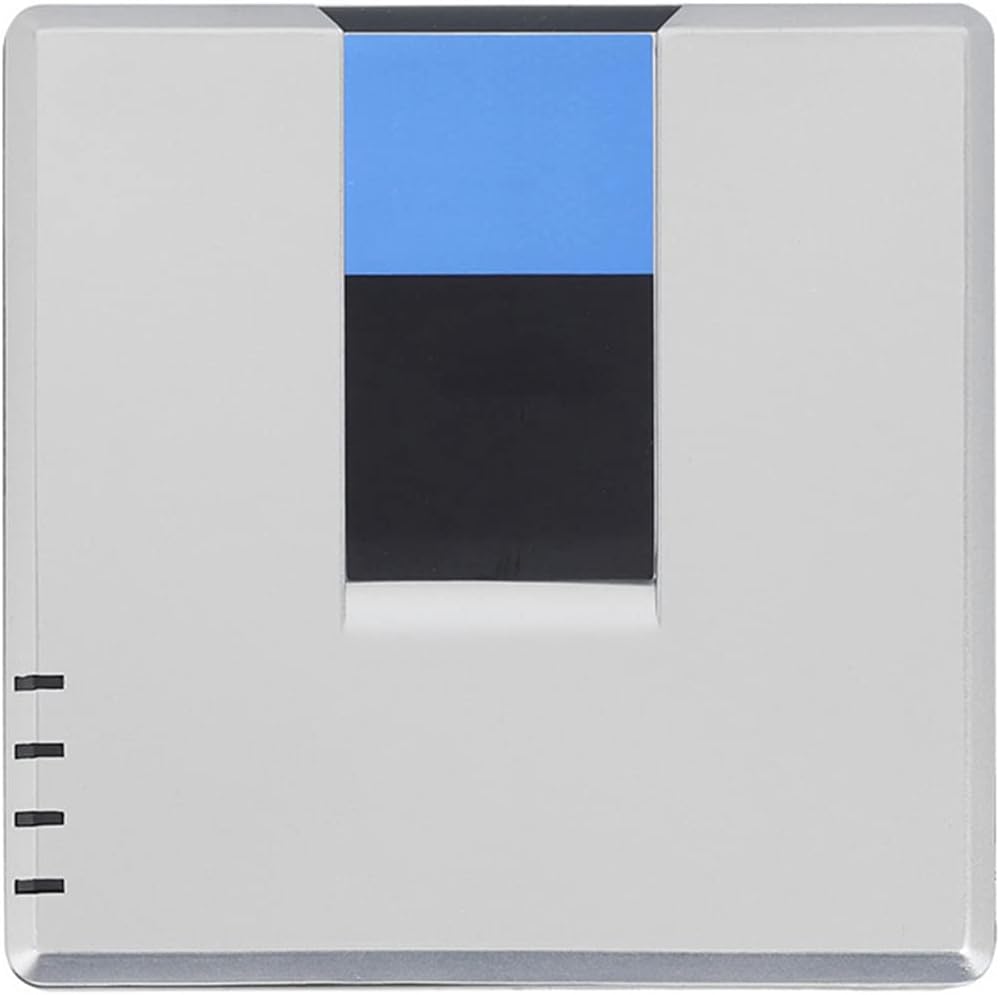
Another perspective view of the Zopsc Phone Adapter, showcasing its sleek design and compact form factor from a slightly different angle.

This image shows the Zopsc Phone Adapter placed next to a computer keyboard and a calculator, illustrating its small and portable form factor.

자세한 view of the rear panel of the adapter, showing the two green-bordered RJ11 ports labeled "PHONE 1" and "PHONE 2", the blue-bordered RJ45 port labeled "INTERNET", and the power input port labeled "POWER" (DC5V/2A).

This image displays the bottom of the Zopsc Phone Adapter, featuring the product label with model number (PAP2T), serial number, MAC address, and compliance markings.
포트 설명:
- PHONE 1 (RJ11): Connects to your first analog telephone.
- PHONE 2 (RJ11): Connects to your second analog telephone.
- INTERNET (RJ45): Connects to your router or broadband modem.
- POWER (DC5V/2A): 포함된 전원 어댑터에 연결합니다.
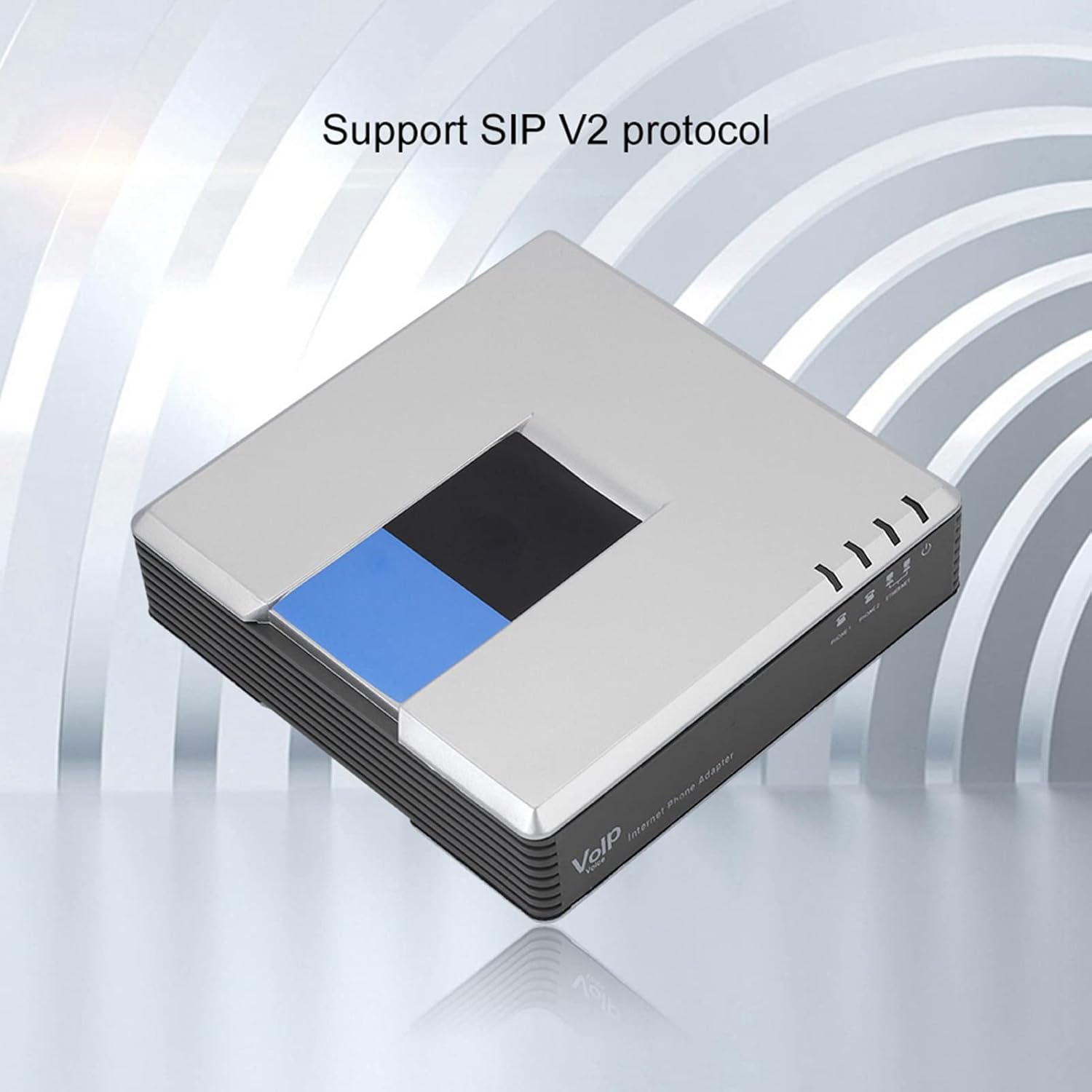
This image shows the top surface of the Zopsc Phone Adapter, emphasizing its support for the SIP V2 protocol, which is essential for Voice over IP (VoIP) communication.
설정
Follow these steps to set up your Zopsc Phone Adapter:
- 네트워크에 연결: Connect one end of the provided network cable (RJ45) to the "INTERNET" port on the Zopsc Phone Adapter. Connect the other end to an available LAN port on your broadband router or modem.
- Connect Telephones: Connect your analog telephones to the "PHONE 1" and/or "PHONE 2" ports on the Zopsc Phone Adapter using standard RJ11 telephone lines.
- 전원 연결: Plug the included power adapter into the "POWER" port on the Zopsc Phone Adapter, then plug the power adapter into a wall outlet.
- 전원 켜기: The device will automatically power on. Allow a few moments for the adapter to initialize and connect to your network. The indicator lights on the top of the device will show its status (Power, Ethernet, Telephone 1, Telephone 2).
- 구성(필요한 경우): For initial setup or advanced settings, access the adapter's web-based configuration interface. Refer to your VoIP service provider's instructions for specific SIP account details. Typically, you can find the adapter's IP address through your router's connected devices list.

This diagram illustrates the typical setup: a wall jack (phone or cable) connects to a modem, which connects to a router. The router then connects to a computer via RJ45 and to the PAP2T device via RJ45. The PAP2T device connects to a telephone via RJ11.

클로즈업 view of the rear ports, specifically highlighting "PHONE 1" and "PHONE 2" with arrows pointing downwards, indicating where telephones should be connected.
작동 지침
Once the Zopsc Phone Adapter is successfully set up and configured with your VoIP service, you can use your connected analog telephones as you would a regular phone.
- 전화 걸기: Pick up the handset of the connected telephone. You should hear a dial tone. Dial the desired phone number, including any necessary country or area codes.
- 전화 받기: When a call comes in, your connected telephone will ring. Pick up the handset to answer the call.
- 팩스 지원: The adapter supports fax transmission. Ensure your fax machine is connected to one of the PHONE ports and configured for T.38 Fax over IP if your service provider supports it.
- Voice Compression: The device supports various voice compression codecs including G.711, G.726, G.729, and G.723.1, optimizing voice quality and bandwidth usage.
유지
To ensure optimal performance and longevity of your Zopsc Phone Adapter, follow these maintenance guidelines:
- 청소: Use a soft, dry cloth to clean the exterior of the device. Do not use liquid cleaners or aerosol sprays directly on the unit.
- 통풍: Ensure the device is placed in a well-ventilated area. Do not block the ventilation slots on the sides of the adapter.
- 환경: Keep the adapter away from direct sunlight, heat sources, and excessive moisture.
- 펌웨어 업데이트: The device supports automated firmware upgrades via a web browser. Periodically check with your VoIP service provider or Zopsc support for available updates to ensure the best performance and security.
문제 해결
If you encounter issues with your Zopsc Phone Adapter, refer to the following common problems and solutions:
| 문제 | 가능한 원인 / 해결책 |
|---|---|
| No dial tone on phone. |
|
| 전화를 걸거나 받을 수 없습니다. |
|
| Poor voice quality (echo, static, choppy audio). |
|
명세서
| 특징 | 세부 사항 |
|---|---|
| 유형 | VoIP 게이트웨이 |
| 모델 | PAP2T-NA PAP2T (Zopsco7eidy25u3-01) |
| 플러그 유형 | US Plug (100-240V) |
| DHCP 지원 | 예 |
| SIP V2 Protocol | 지원됨 |
| 음성 압축 | G.711, G.726, G.729, G.723.1 |
| 네트워크 표준 | IEEE 802.3, IEEE 802.3u |
| 포트 | 1 x 10/100 M RJ-45 network interface, 2 x standard telephone interfaces (RJ11), 1 x power interface |
| 케이블 유형 | RJ45 Category 5 twisted pair; RJ11 standard telephone line |
| 지표 | Power, Ethernet, Telephone (1-2) |
| 보안 기능 | 핵심 관리 |
| 제품 치수 | 7.49 x 4.73 x 1.97 인치 |
| 품목 무게 | 10.4 온스 |
| 호환 장치 | Linksys PAP2T |
보증 및 지원
For warranty information and technical support, please refer to the documentation provided with your purchase or visit the official Zopsc web사이트. 보증 청구를 위해 구매 증빙 자료로 구매 영수증을 보관하세요.
For common questions and troubleshooting, please refer to the Troubleshooting section of this manual or contact your VoIP service provider for assistance with service-specific configurations.
Ask a question about this manual
Ask about setup, troubleshooting, compatibility, parts, safety, or missing instructions. Manuals+ will review the question and use this page’s manual context to help answer it.