
Rettru Rettru M8
Rettru M8 Doorbell Camera User Manual
Model: Rettru M8 | Brand: Rettru
1. 서론
This manual provides comprehensive instructions for the installation, operation, and maintenance of your Rettru M8 Smart Doorbell Camera. Designed for convenience and security, this wireless video doorbell offers features such as night vision, two-way audio, and local/cloud storage to keep your home or classroom safe and connected.
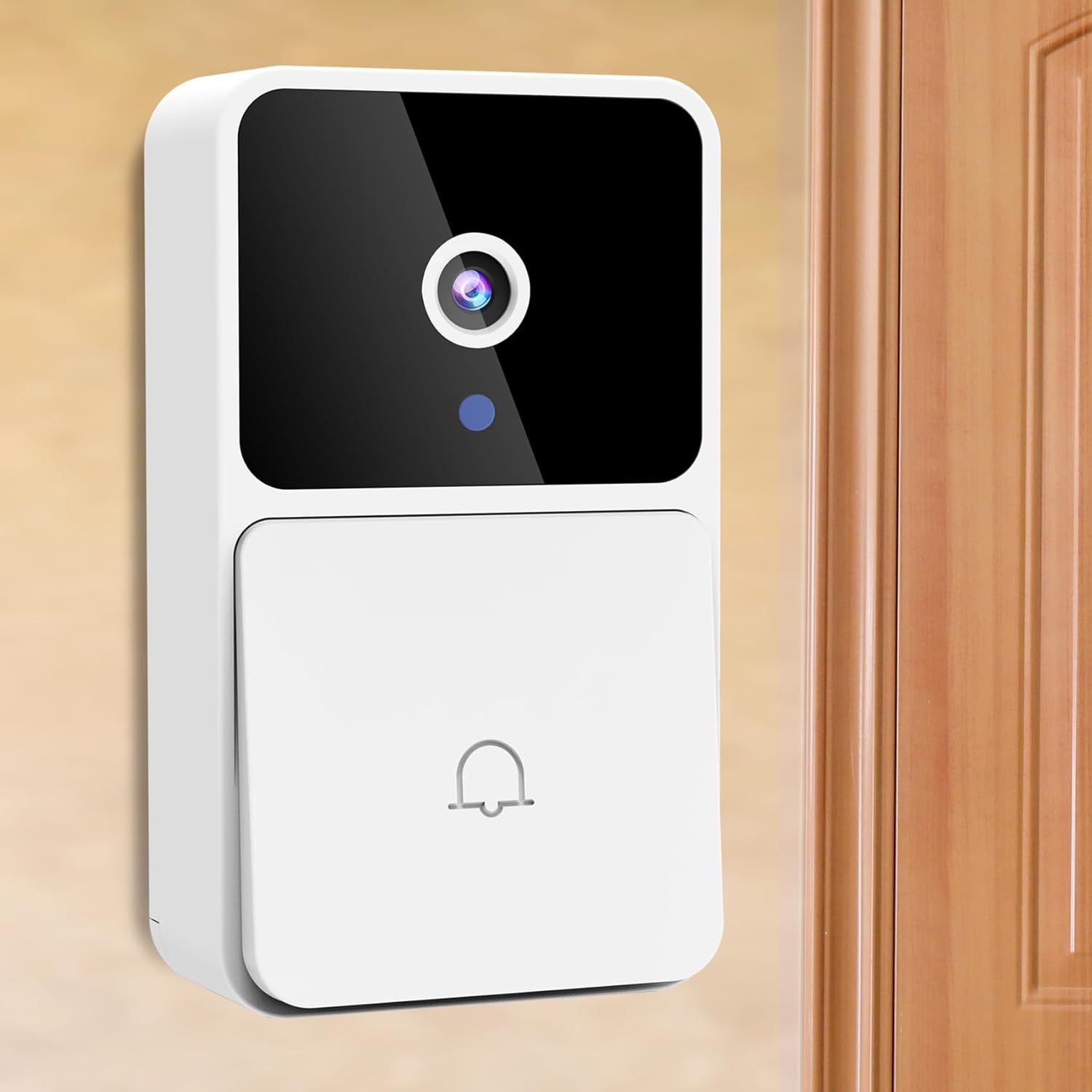
Image: The Rettru M8 Smart Doorbell Camera, a white rectangular device with a black camera lens and a doorbell button, mounted on a light-colored wall next to a wooden door.
2. 상자 안에 무엇이 들어있나요?
아래 나열된 모든 구성품이 패키지에 포함되어 있는지 확인하세요.
- 1 x Rettru M8 Wireless Doorbell Camera
- 1 x Doorbell Chime (Plug-in)
- 1 x 스크류 드라이버
- 1 x 사용자 설명서
- 1 x Power Cord (for charging doorbell)
- 1 x 3M Sticker (for mounting)
- 2 x Screws and Wall Plugs (for mounting)

Image: A clear layout of all items included in the Rettru M8 Doorbell Camera package: the video doorbell unit, the plug-in chime, a screwdriver, two screws with two wall plugs, and a power cord.
3. 제품 특징
The Rettru M8 Doorbell Camera is equipped with several advanced features to enhance your security and convenience:
- 100% 무선 디자인: Easy installation without complex wiring, powered by an internal battery.
- HD 비디오 및 야간 투시 기능: 선명한 비디오 캡처tage day and night with integrated night vision capabilities.
- 양방향 오디오 : Communicate directly with visitors at your door using the built-in microphone and speaker.
- 동작 감지: Receive instant alerts on your smartphone when motion is detected near your doorbell.
- 로컬 및 클라우드 스토리지: Supports 64GB local storage (included) and optional cloud storage for video history.
- 무선 차임벨: Includes an indoor plug-in chime with 38 classical ringtones and 4 volume levels.
- 넓은 View각도: 150도 viewing angle ensures comprehensive coverage of your doorstep.
Visual Clarity Day and Night

Image: A split image showing the doorbell camera's view in two conditions: on the left, a clear color image in bright daylight, and on the right, a clear black and white image in low light or darkness, demonstrating its night vision capability.
유연한 스토리지 옵션
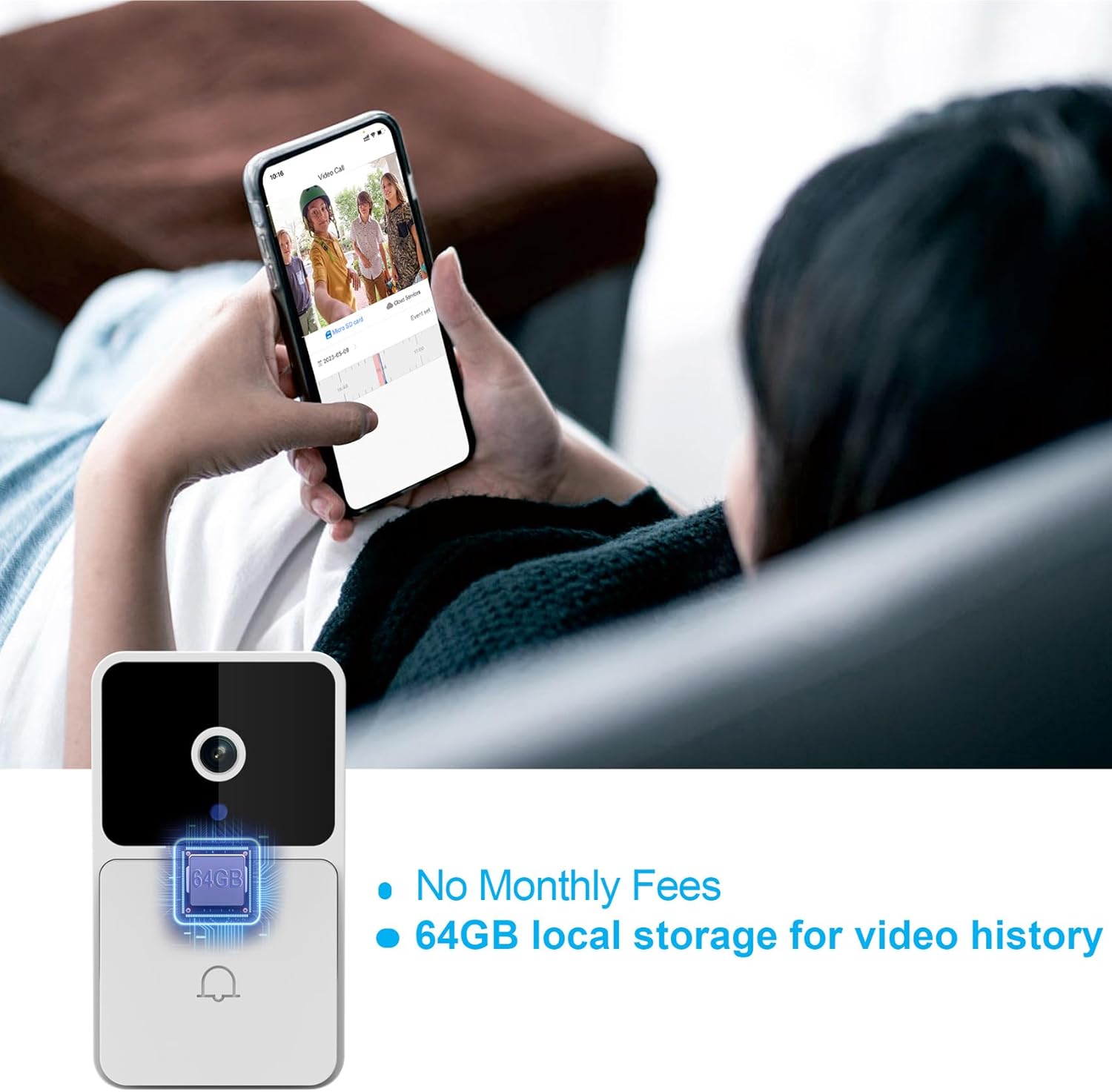
Image: The Rettru M8 Doorbell Camera with an overlay highlighting "64GB local storage for video history" and "No Monthly Fees," indicating its built-in storage capacity.
4. 설정 및 설치
The Rettru M8 Doorbell Camera is designed for easy, wire-free installation. Follow these steps to set up your device:
- 초인종을 충전하세요: Before installation, ensure the doorbell camera is fully charged using the provided power cord.
- 설치 위치 선택: Select a suitable location near your door or wall that provides a clear view 그리고 와이파이 신호가 좋습니다.
- 장착 옵션:
- For Smooth Surfaces (Glass/Door): Use the included 3M adhesive sticker. Clean the surface thoroughly before applying.
- For Brick or Wooden Walls: Use the included screws and wall plugs. Drill pilot holes if necessary, insert wall plugs, and then secure the doorbell bracket with screws.
- Attach Doorbell to Bracket: Once the bracket is securely mounted, slide the doorbell camera onto the bracket until it clicks into place.
- Plug in the Chime: Insert the doorbell chime into a standard power outlet inside your home.
- Download App & Connect: Download the V380 Pro app on your smartphone. Follow the in-app instructions to connect your doorbell camera to your home Wi-Fi network.

Image: A visual guide demonstrating two installation methods for the Rettru M8 Doorbell Camera: using 3M stickers for glass or doors, and using screws and wall plugs for brick or wooden walls, showing the detachable backplate.
5. 사용 설명서
Once installed, operate your Rettru M8 Doorbell Camera using the V380 Pro app and the physical chime.
5.1. Using the V380 Pro App
- 살다 View: 앱을 열어서 view 현관 카메라의 실시간 영상을 언제든지 볼 수 있습니다.
- 양방향 커뮤니케이션: When a visitor presses the doorbell or motion is detected, you will receive a notification. Tap the notification to answer and engage in two-way audio communication.
- 동영상 녹화 및 재생: The doorbell automatically records events triggered by motion or doorbell presses. Access recorded videos from the app's history or cloud storage.
- 움직임 감지 설정: Adjust sensitivity and notification preferences for motion detection within the app settings.

Image: A person holding a smartphone displaying a live video call from the Rettru M8 Doorbell Camera, communicating with a delivery driver at the door, illustrating the two-way audio feature.
5.2. Doorbell Chime Operation
- When the doorbell button is pressed, the indoor chime will sound, alerting you to a visitor.
- The chime offers 38 different ringtones. Refer to the chime's specific instructions (if separate) or the V380 Pro app for changing ringtones and adjusting volume levels.
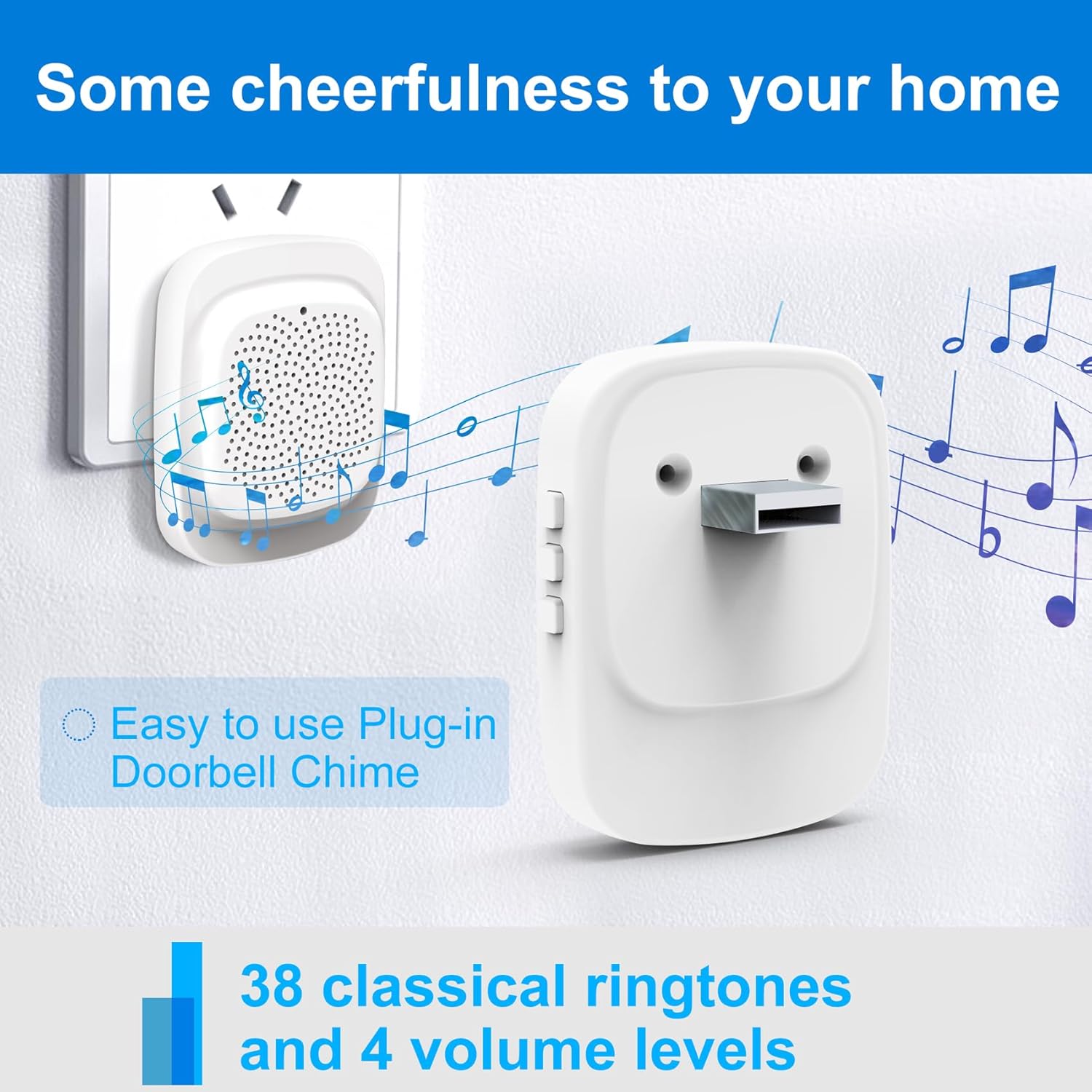
Image: The Rettru plug-in doorbell chime, a white rectangular device, plugged into a wall outlet, surrounded by musical notes, indicating its function and ease of use.
6. 유지관리
To ensure optimal performance and longevity of your Rettru M8 Doorbell Camera, follow these maintenance guidelines:
- 청소: 카메라 렌즈와 초인종 표면을 부드러운 천으로 살살 닦아주세요.amp 천으로 닦으세요. 연마성 세제나 용제는 사용하지 마세요.
- 배터리 수명: The doorbell is battery-powered. Monitor the battery level via the V380 Pro app and recharge as needed using the provided power cord. Battery life varies based on usage and environmental factors.
- 펌웨어 업데이트: Periodically check the V380 Pro app for available firmware updates. Keeping your device updated ensures the latest features and security enhancements.
- 환경 조건: While designed for outdoor use, extreme weather conditions (e.g., heavy rain, direct prolonged sunlight, extreme temperatures) may affect performance. Ensure the doorbell is installed in a reasonably protected location.
7. 문제 해결
If you encounter issues with your Rettru M8 Doorbell Camera, try the following troubleshooting steps:
| 문제 | 가능한 해결책 |
|---|---|
| 초인종이 와이파이에 연결되지 않습니다. |
|
| 움직임 감지 알림이 없습니다. |
|
| 양방향 오디오가 작동하지 않습니다. |
|
| Chime not sounding. |
|
8. 사양
| 특징 | 세부 사항 |
|---|---|
| 모델명 | Rettru M8 |
| 상표 | Rettru |
| 장착 유형 | 벽걸이형 |
| 비디오 캡처 해상도 | 720p |
| 무선 통신 | 와이파이(2.4GHz) |
| View잉 각도 | 150도 |
| 프레임 속도 | 30fps |
| 특별 기능 | 동작 감지 센서, 야간 투시경 |
| 전원 | 배터리 구동(리튬 이온) |
| 로컬 스토리지 | 64GB (포함) |
| 호환 장치 | Smartphone, Tablet (Android controller type mentioned) |
| 패키지 크기 | 14.8 x 9.8 x 3.6 cm; 120g |
9. 보증 및 고객 지원
Rettru provides friendly customer service for the M8 Smart Doorbell Camera. For any questions, technical assistance, or warranty claims, please refer to the contact information provided in your product packaging or visit the official Rettru support web대지.
보증을 위해 구매 증빙서류를 보관하세요.
Ask a question about this manual
Ask about setup, troubleshooting, compatibility, parts, safety, or missing instructions. Manuals+ will review the question and use this page’s manual context to help answer it.