
소개
This manual provides detailed instructions for the setup, operation, and maintenance of your TAKSTAR S360 XLR Studio Condenser Microphone. Please read this manual thoroughly before using the product to ensure proper function and longevity.
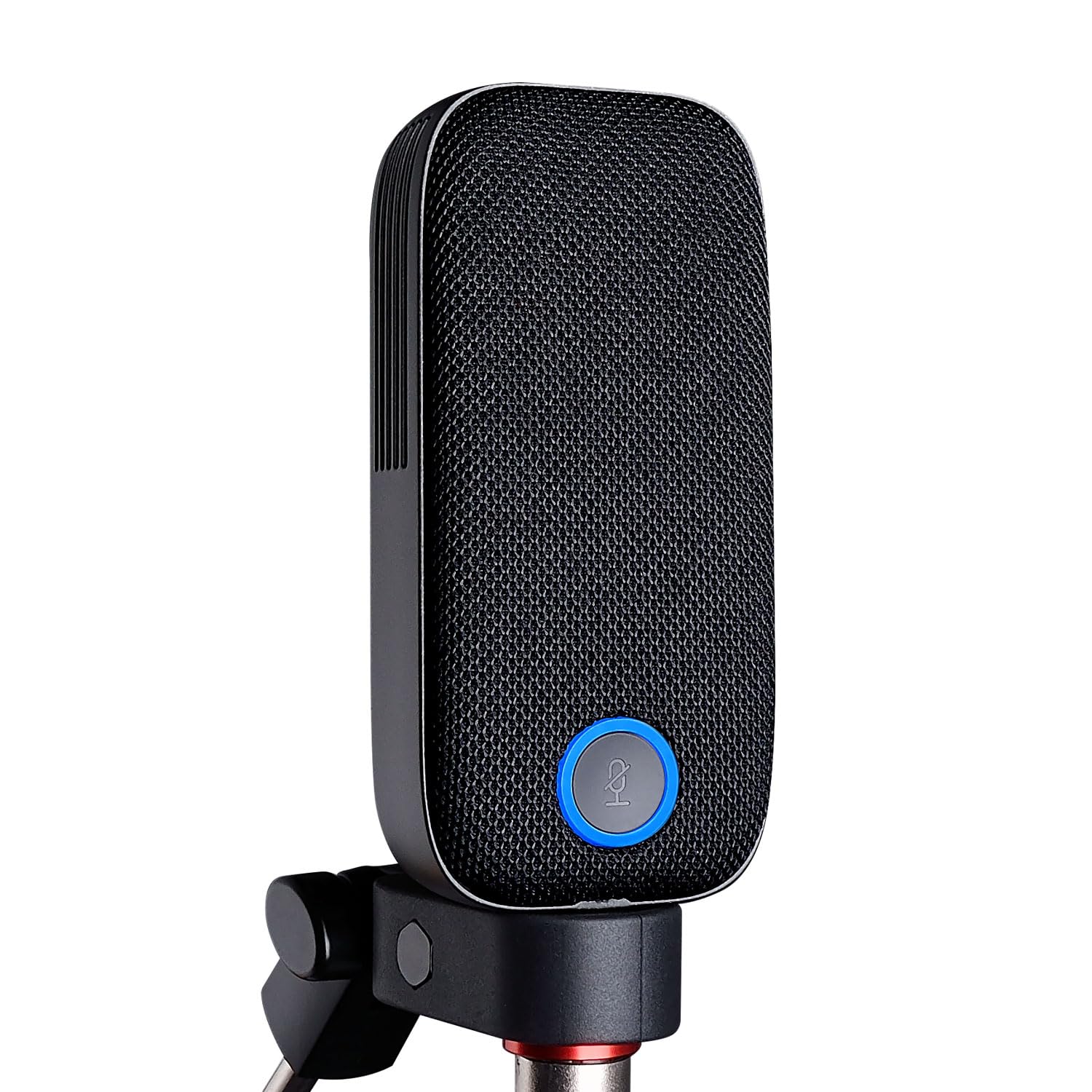
Image: The TAKSTAR S360 XLR Studio Condenser Microphone, a sleek black microphone designed for professional audio recording.
상자 안에 무엇이 들어있나요?
다음 품목이 모두 패키지에 포함되어 있는지 확인하세요.
- S360 Microphone (1)
- Magnetic Pop Filters (2)
- Microphone Clip (1)
- Bottle Opener (1) - Note: This is an accessory and not directly related to microphone function.
- 사용자 설명서 (1)
제품 특징
- 34mm Gold-Plated Large Diaphragm: Designed for clear and transparent sound reproduction.
- 카디오이드 픽업 패턴: 마이크 바로 앞쪽의 소리에 집중하여 측면 및 후방 소음을 줄입니다.
- XLR 인터페이스: Standard professional audio connection for studio-quality sound.
- 원터치 음소거 기능: Conveniently mute the microphone during recording or streaming.
- Interchangeable Magnetic Pop Filters: Includes two types for varied sound characteristics:
- Vertical Strip Filter: Provides a wide, clear, and detailed sound.
- Honeycomb Filter: Offers efficient spray filtering, full low frequency, and a warm sound.
- Ultra-Low Self-Noise Circuit: Ensures a clean audio signal with high SPL handling capability.

Image: The TAKSTAR S360 microphone highlighting its key features: integrated pop filter, one-key mute, swappable magnetic covers, and 34mm gold diaphragm capsule.

Image: The TAKSTAR S360 microphone shown with its two interchangeable magnetic pop filters: a vertical strip filter and a honeycomb filter, each offering distinct sound characteristics.
설치 지침
- 마이크 장착:
Attach the S360 microphone to the provided microphone clip. Secure the clip onto a standard microphone stand or boom arm. Ensure the microphone is stable and positioned correctly for your recording needs.
- 오디오 인터페이스에 연결하기:
Connect an XLR cable (not included) from the microphone's XLR output to an audio interface or mixer that provides 48V phantom power. The S360 requires 48V phantom power to operate.
Note: Ensure your audio interface or mixer is capable of supplying 48V phantom power. Connecting without phantom power will result in no audio output.
- Attaching Pop Filters:
Select one of the two magnetic pop filters. Align the filter with the microphone's front grille and allow the magnets to secure it in place. Experiment with both filters to find the sound profile that best suits your application.
- 초기 전원 켜기:
Once connected, activate the 48V phantom power on your audio interface or mixer. The microphone's indicator light will illuminate, indicating it is powered on and ready for use.
작동 지침
마이크 배치
For optimal sound quality, position the microphone approximately 6-12 inches (15-30 cm) from the sound source. Adjust the angle to capture the desired sound while minimizing unwanted room reflections.
음소거 기능 사용
The S360 features a one-touch mute button. Press the button to mute the microphone. The indicator light will change color (e.g., from blue to red) to show the mute status. Press again to unmute.

Image: The TAKSTAR S360 microphone showing the mute button with its working (blue) and mute (red) status indicators.
Selecting Pop Filters
The two included magnetic pop filters offer different acoustic properties:
- Vertical Strip Filter: Ideal for capturing a broad, clear, and detailed sound. Suitable for vocals and instruments where clarity is paramount.
- Honeycomb Filter: Provides effective plosive reduction and enhances low-frequency response, resulting in a warmer, fuller sound. Recommended for close-up vocals or when a richer tone is desired.
To change filters, gently pull the current filter off the microphone and align the desired filter until it magnetically snaps into place.
유지
- 청소: 마이크 본체는 부드럽고 마른 천으로 닦으십시오. 액체 세척제나 용제는 마감재나 내부 부품을 손상시킬 수 있으므로 사용하지 마십시오.
- 저장: 사용하지 않을 때는 마이크를 건조하고 먼지 없는 곳에 보관하십시오. 가능하면 원래 포장이나 보호 케이스에 넣어 보관하는 것이 좋습니다.
- 손질: Avoid dropping or subjecting the microphone to strong impacts, which can damage the sensitive internal capsule.
문제 해결
| 문제 | 가능한 원인 | 해결책 |
|---|---|---|
| 사운드 출력이 없습니다 |
|
|
| 볼륨이 낮거나 왜곡된 소리 |
|
|
| Excessive popping sounds (plosives) |
|
|
명세서
| 특징 | 세부 사항 |
|---|---|
| 상표 | 탁스타 |
| 모델명 | S360 |
| 연결 기술 | XLR |
| 커넥터 유형 | XLR |
| 특징 | 음소거 기능 |
| 호환 장치 | Audio Mixer (with 48V phantom power) |
| 색상 | 검은색 |
| 극성 패턴 | 단방향 (카디오이드) |
| 오디오 감도 | 33.5데시벨 |
| 임피던스 | 200옴 |
| 마이크 폼 팩터 | Large Diaphragm (34mm) |
| 전원 | 유선 전기 (48V 팬텀 전원 필요) |
| 신호 대 잡음 비율 | 20데시벨 |
| 주파수 응답 | 20Hz - 20kHz |
| 인클로저 재료 | 금속 |
공식 제품 영상
TAKSTAR S360 Studio Microphone Overview
Video: A demonstration of the TAKSTAR S360 studio microphone in use, showcasing its sound quality and features during a vocal recording session.
TAKSTAR S360 Studio Microphone Features
비디오: 오버view of the TAKSTAR S360 studio microphone, highlighting its design, interchangeable pop filters, and mute function in various recording scenarios.
보증 및 지원
The TAKSTAR S360 microphone comes with a 1-year warranty from the date of purchase. For warranty claims, technical support, or any questions regarding your product, please contact TAKSTAR customer service.
You can find contact information and additional resources on the official TAKSTAR web대지: 아마존에서 TAKSTAR 스토어를 방문하세요.