
Andoer 1080P HD Mini Body Camera
Andoer 1080P HD Mini Body Camera User Manual
Model: B0CL9SCVVK
1. 서론
The Andoer 1080P HD Mini Body Camera is a compact and versatile recording device designed for various applications, including daily recording, service delivery, and personal security. It features high-definition video recording, a 180° rotatable lens, night vision capabilities, and WiFi connectivity for live viewing. This manual provides essential information for setting up, operating, and maintaining your device.

The Andoer 1080P HD Mini Body Camera offers a range of functionalities including high-definition video recording, photo capture, and mobile monitoring via WiFi. It supports various modes such as night vision and features a 180-degree rotatable lens for flexible recording.
2. 패키지 내용
모든 품목이 들어 있는지 확인하기 위해 상자를 푼 후 패키지 내용물을 확인하세요.
- Andoer 1080P HD Mini Body Camera (Host)
- USB 충전/데이터 케이블
- 사용 설명서

This image illustrates the contents of the product package, including the main camera unit, a USB charging and data cable, the retail packaging, and the printed instruction manual.
3. 주요 특징
- 1080P HD 비디오 녹화: 선명하고 상세한 영상을 캡처합니다.tage.
- 오디오 녹음: Supports WAV format for audio capture.
- 180도 회전 가능한 렌즈: Allows for flexible adjustment of the camera angle.
- 야간 투시 기능: Enables clear recording in low-light conditions.
- WiFi 연결 : Connects to a smartphone app for live view잉 및 제어.
- 클립 온 디자인: Easily attaches to clothing or bags for portable use.
- 대용량 메모리: Supports up to 256GB TF (Micro SD) card for amp르 스토리지.
- 긴 배터리 수명: Equipped with a 1400mAh lithium battery, providing 4-5 hours of recording.

The camera features a convenient clip-on design, allowing it to be easily attached to clothing like a collar or pocket, or to a backpack for hands-free recording.

With its 180-degree rotating lens and wide-angle view, the camera can function as a driving recorder, capturing a broad perspective of the road and surroundings.
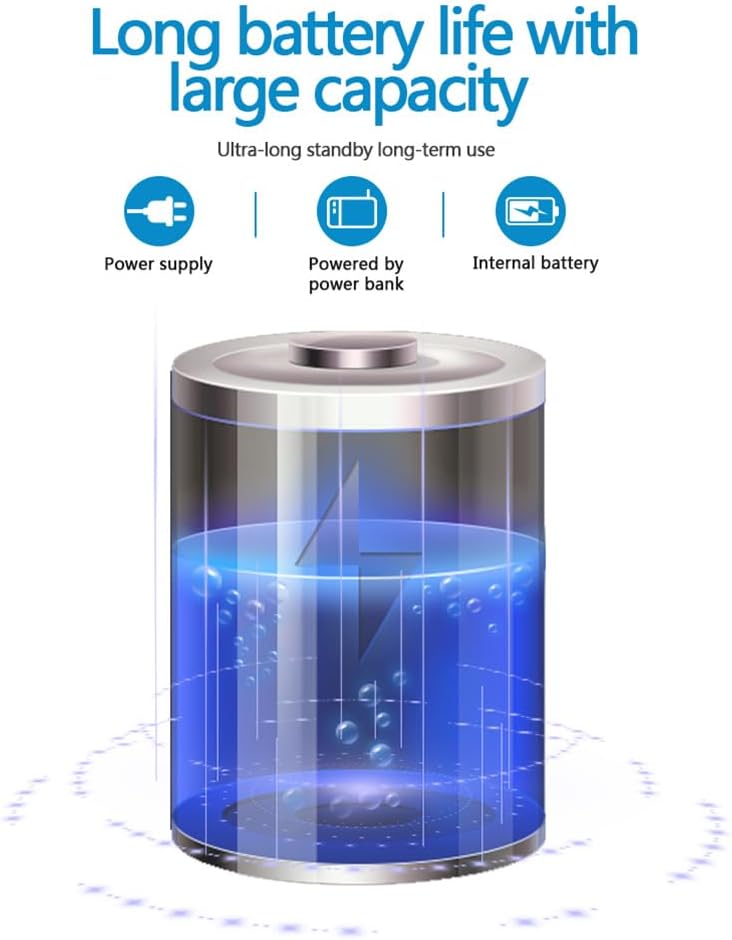
The camera is equipped with a 1400mAh lithium battery, providing extended recording time. It can be powered by an internal battery, an external power bank, or a direct power supply.
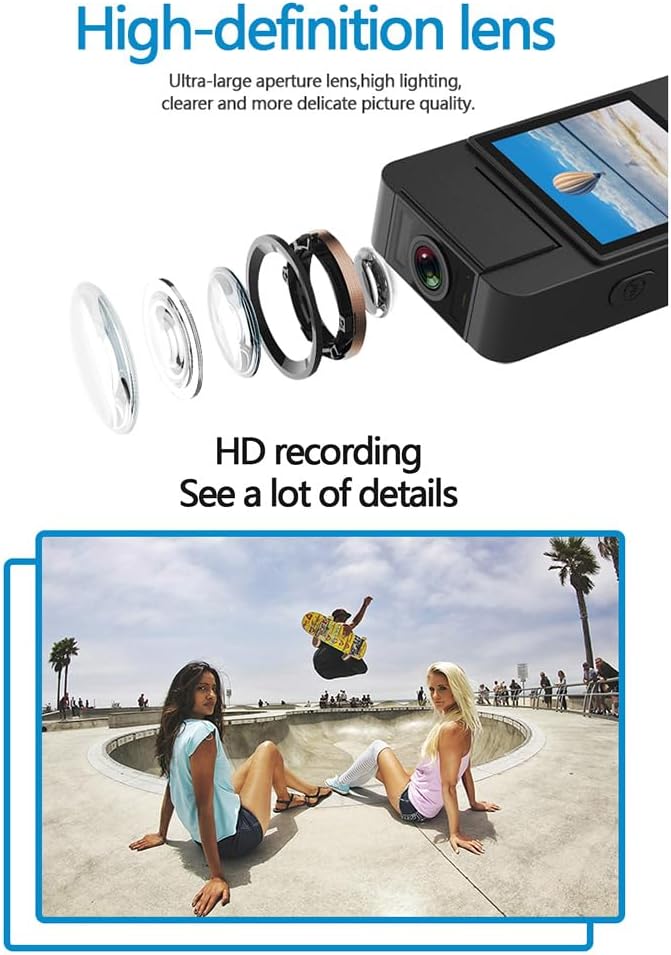
The camera features a high-definition lens with a large aperture, designed to capture clear, bright, and detailed images and videos.
4. 설정 가이드
4.1 장치 충전
Before first use, fully charge the camera. Connect the provided USB cable to the camera's Type-C port and the other end to a DC 5V power adapter or a computer's USB port. The charging indicator light will show the charging status and turn off when fully charged.
4.2 마이크로 SD 카드 삽입
The camera supports Micro SD (TF) cards up to 256GB. Insert the Micro SD card into the designated slot with the gold contacts facing down until it clicks into place. Ensure the camera is powered off before inserting or removing the card.
4.3 초기 전원 켜기
Press and hold the Power button for a few seconds until the indicator light turns on, indicating the device is powered on.
5. 사용 설명서
5.1 전원 켜기/끄기
- 전원 켜기: 표시등이 켜질 때까지 전원 버튼을 길게 누릅니다.
- 전원 끄기 : 표시등이 꺼질 때까지 전원 버튼을 길게 누르세요.
5.2 비디오 녹화
In standby mode, press the Video button once to start recording. The indicator light will flash to confirm recording is in progress. Press the Video button again to stop recording and save the file.
5.3 오디오 녹음
In standby mode, press the Audio button once to start audio-only recording. The indicator light will flash. Press the Audio button again to stop recording and save the file.
5.4 Photo Function
In standby mode, press the Photo button once to capture a still image. The indicator light will flash briefly.

The camera is designed for simple operation, featuring dedicated buttons for one-click recording, switching between recording modes, and activating video mode.
5.5 야간 투시 활성화
The camera features an automatic night vision function. It can be manually toggled on or off depending on the model variant. Refer to the on-screen menu or specific button for night vision control.
5.6 렌즈 각도 조정
The camera lens can be manually rotated 180 degrees to capture different perspectives without repositioning the entire device.
5.7 WiFi Live View잉
Download the dedicated app on your smartphone. Power on the camera and activate its WiFi function. Connect your smartphone to the camera's WiFi network (SSID and password usually found on the device or in the manual). Open the app to view 라이브 푸tage, control recording, and access settings.
5.8 재생
기록됨 files can be played back directly on the camera's screen (if available), or by connecting the camera to a computer via USB. Alternatively, remove the Micro SD card and insert it into a card reader to access file컴퓨터에서 s.
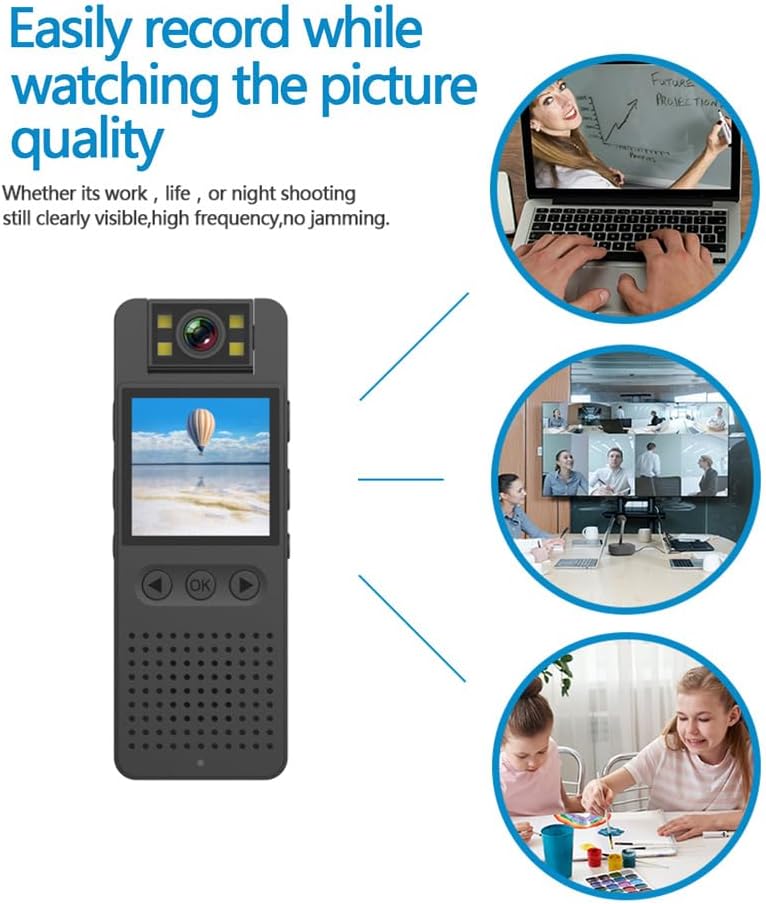
This image illustrates the camera's ability to record clearly in various environments, whether for work, leisure, or night shooting, maintaining high picture quality.
6. 관리 및 유지 보수
- 렌즈 청소: Use a soft, lint-free cloth specifically designed for camera lenses to gently clean the lens. Avoid abrasive materials or harsh chemicals.
- 배터리 관리 : 배터리 수명을 연장하려면 배터리를 자주 완전히 방전시키지 마십시오. 장기간 사용하지 않더라도 정기적으로 기기를 충전하십시오. 서늘하고 건조한 곳에 보관하십시오.
- 저장: Store the camera in a dry environment, away from extreme temperatures, direct sunlight, and dust.
- 데이터 백업: Regularly back up important recordings from the Micro SD card to a computer or external storage device to prevent data loss.
- 충격 방지: 내부 구성 요소를 손상시킬 수 있는 떨어뜨리거나 충격을 방지하세요.
7. 문제 해결
7.1 장치가 켜지지 않음
- 배터리가 충분히 충전되었는지 확인하십시오. 카메라를 전원에 연결하고 다시 시도하십시오.
- 전원 버튼을 5~10초 동안 길게 누르세요.
7.2 Recording Issues (No Recording/Poor Quality)
- 마이크로 SD 카드가 제대로 삽입되었는지, 그리고 충분한 여유 공간이 있는지 확인하십시오.
- Ensure the Micro SD card is formatted correctly (FAT32 recommended).
- Clean the camera lens if the image quality is blurry.
- Ensure adequate lighting for optimal video quality, or activate night vision in low-light conditions.
7.3 와이파이 연결 문제
- Make sure the camera's WiFi function is enabled.
- Ensure your smartphone is within range of the camera's WiFi signal.
- 와이파이 비밀번호를 정확하게 입력했는지 확인하세요.
- 카메라와 스마트폰을 모두 재시작한 후 다시 연결을 시도해 보세요.
7.4 기기가 멈추거나 응답하지 않음
- Press and hold the Power button for an extended period (up to 15 seconds) to force a shutdown.
- If possible, use a small pin to press the reset button (if available on your model).
8. 기술 사양
| 비디오 해상도 | 1920*1080픽셀 |
| 비디오 형식 | 이동 |
| 비디오 프레임 속도 | 25fps |
| 이미지 비율 | 16시 9분 |
| 기록 형식 | 웨이브 |
| 사진 해상도 | 4608*3456픽셀 |
| 사진 형식 | 사진 |
| 배터리 용량 | 1400mAh |
| 근무시간 | Approx. 290 minutes (4-5 hours) |
| 충전량tage | 직류 5V |
| 스토리지 지원 | Up to 256GB TF card (Micro SD) |
| 인터페이스 유형 | C타입 |
| 지원 시스템 | 윈도우, 맥 OS, 리눅스 |
| 연결 기술 | USB, 와이파이 |
| 특별 기능 | Low Light, Night Vision |
| 방수 레벨 | 방수가 되지 않음 |
| 렌즈 유형 | 줌 |
| 초점 유형 | 수동 초점 |
9. 보증 정보
Specific warranty details for the Andoer 1080P HD Mini Body Camera may vary by region and retailer. Please refer to the product packaging, the seller's website, or your purchase receipt for comprehensive warranty terms and conditions. It is recommended to retain your proof of purchase for any warranty claims.
10. 고객 지원
For technical assistance, product inquiries, or customer support, please contact the retailer from whom you purchased the device or visit the official Andoer website. When contacting support, please have your product model number (B0CL9SCVVK) and purchase details readily available to facilitate faster service.
Ask a question about this manual
Ask about setup, troubleshooting, compatibility, parts, safety, or missing instructions. Manuals+ will review the question and use this page’s manual context to help answer it.