
WONLINK WL-AP7202-CAHS1-YAM
WONLINK Outdoor WiFi Extender User Manual
Model: WL-AP7202-CAHS1-YAM
1. 제품 오버view
The WONLINK Outdoor WiFi Extender (Model: WL-AP7202-CAHS1-YAM) is a high-performance, dual-band (2.4GHz and 5GHz) wireless device designed to extend your WiFi network coverage outdoors. It supports speeds up to 1200Mbps and features Power over Ethernet (PoE) for flexible installation. Its IP66 weatherproof and robust design ensures reliable operation in various outdoor environments.

그림 1.1: 전면 view of the WONLINK Outdoor WiFi Extender, illustrating its wireless signal propagation.
주요 특징
- Dual Band AC1200: Simultaneous 2.4GHz (300Mbps) and 5GHz (867Mbps) for high-speed connectivity.
- PoE(Power over Ethernet): 단일 이더넷 케이블을 통해 전원과 데이터를 모두 전송하여 설치를 간소화합니다.
- IP66 방수: Designed to withstand harsh outdoor conditions, including rain, dust, and extreme temperatures.
- 다양한 작동 모드: Supports Access Point (AP), Repeater, Bridge, and Router modes for versatile network deployment.
- 고출력 Amp리퍼: Enhances signal strength and coverage for long-range outdoor applications.
- 기가비트 포트: Ensures high-speed wired connections.
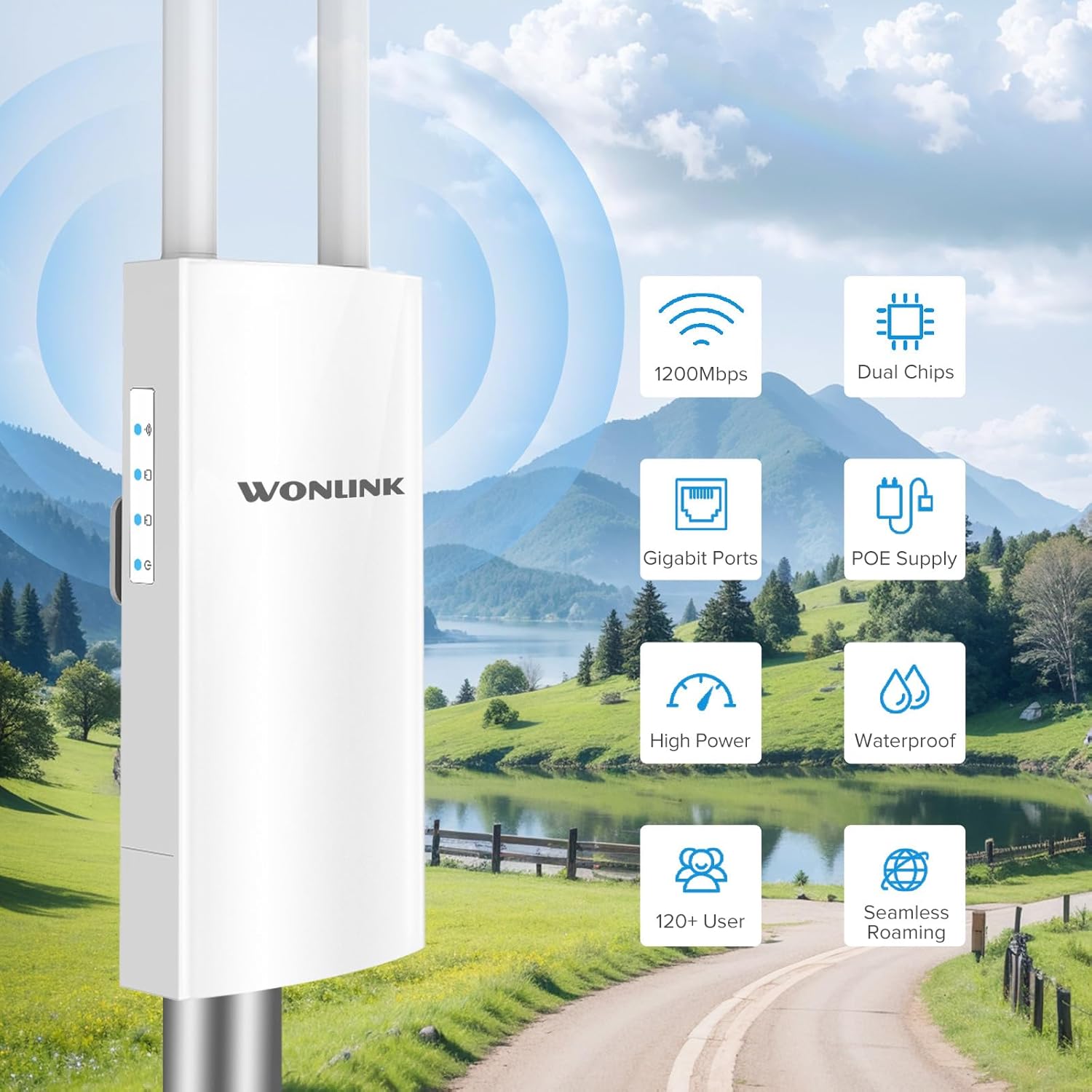
그림 1.2: 이상view of key features including 1200Mbps speed, dual chips, Gigabit ports, PoE supply, high power, waterproof design, support for 120+ users, and seamless roaming.

Figure 1.3: Breakdown of Dual Band AC1200 speeds, showing 5GHz (867Mbps) for less interference and faster speed, and 2.4GHz (300Mbps) for strong compatibility and better penetration.
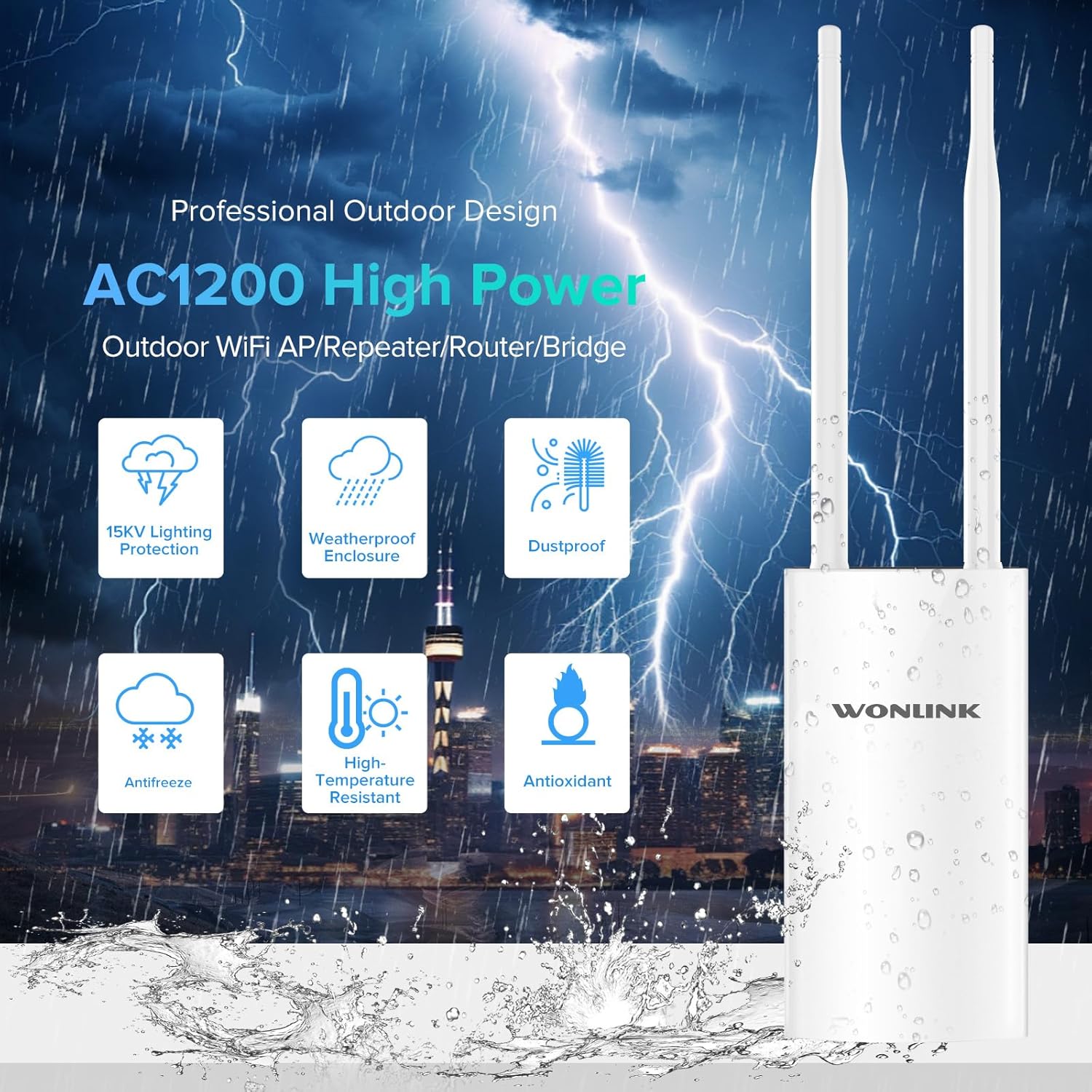
Figure 1.4: Features of the professional outdoor design, including 15KV lighting protection, weatherproof enclosure, dustproof, antifreeze, high-temperature resistance, and antioxidant properties.
2. 설정 및 설치
This section guides you through the physical installation and initial configuration of your WONLINK Outdoor WiFi Extender.
2.1 패키지 내용
시작하기 전에 패키지에 모든 품목이 들어 있는지 확인하세요.
- 1 x Outdoor WiFi Extender
- 1 x 48V PoE Adapter
- 2 x 나사
- 1 x 빠른 설치 가이드
- 2 x Silicone Seals
- 2 x Stainless Ties
2.2 물리적 설치
The device can be mounted on a pole or wall using the provided accessories. Choose a location that offers optimal signal coverage and is within 80 meters of the PoE adapter.
- Attach the antennas to their respective ports on the device.
- Use the stainless ties to secure the device to a pole, or use screws with the bracket for wall mounting.
- Connect an Ethernet cable from the device's WAN/PoE port to the "PoE" port on the 48V PoE Adapter.
- Connect another Ethernet cable from the "LAN" port on the PoE Adapter to your router or network switch.
- Plug the power cord of the PoE Adapter into an electrical outlet.

Figure 2.1: Diagram illustrating the Power Over Ethernet (PoE) connection, showing the 48V PoE Adapter connecting the device to the network and power source.

그림 2.2: 예amples of multiple application scenarios, including yard, swimming pool area, park, and farm, demonstrating the versatility of the outdoor WiFi extender.
2.3 초기 구성
Refer to the Quick Installation Guide for detailed steps on accessing the web management interface and configuring the device for your desired operating mode (AP, Repeater, Bridge, or Router).

Figure 2.3: Visual representation of the four main operating modes: Access Point (AP) Mode, Repeater Mode, Bridge Mode, and Router Mode, showing how the device integrates into different network setups.
3. 작동 모드 및 표시기
The WONLINK Outdoor WiFi Extender supports various operating modes to suit different network requirements.
3.1 작동 모드
- 액세스 포인트(AP) 모드: 유선 네트워크에 연결하여 무선 신호를 송출함으로써 무선 기기들이 연결할 수 있도록 합니다.
- 리피터 모드: 기존 무선 네트워크의 신호를 재송신하여 네트워크 범위를 확장합니다.
- 브리지 모드: 두 개의 유선 네트워크를 무선으로 연결합니다.
- 라우터 모드 : 기본 라우터 역할을 하며 연결된 장치에 인터넷 접속을 제공합니다.
3.2 LED 표시등
The device features several LED indicators to show its status:
| 지시자 | 상태 | 설명 |
|---|---|---|
| 전원 표시기 | 계속 켜짐 | 장치의 전원이 켜져 있습니다. |
| LAN 표시기 | Solid On/Blinking | LAN 포트 활동을 나타냅니다. |
| WAN 표시기 | Solid On/Blinking | WAN 포트 활동을 나타냅니다. |
| WiFi 신호 표시기 | Solid On/Blinking | Indicates wireless signal activity. |

그림 3.1: 상세 제품 개요view showing the location of power, LAN, WAN, and WiFi signal indicators, antennas, bracket, LAN port, reset button, and WAN port.
4. 유지관리
Proper maintenance ensures the longevity and optimal performance of your outdoor WiFi extender.
- 청소: 기기 외부를 주기적으로 부드러운 천으로 닦아주세요.amp cloth. Do not use harsh chemicals or abrasive cleaners. Ensure all ports are free from debris.
- 펌웨어 업데이트: 제조사 확인해보세요 website (szwonlink.com) for available firmware updates. Keeping the firmware updated can improve performance and security.
- 환경 보호: While the device is IP66 weatherproof, ensure proper installation to prevent water ingress into cable connections. Use the provided silicone seals for port protection.
5. 문제 해결
기기에 문제가 발생하면 다음의 일반적인 문제 해결 단계를 참조하세요.
- 전원 없음:
- PoE 어댑터가 전원 콘센트와 장치에 제대로 연결되어 있는지 확인하십시오.
- Verify the power indicator LED is on.
- Check the Ethernet cable connecting the PoE adapter to the device.
- 인터넷 접속 불가:
- Confirm your main router has internet access.
- Check the WAN/LAN indicator LEDs on the device and PoE adapter for activity.
- Ensure the device is configured correctly for its operating mode (AP, Repeater, Bridge, Router).
- Weak or Unstable WiFi Signal:
- 기기를 중앙 위치나 더 높은 곳으로 옮기십시오.
- 안테나가 단단히 고정되어 있고 올바른 방향으로 설치되어 있는지 확인하십시오.
- Check for physical obstructions between the device and client devices.
- 접근할 수 없습니다 Web 관리 인터페이스:
- Verify your computer is connected to the device's network (either wirelessly or via Ethernet).
- Ensure you are using the correct IP address for the device (refer to the Quick Installation Guide).
- 컴퓨터의 방화벽이나 바이러스 백신 소프트웨어를 일시적으로 비활성화하세요.
- 공장 초기화 : If issues persist, you can perform a factory reset.
- With the device powered on, use a paperclip or pin to press and hold the Reset button (located near the ports) for approximately 5-10 seconds until the LEDs flash.
- 기기가 공장 초기 설정으로 재시작됩니다. 설정을 다시 구성해야 합니다.
6. 사양
Detailed technical specifications for the WONLINK Outdoor WiFi Extender (WL-AP7202-CAHS1-YAM).
| 특징 | 세부 사항 |
|---|---|
| 상표 | 원링크 |
| 모델 | WL-AP7202-CAHS1-YAM |
| 데이터 전송 속도 | 초당 1200메가비트(Mbps) |
| 무선 표준 | 802.11n, 802.11ac |
| 주파수 대역 클래스 | 듀얼 밴드(2.4GHz 및 5GHz) |
| 빈도 | 2412 MHz (2.4GHz band) |
| 포트 수 | 1 (기가비트 이더넷) |
| 연결 기술 | Wi-Fi (802.11ac, 802.11n), Ethernet |
| 호환 장치 | 노트북, 개인용 컴퓨터, 스마트폰 |
| 보안 프로토콜 | WPA2, WPA3 |
| 침투 방지(IP) 등급 | IP66 비바람에 잘 견디는 |
| 전원 공급 장치 | 48V PoE 어댑터 |
| 색상 | 베이지 화이트 |
| 소포 크기 | 22.7 x 19.8 x 5.2cm |
| 품목 무게 | 580g |
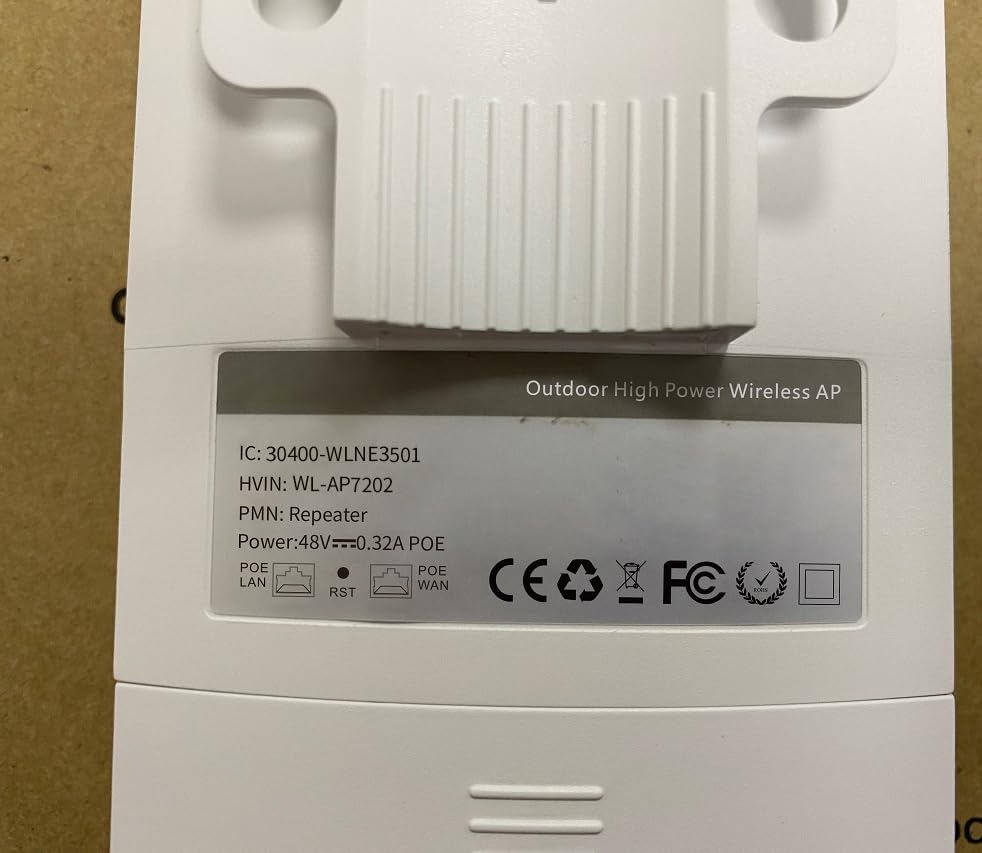
Figure 6.1: Back label of the device, displaying model number (WL-AP7202) and power specifications (48V PoE).
7. 보증 및 지원
For warranty information, technical support, or further inquiries, please contact WONLINK customer service through their official website or the retailer from whom you purchased the product. Keep your purchase receipt for warranty claims.
공식적인 Web대지: szwonlink.com