
1. 제품 오버view
The Creator C420 is a specialized OBD2 diagnostic scanner designed for BMW and Mini vehicles. It provides comprehensive system diagnostics and advanced service reset functions, in addition to standard OBD2 capabilities for all OBD2 compliant vehicles. This manual provides instructions for its proper setup, operation, and maintenance.
2. 패키지 내용
아래 나열된 모든 품목이 패키지에 포함되어 있는지 확인하세요.
- 1 x Creator C420 BMW Code Reader
- 1 x 운반 케이스
- 1의 X 카드 리더
- 1 x USB 케이블
- 1 x 사용자 매뉴얼(이 문서)
3. 설정 및 연결
Follow these steps to connect the C420 scanner to your vehicle:
- OBD-II 포트를 찾으세요: OBD-II 포트는 일반적으로 차량 운전석 쪽 대시보드 아래에 있습니다. 찾을 수 없는 경우 차량 사용 설명서를 참조하십시오.
- 스캐너 연결: Plug the C420's OBD-II connector firmly into the vehicle's OBD-II port.
- 전원 켜기: The scanner will power on automatically once connected to the vehicle's OBD-II port, drawing power directly from the vehicle. Ensure the vehicle's ignition is in the 'ON' position (engine off or running, depending on the diagnostic task).
- Adapter for Older Models: For BMW and Mini vehicles manufactured between 1997-2004, a 20-pin adapter (not included) may be required to connect the C420 scanner.

Image: The Creator C420 scanner with its OBD-II connector, ready for connection to a vehicle.
4. 사용 설명서
The C420 features a 2.4" TFT 240K true color LCD display and a silicone keypad for navigation. The menu layout is designed for ease of use.
4.1. 차량 보장
The Creator C420 is compatible with most BMW and Mini models from 2001 and newer. Specific series covered include:
- 1 시리즈: E81, E82, E87, E88, F20, F21
- 2 시리즈: F22, F23, F45, F46, F87
- 3 시리즈: E46, E90, E91, E92, E93, F30, F31, F34, F35, F80
- 4 시리즈: F32, F33, F36, F82, F83
- 5 시리즈: E39, E60, E61, F07(GT), F10, F11, F18
- 6 시리즈: E63, E64, F06, F12, F13
- 7 시리즈: E38, E65, E66, E68, F01, F02, F03, F04, G11, G12
- I Series: 나01, 나12
- X 시리즈: X1: E84/F48/F49, X3: E83/F25, X4: F26, X5: E53/E70/F15/F85, X6: E71/E72/F16/F86
- Z 시리즈: Z3: E36, Z4: E85/E86/E89
- 미니: R50, R52, R53, R55, R56, R57, R58, R59, R60, R61, F54, F55, F56, F57

Image: Detailed list of BMW and Mini series and chassis codes supported by the C420 scanner.
4.2. 전체 시스템 진단
The C420 supports diagnostic functions for all major vehicle systems, allowing you to read and clear trouble codes. Systems include, but are not limited to:
- Engine (ENG)
- 잠금 방지 브레이크 시스템(ABS)
- Supplemental Restraint System (SRS / Airbag)
- 조향각 센서(SAS)
- 전자 주차 브레이크(EPB)
- 배터리 관리 시스템(BMS)
- 변속기 제어 모듈(TCM)
- 타이어 공기압 모니터링 시스템(TPMS)
- Immobilizer System (IMMO)
- Air Conditioning / HVAC
- 차체 제어 모듈(BCM)
- 연료 시스템

Image: Visual representation of the full system diagnostic capabilities of the C420 scanner.
4.3. Advanced Reset Features
The C420 offers several advanced service reset functions specifically for BMW and Mini vehicles:
- CBS 재설정: Condition Based Service reset.
- 배터리 등록: 차량 시스템에 새로운 배터리를 등록합니다.
- 오일 리셋: 오일 교환 후 오일 서비스 표시등을 재설정합니다.
- ABS 리셋: Resets the Anti-lock Braking System.
- SRS 재설정: Resets the Supplemental Restraint System (Airbag).
- SAS 재설정: 조향각 센서를 초기화합니다.
- EPB 재설정: 전자식 주차 브레이크를 재설정합니다.
- DPF 서비스: Diesel Particulate Filter service functions.
- 스로틀 바디 정렬: Performs throttle body adaptation.
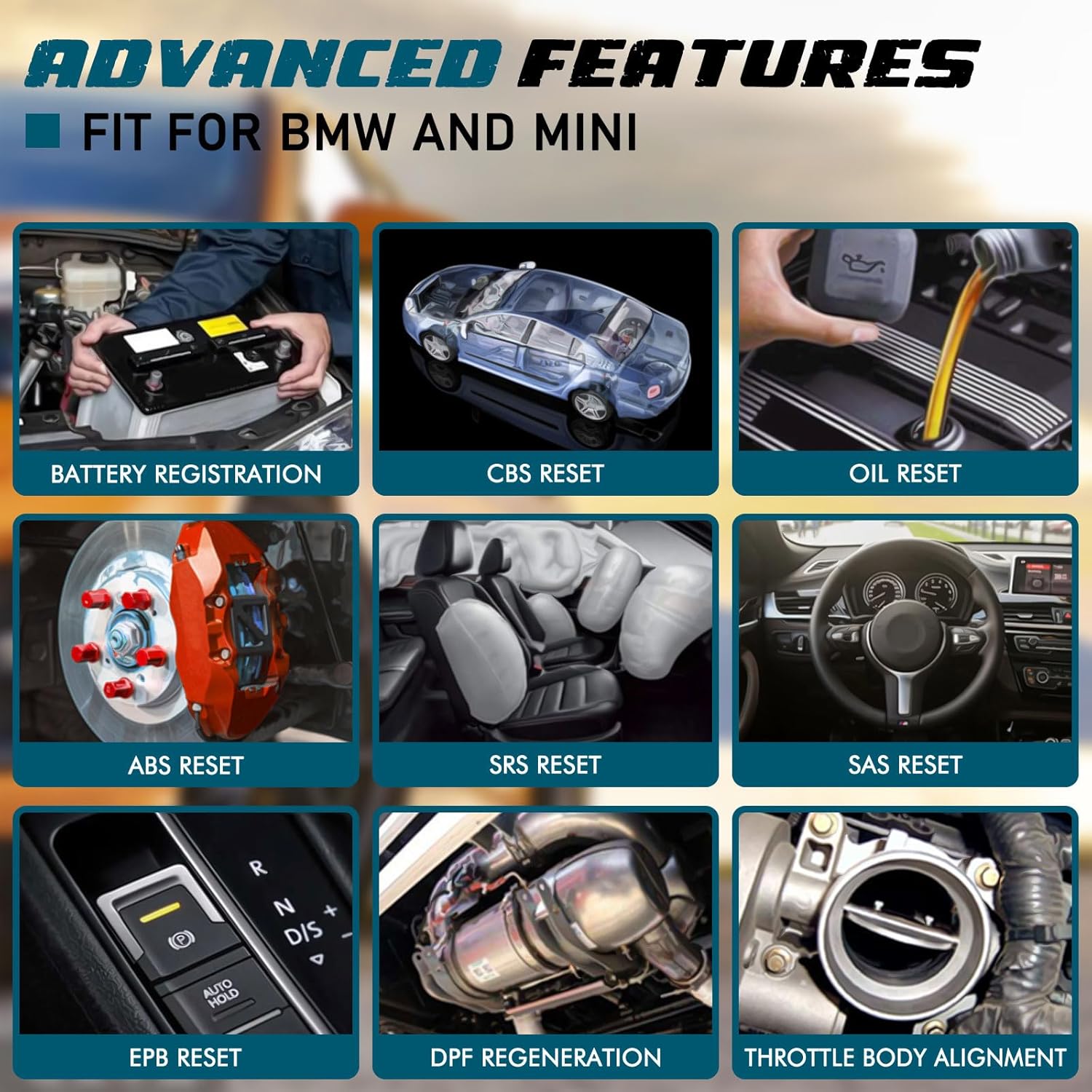
이미지: 전amples of advanced features available on the C420, including battery registration, CBS reset, and oil reset.
Battery Registration Specifics:
The battery registration function does not support vehicles manufactured before 2004, nor does it support the following E chassis models: 3_Series E46, 5_Series E39, 7_Series E38, X3_E83, X5_E53, Z3_E36, Z4_E85/E86, MINI_R50/R51/R52/R53. For these specific models, direct battery replacement is sufficient as registration is not required. The battery registration function is intended for batteries of the same type and capacity as the original.

Image: Step-by-step screen prompts for performing battery registration using the C420 scanner.
4.4. 범용 OBD2 기능
In addition to BMW/Mini specific functions, the C420 also serves as a universal OBD2 code reader for all OBD2 compliant vehicles, supporting functions such as:
- Turn-Off Malfunction Indicator Light (MIL)
- I/M 준비 상태
- 배터리 테스트
- Live Data Streams
- 차량 정보 (VIN, CID, CVN)
- 온보드 모니터 테스트
- 정지 프레임 데이터
- DTC 조회
- O2 센서 테스트

Image: The C420 display showing various universal OBD2 functions and icons for supported languages.
5. 유지관리
5.1. 소프트웨어 업데이트
The Creator C420 supports lifetime free software upgrades. New parameters, functions, and the latest vehicle data are regularly updated. To update the software:
- Visit the official Creator website to download the update tool and latest software package.
- Connect the C420 scanner to your computer using the provided USB cable.
- Follow the instructions provided with the update tool to install the new software.
5.2. 기기 관리
- 장치를 깨끗하고 건조하게 유지하십시오.
- Store the device in its rugged drop-proof carrying case when not in use to prevent damage.
- 장시간 극한의 온도나 직사광선에 기기를 노출시키지 마세요.
6. 문제 해결
- 기기의 전원이 켜지지 않습니다: Ensure the scanner is securely connected to the vehicle's OBD-II port and the vehicle's ignition is in the 'ON' position. Check the vehicle's fuse for the OBD-II port if the issue persists.
- Limited information displayed: If using on a non-BMW/Mini vehicle, the scanner will only provide universal OBD2 functions. For BMW/Mini, ensure the correct vehicle model is selected if prompted.
- Navigation difficulties: The menu system requires selection of vehicle model and series for specific functions. Use the 'OK' button to confirm selections and the 'ESC' button to go back.
- 업데이트 문제: Ensure a stable internet connection during software updates. If the update fails, try a different USB port or computer.
7. 사양
| 특징 | 사양 |
|---|---|
| 상표 | 창조자 |
| 모델 번호 | Creator C420 for BMW |
| 전원 | OBD-II 인터페이스 |
| 운영 체제 | 회사소개 |
| 화면 크기 | 2.4 인치 |
| 네이티브 해상도 | 240K |
| 항목 수 | 1 |
8. 보증 및 지원
8.1. 보증
The Creator C420 comes with a 12-month manufacturer's warranty from the date of purchase. Please retain your proof of purchase for warranty claims.
8.2. 기술 지원
Creator offers lifetime free software upgrades and dedicated technical support. For assistance with product operation, troubleshooting, or software updates, please refer to the contact information provided on the official Creator website or in the product packaging. Technical support is available to assist with any inquiries.