
소개
This manual provides essential instructions for setting up, operating, and maintaining your KALOC Fitness Tracker. Please read this guide thoroughly to ensure proper use and to maximize the device's features.
상자 안에 무엇이 들어있나요?
포장을 풀 때 모든 품목이 들어 있는지 확인하세요.
- KALOC Fitness Tracker (main unit)
- 시계 밴드
- 충전 케이블
- 사용자 설명서
설정
1. 장치 충전
Before first use, fully charge your fitness tracker. Connect the charging cable to the charging port on the back of the device and to a USB power source. The screen will indicate charging status.

Image: The KALOC Fitness Tracker displaying a '100% Fully charged' message while connected to its charging cable.
2. 앱 설치 및 페어링
To utilize all features and synchronize data, download the companion application to your smartphone. The app is compatible with Android 6.0 and iOS 12.0 or above, and requires Bluetooth 4.0.
- Scan the QR code in the quick guide or search for the app name (usually mentioned in the quick guide or packaging) in your phone's app store.
- 애플리케이션을 설치하세요.
- Open the app and follow the on-screen instructions to create an account and pair your fitness tracker via Bluetooth. Ensure Bluetooth is enabled on your phone.
- Allow necessary permissions for the app to function correctly (e.g., location, notifications).
작동 지침
디스플레이 및 탐색
The KALOC Fitness Tracker features a 1.58-inch AMOLED touch display. Navigate through menus and functions by swiping up, down, left, or right, and tapping to select options.

Image: The 1.58-inch AMOLED screen of the KALOC Fitness Tracker, highlighting its resolution and brightness capabilities.
기본 기능
- 시간과 날짜: Automatically synchronizes with your paired smartphone.
- 시계 모드 : Customize your watch face through the companion app or directly on the device.

이미지: 전amples of personalized watch faces available for the KALOC Fitness Tracker.
건강 추적 기능
The KALOC Fitness Tracker provides comprehensive health monitoring throughout the day.
- 심박수 모니터링 : 지속적으로 심박수를 추적합니다. View real-time data on the device or detailed trends in the app.
- 혈중 산소(SpO2) 측정: 혈중 산소 포화도를 측정합니다.
- 수면 모니터링: 깊은 수면, 얕은 수면, 깨어 있는 시간을 포함한 수면 패턴을 분석합니다.
- 스트레스 수준 추적: Monitors your stress levels and provides insights into your mental well-being.
- Pedometer & Calorie Tracker: Records daily steps, distance covered, and estimated calories burned.

Image: The KALOC Fitness Tracker displaying 24-hour health tracking data, including heart rate, sleep, and stress.

Image: The KALOC Fitness Tracker tracking daily fitness data, including steps, distance, calories, and activity time.
스포츠 모드
The fitness tracker supports over 100 sports modes to accurately track your workouts. Select the appropriate mode before starting an activity for precise data collection.
- Examples include outdoor walking, running, cycling, strength training, yoga, and various ball games.
- Access sports modes from the device menu and select your desired activity.
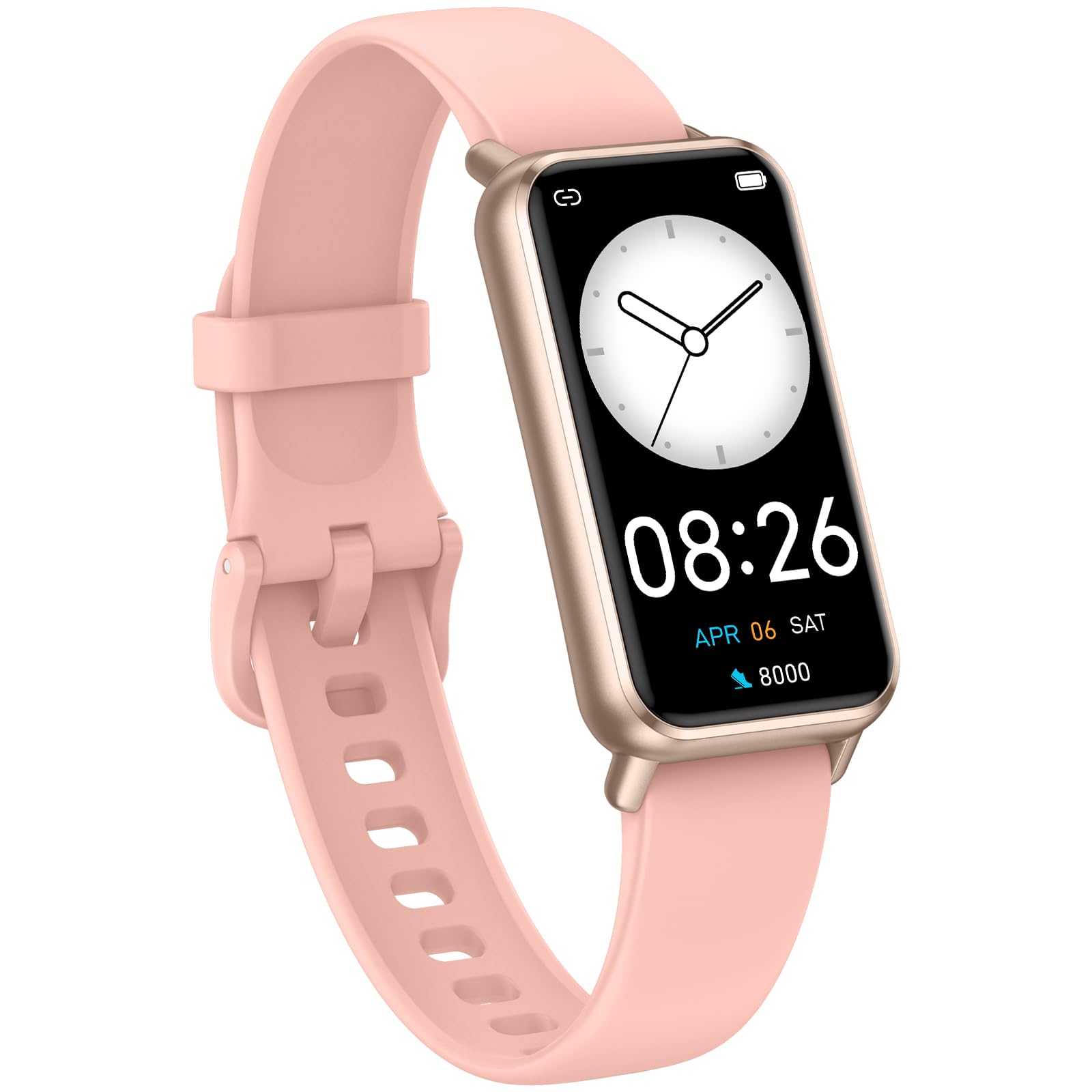
Image: The KALOC Fitness Tracker highlighting its support for over 100 sports modes.
방수성
The KALOC Fitness Tracker is 50-meter waterproof, making it suitable for various water activities.
- Suitable for washing hands, showering, swimming, and shallow water activities.
- Not recommended for diving, hot water activities, or high-pressure water exposure.

Image: The KALOC Fitness Tracker demonstrating its 50-meter waterproof feature during swimming.
배터리 수명
The device offers an extended battery life, providing up to 14 days of typical use or 30 days of standby time on a single charge.

Image: The KALOC Fitness Tracker highlighting its 14-day battery life.
스마트 알림
Receive notifications for calls, messages, and app alerts directly on your wrist when paired with your smartphone.

Image: The KALOC Fitness Tracker receiving smart notifications from various applications.
기타 기능
The KALOC Fitness Tracker includes several additional useful features:
- 카메라 제어: 휴대폰 카메라를 원격으로 제어하세요.
- 음악 제어: Manage music playback on your paired phone.
- 일기 예보: View 현재 날씨 상황 및 예보.
- 음주 알림: 수분 섭취를 잊지 않도록 알림을 설정하세요.
- 앉아서 보내는 시간 상기시키기: 일정 시간 동안 활동이 없으면 움직이라는 알림을 보냅니다.
- 알람 시계: Set alarms directly on your device.
- 호흡 훈련: 스트레스 관리에 도움이 되는 호흡 운동 가이드.

Image: The KALOC Fitness Tracker showcasing its multiple functions.
유지
To ensure the longevity and optimal performance of your KALOC Fitness Tracker, follow these maintenance guidelines:
- 청소: Regularly clean the device and strap with a soft, damp 천으로 닦으세요. 강한 화학 물질이나 연마재는 피하세요.
- 충전 중: Use only the provided charging cable. Do not expose the charging contacts to water or corrosive liquids.
- 저장: 사용하지 않을 때는 기기를 서늘하고 건조한 곳에 보관하세요. 극한의 온도는 피하세요.
- 물 노출: While waterproof, it is advisable to dry the device thoroughly after exposure to water to prevent skin irritation and ensure proper sensor function.
문제 해결
If you encounter issues with your KALOC Fitness Tracker, refer to the following common solutions:
- 장치가 켜지지 않음: 기기가 완전히 충전되었는지 확인하세요. 충전기에 최소 30분 이상 연결해 두세요.
- 휴대폰과 페어링할 수 없습니다:
- 휴대폰에서 Bluetooth가 활성화되어 있는지 확인하십시오.
- 추적기가 휴대폰의 Bluetooth 범위 내에 있는지 확인하세요.
- Restart both your phone and the fitness tracker.
- Check if the app has the necessary permissions.
- 부정확한 데이터:
- Ensure the tracker is worn snugly on your wrist, about one finger's width from your wrist bone.
- 기기 뒷면의 센서를 청소하세요.
- Update the device firmware via the app if available.
- 수신되지 않은 알림:
- Verify that notifications are enabled in both the tracker's app and your phone's settings.
- 앱이 백그라운드에서 실행 중인지 확인하세요.
If problems persist, consult the support section of the companion app or contact customer support.
명세서
| 모델 번호 | 529d841c-3537-4f97-bf0f-2a0c001c6b1e |
| 디스플레이 크기 | 1.58인치 AMOLED |
| 방수성 | 50 미터 |
| 배터리 수명 | 최대 14일(일반 사용) |
| 연결성 | 블루투스 4.0 |
| 호환성 | 안드로이드 6.0+ / iOS 12.0+ |
| 품목 무게 | 2.82 온스 |
| 제품 치수 | 6.4 x 3 x 0.7 인치 |
보증 및 지원
For warranty information and customer support, please refer to the documentation included with your purchase or visit the official KALOC web사이트. 보증 청구를 위해 구매 증빙 자료로 구매 영수증을 보관하세요.