
1. 서론
The usogood TC30 Trail Camera is designed for capturing high-quality images and videos of wildlife and for outdoor surveillance. Featuring 48-megapixel photos and 4K HD video recording at 30 frames per second, this camera provides clear and detailed footage both day and night. Its robust, waterproof design ensures reliable performance in various outdoor environments.

Figure 1: usogood TC30 Trail Camera
2. 패키지 내용
설치하기 전에 패키지에 모든 구성품이 들어 있는지 확인하십시오.
- 1x usogood TC30 Trail Camera
- 8x AA Batteries (1.5V)
- 1x 32GB SD 카드
- 장착 스트랩 1개
- 1x USB 케이블
- 1x 사용자 설명서

Figure 2: Package contents including camera, batteries, SD card, strap, and cable.
3. 설정 가이드
3.1 배터리 설치
The camera requires 8 AA batteries for operation. Ensure correct polarity when inserting the batteries.
- 카메라 c를 엽니다asing.
- 배터리함을 찾습니다.
- 표시된 대로 양극(+)과 음극(-) 단자를 맞춰 AA 배터리 8개를 삽입하십시오.

Figure 3: Proper battery installation.
3.2 SD 카드 삽입
A 32GB SD card is included for storing photos and videos.
- 카메라 뚜껑을 열고 SD 카드 슬롯을 찾으세요.
- SD 카드를 딸깍 소리가 날 때까지 슬롯에 삽입하십시오. 카드가 올바른 방향으로 삽입되었는지 확인하십시오.

Figure 4: SD card insertion.
3.3 전원 켜기 및 모드 선택
The camera has an ON/TEST/OFF switch to select the operating mode.
- Slide the switch to the 'TEST' position to access the menu and configure settings. The screen will activate.
- After configuring settings, slide the switch to the 'ON' position for automatic operation. The screen will turn off, and the camera will enter surveillance mode.
- Slide the switch to 'OFF' to power down the camera.

Figure 5: ON/TEST/OFF switch.
3.4 카메라 장착
The camera is designed for outdoor use and can be mounted using the provided strap.
- Securely attach the camera to a tree or pole using the mounting strap.
- 원하는 감시 영역을 커버할 수 있도록 카메라 각도를 조정하십시오.
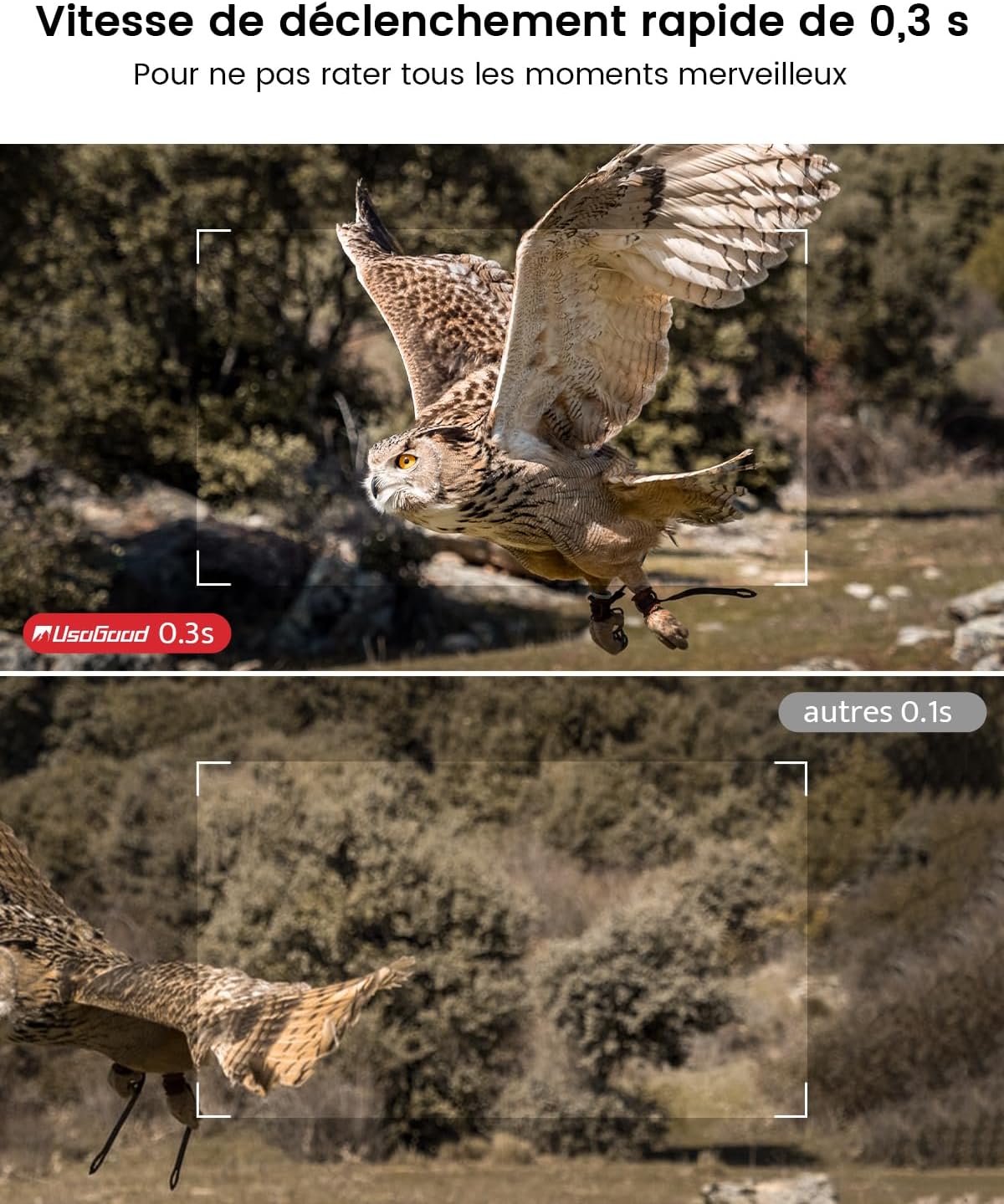
Figure 6: Camera mounted on a tree, demonstrating its IP66 waterproof rating.
4. 카메라 작동
4.1 야간 투시 기능
The camera features 36 850nm infrared LEDs for clear night vision without startling animals. The 4K version uses red PIR indicator lights.

그림 7: 예ample of night vision capture.
4.2 Video and Image Quality
The TC30 captures 4K HD video at 30fps and 48-megapixel still images, ensuring high-quality recordings.
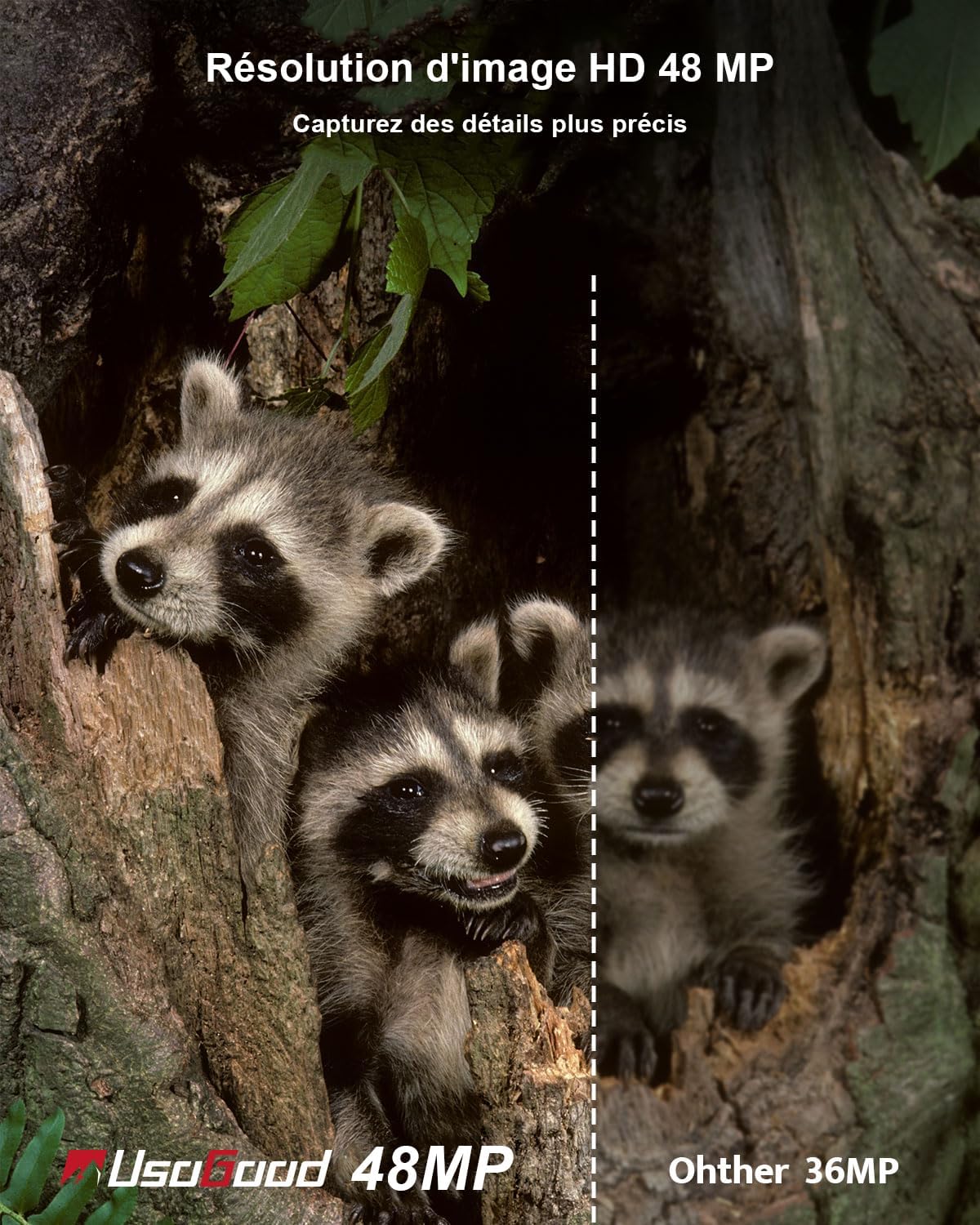
그림 8: 예ample of 4K video quality.

Figure 9: Comparison of 48MP image resolution.
4.3 동작 감지 및 트리거 속도
Equipped with a 120° wide-angle PIR sensor, the camera detects motion and triggers recording within 0.3 seconds.

Figure 10: 120° wide-angle PIR detection.
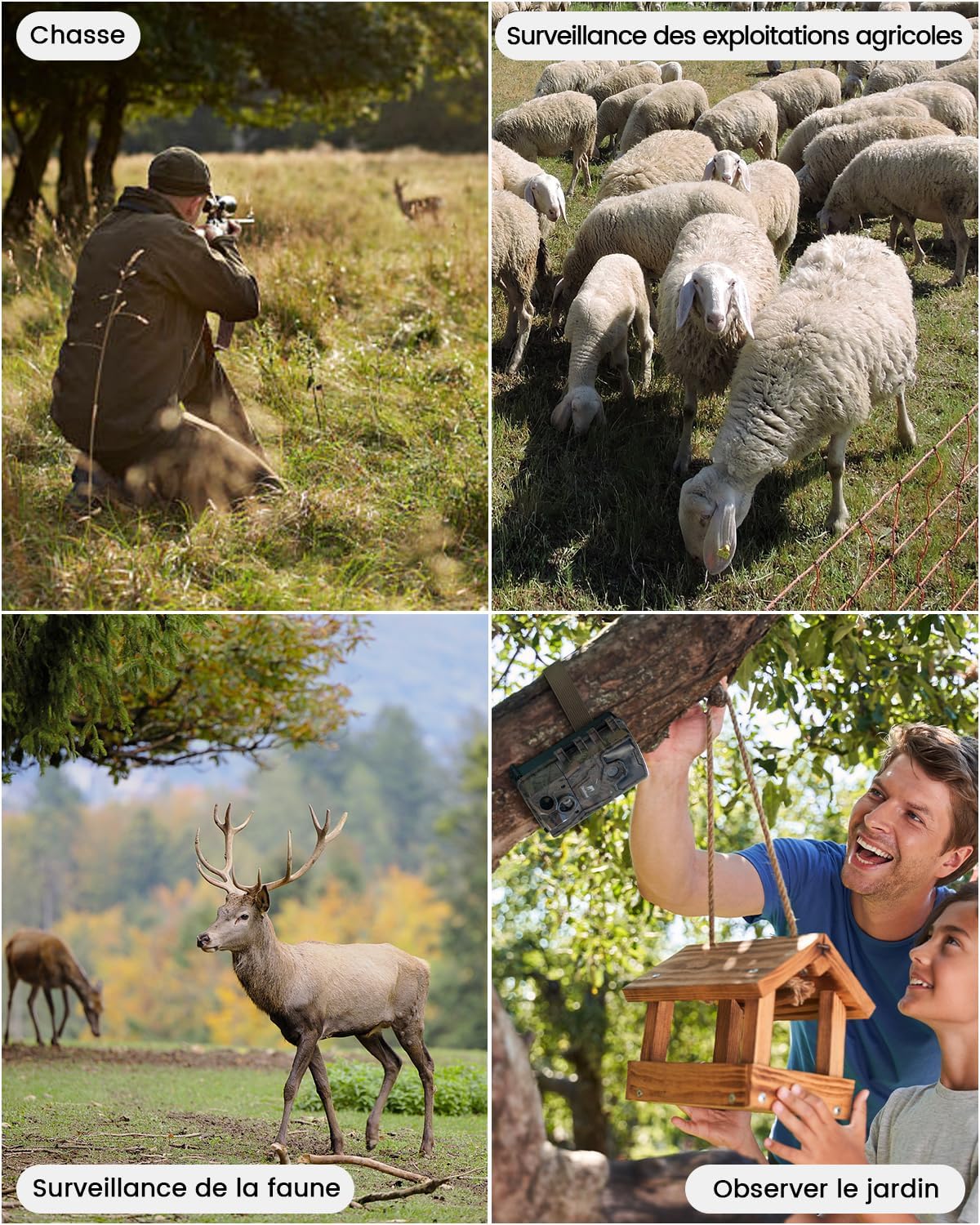
Figure 11: Fast 0.3-second trigger speed.
4.4 타임랩스 기능
The camera supports time-lapse recording, allowing observation of gradual changes over time.

Figure 12: Time-lapse recording of plant growth.
5. Media Management
5.1 View수신 및 삭제 Files
에게 view or delete recorded videos and pictures:
- Slide the camera switch to the 'TEST' position.
- Press the 'MODE' button twice to enter the view인터페이스.
- Use the 'UP' and 'DOWN' buttons to navigate through videos and pictures.
- 선택한 비디오를 재생하려면 '확인' 버튼을 누르세요. view 사진.
- To delete, press 'MENU', select 'Delete', then choose 'Delete Current' or 'Delete All', and confirm.
6. 응용 프로그램
The usogood TC30 Trail Camera is suitable for various outdoor applications:
- 야생 동물 관찰: Capture images and videos of animals in their natural habitat.
- 수렵: 사냥꾼의 이동 경로와 동물의 활동을 관찰하십시오.
- 부동산 감시: Enhance security for homes, farms, or backyards.
- Garden Monitoring: Observe garden visitors or plant growth.

Figure 13: Diverse applications of the TC30 camera.

그림 14: Sample images captured by the camera.
7. 문제 해결
If you encounter issues with your usogood TC30 Trail Camera, consider the following:
- 카메라 전원이 켜지지 않음: 배터리 설치를 확인하고 배터리가 완전히 충전되었는지 확인하세요.
- 녹음 없음: Verify the SD card is correctly inserted and has sufficient space. Check motion detection settings.
- 야간 시력 저하: Ensure the camera is positioned correctly and there are no obstructions blocking the IR LEDs.
- 짧은 배터리 수명: Reduce the frequency of recordings or video length in settings. Consider using high-quality alkaline batteries.
For further assistance, please contact usogood customer support.
8. 사양
| 특징 | 사양 |
|---|---|
| 모델명 | TC30 |
| 이미지 해상도 | 48메가픽셀 |
| 비디오 해상도 | 4K (30 fps) |
| 나이트 비전 | 36개의 850nm 적외선 LED |
| PIR 감지 각도 | 120도 |
| 트리거 속도 | 0.3초 |
| 방수 등급 | IP66 |
| 전원 | AA 배터리 8개(포함) |
| 저장 | 32GB SD 카드(포함) |
| 연결 기술 | 와이파이 없음 |
| 재료 | 플라스틱 |
| 치수(길이 x 너비 x 높이) | 13.3 x 9 x 5.2cm |
| 무게 | 720그램 |
9. 보증 및 지원
The usogood TC30 Trail Camera comes with a 2-year manufacturer's warranty.
For product support, warranty claims, or any questions, please refer to the contact information provided in your package or visit the official usogood web대지.
You can also scan the QR codes below for official usogood resources:
