
HOCO Y10
Hoco Y10 Amoled Smart Sports Watch User Manual
모델: Y10
소개
Thank you for choosing the Hoco Y10 Amoled Smart Sports Watch. This manual provides essential information for setting up, operating, and maintaining your device. Please read this manual thoroughly before using the watch to ensure proper function and longevity.
안전 정보
- 기기를 분해, 수리 또는 개조하지 마십시오. 허가되지 않은 개조는 보증을 무효화하고 기기 손상을 초래할 수 있습니다.
- 시계를 극한 온도, 직사광선 및 부식성 액체로부터 멀리하십시오.
- Use only the provided charging cable. Using incompatible chargers may cause damage or fire.
- While the watch is 3ATM waterproof, it is not suitable for diving or high-pressure water activities. Avoid prolonged submersion.
- 새로운 운동 요법을 시작하기 전에, 특히 기존에 건강 문제가 있는 경우 의사와 상담하세요.
- 기기를 어린이와 애완동물이 닿지 않는 곳에 보관하세요.
패키지 내용
개봉 시 패키지 내용물을 확인하여 모든 품목이 들어 있는지 확인하세요.
- Hoco Y10 Amoled Smart Sports Watch
- 충전 케이블
제품 끝view
The Hoco Y10 Smart Sports Watch features a vibrant 1.3-inch AMOLED display and a durable design suitable for daily wear and sports activities. Below are various views of the watch highlighting its design and features.

앞쪽 view of the Hoco Y10 Smart Watch displaying a digital watch face with time, battery, steps, and heart rate.
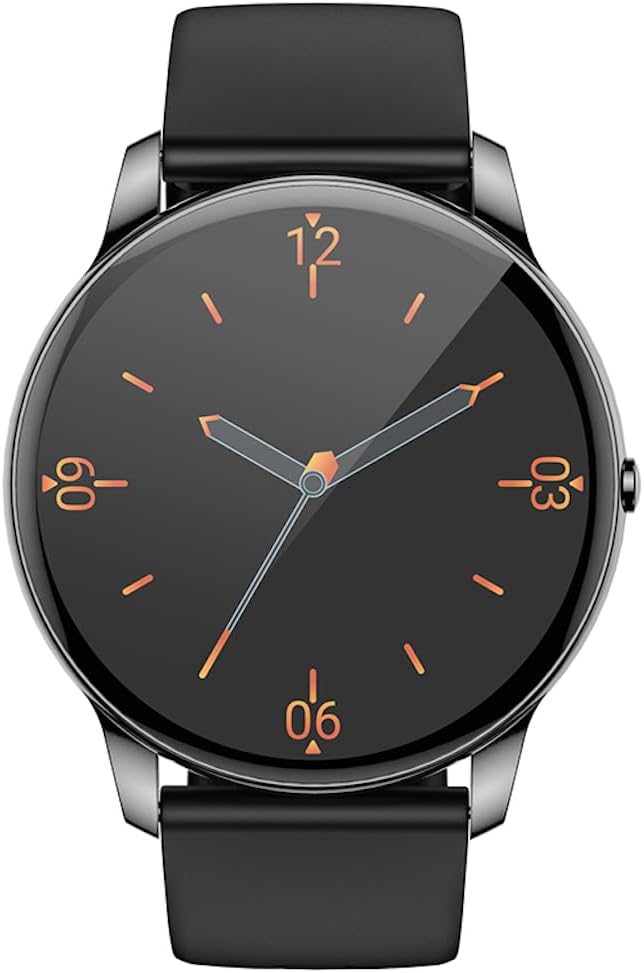
앞쪽 view of the Hoco Y10 Smart Watch displaying a classic analog watch face.
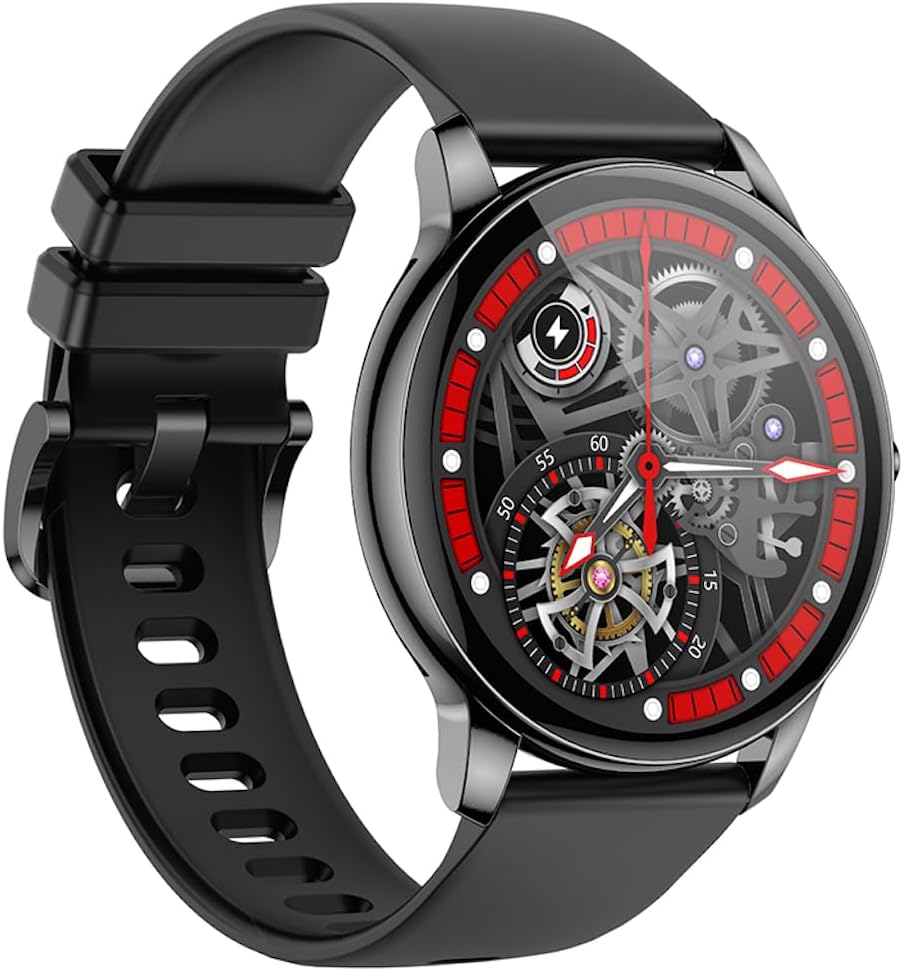
각진 view of the Hoco Y10 Smart Watch showcasing a mechanical-style watch face.
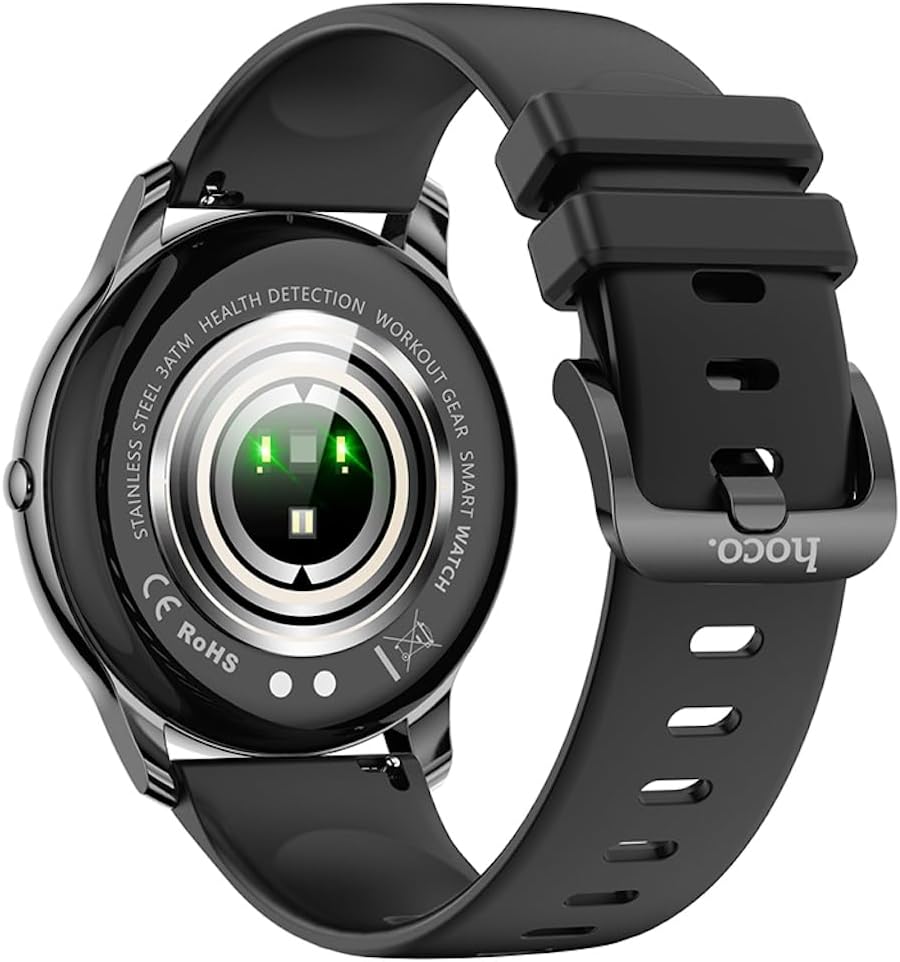
뒤쪽 view of the Hoco Y10 Smart Watch, highlighting the optical sensors for health detection and charging contacts.
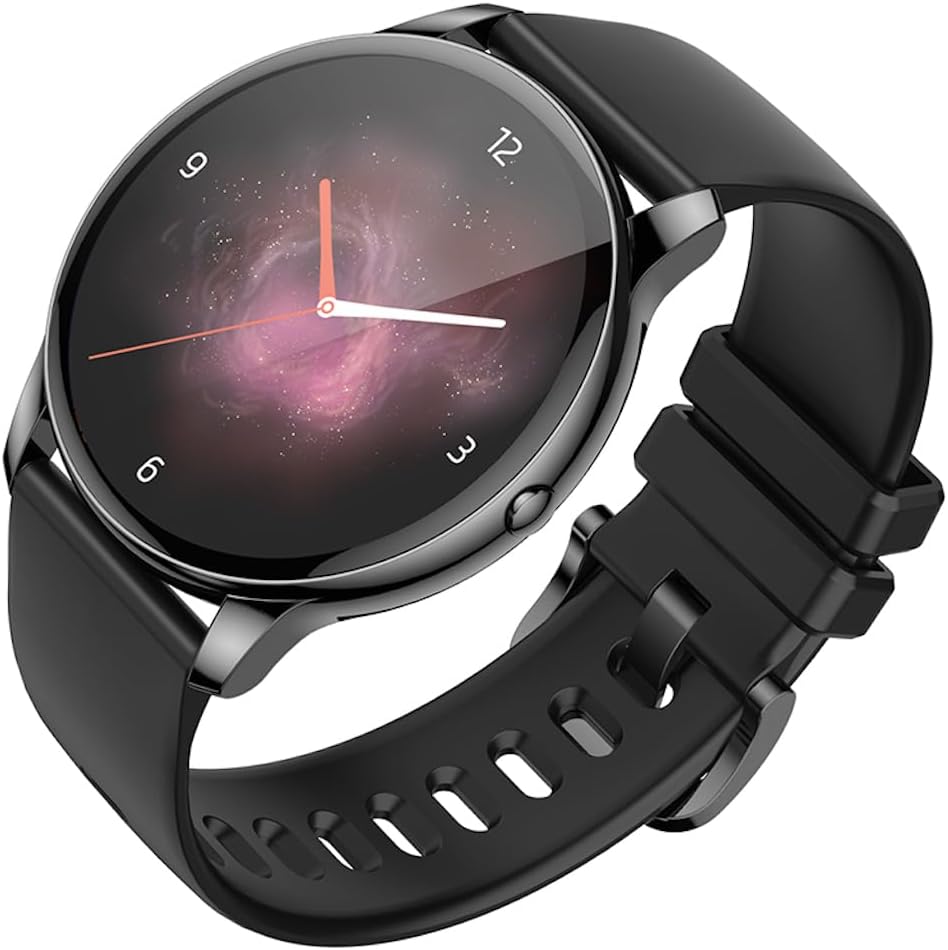
각진 view of the Hoco Y10 Smart Watch with an abstract, artistic watch face.
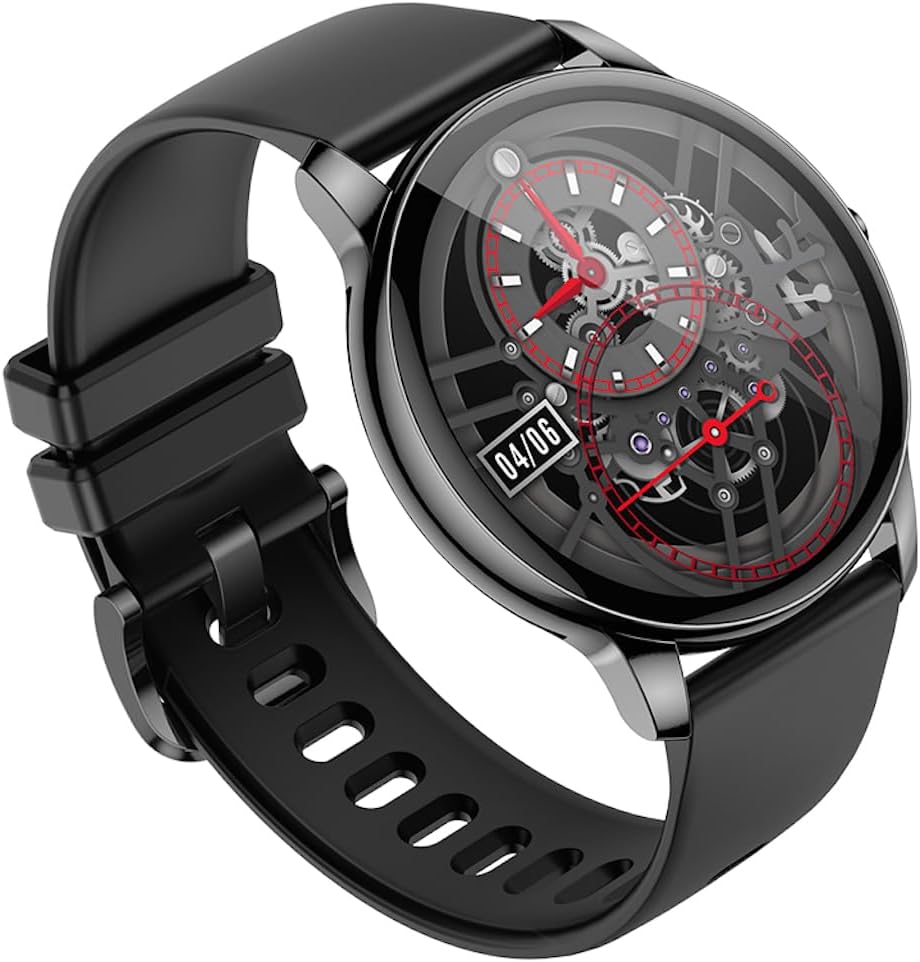
또 다른 각도 view of the Hoco Y10 Smart Watch, showing a detailed mechanical-style watch face with visible gears.

The Hoco Y10 Smart Watch displayed on a textured, light-colored surface, highlighting its sleek design.
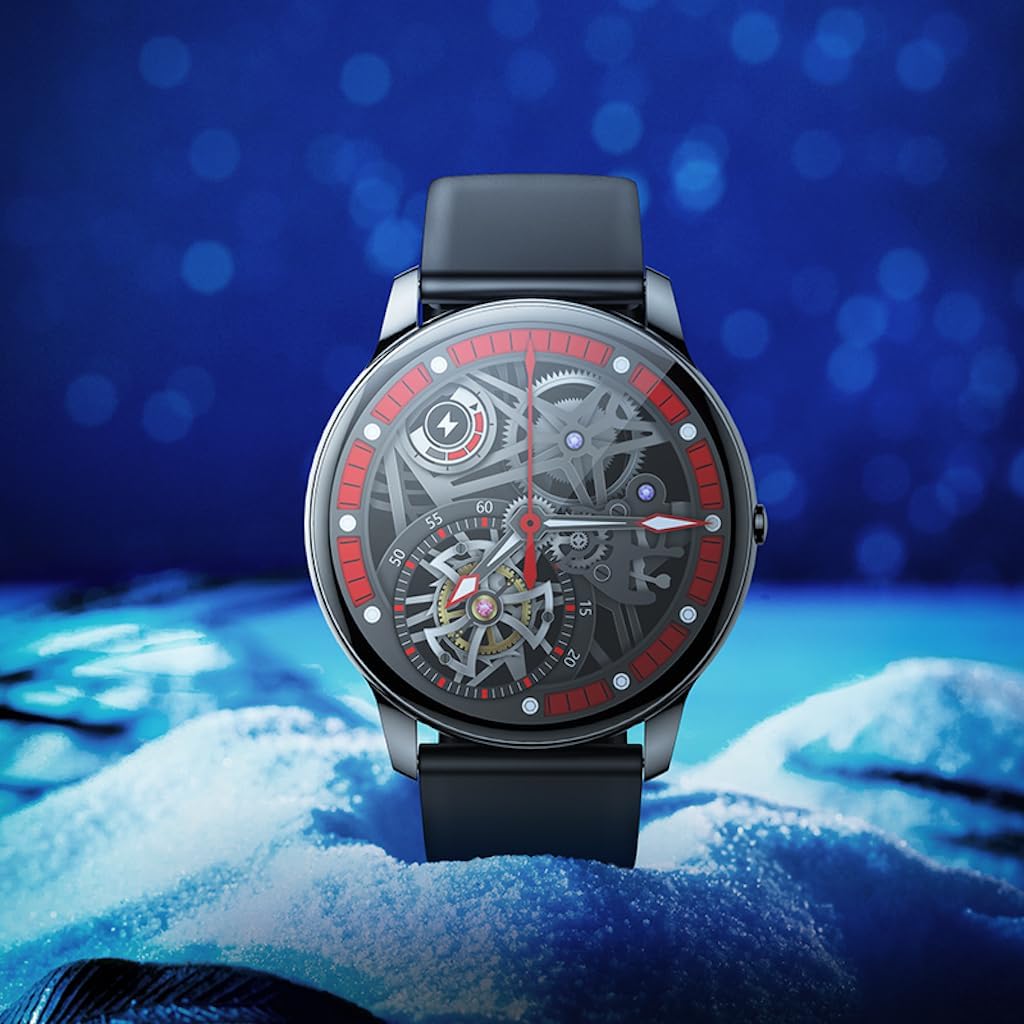
Two Hoco Y10 Smart Watches presented together, one with a digital face and the other with an analog face.
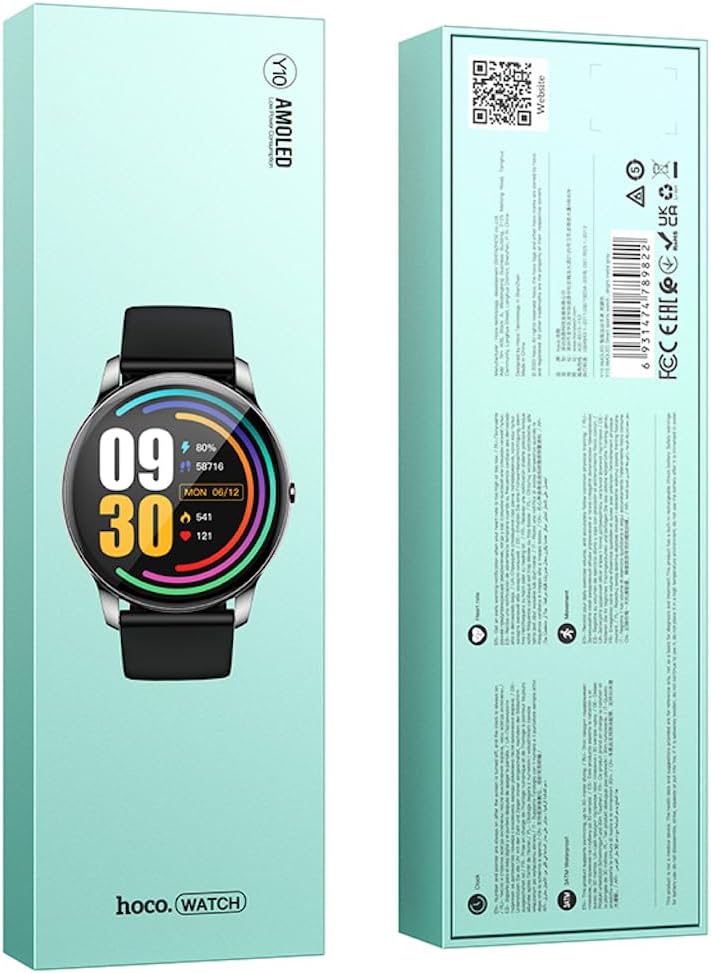
앞면과 뒷면 view of the Hoco Y10 Smart Watch product packaging, showing product details and certifications.
설정
1. 초기 충전
Before first use, fully charge your Hoco Y10 Smart Watch. Connect the provided charging cable to the charging contacts on the back of the watch and plug the USB end into a standard USB power adapter (not included) or a computer USB port. The watch display will indicate charging status. A full charge typically takes approximately 2 hours.
2. 전원 켜기 / 끄기
- 전원을 켜려면: Press and hold the side button until the Hoco logo appears.
- 전원을 끄려면: From the watch face, swipe down or navigate to the settings menu, then select "Power Off" or "Shutdown". Confirm your selection.
3. 스마트폰과 페어링
To unlock the full features of your Hoco Y10, you need to pair it with your smartphone via Bluetooth. While the specific app name is not provided, most smartwatches require a companion app. Please refer to the QR code on the product packaging or search for "Hoco Smart Watch" or "Hoco Y10" in your phone's app store (Google Play Store for Android, Apple App Store for iOS).
- 스마트폰에 컴패니언 앱을 다운로드하여 설치합니다.
- 스마트폰에서 Bluetooth가 활성화되어 있는지 확인하세요.
- 앱을 열고 화면의 지시에 따라 계정을 만들거나 로그인하세요.
- In the app, select "Add Device" or "Pair Device" and choose "Hoco Y10" from the list of available devices.
- 시계와 스마트폰 모두에서 페어링 요청을 확인하세요.
작동 지침
기본 탐색
- 터치스크린: 메뉴와 기능을 탐색하려면 왼쪽/오른쪽, 위/아래로 스와이프하세요. 선택하려면 탭하세요.
- 측면 버튼: Typically used to wake the screen, return to the watch face, or access the app menu.
주요 특징
- 시계 모드 : Customize your watch face by long-pressing the screen or through the companion app.
- 스포츠 모드: Access various sports tracking modes (e.g., running, walking, cycling) to monitor your activity data.
- 건강 모니터링: The watch supports health detection features, likely including heart rate monitoring. Refer to the app for detailed data and historical trends.
- 알림: Receive call, message, and app notifications directly on your wrist (requires app setup).
- 설정: Adjust brightness, language (supports 20 languages), vibration, and other watch settings.
- 음악 제어: 페어링된 스마트폰에서 음악 재생을 제어하세요.
- 날씨: View 현재 날씨 정보 (앱 동기화 필요).
Note: The Hoco Y10 does not support direct call functionality.
유지 보수 및 관리
- 청소: 시계와 스트랩은 부드러운 천으로 정기적으로 닦아주세요.amp 옷감. 가혹한 화학 물질이나 연마재를 사용하지 마십시오.
- 방수 기능: The watch is 3ATM waterproof, meaning it can withstand splashes, rain, and brief immersion. Do not wear it while showering with hot water, in saunas, or for diving. After contact with saltwater, rinse with fresh water and dry thoroughly.
- 충전 중: 충전하기 전에 시계와 케이블의 충전 접점이 깨끗하고 건조한지 확인하세요.
- 저장: 장기간 사용하지 않을 때는 시계를 서늘하고 건조한 곳에 보관하십시오. 배터리가 완전히 방전되는 것을 방지하기 위해 주기적으로 충전하십시오.
문제 해결
| 문제 | 가능한 해결책 |
|---|---|
| 시계가 켜지지 않습니다. | 시계가 완전히 충전되었는지 확인하세요. 충전기에 최소 30분 동안 연결해 두세요. |
| 스마트폰과 페어링할 수 없습니다. |
|
| 부정확한 건강 데이터. | 시계를 손목에 꼭 맞게 착용하세요. 너무 조이거나 느슨하지 않도록 하세요. 시계 뒷면의 센서를 청소하세요. |
| 배터리 수명이 짧습니다. |
|
명세서
| 특징 | 세부 사항 |
|---|---|
| 모델 | Y10 |
| 메인 화면 | 1.3인치 AMOLED |
| 해결 | 360 x 360 |
| 방수 등급 | 3ATM |
| CPU | Ruiyu RTL8762DT |
| 메모리 | 128메가바이트 |
| 블루투스 버전 | 5.0 |
| 배터리 용량 | 230mAh |
| 지구력 | 7-10일(일반적인 사용) |
| 지원 언어 | 20 languages (Chinese, English, Russian, Arabic, Vietnamese, Danish, Thai, Polish, Persian, Spanish, Malay, Greek, French, Italy, German, Portuguese, Türkiye, Romania, Hebrew, Burmese) |
| 통화 기능 | 지원되지 않음 |
| 운영 체제 | 안드로이드(호환) |
| 색상 | Bright Metal Grey |
| 품목 무게 | 169g |
보증 및 지원
For information regarding the manufacturer's warranty, please refer to the warranty card included with your product or contact your point of purchase. For technical support and further inquiries, please visit the official HOCO web대지:
Ask a question about this manual
Ask about setup, troubleshooting, compatibility, parts, safety, or missing instructions. Manuals+ will review the question and use this page’s manual context to help answer it.