
1. 시작하기(설정)
1.1 상자 내용물
- EIGIIS 남성용 밀리터리 스마트워치 1개
- 1x 충전 케이블
- 1x 사용자 설명서
1.2 스마트워치 충전하기
Before first use, fully charge your EIGIIS KE3 Smart Watch. Connect the magnetic charging cable to the charging contacts on the back of the watch and plug the USB end into a standard USB power adapter (not included). The watch will display a charging indicator. A full charge typically takes approximately 2 hours.

Image: The EIGIIS KE3 Smart Watch displaying its 300mAh battery capacity and charging status.
1.3 Installing the App (FitCloudPro)
To unlock the full potential of your smart watch, download the 'FitCloudPro' app on your smartphone. 검색 'FitCloudPro' in the Apple App Store (for iOS devices) or Google Play Store (for Android devices) and install it.
1.4 휴대폰과 페어링
Follow these steps to pair your EIGIIS KE3 Smart Watch with your smartphone via the FitCloudPro app:
- 스마트워치가 충전되어 있는지, 스마트폰에서 블루투스가 켜져 있는지 확인하세요.
- Open the 'FitCloudPro' app on your phone.
- Navigate to the 'Device' section and select 'Add Device' or 'Search Now'.
- The app will search for nearby devices. Select 'KE3' from the list.
- 휴대폰과 시계 모두에서 페어링 요청을 확인하세요.
- Once paired, allow necessary permissions for notifications and call audio.
For a visual guide on connecting your watch, please refer to the video below:
Video: Instructions on how to connect the EIGIIS KE3 smartwatch to your phone.
2. 스마트워치 작동하기
2.1 기본 탐색
The EIGIIS KE3 Smart Watch features a 1.45-inch HD full touch screen and a rotating crown for intuitive navigation. Swipe across the screen to access different menus and functions. Use the rotating crown to scroll through options or adjust settings.
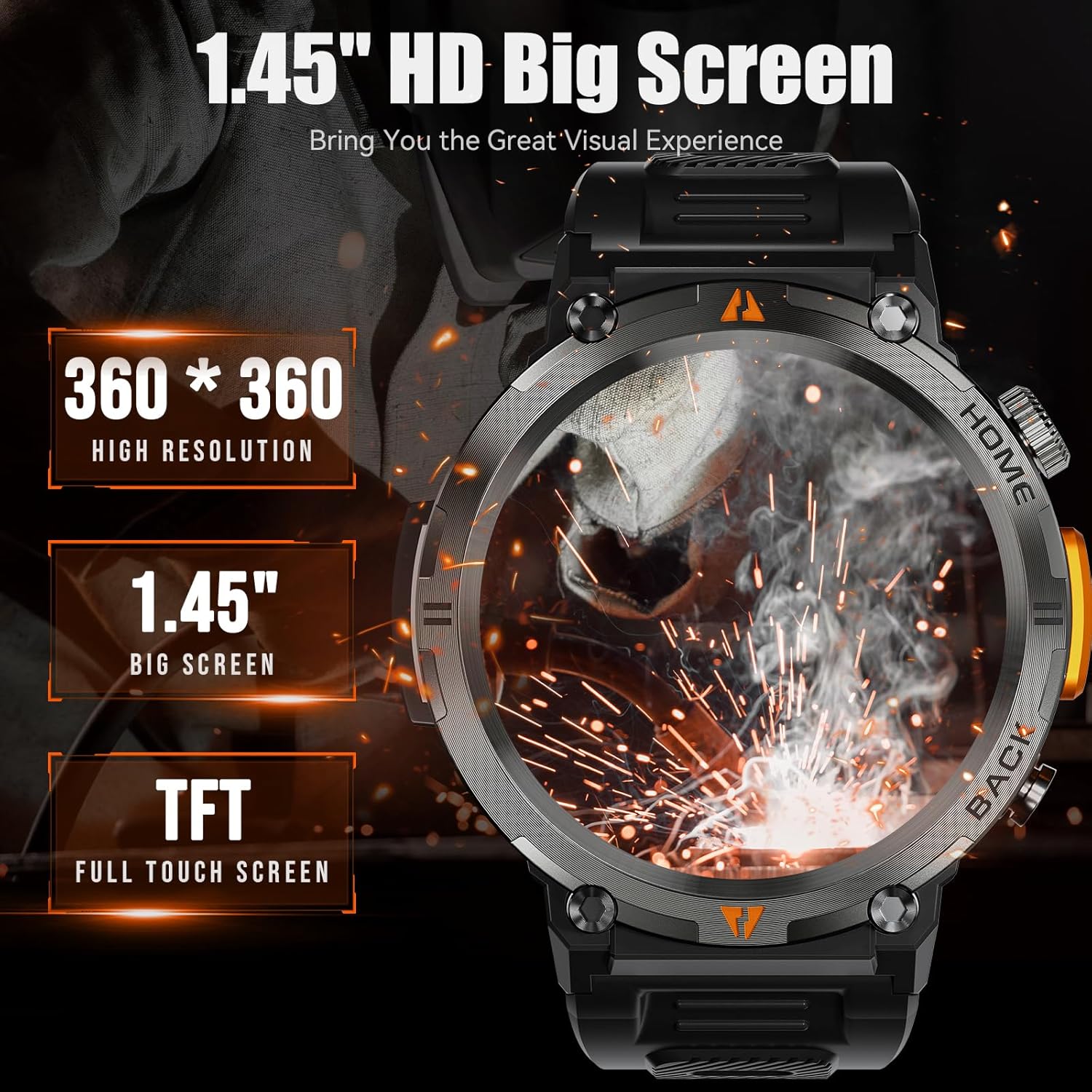
Image: The EIGIIS KE3 Smart Watch highlighting its 1.45-inch HD big screen with 360x360 resolution.
2.2 전화 걸기 및 받기
With its built-in speaker and 1-click connection technology, the EIGIIS KE3 allows you to make and answer calls directly from your wrist. Ensure the watch is paired correctly and the 'Call audio' setting is enabled in the FitCloudPro app.
Video: Demonstrating how to make and answer calls directly from the EIGIIS KE3 Smart Watch.
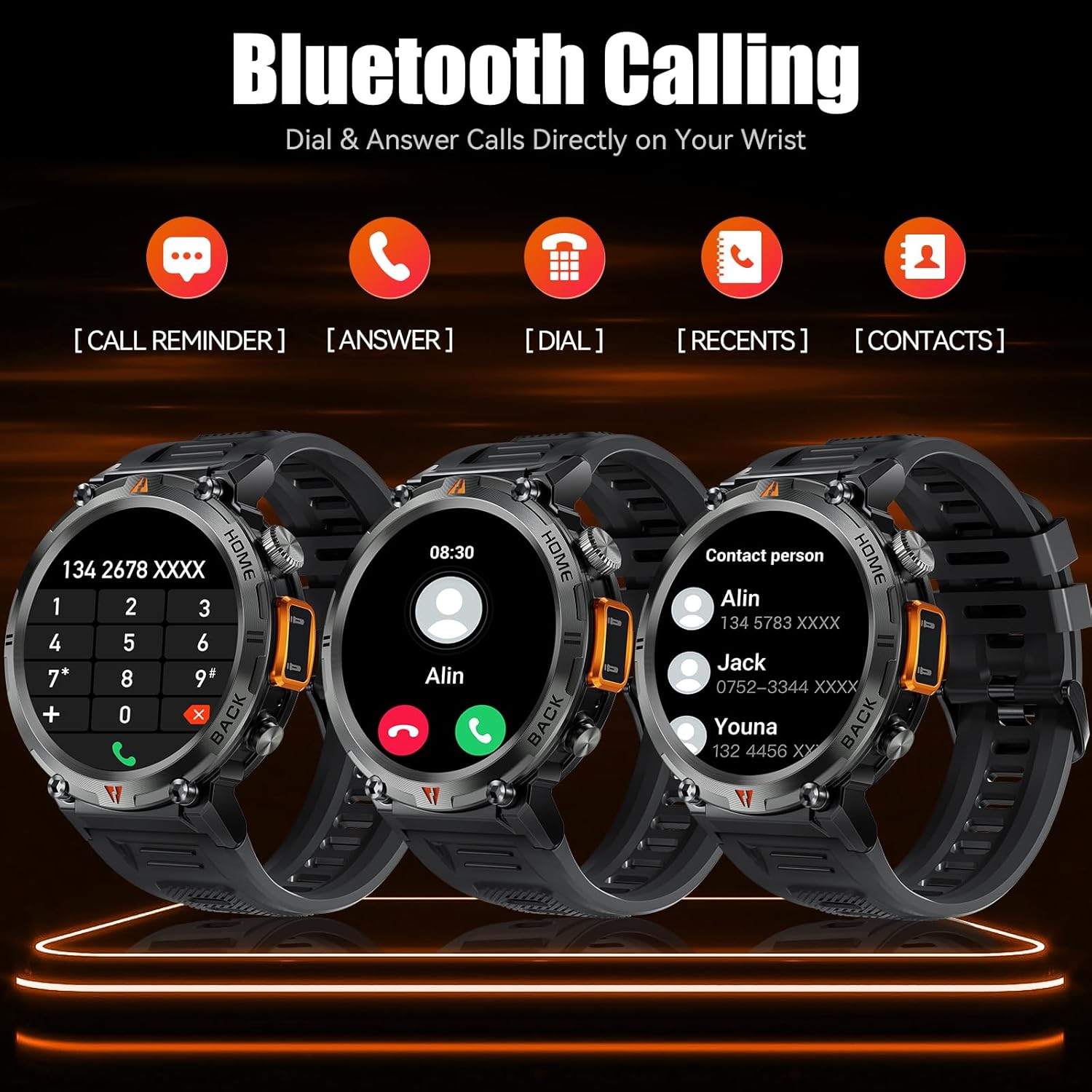
Image: The EIGIIS KE3 Smart Watch displaying its Bluetooth calling capabilities, including call reminders, answering, dialing, recent calls, and contacts.
2.3 손전등 사용하기
The EIGIIS KE3 Smart Watch includes a convenient flashlight function. Access it from the control panel by swiping down on the watch face. Tap the flashlight icon to turn it on. You can also press and hold the lower right button for 3 seconds to activate a continuous flashing mode for emergencies.
Video: Demonstrating the flashlight feature of the EIGIIS KE3 Smart Watch, useful for outdoor activities.

Image: The EIGIIS KE3 Smart Watch with its built-in flashlight activated, illuminating the surroundings.
2.4 알림
Stay connected by receiving calls, messages, and SNS notifications directly on your watch. Ensure the FitCloudPro app has the necessary permissions enabled on your phone to push notifications to the watch.
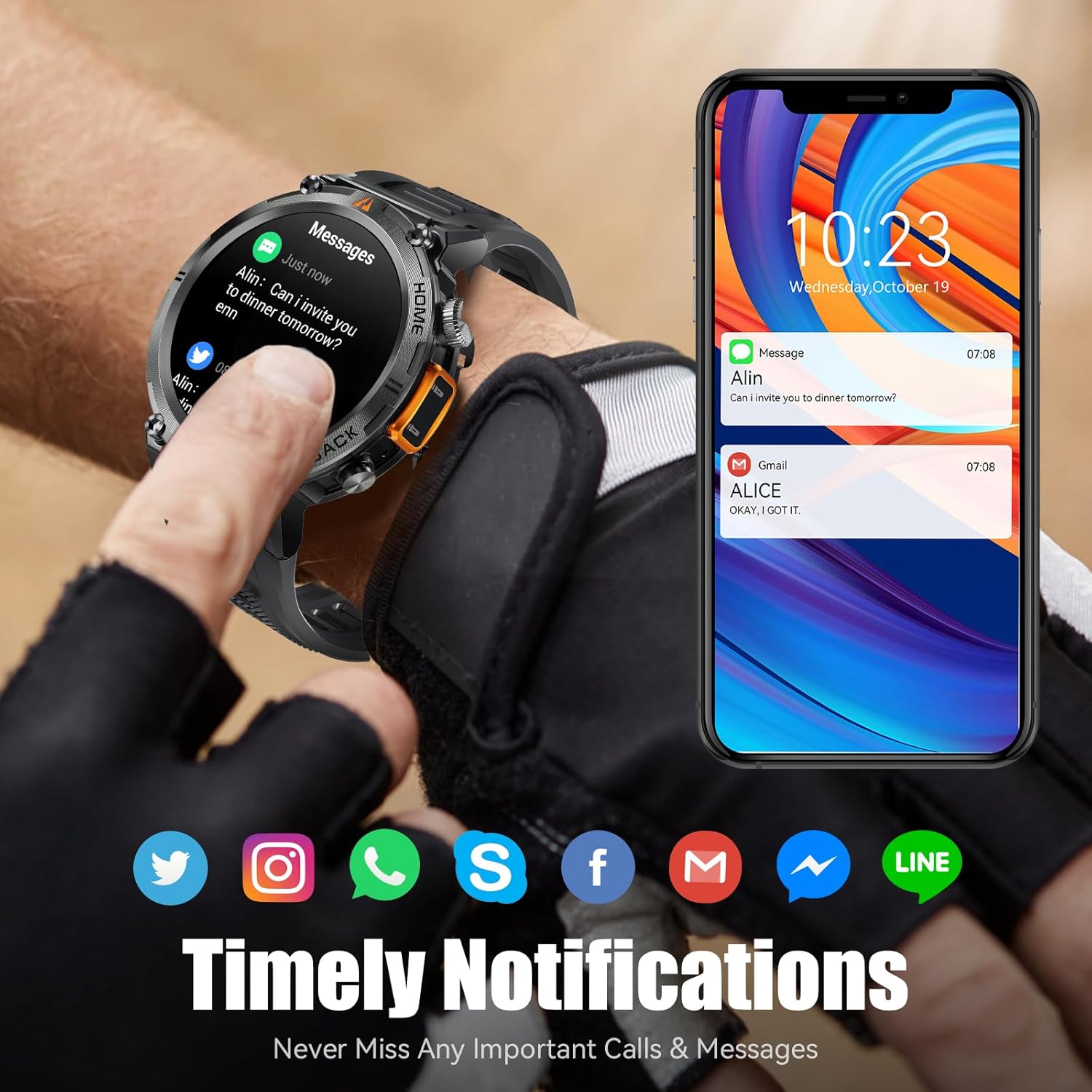
Image: The EIGIIS KE3 Smart Watch showing incoming messages and notifications from social media applications, mirrored on a smartphone.
2.5가지 스포츠 모드
The EIGIIS KE3 Smart Watch offers 9 built-in sports modes and over 100 additional sports modes available through the FitCloudPro app. You can download and sync these training modes to your watch to track various activities.
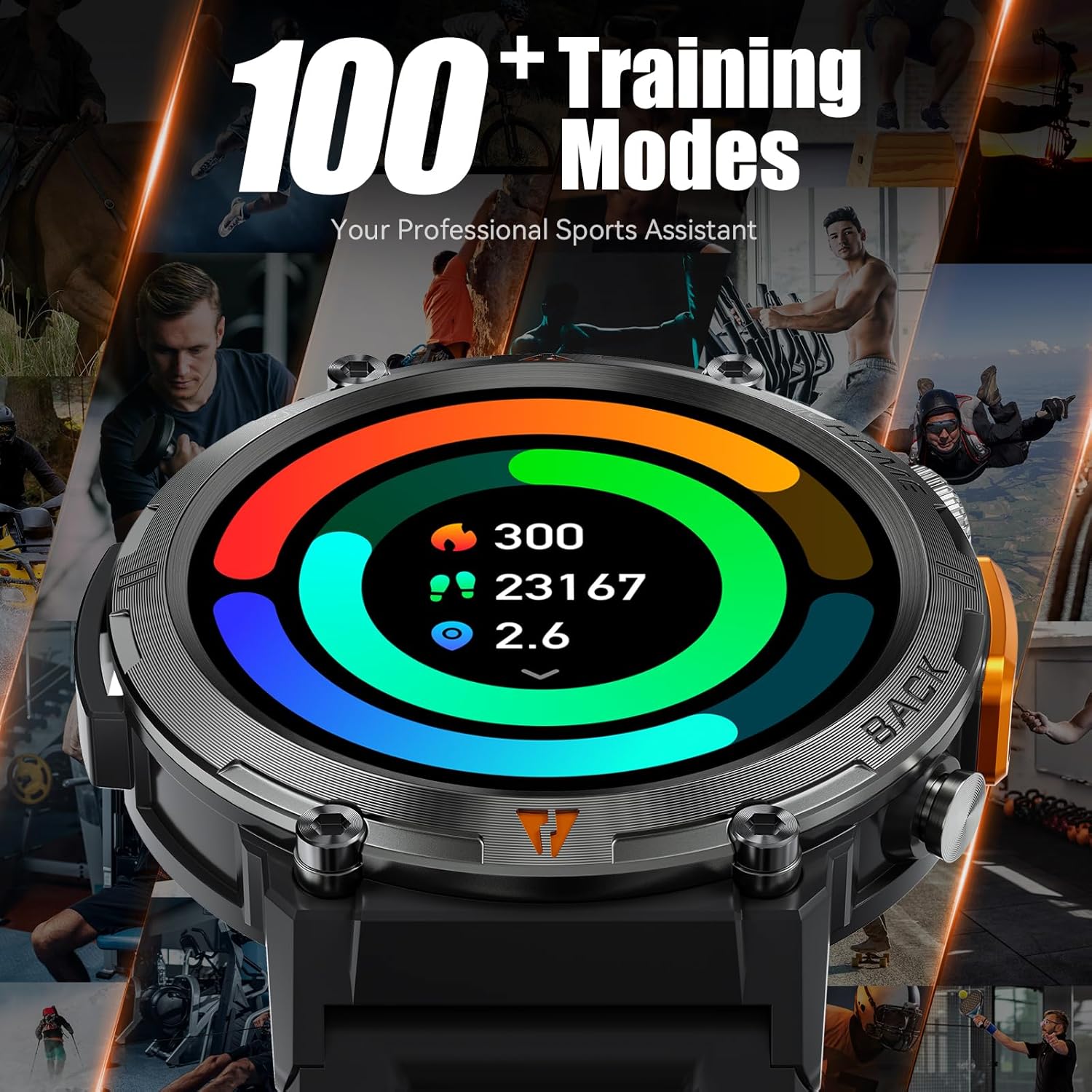
Image: The EIGIIS KE3 Smart Watch showing a colorful display of activity metrics, including steps, calories, and distance, against a collage of people engaged in different sports.
2.6 상태 모니터링
The watch supports continuous monitoring of heart rate, blood oxygen levels, and sleep patterns. This data helps you understand your physical condition and adjust your habits. Note: This device is a consumer electronic product and is not intended for medical use.

Image: The EIGIIS KE3 Smart Watch showing real-time heart rate data during an intense activity, with icons for heart rate, blood oxygen, and breath training.

Image: The EIGIIS KE3 Smart Watch showing a sleep tracking interface with data for deep sleep, light sleep, and awake periods, worn by a person sleeping.
2.7 커스텀 다이얼
Personalize your watch face with over 100 dials available in the FitCloudPro app. You can also upload your favorite pictures to create unique custom dials.
2.8 기타 기능
The EIGIIS KE3 Smart Watch offers a variety of additional features for daily convenience:
- 음성 어시스턴트 : 음성 명령으로 시계와 휴대폰을 제어하세요.
- 날씨: 실시간 날씨 업데이트를 받아보세요.
- 스톱워치 및 타이머: 활동 중 정확한 시간 측정을 위해.
- 알람 시계: 알림을 위해 알람을 설정하세요.
- 달력: View 날짜 및 일정.
- 계산자: 손목에서 기본적인 계산을 수행해 보세요.
- 전화번호 찾기: 분실한 스마트폰을 찾아보세요.
- 원격 카메라: 휴대폰 카메라를 원격으로 제어하세요.
- 음악 제어: 휴대폰에서 음악 재생을 관리하세요.
이미지: EIGIIS KE3 스마트 워치 쇼asing a menu of its diverse functions, such as steps, breath training, voice assistant, and calculator.
3. 유지관리 및 관리
3.1 방수성
The EIGIIS KE3 Smart Watch is IP67 waterproof, meaning it is resistant to splashes, rain, and brief immersion in water. It is suitable for washing hands but not recommended for swimming, diving, or hot showers/saunas, as steam and hot water can damage the seals.
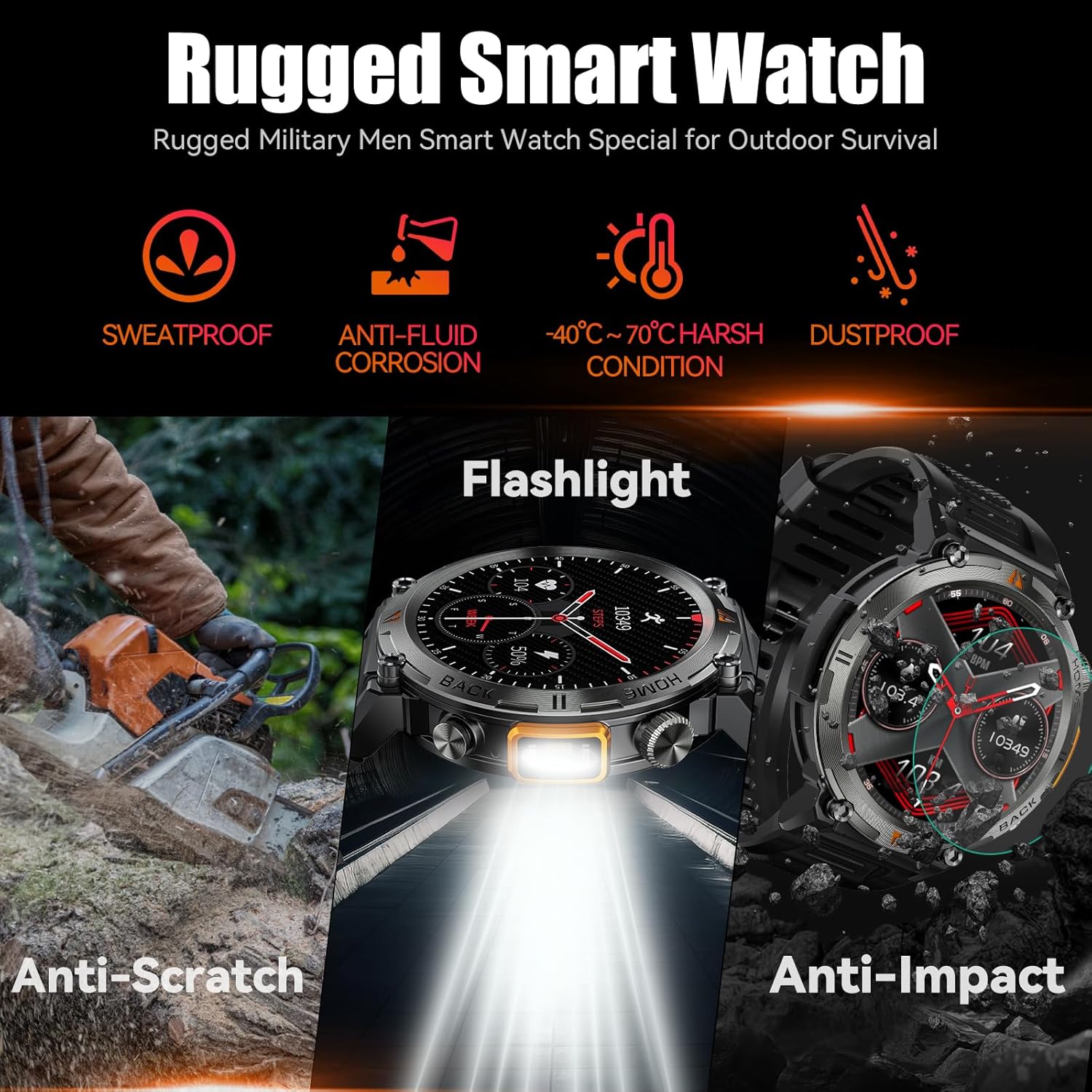
이미지: EIGIIS KE3 스마트 워치 쇼asing its rugged design and resistance to various environmental conditions, including sweat, corrosion, extreme temperatures, dust, scratches, and impacts.
3.2 내구성
Constructed from zinc alloy and tempered glass, the EIGIIS KE3 is designed for durability. It offers resistance to heat, cold, humidity, and salt spray, making it suitable for outdoor enthusiasts.
3.3 배터리 수명
The 300mAh battery provides 3-5 days of typical usage and up to 25 days of standby time on a single charge. Charging takes approximately 2 hours.
3.4 청소
부드럽고 마른 천으로 시계를 정기적으로 닦아주세요. 필요한 경우, 약간 거친 천을 사용하세요.amp 천으로 닦아낸 후 완전히 말리세요. 강한 화학 물질이나 연마재는 사용하지 마세요.
4. 문제 해결
4.1 시계가 켜지지 않음
- 시계가 완전히 충전되었는지 확인하세요. 충전기에 최소 30분 동안 연결해 두세요.
- Press and hold the power button (usually the top right button) for 5-10 seconds.
4.2 페어링 문제
- 휴대폰과 시계에서 Bluetooth가 활성화되어 있는지 확인하세요.
- Ensure the watch is within range of your phone (typically 10 meters).
- 휴대폰과 시계를 모두 다시 시작하세요.
- 휴대폰의 Bluetooth 캐시를 지우고(해당되는 경우) 다시 페어링을 시도하세요.
- If previously paired, try unpairing and re-pairing the device in the FitCloudPro app and your phone's Bluetooth settings.
4.3 함수 호출이 작동하지 않음
- Verify that the watch is successfully paired for both data and call audio. Check the 'Call audio' setting in the FitCloudPro app.
- Ensure your phone's Bluetooth is connected to the watch for calls.
- 휴대폰의 볼륨 설정을 확인하세요.
4.4 알림이 나타나지 않음
- Confirm that notification permissions are granted to the FitCloudPro app in your phone's settings.
- 앱이 백그라운드에서 실행 중인지, 배터리 최적화 설정에 의해 종료되지 않았는지 확인하세요.
- Check the notification settings within the FitCloudPro app to ensure specific app notifications are enabled.
4.5 부정확한 건강 데이터
- 시계를 손목에 꼭 맞게 착용하세요. 너무 꽉 조이거나 너무 느슨하지 않도록 하세요.
- 시계 뒷면의 센서를 정기적으로 청소하십시오.
- Remember that the watch is a consumer electronic device and not a professional medical instrument. Readings are for reference only.
5. 사양
| 특징 | 값 |
|---|---|
| 상표 | 에이지스 |
| 모델 번호 | EIGIIS-KE3 |
| 화면 크기 | 1.45 인치 |
| 화면 유형 | TFT Full Touch Screen |
| 모양 | 둥근 |
| 배터리 용량 | 300밀리amp 시간 (300mAh) |
| 연결 기술 | 블루투스 5.0 |
| 운영 체제 호환성 | Android 8.0 이상; iOS 10.0 이상 |
| 방수성 | IP67 (물 튀김, 비, 짧은 시간 침수 방지) |
| 특별 기능 | Flashlight, Bluetooth Call, Voice Assistant, Heart Rate, Blood Oxygen, Sleep Monitor, 100+ Sports Modes, Notifications, Weather, Stopwatch, Timer, Alarm Clock, Calendar, Calculator, Find Phone, Remote Camera |
| 품목 무게 | 200그램(7.1온스) |
| 재료 | Zinc alloy, Tempered glass |
6. 보증 및 지원
6.1 보증 정보
EIGIIS products are covered by a manufacturer's warranty. For specific details regarding your warranty period and coverage, please refer to the warranty card included with your product or visit the official EIGIIS web사이트. 구매 증빙 자료로 구매 영수증을 보관하세요.
6.2 고객 지원
If you encounter any issues or have questions about your EIGIIS KE3 Smart Watch, please contact EIGIIS customer support through the following channels:
- 온라인 지원: Visit the EIGIIS official webFAQ, 문제 해결 가이드, 문의 양식을 제공하는 사이트입니다.
- 이메일 지원: 제품 포장이나 공식 문서를 참조하세요. web고객 서비스 이메일 주소 사이트입니다.
When contacting support, please provide your product model number (KE3) and a detailed description of the issue.