
소개
This manual provides detailed instructions for the proper setup, operation, and maintenance of your GATEXPERT RT77 Remote Control. The RT77 remote is designed for use with GATEXPERT automatic sliding and swing gate openers. Please read this manual thoroughly before use to ensure safe and efficient operation.
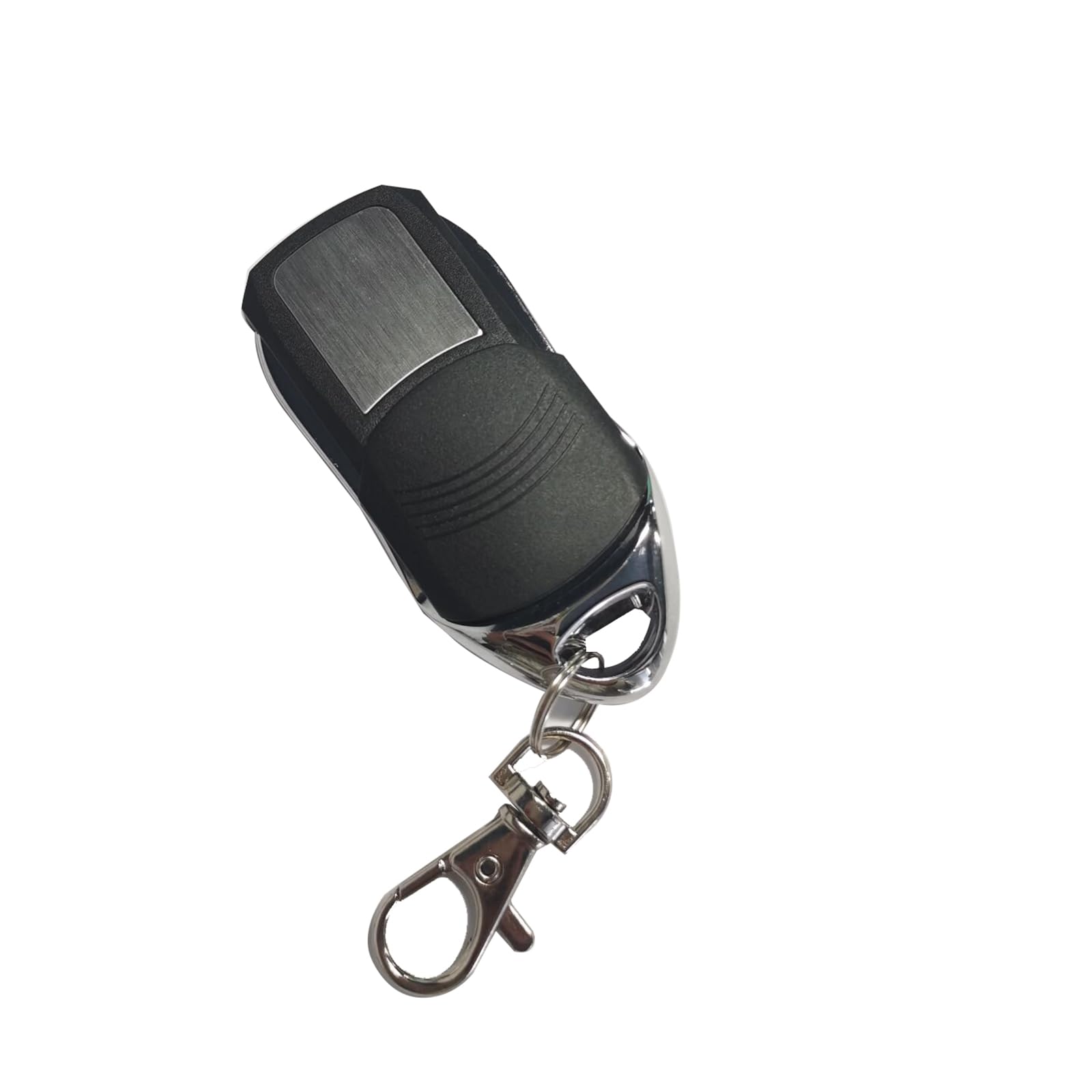
이미지: 앞면 view of the GATEXPERT RT77 Remote Control with its protective sliding cover closed.
제품 특징
- 호환성: Exclusively designed for GATEXPERT gate openers and door openers.
- 보호: Features an IP54 rating and a sliding cover to prevent accidental button presses.
- 힘: Operates on a 12V 27A battery.
- 설계: Compact and portable for convenient carrying.
설정
1. 배터리 설치
The GATEXPERT RT77 remote control requires one 12V 27A battery (not included). Follow these steps to install or replace the battery:
- Locate the small screws on the back panel of the remote control.
- Using a small screwdriver, carefully remove the screws and open the remote casing.
- Insert the 12V 27A battery, ensuring the correct polarity (+ and -) as indicated inside the battery compartment.
- C를 닫으세요asing를 끼우고 나사로 고정하세요.

이미지: 내부 view of the RT77 remote control, showing the circuit board and the 12V 27A battery compartment.
2. Pairing with Your GATEXPERT Gate Opener
To operate your gate opener, the RT77 remote control must be paired with the receiver unit of your GATEXPERT gate opener. The exact pairing procedure may vary slightly depending on your specific gate opener model. Refer to your gate opener's instruction manual for precise steps. Generally, the process involves:
- Locate the "Learn" or "Code" button on your GATEXPERT gate opener's control board.
- Press and release the "Learn" button. An indicator light on the control board will typically illuminate or flash.
- Within a few seconds, press the desired button (A, B, C, or D) on your RT77 remote control.
- The indicator light on the control board should flash or change state, confirming successful pairing.
- Test the remote control by pressing the paired button. The gate opener should respond.
If you encounter difficulties, consult the manual for your specific GATEXPERT gate opener model or contact customer support.
작동 지침
The GATEXPERT RT77 remote control features a sliding cover for button protection and four programmable buttons (A, B, C, D).

이미지: 앞면 view of the RT77 remote control with the sliding cover retracted, revealing the four control buttons labeled A, B, C, and D.
- Open the Sliding Cover: Slide the protective cover downwards to reveal the control buttons.
- Activate Gate Opener: Press the button (A, B, C, or D) that you have programmed to your gate opener. The gate should begin to open or close.
- 작동 중지: Press the same button again to stop the gate's movement mid-cycle, if your gate opener supports this function.
- Close the Sliding Cover: After use, slide the cover upwards to protect the buttons from accidental presses and environmental elements.
Ensure you have a clear line of sight to your gate and that no obstructions are present before operating the gate opener.
유지
- 배터리 교체: Replace the 12V 27A battery when the remote's range decreases or it stops responding. Refer to the "Battery Installation" section for instructions.
- 청소: Clean the remote control with a soft, dry cloth. Avoid using abrasive cleaners or solvents, as these can damage the casing 또는 내부 구성 요소.
- 저장: 리모컨은 건조하고, 극한 온도와 직사광선을 피해 보관하십시오.
문제 해결
| 문제 | 가능한 원인 | 해결책 |
|---|---|---|
| Remote does not operate the gate. |
|
|
| 작동 범위가 감소했습니다. |
|
|
| Gate operates unexpectedly. |
|
|
명세서
| 모델 번호 | RT77 |
| 상표 | 게이트엑스퍼트 |
| 부품 번호 | RT77 |
| 전원 | 12V 27A 배터리(별도 구매) |
| 품목 무게 | 1.44 온스 |
| 제품 치수 | 2.87 x 1.18 x 0.59 인치 |
| 색상 | 검은색 |
| 포함된 구성 요소 | 리모컨 x1 |
| IP 등급 | IP54 |
보증 정보
GATEXPERT products are manufactured to high-quality standards. For specific warranty details regarding your RT77 remote control, please refer to the warranty information provided with your GATEXPERT gate opener or contact GATEXPERT customer support directly. Keep your purchase receipt as proof of purchase.
고객 지원
If you have any questions, require technical assistance, or need further information regarding your GATEXPERT RT77 Remote Control, please contact GATEXPERT customer support. You can typically find contact information on the GATEXPERT official website or through the seller on the platform where you purchased the product.
추가 리소스 및 제품 정보는 공식을 방문하세요. GATEXPERT Store on Amazon.