
소개
This manual provides essential information for the proper use and maintenance of your AGM PAD P1 Rugged Android Tablet. Please read this manual thoroughly before operating the device to ensure optimal performance and longevity. The AGM PAD P1 is designed for durability, featuring waterproof, dustproof, and drop-proof capabilities, making it suitable for various environments.
상자 안에 무엇이 들어있나요?
Upon unboxing your AGM PAD P1, verify that all the following items are included:
- AGM PAD P1 Rugged Android Tablet
- USB 케이블
- 전원 어댑터
- 보호 케이스
- 사용 설명서 (본 문서)
- AGM 스티커
제품 끝view
The AGM PAD P1 features a robust design with a 10.36-inch display and integrated cameras. Familiarize yourself with the device's physical components.

Image: The AGM PAD P1 tablet highlighting its waterproof and drop-proof design, shown submerged in water and on rough terrain with its protective case.
The tablet is equipped with an 8MP main camera on the rear and a 5MP front camera for video calls and selfies.
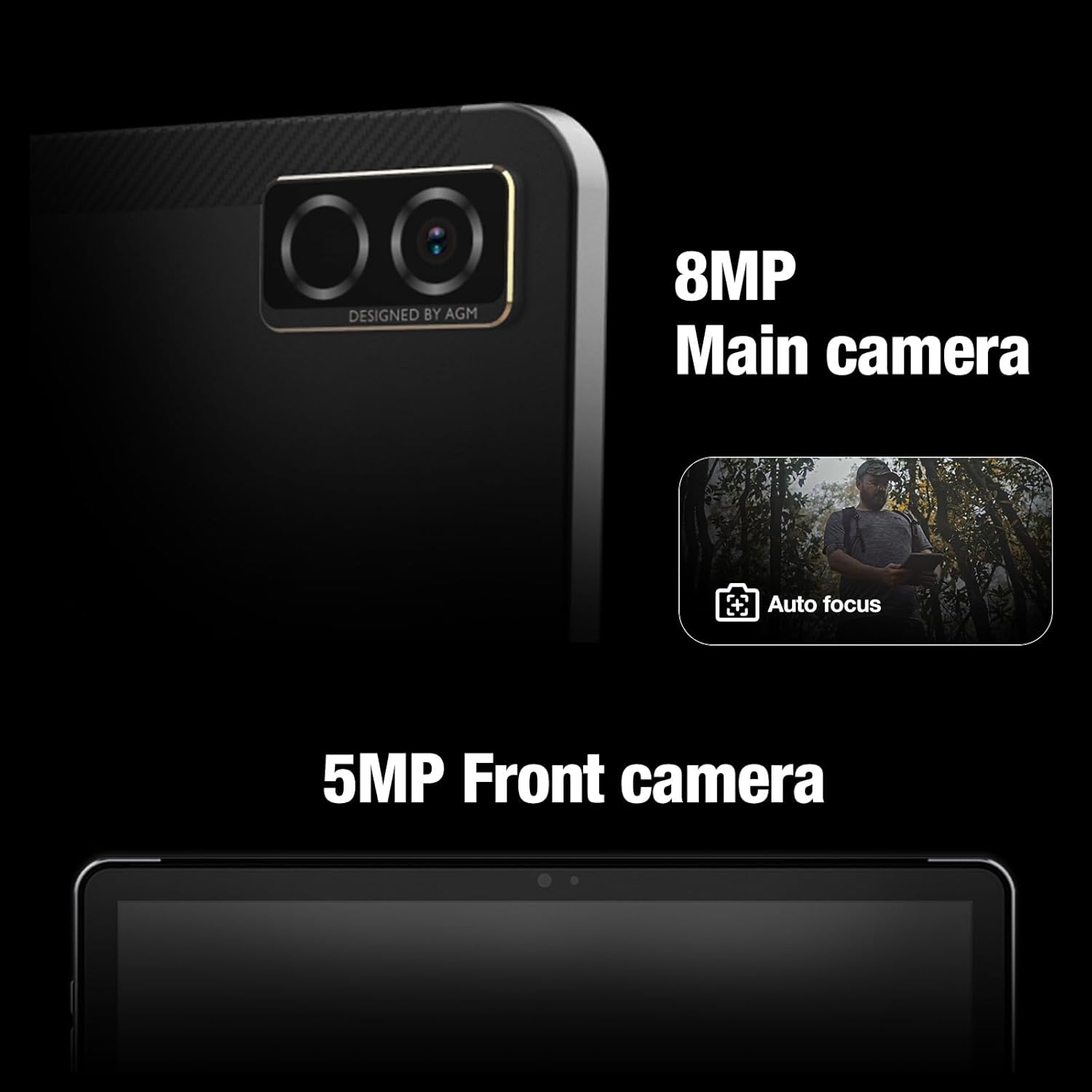
이미지: 클로즈업 view of the AGM PAD P1's rear 8MP main camera with autofocus and the 5MP front camera.
설정
1. 장치 충전
Before initial use, fully charge the AGM PAD P1 using the provided USB cable and power adapter. Connect the USB cable to the tablet's charging port and the adapter to a power outlet. The battery indicator on the screen will show charging progress.
2. 전원 켜기 / 끄기
- 전원을 켜려면: 화면에 AGM 로고가 나타날 때까지 전원 버튼을 길게 누르세요.
- 전원을 끄려면: 전원 옵션 메뉴가 나타날 때까지 전원 버튼을 길게 누르세요. "전원 끄기"를 선택하고 확인하세요.
3. 초기 설정 마법사
태블릿을 처음 켜면 초기 설정 과정을 안내해 줍니다. 여기에는 언어 선택, Wi-Fi 네트워크 연결, Google 계정 설정 및 기본 기기 설정 구성이 포함됩니다.
4. microSD 카드 삽입
The AGM PAD P1 supports expandable storage via a microSD card (up to 2TB). Locate the card slot on the side of the tablet, open the protective cover, and carefully insert the microSD card with the gold contacts facing down until it clicks into place. Close the protective cover securely to maintain water and dust resistance.
작동 지침
디스플레이 및 인터페이스
The tablet features a 10.36-inch 2K (1200 x 2000 pixels) display with a 120Hz refresh rate, providing a clear and smooth visual experience. Navigate the Android 13 operating system using touch gestures.

Image: The AGM PAD P1 tablet displaying vibrant content on its 10.36-inch 2K screen.
성능
Powered by the MediaTek G99 Octa-core processor (up to 2.2 GHz) and 8GB of RAM, the AGM PAD P1 delivers efficient performance for multitasking, gaming, and media consumption. It runs on Android 13, offering the latest features and security updates.

Image: The AGM PAD P1 tablet showcasing its MediaTek Helio G99 processor for high performance.
저장
The tablet comes with 256GB of internal storage, which can be expanded up to 2TB using a microSD card. This provides amp신청서, 사진, 동영상 및 문서를 위한 공간입니다.

Image: The AGM PAD P1 tablet illustrating its 256GB built-in memory and the option to expand storage up to 2TB with an SD card.
배터리 수명
Equipped with a 7000mAh Lithium-Ion battery, the AGM PAD P1 offers extended usage time. Battery life varies based on usage patterns and settings.
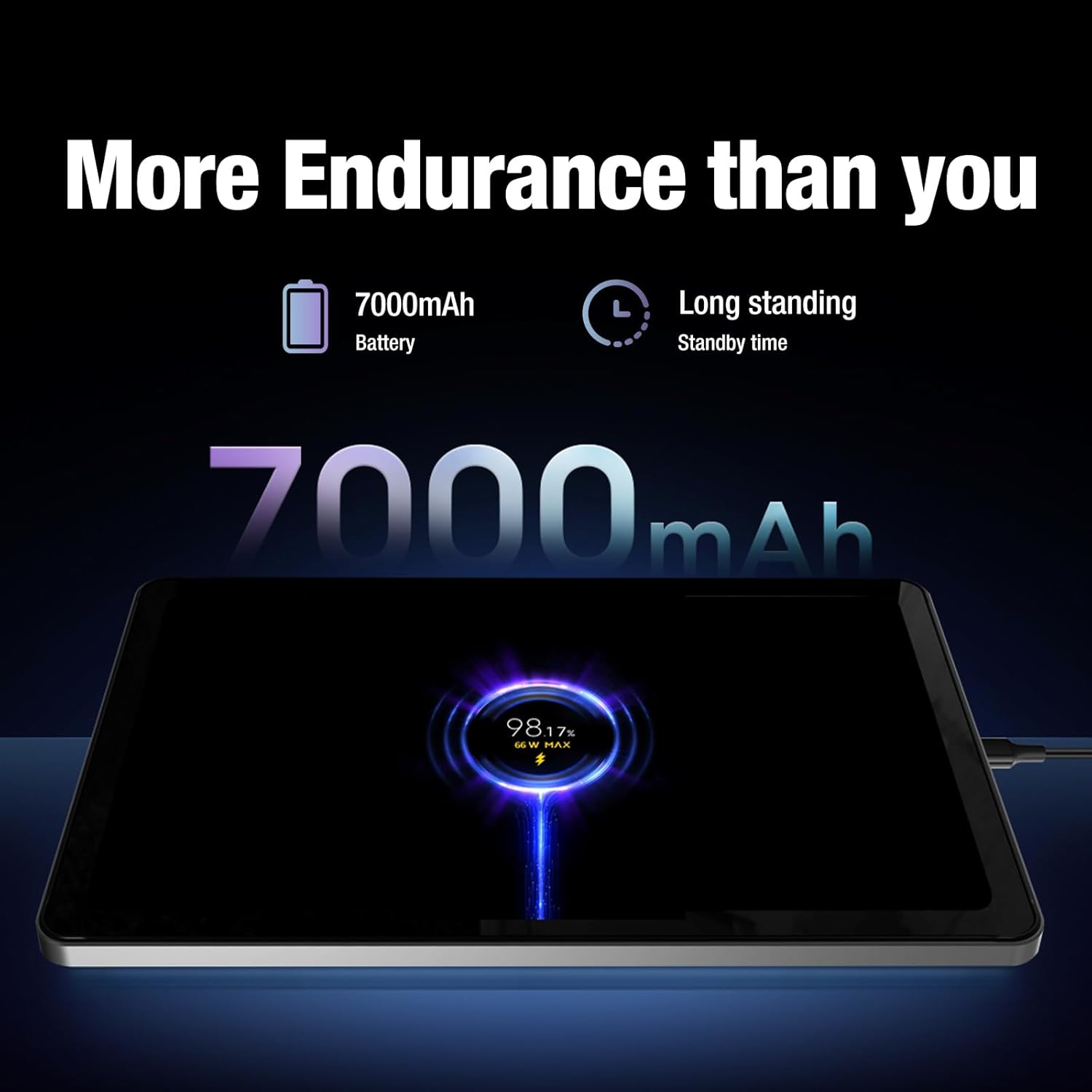
Image: The AGM PAD P1 tablet connected to a charger, indicating its 7000mAh battery capacity and long standby time.
오디오
Experience immersive sound with the dual box stereo speakers. The tablet supports various audio formats including MP3, AAC, WAV, and OPUS.
연결성
The AGM PAD P1 supports Wi-Fi (802.11a/b/g), Bluetooth, and 4G cellular technology for internet access and peripheral connections. It also includes GPS for navigation.
내구성 특징
The AGM PAD P1 is built to withstand challenging environments with its rugged design and IP68/IP69K ratings.
- 방수(IP68/IP69K): The tablet is protected against continuous immersion in water up to 1.5 meters for 30 minutes (IP68) and against high-pressure, high-temperature water jets (IP69K). Ensure all port covers are securely closed before exposure to water.
- 낙하 방지: Designed to endure accidental drops, the tablet's robust construction and included protective case offer enhanced shock resistance.
- 방진 : The device is fully protected against dust ingress, making it suitable for dusty environments.
Video: An underwater unboxing of the AGM PAD P1, demonstrating its waterproof capabilities and initial boot-up sequence while submerged.
Video: A demonstration of the AGM PAD P1's ruggedness and waterproof features, showcasing its suitability for outdoor and challenging conditions.
유지
- 청소: 부드러운 d를 사용하세요amp cloth to clean the tablet's surface. Avoid harsh chemicals or abrasive materials. Ensure all port covers are sealed before cleaning with liquids.
- 소프트웨어 업데이트: 기기에 최신 기능, 보안 패치 및 성능 향상이 적용되도록 정기적으로 시스템 업데이트를 확인하고 설치하세요. 설정 > 시스템 > 시스템 업데이트로 이동하세요.
- 배터리 관리 : To prolong battery life, avoid exposing the tablet to extreme temperatures. Do not let the battery completely drain frequently.
문제 해결
| 문제 | 해결책 |
|---|---|
| 장치 전원이 켜지지 않음 | Ensure the battery is charged. Connect the tablet to the charger for at least 30 minutes, then try powering on again. |
| 터치스크린이 반응하지 않습니다 | Restart the device by holding the Power button for 10-15 seconds. If the issue persists, perform a factory reset (data will be lost). |
| Wi-Fi 연결 문제 | 설정에서 Wi-Fi가 활성화되어 있는지 확인하세요. 라우터와 태블릿을 다시 시작하세요. 네트워크를 삭제하고 다시 연결하세요. |
| 앱이 충돌하거나 속도가 느려집니다 | Close background apps. Clear app cache (Settings > Apps > [App Name] > Storage > Clear cache). Restart the tablet. |
For further assistance, refer to the official AGM support resources.
명세서
| 특징 | 세부 사항 |
|---|---|
| 상표 | 정기총회 |
| 모델명 | AGM PAD P1 |
| 운영 체제 | 안드로이드 13 |
| 프로세서 | MediaTek Helio G99 Octa-core (up to 2.2 GHz) |
| 숫양 | 8GB (XNUMX기가바이트) |
| 내부 저장소 | 256GB (XNUMX기가바이트) |
| 확장 가능한 스토리지 | 최대 2TB microSD |
| 화면 크기 | 10.36 인치 |
| 디스플레이 해상도 | 1200 x 2000 픽셀(2K) |
| 디스플레이 재생 빈도 | 120Hz |
| 후방 카메라 | 8 MP |
| 전면 카메라 | 5 MP |
| 배터리 용량 | 7000mAh 리튬 이온 |
| 연결성 | Wi-Fi (802.11a/b/g), Bluetooth, 4G, GPS |
| 내구성 | IP68/IP69K Waterproof, Drop-Proof, Dustproof |
| 크기 (길이 x 너비 x 두께) | 9.84인치 길이 x 6.29인치 너비 x 0.35인치 두께 |
| 품목 무게 | 0.94 킬로그램 |
보증 및 지원
The AGM PAD P1 comes with a 1-year manufacturer's limited warranty. For warranty claims or technical support, please contact AGM Mobile directly. Keep your proof of purchase for warranty validation.
Manufacturer: AGM Mobile
For additional support and resources, visit the official AGM web사이트를 방문하거나 고객 서비스에 문의하세요.