
Ctronics B0C5CVK54R
Ctronics 2.5K 4MP 태양광 보안 카메라 무선 실외 사용 설명서
Model: B0C5CVK54R
1. 서론
This manual provides detailed instructions for the installation, operation, and maintenance of your Ctronics 2.5K 4MP Solar Security Camera. This wireless outdoor camera system offers advanced surveillance features including 2.5K 4MP Super HD resolution, PTZ control, color night vision, PIR human detection, and two-way audio, all powered by a rechargeable battery and solar panel for continuous operation.
2. 패키지 내용
패키지에 모든 구성품이 들어 있는지 확인하세요.
- Ctronics 2.5K 4MP Solar Security Camera (quantity as per pack)
- Solar Panel (one per camera)
- 장착 브래킷
- 장착 나사 및 벽면 플러그
- USB 충전 케이블
- 사용 설명서 (본 문서)
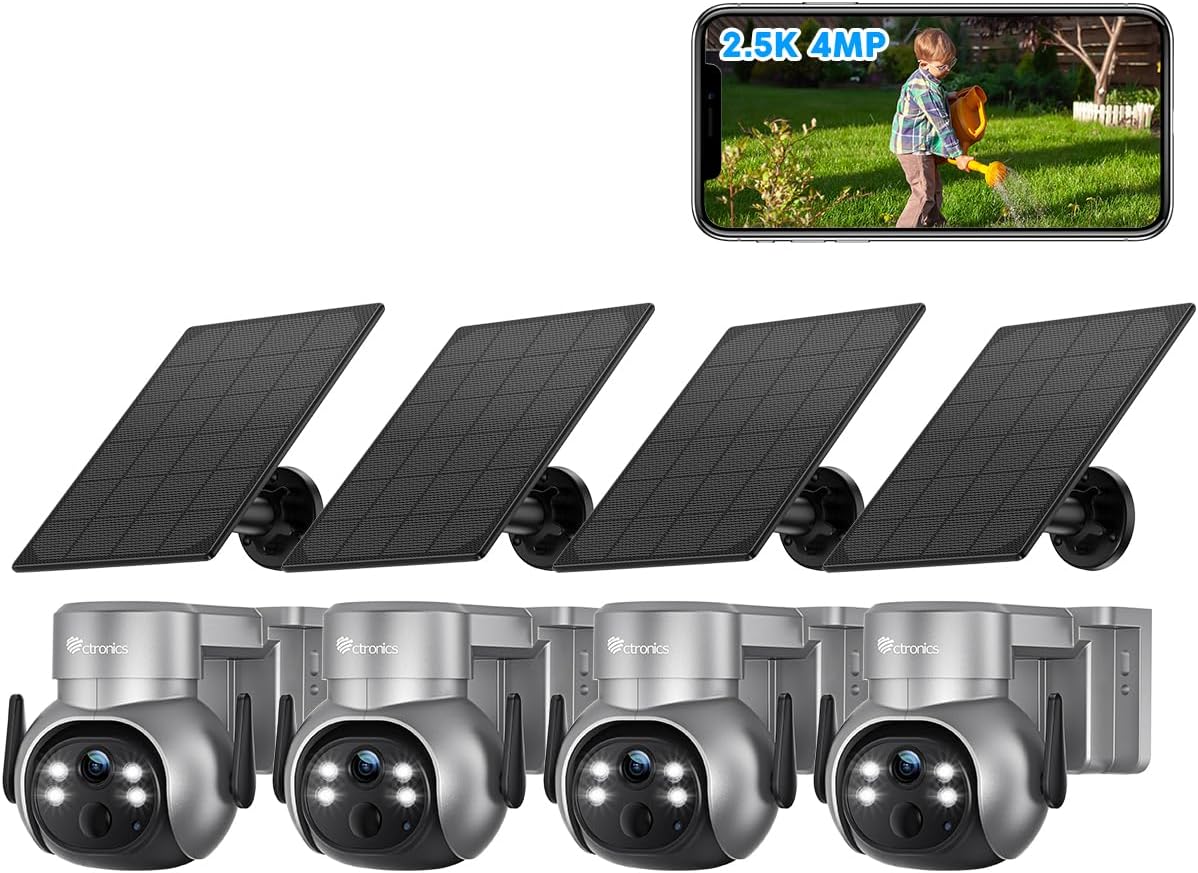
그림 2.1: 이상view of the Ctronics 2.5K 4MP Solar Security Camera 4-pack.
3. 설정 및 설치
Before installation, ensure the camera battery is fully charged using the provided USB cable. The solar panel will maintain the charge after installation.
3.1 카메라 충전하기
Connect the camera to a 5V/2A USB power adapter using the included USB charging cable. The charging indicator light will show the charging status. A full charge is recommended before initial setup.
3.2 앱 다운로드 및 계정 등록
Download the "Ctronics Pro" app from your mobile device's app store (iOS App Store or Google Play Store). Follow the in-app instructions to register an account and add your camera device.
3.3 카메라 및 태양광 패널 장착
카메라와 태양광 패널은 벽이나 천장에 설치할 수 있습니다. 태양광 패널에 최적의 햇빛이 비치고 시야가 트인 위치를 선택하세요. view for the camera. Ensure the mounting surface is sturdy enough to support the camera's weight.
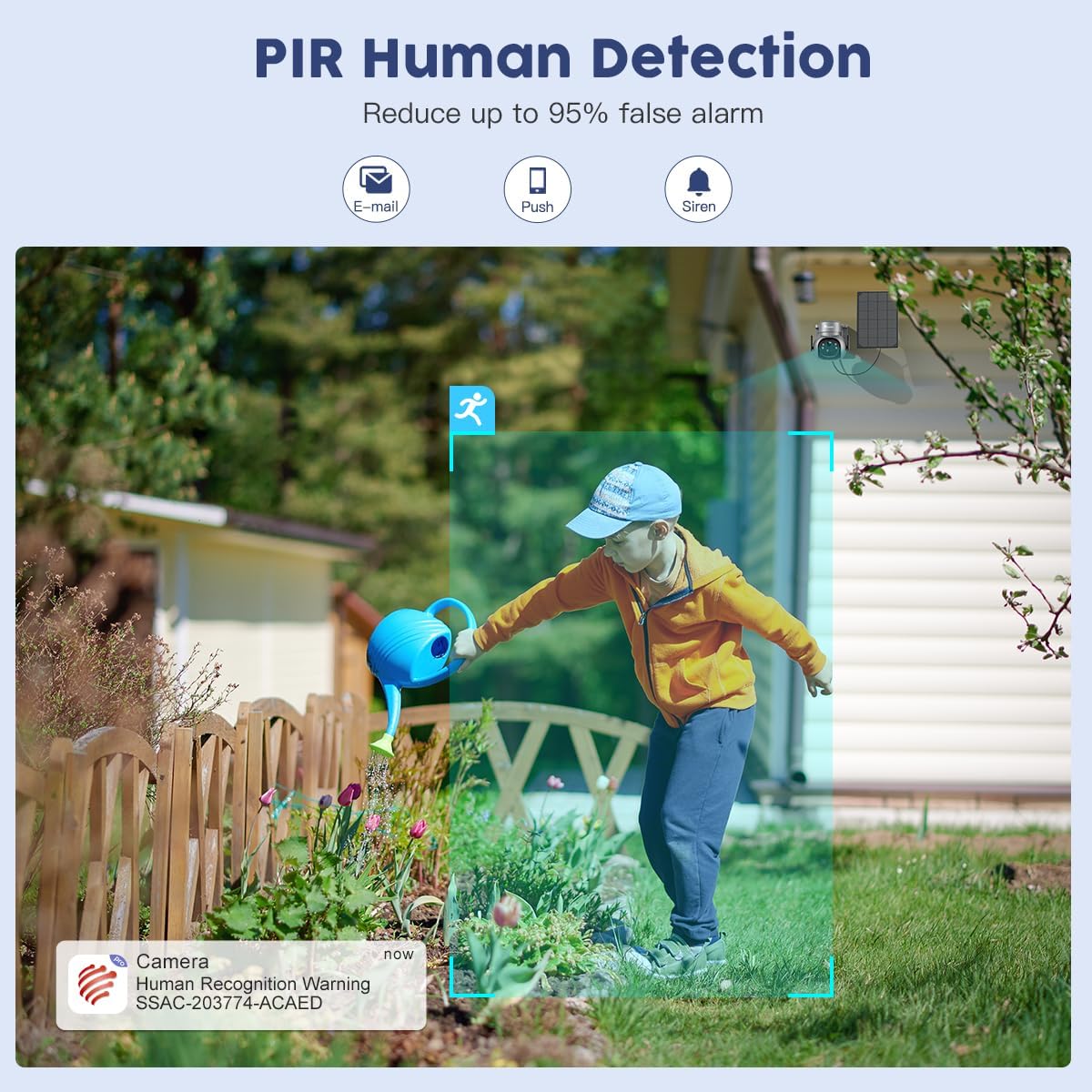
Figure 3.1: Wall and Ceiling Installation options for the Ctronics camera and solar panel.

Figure 3.2: Proper installation of the camera on an exterior wall.
Use the provided screws and wall plugs to securely fasten the mounting bracket. Attach the camera to the bracket and adjust its angle as needed. Connect the solar panel cable to the camera.

Figure 3.3: Revolutionary Charging System with dual solar panel connection. Note: Only one solar panel is included per camera; additional panels must be purchased separately.
4. 사용 설명서
4.1 라이브 View 및 해상도
Access the live feed from your camera via the "Ctronics Pro" app. The camera provides 2.5K 4MP (2560*1440P) Super HD resolution, ensuring clear and detailed video monitoring.

Figure 4.1: Day and Night Super HD Resolution (2.5K 4MP).
Video 4.1: Demonstration of Ctronics 2.5K 4MP Wireless Security Camera features, including resolution and wire-free operation.
4.2 팬 및 틸트 제어
The camera features 355° Pan and 95° Tilt capabilities, allowing you to remotely adjust the viewing angle to cover every angle of your property. Use the directional controls within the "Ctronics Pro" app to move the camera lens.
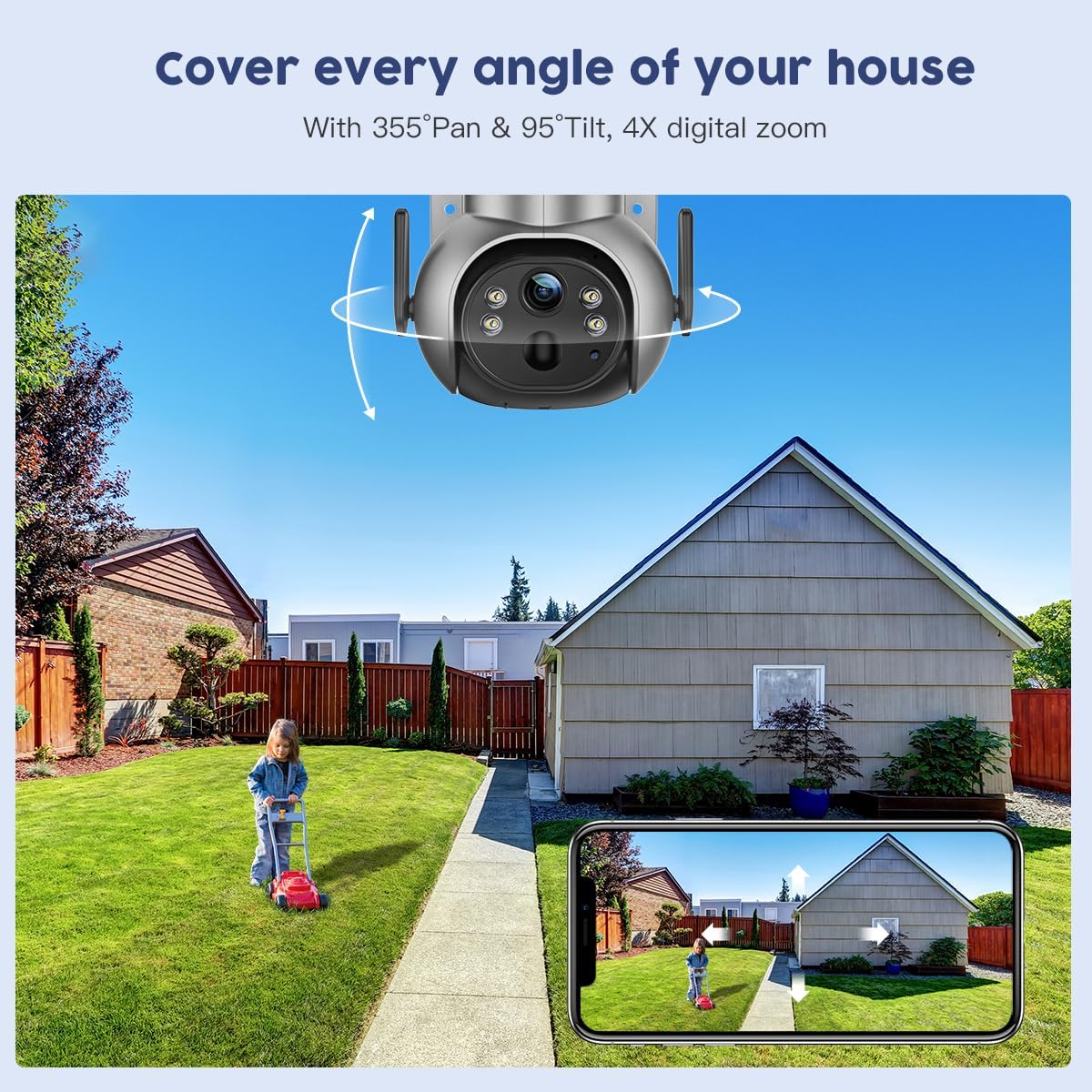
Figure 4.2: 355° Pan & 95° Tilt control via the Ctronics Pro app.
4.3 컬러 나이트 비전
The camera is equipped with color night vision, providing clear, full-color images even in low-light conditions or complete darkness. This enhances visibility and detail compared to traditional black and white infrared night vision.

Figure 4.3: 2.5K 4MP Color Night Vision in action.
4.4 PIR 인체 감지
The Passive Infrared (PIR) human detection feature intelligently identifies human shapes, significantly reducing false alarms caused by pets, vehicles, or swaying branches. When human motion is detected, you will receive instant notifications (email, push, siren) on your connected device.
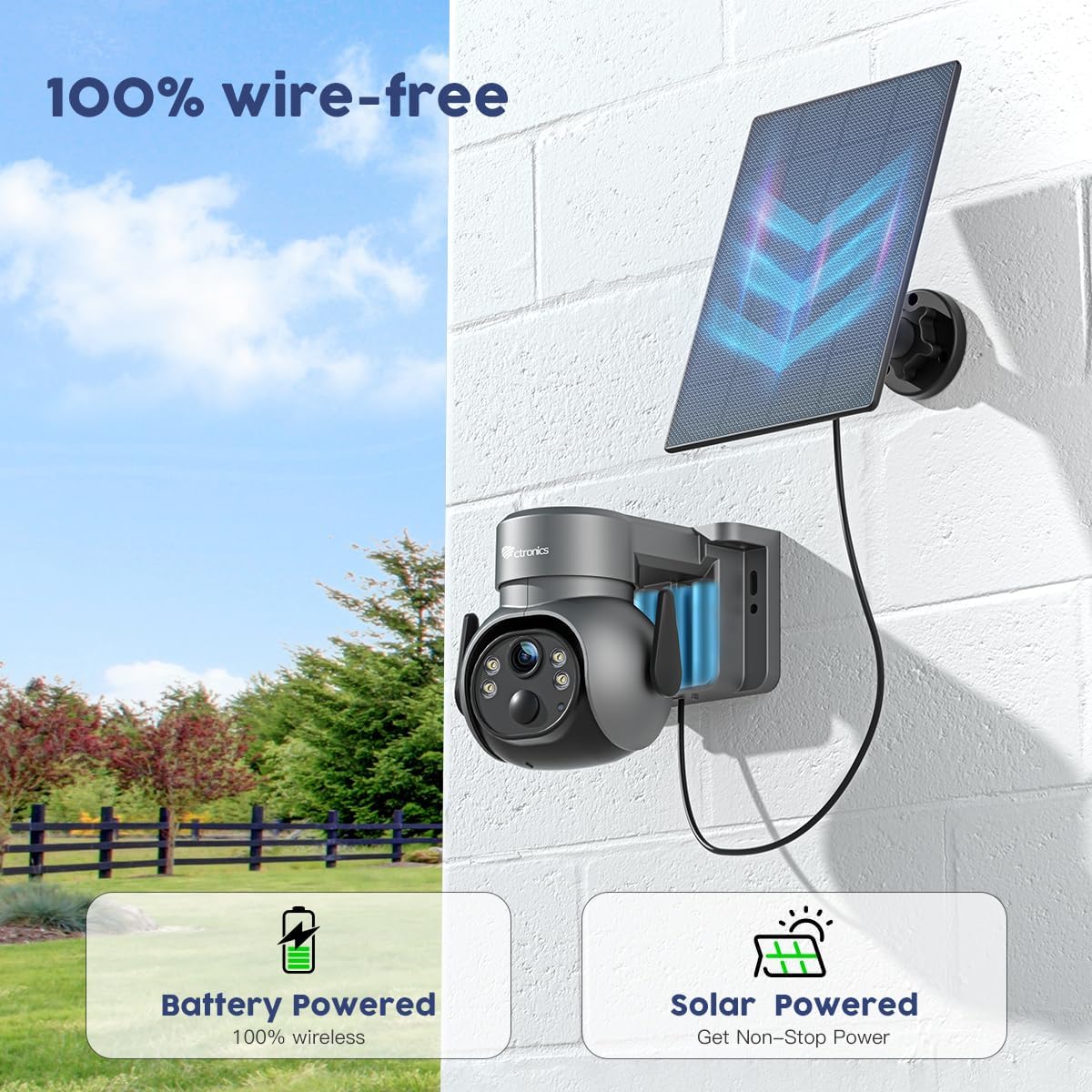
Figure 4.4: PIR Human Detection reducing false alarms.
4.5 양방향 오디오
Utilize the built-in microphone and speaker for real-time two-way communication. This allows you to speak to visitors or deter intruders directly through the camera via the app.

Figure 4.5: Two-way audio communication via the app.
4.6 저장 옵션
The camera supports local storage via a TF (microSD) card up to 128GB (not included). Cloud storage options may also be available; please check the Ctronics Pro app for details and ensure your camera firmware is up to date for cloud functionality.

Figure 4.6: TF Card slot for local storage (up to 128GB).

Figure 4.7: Ctronics Cloud storage and playback interface.
5. 유지관리
To ensure optimal performance and longevity of your Ctronics security camera, follow these maintenance guidelines:
- 정기 청소: 카메라 렌즈와 태양 전지 패널을 부드러운 천으로 주기적으로 닦아주세요.amp 먼지, 흙 또는 이물질을 제거하여 막힘을 방지하는 천 view or reduce charging efficiency.
- 펌웨어 업데이트: Check the "Ctronics Pro" app regularly for available firmware updates. Keeping your camera's firmware updated ensures access to the latest features, security enhancements, and bug fixes.
- 배터리 상태: While solar-powered, occasional manual charging via USB may be necessary during prolonged periods of low sunlight. Monitor battery levels through the app.
- 환경 보호: The camera is IP66 waterproof, designed to withstand various weather conditions. However, avoid direct high-pressure water jets or submerging the device.

Figure 5.1: IP66 Waterproof rating, demonstrating resilience to weather.
6. 문제 해결
If you encounter issues with your Ctronics camera, please refer to the following common problems and solutions:
| 문제 | 가능한 원인 | 해결책 |
|---|---|---|
| 카메라 오프라인 | Weak Wi-Fi signal, low battery, power outage. | Check Wi-Fi signal strength, recharge battery, verify power supply. Restart camera and router. |
| 모션 감지 알림 없음 | PIR sensitivity too low, detection zone not set, app notifications disabled. | Adjust PIR sensitivity in app, configure detection zones, enable app notifications. |
| 비디오 품질이 좋지 않음 | Dirty lens, weak Wi-Fi, low light conditions (without color night vision enabled). | Clean the lens, improve Wi-Fi signal, ensure color night vision is active or sufficient ambient light is present. |
| 양방향 오디오가 작동하지 않음 | Microphone/speaker muted in app, network latency. | Check audio settings in the app, ensure microphone and speaker are unmuted. Verify stable network connection. |
| 태양광 패널을 통한 배터리 충전이 되지 않습니다. | Insufficient sunlight, dirty solar panel, faulty connection. | Relocate solar panel to an area with more direct sunlight, clean the panel, check cable connections. |
추가적인 도움이 필요하시면 Ctronics 고객 지원팀에 문의하십시오.
7. 사양
| 특징 | 세부 사항 |
|---|---|
| 상표 | 트로닉스 |
| 모델 | B0C5CVK54R |
| 비디오 캡처 해상도 | 4MP(2.5K) |
| 연결 기술 | 무선(Wi-Fi) |
| 전원 | 배터리 구동, 태양열 구동 |
| 팬/틸트 범위 | 355° 팬, 95° 틸트 |
| 나이트 비전 | 컬러 야간 투시경, 적외선 |
| 인간 감지 | PIR 인간 감지 |
| 오디오 | 양방향 오디오 |
| 방수 등급 | IP66 |
| 저장 | Supports up to 128GB TF Card (not included), Cloud Storage (check app for availability) |
| 배터리 용량 | 5000밀리amp한 시간 전(mAh) |
| 치수 | 5 x 6.99 x 6 인치 |
| 품목 무게 | 8.12파운드 |
8. 보증 및 지원
Ctronics products typically come with a manufacturer's warranty. Please refer to the warranty card included in your product packaging or visit the official Ctronics web자세한 보증 정보와 조건은 사이트에서 확인하세요.
기술 지원, 제품 문의 또는 보증 청구 관련 사항은 Ctronics 공식 고객 서비스 센터로 문의해 주십시오. website or the contact information provided in the product packaging. Ensure you have your product model number and purchase details ready when contacting support.
Ctronics 공식 담당자 Web대지: www.ctronics.com (참고: 이것은 플레이스홀더입니다. URL. Please refer to your product packaging for the exact official web대지.)
Ask a question about this manual
Ask about setup, troubleshooting, compatibility, parts, safety, or missing instructions. Manuals+ will review the question and use this page’s manual context to help answer it.