
1. 서론
This manual provides detailed instructions for the installation, operation, and maintenance of your Sanus Speaker Wall Mounts (Model WSWME12) designed specifically for Sonos Era 100 speakers. Please read these instructions carefully before beginning installation to ensure proper setup and safe use of the product.
2. 제품 특징
- 통합 디자인: Engineered to seamlessly complement the Sonos Era 100 speaker's aesthetic.
- 빠른 설치: Designed for an easy DIY installation, typically completed within 15 minutes.
- 조정 가능한 위치: Offers tool-free tilt adjustment from 7 degrees up to 32 degrees down, and swivel adjustment of 72 degrees left or right for optimal sound direction.
- 유연한 장착 옵션: Supports both upright and inverted speaker placement to suit various room layouts and acoustic needs.
- 안전한 첨부 파일: Utilizes a bottom threaded insert for safe and secure speaker mounting.
3. 안전 정보
Always ensure that the mounting surface can support the weight of the speaker and the mount. Use appropriate hardware for your wall type (e.g., wood stud, concrete, drywall). If you are unsure about the installation process or wall compatibility, consult a qualified professional. Do not exceed the maximum weight capacity of the mount. Keep small parts away from children.
4. 설정 및 설치
Follow these steps for a secure and efficient installation of your Sanus Speaker Wall Mounts:
- 장착 위치 준비: Choose a suitable wall location, considering speaker placement for optimal sound and power outlet accessibility. Ensure there are no hidden electrical wires or plumbing in the wall at the drilling location.
- 벽면 플레이트 부착: Secure the wall plate to the desired location using the provided hardware. For wood studs, drill pilot holes and use wood screws. For drywall, use appropriate anchors and screws. Ensure the plate is level before tightening.
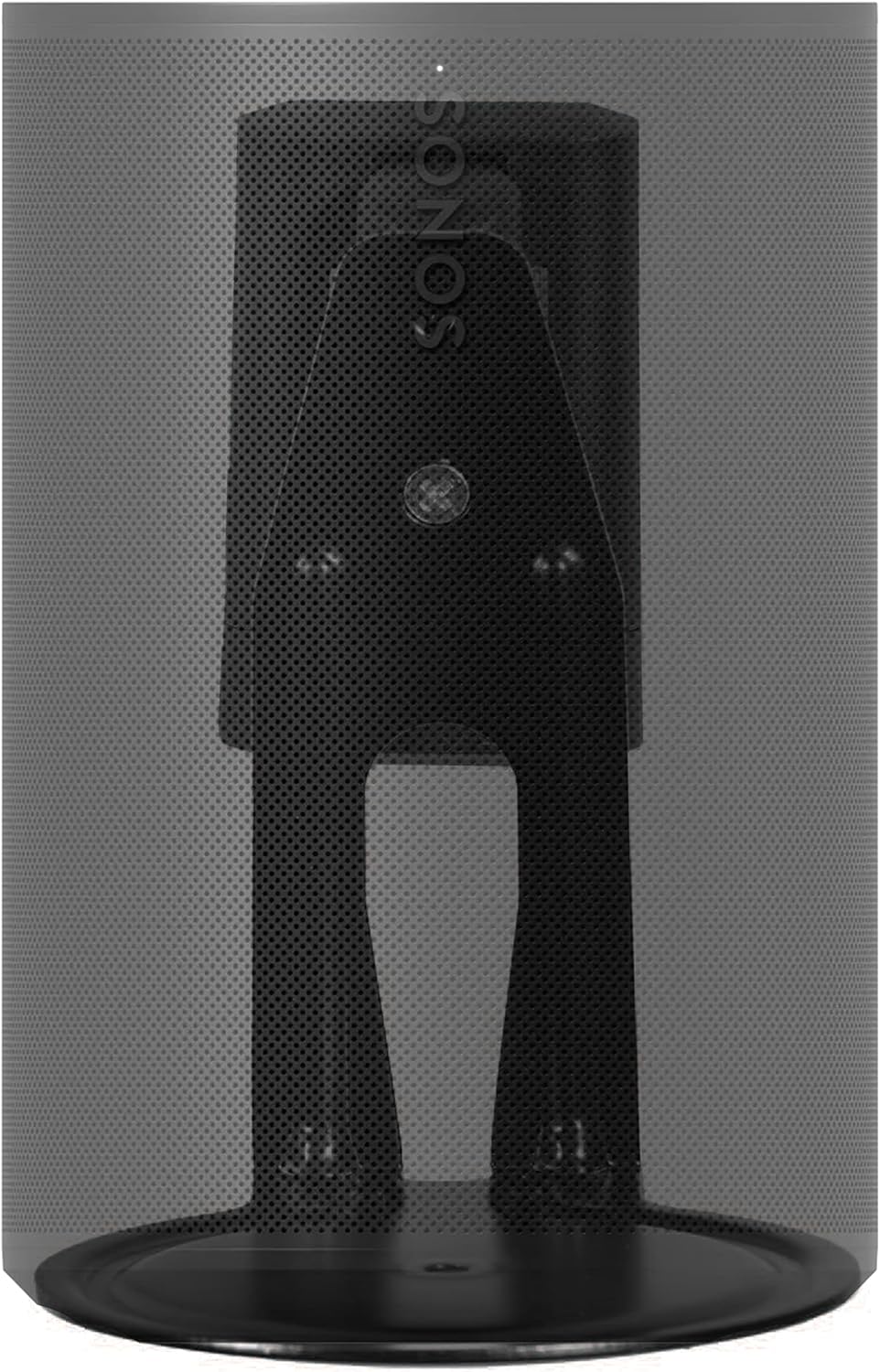
- Assemble Speaker Bracket: Attach the speaker bracket to the wall plate. Refer to the diagram below for visual guidance on how the bracket connects to the wall mount.
- 스피커 연결: Carefully align your Sonos Era 100 speaker with the bracket. The bottom threaded insert on the speaker will secure it to the mount. Ensure the speaker is firmly attached.
- 케이블 관리 : Route the speaker's power cable through the integrated cable management channels on the mount for a clean and organized appearance.


5. 작동 지침 (조정)
The Sanus Speaker Wall Mount allows for flexible positioning of your Sonos Era 100 speakers to optimize your audio experience.
- 기울기 조정: The speaker can be tilted 7 degrees upwards or 32 degrees downwards. Gently push or pull the speaker to achieve the desired vertical angle.
- 회전 조정: The speaker can be swiveled 72 degrees to the left or right. Rotate the speaker horizontally to direct sound as needed.
All adjustments are tool-free, allowing for easy fine-tuning of your speaker's direction.


6. 유지관리
To maintain the appearance and functionality of your speaker mounts:
- 부드럽고 마른 천으로 마운트를 닦으십시오. 연마성 세척제나 용제를 사용하지 마십시오.
- 모든 장착 나사와 연결부가 단단히 조여져 있는지 주기적으로 점검하십시오.
7. 문제 해결
If you encounter any issues with your speaker mounts, consider the following:
- 마운트가 느슨해진 느낌: Re-check and tighten all mounting screws on the wall plate and the speaker bracket. Ensure the wall material is appropriate for the chosen hardware.
- 적응의 어려움: Ensure no cables are obstructing the movement of the mount. Apply gentle, even pressure when adjusting tilt or swivel.
- Speaker not level: Verify that the wall plate was installed level. Minor adjustments can often be made by slightly loosening and re-tightening the bracket screws.
8. 사양
| 특징 | 세부 사항 |
|---|---|
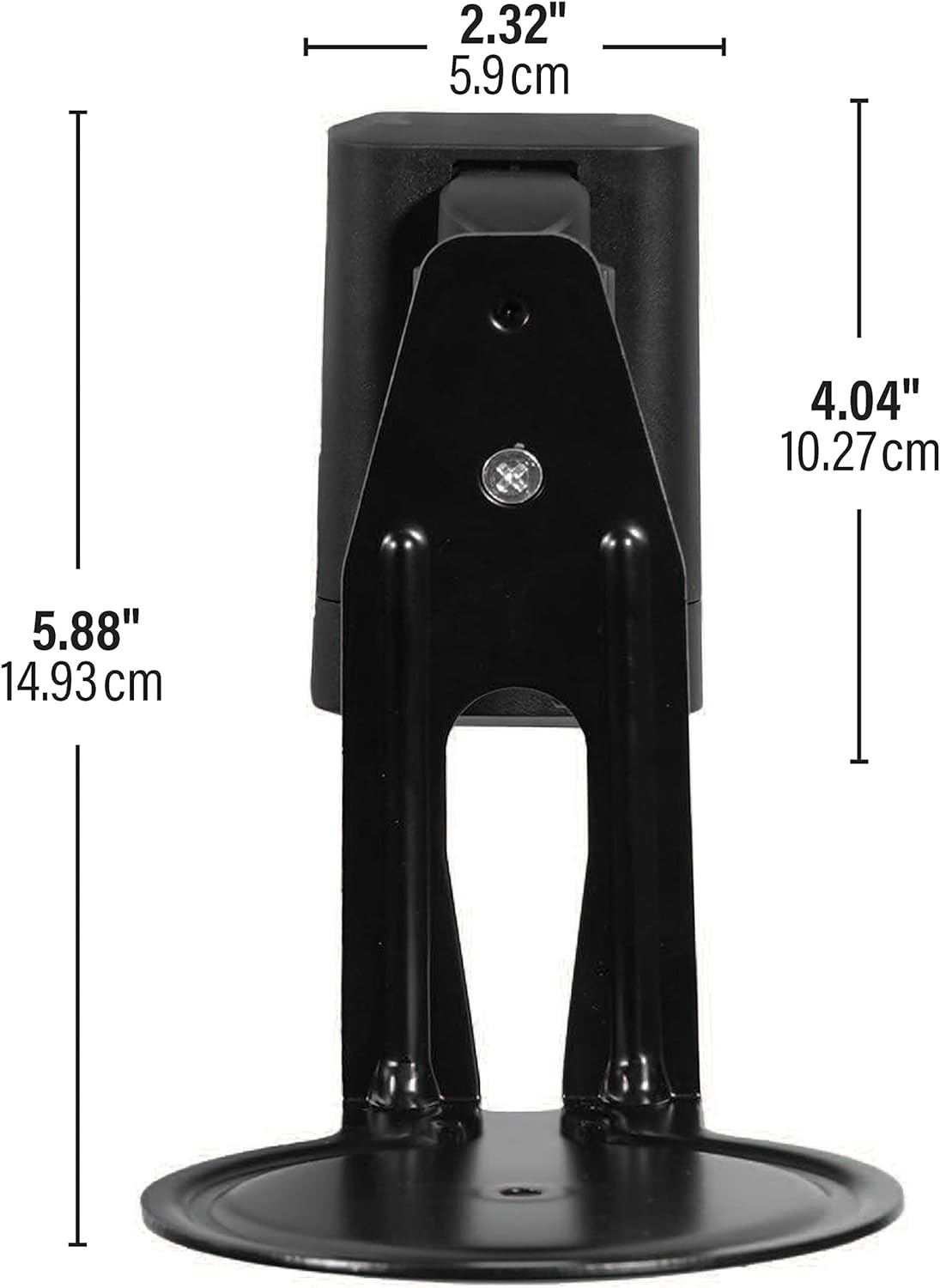
| 제품 치수 | 7.36 x 3.94 x 6.29인치(18.7 x 10 x 16cm) |
| 품목 무게 | 2.68파운드(1.22kg) |
| 모델 번호 | WSWME12 |
| 호환 장치 | Sonos Era 100 Speakers |
| 장착 유형 | 벽걸이형 |
| 색상 | 검은색 |
| 기울기 범위 | 7° Up / 32° Down |
| 스위블 범위 | 왼쪽 72도 / 오른쪽 72도 |
9. 보증 및 지원
Sanus products are designed and engineered in the U.S. with over 30 years of experience in audio-visual mounting solutions. This product comes with a limited warranty. For any questions, installation assistance, or troubleshooting, Sanus offers U.S.-based expert customer care available 7 days a week.
For support, please visit the official Sanus web사이트를 방문하거나 고객 서비스에 직접 문의하세요.