
소개
The Beats Studio Buds + are true wireless noise-cancelling earbuds designed to deliver an immersive audio experience with enhanced compatibility for both Apple and Android devices. This manual provides essential information for setting up, operating, maintaining, and troubleshooting your earbuds.
상자 안에 무엇이 들어있나요?
- Beats Studio Buds + 이어버드
- 휴대하기 편리한 충전 케이스
- Eartips (four size options: XS, S, M, L)
- USB-C to USB-C 충전 케이블
- 사용자 설명서
설정
이어폰 충전하기
The Beats Studio Buds + provide up to 9 hours of listening time on a single charge, extending to 36 hours with the charging case. Ensure the case and earbuds are fully charged before first use. Use the provided USB-C to USB-C cable to charge the case.

The Beats Studio Buds + and charging case offer up to 36 hours of combined battery life. Charge the case using the included USB-C cable.
장치와 페어링
For Apple devices, open the charging case near your iPhone or iPad and follow the on-screen prompts for one-touch pairing. For Android devices, download the Beats app and enable Fast Pair to connect your earbuds.
당신에게 맞는 것을 찾으세요
Achieving a proper fit is crucial for optimal sound quality and effective noise cancellation. The Beats Studio Buds + come with four sizes of silicone ear tips (XS, S, M, L). Select the size that provides a comfortable and secure seal in your ear. Insert the earbud and gently rotate it downwards until it feels snug.

Select the appropriate ear tip size and insert the earbud, rotating it downwards for a secure and acoustically sealed fit.
운영
기기 내 컨트롤
The Beats Studio Buds + feature on-device controls for managing calls and music playback. A single press typically plays/pauses music or answers a call. Double-pressing skips forward, and triple-pressing skips backward. Press and hold to switch between Active Noise Cancelling and Transparency modes, or to activate your voice assistant.
Utilize the on-device controls for music playback, call management, and switching listening modes.
능동 소음 제거(ANC) 및 투명 모드
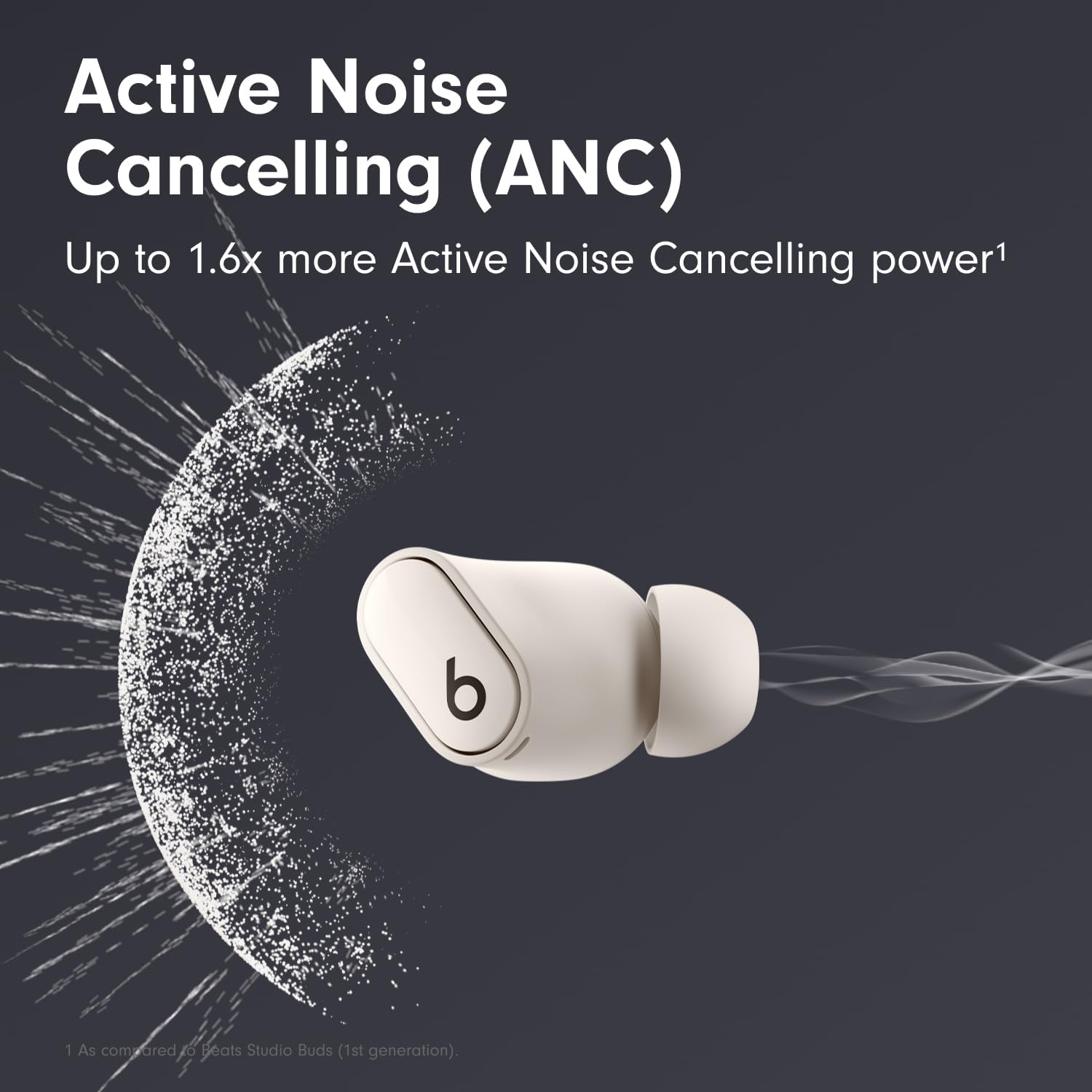
Active Noise Cancelling (ANC) blocks external sounds for an immersive listening experience. Transparency mode allows you to hear your surroundings while still enjoying your audio. Switch between these modes using the on-device controls.

Experience enhanced focus with Active Noise Cancelling, or stay aware of your environment with Transparency mode.
공간 오디오
Beats Studio Buds + support Spatial Audio for an immersive, theater-like listening experience. This feature requires compatible hardware, software, and content.

Spatial Audio provides an immersive listening experience with compatible content.
전화 걸기
The earbuds feature voice-targeting microphones designed to filter background noise, ensuring clear call performance.
유지
청소
Regularly clean your earbuds and charging case with a soft, dry, lint-free cloth. Avoid using abrasive materials or harsh chemicals. Ensure the charging contacts are free of debris.
방수성
The Beats Studio Buds + are IPX4-rated sweat and water resistant, making them suitable for workouts and light rain. They are not designed for swimming or showering and should not be submerged in water.
문제 해결
소리 또는 연결 문제 없음
If you experience no sound or connection issues, ensure the earbuds are charged and within Bluetooth range of your device. Try resetting the earbuds by placing them in the charging case, closing the lid for 10 seconds, then reopening.
Poor Fit or Sound Quality
If sound quality is poor or Active Noise Cancelling is ineffective, ensure you have selected the correct ear tip size for a secure seal. Experiment with different sizes to find the best fit for your ears.
명세서
| 특징 | 세부 사항 |
|---|---|
| 모델 번호 | MQLJ3LL/A |
| 제품 치수 | 2.83 x 2.01 x 1 인치 |
| 품목 무게 | 2.89온스 (이어폰 및 케이스 포함) |
| 배터리 | 3 리튬 이온 배터리가 필요합니다 |
| 충전 시간 | 최대 36시간(충전 케이스 포함) |
| 상표 | 비트 |
| 색상 | 상아 |
| 귀 위치 | 귀에 |
| 폼 팩터 | In Ear, True Wireless |
| 임피던스 | 16옴 |
보증 및 지원
For detailed warranty information, product registration, and customer support, please visit the official Beats website or contact their customer service. It is recommended to retain your proof of purchase for warranty claims.