
아이조이 DHP2431
iJoy Disney Nightmare Before Christmas Sally Dress Bluetooth Headphones User Manual
Model: DHP2431 | Brand: iJoy
소개

영상: The iJoy Disney Nightmare Before Christmas Sally Dress Bluetooth Headphones, showcasin독특한 디자인을 가지고 있습니다.
Thank you for choosing the iJoy Disney Nightmare Before Christmas Sally Dress Bluetooth Headphones. These wireless over-ear headphones are designed to provide a rich audio experience with a unique Sally Dress design. They feature a built-in microphone for hands-free calling, a foldable design for portability, and versatile connectivity options. This manual will guide you through the setup, operation, and maintenance of your new headphones.
설정
1. 헤드폰 충전
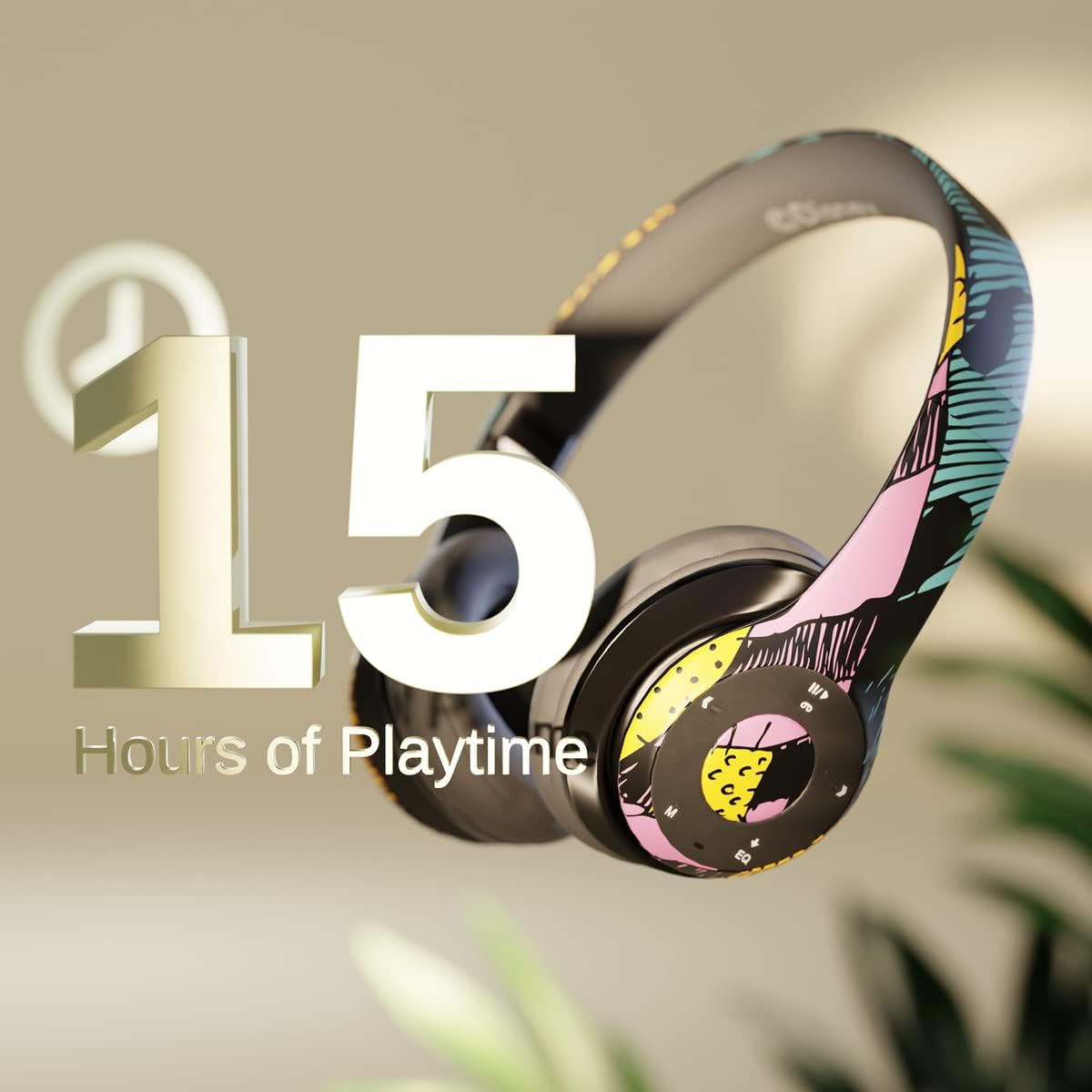
영상: Graphic indicating 15 hours of playtime for the headphones, highlighting battery endurance.
Before first use, fully charge your headphones. Connect the provided charging cable to the charging port on the headphones and a USB power source. The LED indicator will show charging status and turn off when fully charged. A full charge provides approximately 15 hours of battery life.
2. 블루투스 페어링

영상: The headphones with a graphic illustrating universal compatibility with both Apple and Android devices.
- 헤드폰이 꺼져 있는지 확인하십시오.
- LED 표시등이 파란색과 빨간색으로 깜박여 페어링 모드를 나타낼 때까지 전원 버튼을 길게 누릅니다.
- On your Bluetooth-enabled device (smartphone, tablet, computer), go to Bluetooth settings and search for available devices.
- Select "iJoy DHP2431" (or similar name) from the list.
- 연결되면 LED 표시등이 파란색으로 천천히 깜박입니다.
3. Using the Auxiliary Cable
For a wired connection, plug one end of the 3.5mm auxiliary cable into the headphone's audio jack and the other end into your audio device. This allows for continued listening even if the battery is depleted.
4. 마이크로 SD 카드 재생
Insert a Micro SD card with your favorite music into the designated slot on the headphones. The headphones will automatically switch to Micro SD card playback mode. Use the control buttons to manage your music.
작동 지침
전원 켜기/끄기
- 전원을 켜려면: LED 표시등이 켜질 때까지 전원 버튼을 길게 누릅니다.
- 전원을 끄려면: LED 표시등이 꺼질 때까지 전원 버튼을 길게 누르세요.
5-Button Control System
The headphones feature a convenient 5-button control system located on the ear cup for easy management of audio and calls.

영상: 상세한 view of the 5-button control panel on the headphone ear cup, indicating functions for volume, track navigation, equalizer, and call management.
- Play/Pause/Answer/Hang-up: Press the center button to play or pause music, or to answer/end a phone call.
- 볼륨 높이기 / 다음 트랙: '+' 버튼을 눌러 볼륨을 높이세요. '+' 버튼을 길게 누르면 다음 곡으로 넘어갑니다.
- 볼륨 낮추기 / 이전 트랙: '-' 버튼을 누르면 볼륨이 줄어듭니다. '-' 버튼을 길게 누르면 이전 트랙으로 이동합니다.
- 이퀄라이저 : Press the 'EQ' button to cycle through different equalizer presets.
- 모드 선택기: Press the 'M' button to switch between Bluetooth, Micro SD card, and FM Radio modes.
핸즈프리 통화
With the built-in microphone, you can make and receive calls directly through your headphones when connected via Bluetooth to your smartphone. Use the center button to answer or end calls.
내장 라디오 수신기
Switch to FM Radio mode using the 'M' button. The headphones will automatically scan and tune into available radio stations. Use the track navigation buttons to change stations.
접이식 디자인

영상: The headphones are shown in their folded configuration, highlighting their compact and portable design for easy storage and transport.
The headphones feature a foldable design, allowing for easy storage and portability. Simply fold the ear cups inwards towards the headband to reduce their size for travel or storage in a backpack.
Noise Canceling Design

영상: 폭발 view of the headphone's ear cup, illustrating the internal speaker components and the connection point for the auxiliary cable, emphasizing the noise-canceling technology.
The over-ear cup design helps to isolate audio, providing a more immersive listening experience by reducing external noise interference.
유지
- 청소: 부드럽고 마른 천으로 헤드폰을 닦으세요. 연마성 세제나 용제는 사용하지 마세요.
- 저장: 사용하지 않을 때는 헤드폰을 서늘하고 건조한 곳에 보관하십시오. 접이식 디자인 덕분에 공간을 적게 차지하여 보관할 수 있습니다.
- 배터리 관리 : 배터리 수명을 연장하려면 헤드폰을 자주 완전히 방전시키지 마세요. 계속 사용하지 않더라도 정기적으로 충전하세요.
- 방수 기능: 이 헤드폰은 방수 기능이 없습니다. 액체에 노출되지 않도록 하십시오.
문제 해결
- 전원 없음: 헤드폰이 완전히 충전되었는지 확인하세요. 전원에 연결하고 충전 표시등을 확인하세요.
- Bluetooth를 통해 페어링할 수 없습니다.
- 헤드폰이 페어링 모드인지 확인하십시오(LED가 파란색과 빨간색으로 깜빡임).
- 기기에서 블루투스가 활성화되어 있고 블루투스 범위(일반적으로 10미터) 내에 있는지 확인하세요.
- 휴대폰의 Bluetooth 목록에서 해당 기기를 삭제하고 다시 페어링을 시도해 보세요.
- 헤드폰과 기기를 다시 시작하세요.
- 소리 없음:
- 헤드폰과 연결된 기기의 볼륨 레벨을 확인하세요.
- Ensure the headphones are properly connected via Bluetooth or auxiliary cable.
- If using an SD card, ensure the audio file는 호환되는 형식입니다.
- 나쁜 음질:
- 간섭을 피하려면 블루투스 기기에 더 가까이 이동하세요.
- 오디오 소스에 품질 문제가 있는지 확인하세요.
- Ensure the ear cups are properly positioned over your ears for optimal sound isolation.
명세서
| 모델명 | 디피2431 |
| 연결 기술 | 무선(블루투스) |
| 무선 통신 기술 | 블루투스 |
| 포함된 구성 요소 | Headphones, Charging Cable, Auxiliary Cable |
| 연령대 (설명) | Adult (suitable for kids) |
| 재료 | Plastic, Metal, Fabric, Memory Foam |
| 제품의 권장 용도 | 음악, 전화 |
| 호환 장치 | 블루투스 지원 기기 |
| 제어 유형 | Volume Control, Track Navigation, Equalizer, Mode Selector |
| 케이블 기능 | Retractable, Without Cable (for wireless use) |
| 품목 무게 | 0.26킬로그램(9.1온스) |
| 방수 레벨 | 방수가 되지 않음 |
| 스타일 | Sally Dress |
| 제어 방법 | 단추 |
| 항목 수 | 1 |
| 배터리 수명 | 15시간 |
| 오디오 드라이버 유형 | 동적 드라이버 |
| 이어피스 모양 | 오버이어 |
| 하드웨어 인터페이스 | 3.5mm 오디오 |
| 한국어: | 842700197150 |
| 특징 | Built-in Radio Receiver, Foldable and Adjustable headband, Micro SD Card Plug-in, Microphone Included |
| 제조업체 | 아이조이 |
| 패키지 크기 | 6.57 x 6.1 x 3.19 인치 |
| 배터리 | 1개의 리튬 폴리머 배터리 필요(포함) |
보증
iJoy는 다음을 제공합니다. 6개월 교환 보증 for these headphones. If your headset breaks or is damaged for any reason within this period, iJoy will provide you with a free replacement.
지원하다
For further assistance, troubleshooting, or warranty claims, please contact iJoy customer support. You can often find contact information on the product packaging or by visiting the official iJoy web대지.
제품 비디오
iJoy Disney Nightmare Before Christmas Headphones Overview
동영상: 공식 제품 영상 쇼asing the iJoy Disney Nightmare Before Christmas Headphones, highlighting their design and features.
Ask a question about this manual
Ask about setup, troubleshooting, compatibility, parts, safety, or missing instructions. Manuals+ will review the question and use this page’s manual context to help answer it.