
Techkey Black-5.3-1
Techkey 장거리 USB 블루투스 5.3 어댑터 사용 설명서
Model: Black-5.3-1
1. 서론
The Techkey Long Range USB Bluetooth 5.3 Adapter is designed to provide seamless wireless connectivity for your desktop PC. Utilizing the latest Bluetooth 5.3+EDR technology, this adapter ensures low energy consumption, high speed, and enhanced anti-interference capabilities. It allows you to connect multiple Bluetooth devices simultaneously, extending your wireless range up to 328 feet (100 meters) in open areas.
This manual will guide you through the setup, operation, and troubleshooting of your new Bluetooth adapter.
2. 패키지 내용
- 1 x Techkey Long Range USB Bluetooth 5.3 Adapter
- 1 x 사용자 설명서
3. 제품 오버view
The Techkey Bluetooth 5.3 Adapter features a compact USB design with an external antenna for extended range. The antenna is rotatable, offering flexibility in positioning for optimal signal reception.

Image: The Techkey USB Bluetooth 5.3 Adapter, showing its compact USB form factor and the adjustable external antenna.

이미지: 장점을 강조하는 비교 차트tages of Bluetooth 5.3+EDR technology, including faster response, better anti-interference, and extended range compared to older Bluetooth versions.
4. 시스템 요구 사항
This Bluetooth adapter is compatible with the following operating systems:
- 윈도우 11
- 윈도우 10
- 윈도우 8.1
메모: 이 어댑터는 아니다 compatible with Mac OS, Linux, car stereo systems, XBOX, PS4, or TVs.

Image: Visual representation showing compatibility with Windows 8.1, Windows 10, and Windows 11 operating systems.
5. 설정 및 설치
The Techkey Bluetooth 5.3 Adapter is designed for plug-and-play functionality, requiring no driver installation on supported Windows systems.
5.1. 초기 설정
- 기존 블루투스 기능을 비활성화합니다(해당되는 경우). If your computer has a built-in Bluetooth adapter, it is recommended to disable it before installing the Techkey adapter to avoid conflicts. You can usually do this through Windows Device Manager or Bluetooth settings.
- 어댑터를 연결하십시오: Insert the USB Bluetooth 5.3 adapter into an available USB port on your desktop PC.
- 자동 인식: Your Windows operating system (11/10/8.1) should automatically detect and configure the adapter. No manual driver installation is typically required.

Image: A visual demonstrating the simple plug-and-play installation of the Bluetooth adapter into a desktop computer, showing the adapter's antenna extended.
5.2. Driver Installation (If Needed)
While the adapter is generally plug-and-play, in rare cases, if Windows does not automatically install the necessary drivers or if you experience connectivity issues, you may need to manually install them. The product typically comes with a mini-CD containing drivers and useful information. Alternatively, you can visit the Techkey official support web해당 모델에 맞는 최신 드라이버를 다운로드할 수 있는 사이트입니다.
6. 사용 설명서
6.1. 블루투스 장치 연결하기
- 블루투스 활성화: Once the adapter is installed, go to Windows Settings > Devices > Bluetooth & other devices. Ensure Bluetooth is toggled "On".
- 장치를 추가하다: Click on "Add Bluetooth or other device" and select "Bluetooth".
- 페어링 모드 : Put your Bluetooth device (e.g., headphones, mouse, keyboard, speaker, printer) into pairing mode. Refer to your device's user manual for specific instructions on how to do this (often indicated by a flashing LED).
- 선택 및 연결: Your PC will scan for available Bluetooth devices. Select your device from the list and follow any on-screen prompts to complete the pairing process.

Image: An illustration depicting the adapter's capability to connect up to five different Bluetooth devices simultaneously, including printers, phones, headphones, mice, and speakers.
6.2. Simultaneous Connections and Performance
The adapter supports simultaneous connection of up to 5 Bluetooth devices. Thanks to EDR technology and Bluetooth Low Energy (BLE) configuration, it achieves a transmission rate of up to 3Mbps, ensuring fast and stable wireless data connections without significant delay.
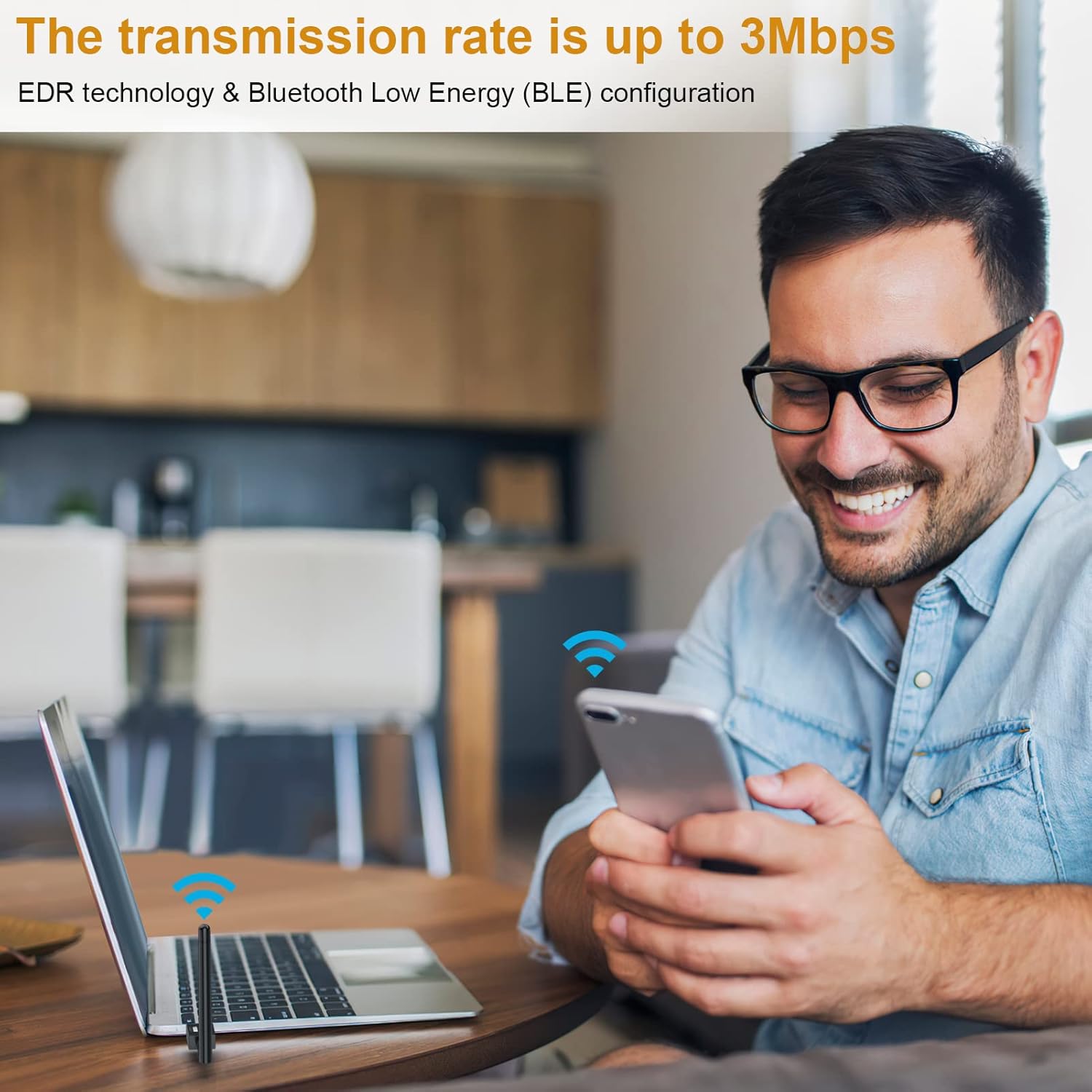
Image: A user enjoying wireless connectivity with their laptop, illustrating the high transmission rate of up to 3Mbps provided by the Bluetooth adapter.
6.3. 확장 범위
Equipped with Class 1 radio technology and an extra-long antenna, the adapter offers an impressive transmission range of up to 328 feet (100 meters) in open areas. This significantly reduces the impact of distance on your Bluetooth connections.
메모: Actual transmission range may vary and can be affected by physical obstructions (walls, furniture) and wireless interference from other devices.

Image: A diagram showing the wide coverage area of the Bluetooth adapter within a multi-room environment, emphasizing its long-range capabilities.
6.4. 제품 시연 영상
Video: An official product video demonstrating the plug-and-play functionality, simultaneous device connection, and extended range of the Techkey Bluetooth 5.3 Adapter.
7. 유지관리
The Techkey Bluetooth adapter requires minimal maintenance. Keep the adapter clean and free from dust. If the adapter feels warm during extended use, this is normal and generally not a cause for concern. Ensure the antenna is not obstructed for optimal performance.
- 청소: Use a soft, dry cloth to wipe the adapter. Do not use liquid cleaners.
- 저장: 장시간 사용하지 않을 경우 어댑터의 플러그를 뽑아 시원하고 건조한 곳에 보관하세요.
8. 문제 해결
| 문제 | 가능한 원인 | 해결책 |
|---|---|---|
| Adapter not recognized / Bluetooth not appearing |
|
|
| Frequent disconnections or unstable connection |
|
|
| Sound cutting out (especially with headphones) |
|
|
| Cannot connect to specific device |
|
|
9. 사양
| 특징 | 세부 사항 |
|---|---|
| 상표 | 테크키 |
| 모델 번호 | Black-5.3-1 |
| 블루투스 버전 | 5.3 + EDR(향상된 데이터 전송 속도) |
| 호환성 | Bluetooth 5.2/4.2/4.2 LE/4.0/2.1+EDR |
| 지원되는 OS | 윈도우 11/10/8.1 |
| 전송 범위 | 최대 328피트/100미터(개방된 공간 기준) |
| 데이터 전송 속도 | 최대 3Mbps |
| 하드웨어 인터페이스 | 블루투스, USB |
| 제품 치수 | 3.74 x 0.67 x 4.29 인치 |
| 품목 무게 | 1.76 온스 |
| 지원 장치 | Bluetooth speakers, keyboards, headsets, mice, Bluetooth printers, etc. |
10. 보증 및 지원
Techkey products are designed for reliability and performance. For warranty information, technical support, or any inquiries regarding your Bluetooth adapter, please refer to the contact information provided with your product packaging or visit the official Techkey support website. Please have your model number (Black-5.3-1) and purchase details ready when contacting support.
Ask a question about this manual
Ask about setup, troubleshooting, compatibility, parts, safety, or missing instructions. Manuals+ will review the question and use this page’s manual context to help answer it.