
1. 제품 오버view
The Ciays Automatic Pet Feeder (Model CIPS07W-5) is designed to provide scheduled and portion-controlled meals for your pets. This feeder helps establish consistent feeding routines, supports weight management, and offers convenience for pet owners. It features a 5.6-liter capacity, allowing for multiple days of feeding, and includes a voice recording function to call your pet to meals.
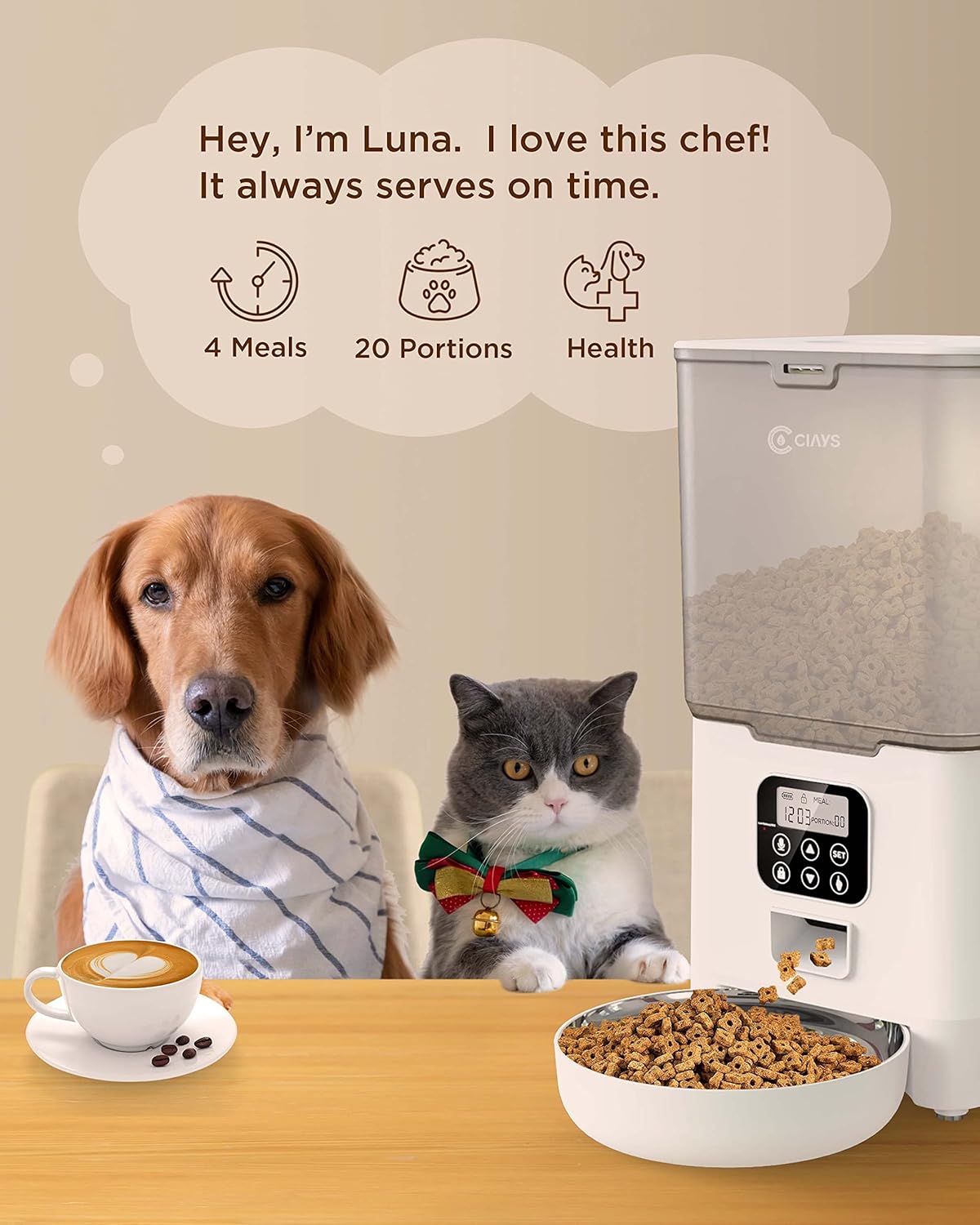
Image 1.1: Ciays Automatic Pet Feeder in use, highlighting its core functionalities.
주요 특징:
- Personalized Feeding Schedules: Program up to 4 meals per day with adjustable portions (1-20 portions, approximately 5g per portion).
- 사료 호환성: Suitable for dry pet food sizes between 2mm and 10mm.
- 이중 전원 공급 장치: Operates via AC adapter or 3 D-cell batteries (not included) for up to 45 days of backup power.
- 음성 녹음기: Record a 10-second personalized message to alert your pet at meal times.
- 안전한 설계: Features a lid-locking mechanism to prevent pets from accessing food.
- 간편한 청소: Includes a dishwasher-safe stainless steel food bowl.
- 투명한 식품 용기: 사료량을 쉽게 확인할 수 있습니다.
2. 제품 구성품
Before setting up your feeder, ensure all components are present and undamaged. The package should contain the following items:
- 자동 애완동물 급식 장치
- 스테인레스 스틸 식품 그릇
- AC 전원 어댑터
- USB 전원 케이블
- 제습제 패킷
- 사용 설명서 (본 문서)
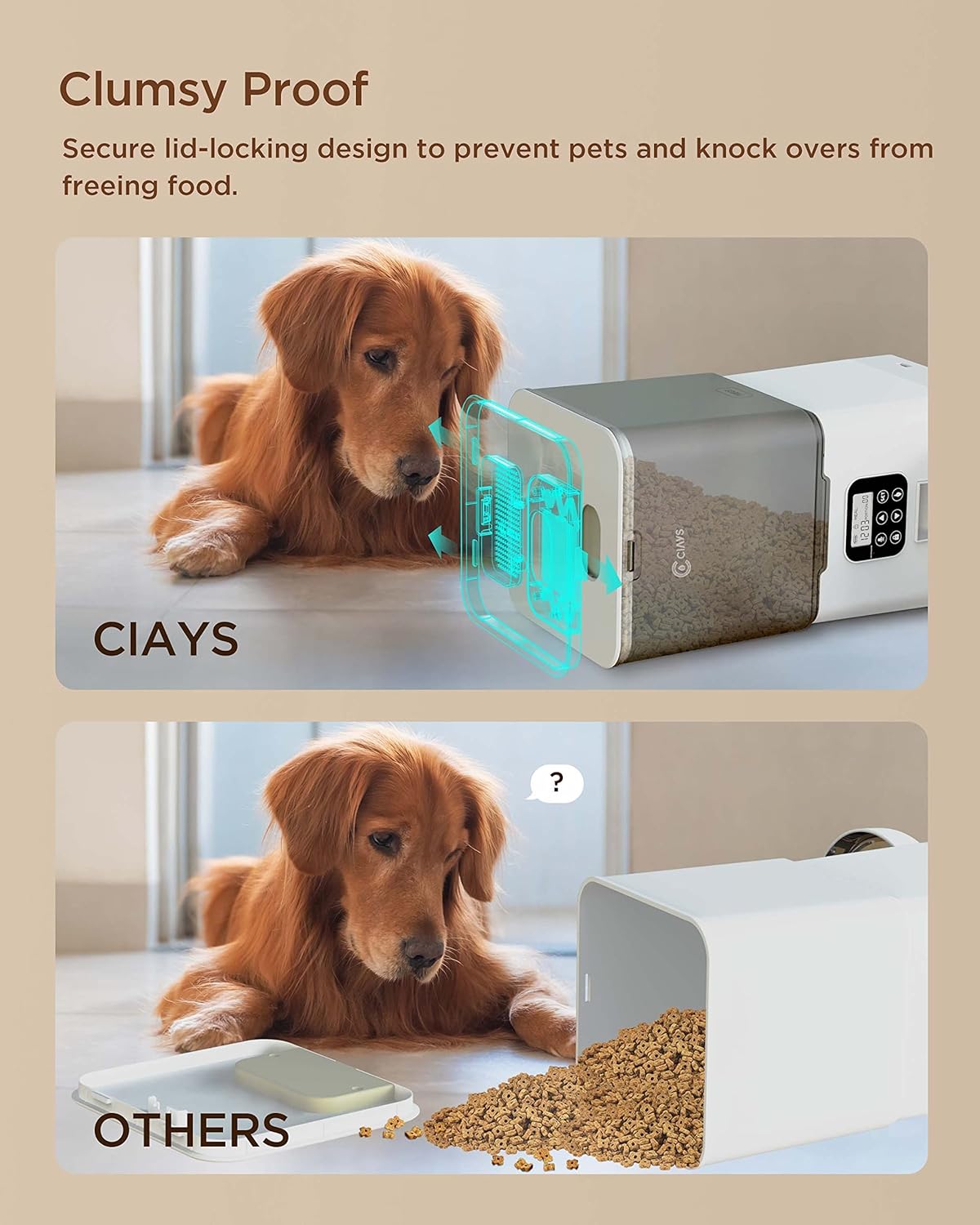
Image 2.1: Contents of the Ciays Automatic Pet Feeder package.
3. 설정 지침
3.1 포장 풀기 및 조립
- 포장에서 모든 구성 요소를 조심스럽게 제거합니다.
- 본체 급식기를 평평하고 안정적인 표면에 놓으십시오.
- Attach the stainless steel food bowl to the designated slot at the base of the feeder. Ensure it is securely seated.
3.2 피더 전원 공급
The feeder can be powered by an AC adapter or D-cell batteries for backup.
- AC 전원: Connect the USB power cable to the feeder's power port and plug the AC adapter into a standard wall outlet.
- 배터리 백업(선택 사항): 외출 중 백업 전원용tages, open the battery compartment at the bottom of the feeder and insert 3 D-cell batteries (not included), ensuring correct polarity. The feeder will automatically switch to battery power if AC power is interrupted.

Image 3.1: Illustration of the feeder's backup power mode.
3.3 푸드 호퍼 채우기
- Open the lid of the food hopper. The lid features a secure locking design.
- Pour dry pet food into the hopper. Ensure the kibble size is between 2mm and 10mm to prevent dispensing issues.
- 뚜껑이 딸깍 소리가 날 때까지 단단히 닫으세요.
- Insert the desiccant packet into its designated slot under the lid to help keep food fresh.
4. 사용 설명서
4.1 제어판 이상view
The control panel is located on the front of the feeder. It consists of a display screen and several buttons for programming and manual control.

Image 4.1: Control Panel.
- 설정 버튼: 프로그래밍 모드로 진입하여 설정을 확인합니다.
- 위/아래 버튼: Adjust values (time, portions, meal numbers).
- Record Button (Microphone Icon): Records and plays voice messages.
- Manual Feed Button (Paw Icon): Dispenses one portion manually.
- 잠금 버튼(자물쇠 아이콘): 제어판을 잠그거나 잠금 해제합니다.
4.2 현재 시간 설정
- 를 누르고 계세요 세트 button for 3 seconds until the hour digit flashes.
- 사용하세요 위/아래 버튼으로 시간을 조정합니다.
- 누르다 세트 시간을 확인하고 분 설정으로 이동합니다.
- 사용하세요 위/아래 분을 조정하는 버튼.
- 누르다 세트 현재 시간을 저장하기 위해.
4.3 식사 일정 프로그래밍
피더는 하루에 최대 4끼를 지원합니다.
- 를 누르세요 세트 button once to enter meal programming mode. The display will show "Meal 1".
- 사용하세요 위/아래 buttons to select the meal number (1-4) you wish to program.
- 누르다 세트. The hour digit for the selected meal will flash. Adjust the hour using 위/아래 버튼.
- 누르다 세트. The minute digit will flash. Adjust the minute using 위/아래 버튼.
- 누르다 세트. The portion number will flash. Adjust the number of portions (1-20) using 위/아래 버튼.
- 누르다 세트 to save the settings for this meal.
- Repeat steps 2-6 for additional meals. To disable a meal, set its portion to 0.
4.4 음성 메시지 녹음
설정된 식사 시간마다 재생될 10초 분량의 음성 메시지를 녹음할 수 있습니다.
- 를 누르고 계세요 Record Button (Microphone Icon) 신호음이 들릴 때까지 3초 동안
- Speak your message clearly into the microphone. The recording will automatically stop after 10 seconds or when you release the button.
- To play back the recorded message, press the 녹화 버튼 한 번.

Image 4.2: Using the voice recording feature.
4.5 수동 급지
To dispense a single portion of food immediately:
- Ensure the control panel is unlocked (see section 4.6).
- 를 누르세요 Manual Feed Button (Paw Icon) once. One portion of food will be dispensed.
4.6 Locking/Unlocking Control Panel
To prevent accidental changes to settings or manual dispensing, the control panel can be locked.
- To lock the panel, press and hold the Lock Button (Padlock Icon) for 3 seconds. A lock icon will appear on the display.
- To unlock the panel, press and hold the 잠금 버튼 for 3 seconds again. The lock icon will disappear.
5. 유지관리
5.1 피더 청소
정기적인 청소는 사료 공급기의 위생과 정상적인 작동을 보장합니다.
- 스테인레스 스틸 그릇: The stainless steel food bowl is dishwasher safe for easy cleaning. Alternatively, wash it by hand with mild soap and water, then rinse thoroughly and dry.
- 주 공급 장치: 사료통 외부를 부드러운 천으로 닦아주세요.amp cloth. Do not submerge the main unit in water or wash it in a dishwasher, as this can damage electronic components.
- 푸드 호퍼: Periodically empty the food hopper and wipe the interior with a dry cloth to remove any food residue.

Image 5.1: Dishwasher-safe stainless steel bowl.
5.2 음식 보충
Monitor the transparent food container regularly. When the food level is low, refill the hopper following the steps in Section 3.3.
5.3 건조제 교체
The desiccant packet helps keep the dry food fresh. Replace it every 1-2 months, or as needed, especially in humid environments.

Image 5.2: Desiccant packet in the lid compartment.
6. 문제 해결
If you encounter issues with your Ciays Automatic Pet Feeder, refer to the following common problems and solutions:
| 문제 | 가능한 원인 | 해결책 |
|---|---|---|
| 급지기에서 음식이 나오지 않습니다. | 사료통이 비어 있습니다. Kibble size is too large or too small. Food chute is blocked. 제어판이 잠겨 있습니다. | 사료통을 다시 채우세요. Ensure kibble size is between 2mm and 10mm. Check and clear any blockages in the chute. Unlock the control panel (Section 4.6). |
| 뚜껑을 열고 닫기가 어렵습니다. | Lid mechanism is stiff or misaligned. | Ensure you are pressing the release tab firmly while lifting. Apply gentle, even pressure. Avoid forcing the lid. |
| Desiccant packet falls into food. | Desiccant compartment latch is not secure. | Ensure the desiccant compartment cover is firmly closed. If the latch is faulty, consider placing the desiccant in a small, breathable pouch directly in the hopper, ensuring it cannot be ingested by pets. |
| Control panel is unresponsive or display is off. | 전원이 없거나 배터리가 부족합니다. 제어판이 잠겨 있습니다. | Check AC power connection. If using batteries, replace them. Unlock the control panel (Section 4.6). |
| 음성 녹음이 불분명하거나 재생되지 않습니다. | 마이크가 가려졌습니다. 녹음 오류. | Ensure the microphone is clear of debris. Re-record the message, speaking clearly and close to the microphone. |
7. 사양
| 특징 | 세부 사항 |
|---|---|
| 모델 번호 | CIPS07W-5 |
| 용량 | 5.6리터 |
| 제품 크기(L x W x H) | 16 x 31.8 x 27.9cm |
| 품목 무게 | 1.38kg |
| 재료 | BPA-free Plastic, Stainless Steel (bowl) |
| 작동 모드 | 오토매틱 |
| 전원 공급 장치 | AC Adapter (USB), 3 x D-cell Batteries (backup, not included) |
| 식사 횟수 | 하루 최대 4개 |
| 분량 조절 | 1~20인분 (1인분당 약 5g) |
| Kibble Size Recommendation | 2mm - 10mm |
| 음성 녹음 | 10초 |
| 관리 지침 | Hand Wash Only (main unit), Dishwasher Safe (stainless steel bowl) |
| 대상 종 | Cat, Small to Medium Dogs |