
소개
This manual provides detailed instructions for the installation, operation, and maintenance of your Vortex Q21-5M Wi-Fi TV Light Strip. Please read this manual thoroughly before use to ensure proper functionality and safety.
The Vortex Q21-5M is a 5-meter USB-powered 5050RGBIC LED light strip designed for TV backlighting and ambient room lighting. It features multiple control options including a remote control, Tuya Wi-Fi APP, and voice control compatibility with Amazon Alexa, Google Assistant, and IFTTT. The light strip also includes music synchronization, a timer function, and dimming capabilities.
상자 안에 무엇이 들어있나요?
패키지에 모든 구성 요소가 들어 있는지 확인하세요.
- 1 x LED Light Strip (5 Meters)
- 1 x 원격 제어
- 1 x 전원 어댑터

Image: The main product image showing the LED light strip coiled, the remote control, the USB controller, and the power adapter, along with the product packaging.
설치 지침
- 표면 준비: Ensure the installation surface (e.g., back of TV, wall, ceiling) is clean, dry, and smooth for optimal adhesive performance.
- 구성 요소 연결:
- Connect the LED light strip to the USB controller. Ensure the arrows on both connectors align for proper connection.
- Connect the USB controller to the power adapter.
- 전원 어댑터를 표준 전기 콘센트에 연결하십시오.
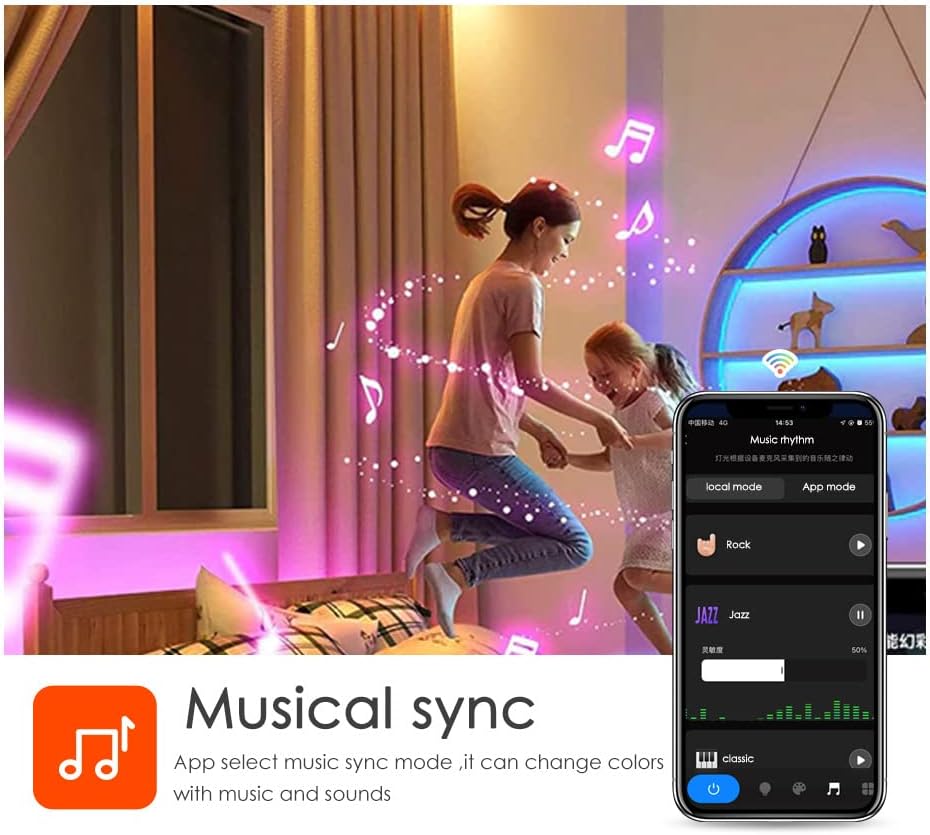
Image: A diagram illustrating the connection process between the LED strip and the USB controller, highlighting the importance of aligning the arrows on the connectors.
- Mount the Light Strip: Remove the adhesive backing from the LED strip and carefully press it onto the desired surface. Apply firm pressure for a few seconds to ensure a secure bond. The strip can be cut to length at designated marks if needed.

이미지: 상세 view of the LED strip highlighting its features: 5050 SMD LEDs for vibrant light, cuttable sections for length customization, a safe resistor for LED protection, an RGB 4PIN connector for the Tuya Wi-Fi controller, and super high adhesive backing.
- 전원 켜기: Once connected, the light strip should illuminate.
- Tuya Smart 앱을 다운로드하세요:
- 제품 포장에 제공된 QR 코드를 스캔하거나 다음 웹사이트를 방문하세요. https://smartapp.tuya.com/tuyasmart to download the Tuya Smart app.
- Tuya Smart 계정에 등록하거나 로그인하세요.
- Follow the in-app instructions to add your Vortex Q21-5M Wi-Fi TV Light Strip. Ensure your mobile device is connected to a 2.4GHz Wi-Fi network during the pairing process.
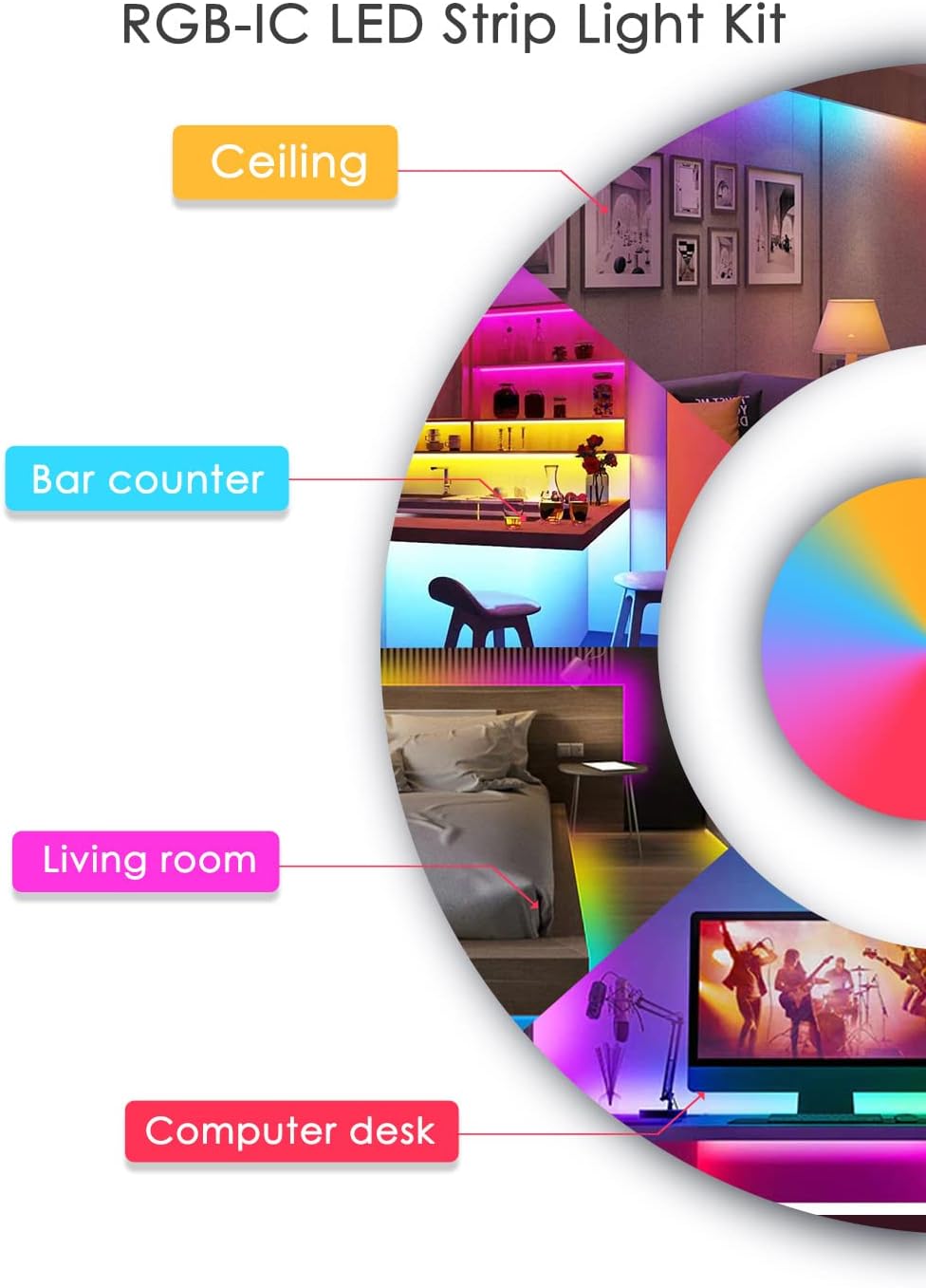
Image: Screenshots of the Tuya Smart app demonstrating various control modes: color adjustment, music synchronization, preset patterns, and timer settings.
작동 지침
제어 방법
- 원격 제어: Use the included remote control to power on/off, change colors, adjust brightness, and select preset modes. Refer to the remote's button layout for specific functions.
- 투야 스마트 앱: The Tuya Smart app offers comprehensive control over your light strip.
- 색상 사용자 정의: Select from a wide range of colors and adjust saturation.
- 장면 모드: Choose from various pre-programmed scene modes for different ambiances.
- 디밍 기능 : 원하는 대로 밝기 수준을 조정합니다.
- 타이머 기능: 조명이 자동으로 켜지거나 꺼지도록 일정을 설정합니다.
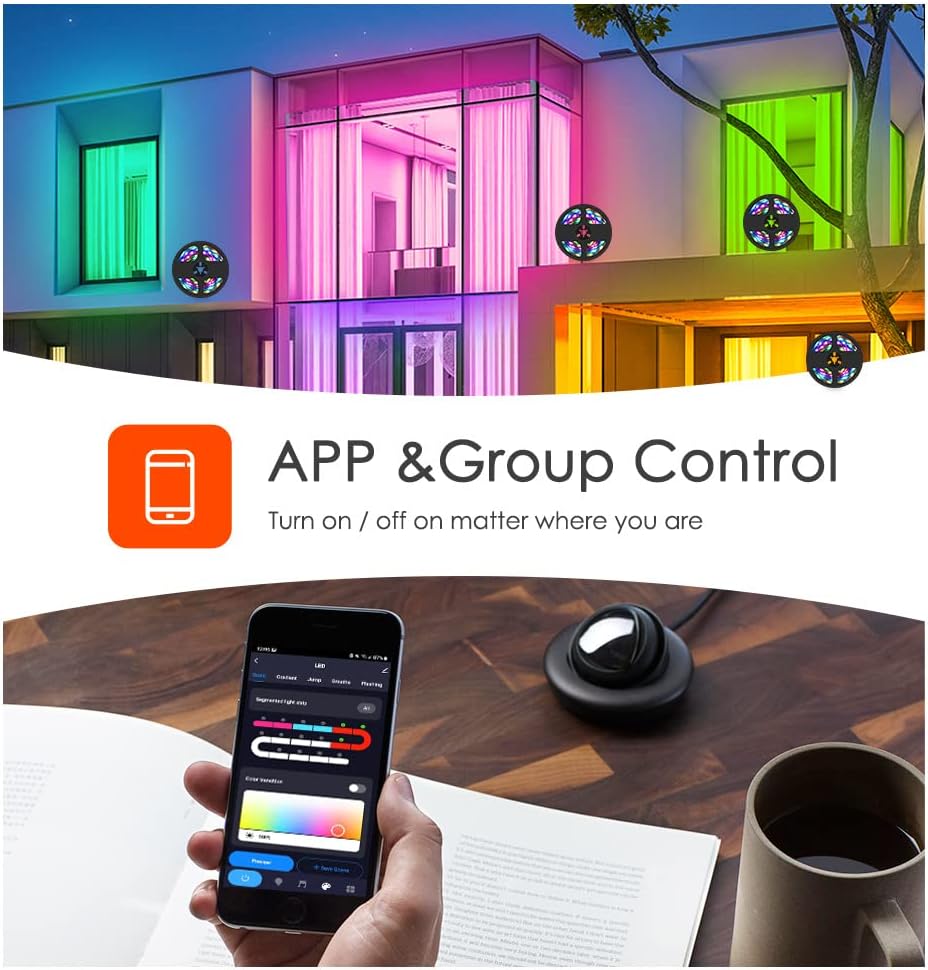
Image: A smartphone displaying the Tuya app, illustrating its capability for app and group control of lighting, allowing users to turn lights on/off remotely.
- 음성 제어: Integrate your light strip with smart voice assistants.
- 아마존 알렉사: Link your Tuya Smart account to Alexa via the Alexa app. Use commands like "Alexa, turn on the light."
- 구글 어시스턴트: Link your Tuya Smart account to Google Assistant via the Google Home app.
- IFTTT: Create custom automations with IFTTT (If This Then That) for advanced control.

Image: A family interacting with an Amazon Alexa device to control the lights, showcasing smart voice control integration with Amazon Alexa, Google Assistant, and IFTTT.
- 음악 동기화: The built-in microphone allows the light strip to sync with music, creating dynamic light shows that react to audio. This feature can be activated via the Tuya Smart app.

Image: Individuals enjoying a room illuminated by LED strip lights that are synchronizing with music, controlled through a smartphone application.
유지
- 청소: 먼지를 제거하려면 마른 부드러운 천으로 LED 스트립을 살살 닦아주세요. 액체 세척제나 연마성 재료는 사용하지 마세요.
- 점착제: If the adhesive weakens over time, use additional mounting clips or double-sided tape to secure the strip.
- 저장: If storing the light strip, ensure it is coiled loosely and kept in a dry, cool place away from direct sunlight.
문제 해결
| 문제 | 가능한 원인 | 해결책 |
|---|---|---|
| LED 조명이 켜지지 않습니다. | 전원이 안 들어옴, 연결 불량, 전원 어댑터 불량. | Check power source. Ensure all connections are secure, especially the arrow alignment between the strip and controller. Try a different USB power source. |
| Wi-Fi/앱에 연결할 수 없습니다. | Incorrect Wi-Fi band (not 2.4GHz), incorrect password, device too far from router. | Ensure your phone is on a 2.4GHz Wi-Fi network. Verify Wi-Fi password. Move the light strip closer to the router. Reset the light strip and try pairing again. |
| 색상이 잘못되었거나 일관성이 없습니다. | Loose connection, app settings. | Check the connection between the strip and controller for proper arrow alignment. Adjust color settings in the Tuya Smart app. |
| 리모컨이 작동하지 않습니다. | Battery depleted, obstruction, remote out of range. | Replace the remote control battery. Ensure no obstructions between the remote and the light strip's receiver. Move closer to the light strip. |
명세서
- 모델: Q21
- 길이: 5 미터
- LED 유형: 5050RGBIC
- 전원: USB 전원, 5V
- 제어 방법: Tuya Wi-Fi APP, Remote Control, Voice Control (Amazon Alexa, Google Assistant, IFTTT)
- 특별 기능: Music Sync, Timer Function, Dimming Function, Waterproof (strip only)
- 실내/실외 사용: 실내
- 재료: 플라스틱
- 품목 무게: 6.3 온스
공식 제품 영상
Vortex RGB LED LIGHT STRIPS
Video: This video demonstrates the various color modes and effects of the Vortex RGB LED Light Strips, showcasing their dynamic lighting capabilities and how they can enhance different environments.
Vortex Color Light Strips (5m)
Video: A demonstration of the Vortex 5-meter Color Light Strips, highlighting their vibrant color output and ease of use in various settings.
보증 및 지원
For warranty information and customer support, please refer to the contact details provided in your product packaging or visit the official Vortex web대지. 보증 청구를 위해 구매 영수증을 보관하십시오.
반품 정책: 이 제품은 구매일로부터 30일 이내에 환불 또는 교환이 가능합니다.
보호 계획: 추가 보장 플랜을 구매하실 수 있습니다.
- 3년 보증 플랜: 5.99달러(일회성)
- 4년 보증 플랜: 7.99달러(일회성)
- NEW Complete Protect: $16.99 (monthly, covers all eligible past and future purchases)