
Corel ESDVS2023PRML
Corel VideoStudio Pro 2023 사용자 설명서
Model: ESDVS2023PRML
1. Introduction to Corel VideoStudio Pro 2023
Corel VideoStudio Pro 2023 is an intuitive and feature-rich video editing software designed to help users transform their moments and experiences into compelling movies. It offers a comprehensive suite of tools for both beginners and experienced editors, enabling creative expression through video.
This manual provides detailed instructions on installing, operating, maintaining, and troubleshooting your Corel VideoStudio Pro 2023 software.

Figure 1: Corel VideoStudio Pro 2023 software packaging, illustrating the product's branding and primary visual identity.
2. 설정 및 설치
2.1 시스템 요구 사항
Before installing Corel VideoStudio Pro 2023, ensure your system meets the minimum requirements for optimal performance.
| 요소 | 최소 요구 사항 |
|---|---|
| 운영 체제 | 윈도우 11, 윈도우 10, 윈도우 8 (64비트만 지원) |
| 프로세서 | 일반 동영상 촬영에는 Core i3 또는 AMD A4 시리즈, HD 및 UHD 동영상 촬영에는 Intel Core i7 또는 AMD Athlon A10이 적합합니다. |
| 숫양 | 4GB 이상 (HD 및 UHD 동영상 시청 시 8GB 이상 강력 권장) |
| 그래픽 카드 | 최소 디스플레이 해상도: 1366 x 768; 하드웨어 가속을 위해서는 최소 512MB 이상의 VRAM을 권장합니다. |
| 사운드 카드 | Windows 호환 사운드 카드 |
| 하드 드라이브 공간 | 전체 설치를 위해서는 최소 6GB의 용량이 필요합니다. |
| 부속품 | DVD/AVCHD 디스크용 DVD 버너입니다. 블루레이 굽기에는 별도의 플러그인이 필요합니다. |
| 인터넷 연결 | Required for installation, registration, and online features |

Figure 2: Visual representation of the minimum system requirements for Corel VideoStudio Pro 2023.
2.2 설치 단계 (디지털 다운로드)
- 다운로드: Amazon 소프트웨어 라이브러리에서 제품을 다운로드하십시오.
- 일련번호 키: You will be prompted to enter a serial key. This can be found in 'Your Software Library' within your Amazon account (Go to Returns & Orders -> View 주문 상세 정보 -> View (고객님의 상품).
- 로그인/계정 생성: The first time you launch VideoStudio 2023, you will be asked to log in. You can either use your existing Corel user account or create a new one.
3. Operating Corel VideoStudio Pro 2023
Corel VideoStudio Pro 2023 offers a wide array of tools to create professional-looking videos. Below are key functionalities and how to utilize them.
3.1 Video Editing Suite
The software provides essential trimming and correcting tools to refine your footage. You can easily crop, trim, resize, and combine video clips to create a cohesive narrative. Utilize Instant Project Templates to jumpstart your projects and streamline the editing process.
3.2 화면 녹화 및 멀티캠 캡처
화면 녹화 및 캡처 webcam video simultaneously using the included MultiCam Capture 2.0 Lite software. This feature also supports recording dual screens at the same time, perfect for tutorials, gaming videos, or presentations. Enjoy synchronized audio and video with ease.

Figure 3: The MultiCam Capture 2.0 Lite interface, demonstrating the ability to capture webcam video and record screens simultaneously.
3.3 Titles and Transitions
Enhance your video storytelling with a variety of unique transitions, from basic fades to customizable effects. Introduce engaging titles and on-screen captions to highlight important scenes and provide context. You can create stylish titles and animate them with cool title effects.

Figure 4: The title creation interface within VideoStudio Pro, showing options for font, styles, border, shadow, backdrop, and motion for animated titles.
3.4 Creative Content and Effects
Add style and visual flair to your videos with hundreds of creative filters, overlays, and color transformation tools. Explore features like animated AR Stickers, Face Effects, and the GIF Creator to add playful moments and engage your audience. You can also evoke drama with motion and speed effects.

그림 5: example of color transformation and filter application in VideoStudio Pro, showcasing before and after effects on a subject's face.

Figure 6: A group of people with animated AR stickers and face effects applied, demonstrating the playful content creation features of VideoStudio Pro.

Figure 7: A video frame showing a skateboarder with motion blur, illustrating the application of motion and speed effects in VideoStudio Pro.
Combine multiple videos using Split Screen Templates to create dynamic visual layouts and easily produce smart movies and slideshows.
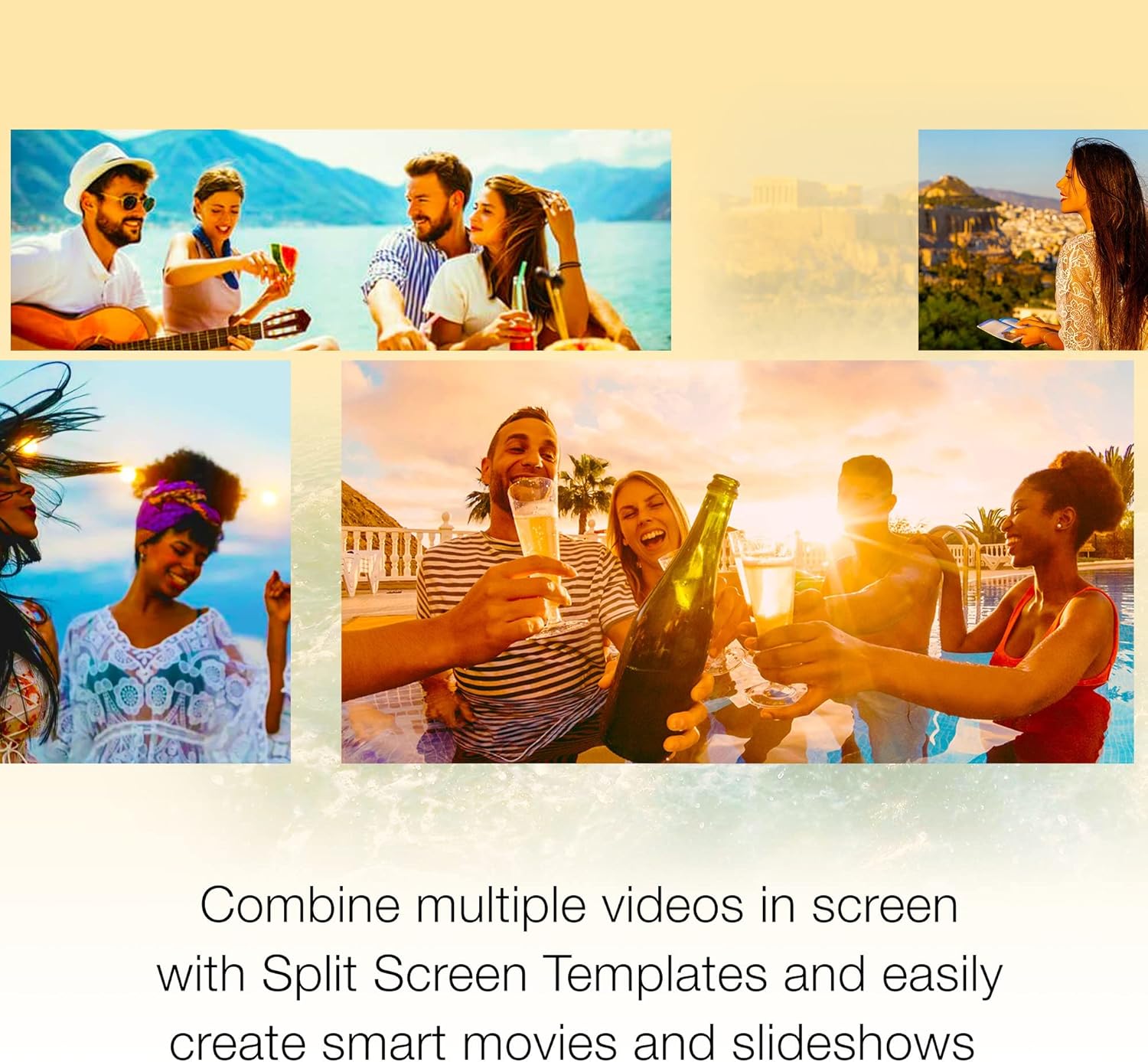
Figure 8: A collage of multiple video frames arranged using Split Screen Templates, showcasing the ability to combine various scenes into one view.
3.5 Audio Editor
Master your video's audio with advanced editing tools. Import your own music, utilize the royalty-free music library, clean background noise with Audio Ducking, or record your own narration using the built-in voiceover tools.

Figure 9: The audio editing interface in VideoStudio Pro, displaying options for selecting music categories, songs, and versions, with a user listening to audio.
3.6 내보내기 및 공유
Export your finished videos to popular formats and devices. Easily share your creations online, upload directly to platforms like YouTube, or burn them to a DVD using one of the 50+ customizable menus.
4. 유지관리
4.1 소프트웨어 업데이트
An internet connection is required for product updates. Regularly check for and install updates to ensure you have the latest features, bug fixes, and performance enhancements for Corel VideoStudio Pro 2023.
4.2 License Management
Corel VideoStudio Pro 2023 is a single-user license and cannot be installed on multiple PCs simultaneously. If you acquire a new computer and wish to reinstall the software, you must first log into your Corel user account and deactivate the license from the old computer. After deactivation, you can proceed with the installation on your new system.
5. 문제 해결
This section addresses common questions and issues you might encounter while using Corel VideoStudio Pro 2023.

Figure 10: A visual summary of common questions related to Corel VideoStudio Pro 2023.
5.1 자주 묻는 질문(FAQ)
- What is the difference between Pro and Ultimate?
VideoStudio Ultimate offers exclusive access to hundreds of premium effects and powerful features not found in the Pro version, including Color Grading, Mask Creator, Audio Cues, Face Indexing, custom Split Screen Video Templates, and 3D Titler. - Where can I find the serial key for my digital download?
Your serial key is located in 'Your Software Library' within your Amazon account. Navigate to 'Returns & Orders' -> 'View Order Details' -> 'View Your Item'. - Is VideoStudio available for Mac?
VideoStudio is native to Windows and is currently not supported for installation on Mac operating systems. - 제품을 사용하려면 활성 인터넷 연결이 필요합니까?
An Internet connection is required for product installation, registration, product updates, and some features. It is not required to run the core software after installation. - 일회성 구매인가요, 아니면 구독인가요?
이는 운영 체제, 장치 및 기술이 계속 지원하는 한 사용할 수 있는 일회성 구매입니다.
6. 사양
Detailed product specifications for Corel VideoStudio Pro 2023.
- 품목 모델 번호: ESDVS2023PRML
- ASIN: B0BW17HKB3
- 제조업체: 코렐
- 첫 번째 가능한 날짜: 21년 2023월 XNUMX일
- 지원되는 형식: 윈도우 8, 윈도우 10, 윈도우 11
7. 지원 및 리소스
For further assistance and learning, Corel VideoStudio Pro 2023 offers a vast library of resources:
- 학습 자료: Access project tutorials, feature explanations, and tips and tricks from the official Corel YouTube channel, the user guide, and web 가이드.
- 코렐 스토어: 방문하세요 아마존의 Corel 스토어 for product news and exclusive offers.
Ask a question about this manual
Ask about setup, troubleshooting, compatibility, parts, safety, or missing instructions. Manuals+ will review the question and use this page’s manual context to help answer it.