
1. 서론
Thank you for choosing the Pic Solution Literapid Wrist Blood Pressure Monitor. This device is designed for convenient and accurate measurement of blood pressure and pulse rate at the wrist. Regular monitoring can provide valuable information for managing your health. Please read this manual thoroughly before using the device to ensure correct operation and to understand all safety precautions.
This monitor is intended for adult use in a home environment. It is not intended to be a diagnostic device. Always consult your physician for interpretation of blood pressure measurements.
2. 안전 정보
중요한 보호 조치:
- Consult your physician before using this device if you have any medical conditions, especially if you have severe blood circulation problems, diabetes, or kidney disease.
- 이 기기는 유아, 어린이 또는 의사를 표현할 수 없는 사람에게 사용하지 마십시오.
- Do not use this device if you have a wound or injury on your wrist.
- 운동 직후, 목욕 직후, 또는 알코올이나 카페인을 섭취한 직후에는 측정을 피하십시오.
- 측정하기 전에 최소 5분간 휴식을 취하세요.
- 장치를 직접 수리하려고 시도하지 마십시오. 도움이 필요하면 고객 지원에 문의하세요.
- 기기를 어린이와 애완동물이 닿지 않는 곳에 보관하세요.
- Use only specified batteries. Do not mix old and new batteries or different types of batteries.
3. 제품 오버view
The Pic Solution Literapid Wrist Blood Pressure Monitor consists of the main unit with an integrated wrist cuff and an LCD display. It is designed for ease of use and portability.
3.1개의 구성요소
- 본체(모니터)
- Integrated Wrist Cuff
- LCD 디스플레이
- "MEM" Button (Memory)
- "START/STOP" Button
- 배터리 칸
- 보관 파우치
3.2 디스플레이 요소
The LCD display shows various indicators during and after measurement:
- Systolic Pressure (SYS)
- Diastolic Pressure (DIA)
- Pulse Rate (Pul/min)
- 날짜/시간
- 메모리 표시기
- 배터리 표시기
- 불규칙 심장 박동 표시기 (해당되는 경우)
- Cuff Wrap Guide (if applicable)

Figure 1: Close-up of the monitor's LCD display. It shows numerical readings for systolic and diastolic pressure, pulse rate, and a time stamp.

Figure 2: The Pic Solution Literapid Wrist Blood Pressure Monitor, removed from its packaging, showcasing the main unit and the attached wrist cuff.
4. 설정
4.1 배터리 설치
- 모니터 뒷면에 있는 배터리함 덮개를 찾으세요.
- 화살표 방향으로 덮개를 밀어서 빼냅니다.
- Insert two AAA batteries (included) according to the polarity markings (+ and -) inside the compartment.
- 배터리함 덮개를 딸깍 소리가 나면서 제자리에 고정될 때까지 다시 닫으십시오.
메모: If the battery indicator appears on the display, replace both batteries with new ones.
4.2 날짜 및 시간 설정
- With the device off, press and hold the "MEM" button for approximately 3 seconds until the year starts flashing.
- Press the "START/STOP" button to adjust the year. Press "MEM" to confirm and move to the month.
- 이 과정을 월, 일, 시, 분에 대해서도 반복하십시오.
- Once all settings are confirmed, the device will exit setting mode.
5. 운영
5.1 측정 준비
- 측정 전 30분 동안은 식사, 음주, 흡연, 운동, 목욕을 피하세요.
- Rest in a calm environment for at least 5 minutes before taking a reading.
- 등을 받치고 발을 바닥에 편평하게 대고 편안하게 앉으십시오.
- Place your arm on a table so that the monitor is at heart level.

Figure 3: Proper positioning for a wrist blood pressure measurement. The monitor is placed on the wrist, and the arm is supported at heart level.
5.2 손목 커프 적용
- 손목에 꽉 조이는 옷이나 액세서리를 벗으세요.
- Wrap the cuff around your left wrist, with the display facing upwards, approximately 1-2 cm from your palm.
- Ensure the cuff is snug but not too tight. There should be enough space to insert one finger between the cuff and your wrist.
5.3 측정하기
- "시작/정지" 버튼을 누르세요. 커프가 자동으로 팽창하기 시작합니다.
- 측정하는 동안에는 움직이지 않고 조용히 계십시오. 말하거나 팔을 움직이지 마십시오.
- 측정이 완료되면 커프의 공기가 빠지고 수축기 혈압, 이완기 혈압 및 맥박수가 화면에 표시됩니다.
- Press the "START/STOP" button again to turn off the device. If you do not turn it off, it will automatically power down after approximately 1 minute.
Rapid Tech Comfort Experience: This device utilizes Rapid Tech Comfort Experience technology, which measures during the inflation phase for faster and more comfortable readings.
5.4 메모리 기능
The device stores up to 60 measurements for two users (60x2 memories). To view 과거 측정:
- With the device off, press the "MEM" button. The most recent measurement will be displayed.
- Press the "MEM" button repeatedly to scroll through older measurements.
- The device also calculates the average of the last three consecutive measurements.
- To exit memory mode, press the "START/STOP" button or wait for automatic shutdown.

Figure 4: The monitor and its packaging, illustrating the 60x2 memory capacity and the average of the last 3 consecutive measurements feature.
6. 유지관리
6.1 청소
- 모니터와 커프스를 부드럽고 마른 천으로 닦아주세요.
- 필요한 경우 가볍게 천을 사용하십시오.amp물이나 순한 세제를 사용하여 세척하세요.
- 연마성 세척제, 용제를 사용하거나 기기를 물에 담그지 마십시오.
6.2 보관
- 사용하지 않을 때는 기기를 보호 파우치에 넣어 보관하십시오.
- 기기를 서늘하고 건조한 곳에 보관하고 직사광선, 극한의 온도, 습도를 피하세요.
- 장기간 기기를 사용하지 않을 경우 배터리를 제거하세요.
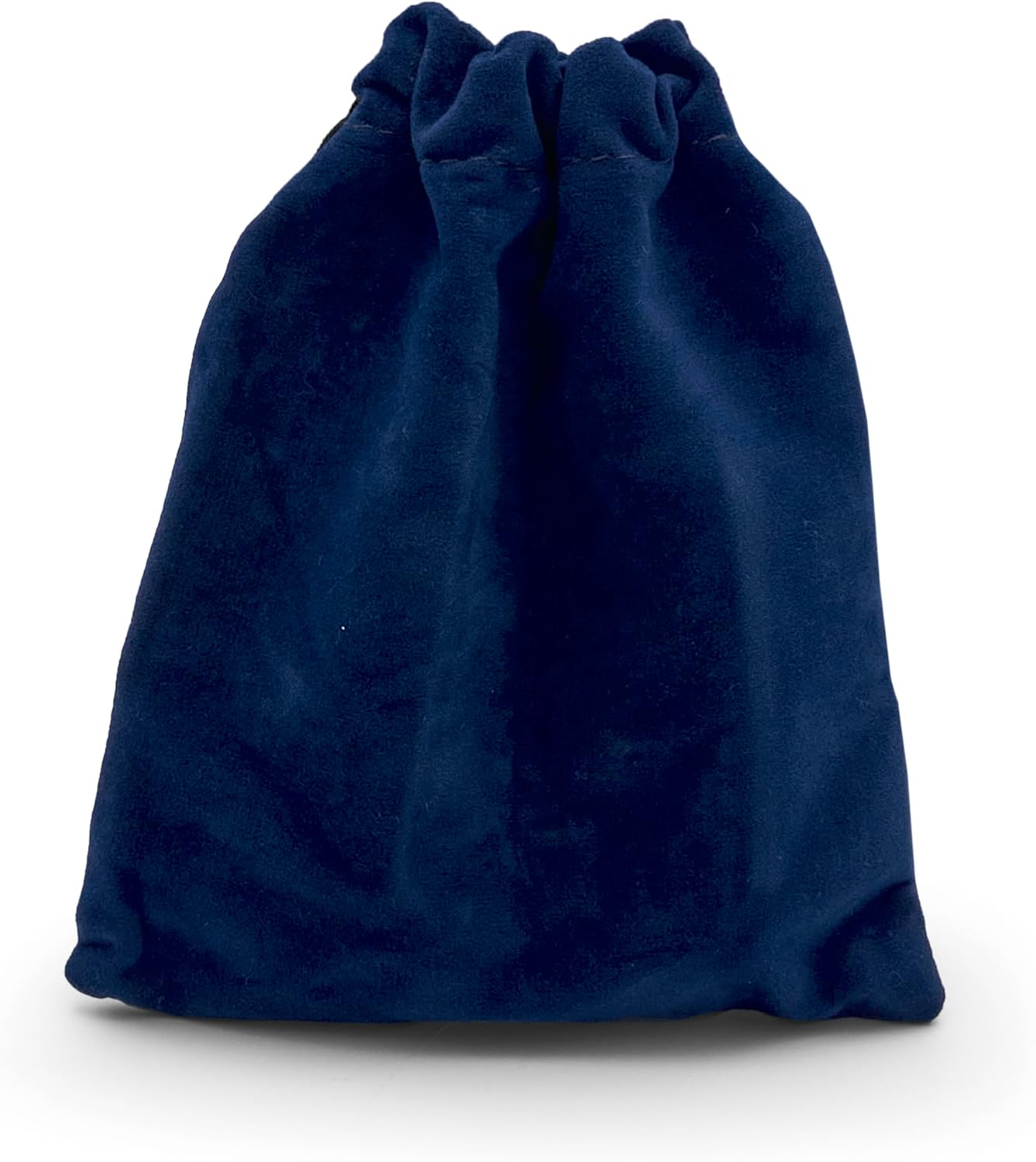
Figure 5: The included dark blue velvet storage pouch, designed to protect the monitor during storage and travel.
7. 문제 해결
If you encounter any issues with your blood pressure monitor, refer to the table below for common problems and solutions.
| 문제 | 가능한 원인 | 해결책 |
|---|---|---|
| 장치가 켜지지 않습니다. | 배터리가 소진되었거나 잘못 삽입되었습니다. | 올바른 극성을 확인하여 새 AAA 배터리로 교체하세요. |
| 오류 메시지가 표시됩니다. | 커프를 올바르게 착용하지 않았거나, 측정 중 움직임이 있거나, 맥박이 불규칙합니다. | Reapply cuff correctly, remain still and silent, or consult a physician if irregular pulse persists. |
| 부정확한 판독값. | Incorrect body/arm position, talking during measurement, or cuff too loose/tight. | Ensure proper positioning, remain still, and adjust cuff for a snug fit. |
| 커프가 팽창하지 않습니다. | Air leakage or pump malfunction. | Check cuff for damage. If problem persists, contact customer support. |
8. 사양
- 모델: 8058090027935
- 측정 방법: 오실로 메트릭
- 메모리: 60 measurements x 2 users
- 전원: 2 x AAA 배터리(포함)
- 커프 크기 : 19.5cm
- 제품 크기: 7.9l x 2w x 6h cm
- 제품 무게: 89그램
- 디스플레이 유형: 액정표시장치
- 용도: 손목
- 재질 특징 : Durable, Reusable
9. 보증 및 지원
The Pic Solution Literapid Wrist Blood Pressure Monitor comes with a 3년 보증 구매일로부터 제조상의 결함에 대한 보증을 제공합니다. 보증 청구를 위해 구매 증빙 서류를 보관해 주세요.
For technical support, warranty claims, or any questions regarding the use of your device, please contact Pic Solution customer service. Contact information can typically be found on the product packaging or the official Pic Solution web대지.
제조업체: Pikdare
원산지: 이탈리아