
1. 중요한 안전 정보
본 제품을 작동하기 전에 모든 안전 경고 및 지침을 읽으십시오. 경고 및 지침을 따르지 않을 경우 감전, 화재 및/또는 심각한 부상이 발생할 수 있습니다.
- Dual Lock Mechanism: The handheld grass trimmer is designed with a dual lock for safety. To operate, first push the safety button located at the top of the handle, then press and hold the ON/OFF switch. You can release the safety lock after starting the machine.
- 블레이드 윤활: A blue viscous liquid may be observed flowing out of the blade gear. This is lubricating oil, which lubricates the gear and prevents rust. This is normal operation.
- 블레이드 관리: After using the blade, it must be cleaned promptly and kept dry during storage to ensure a longer lifespan.
2. 제품 오버view
The WORKPRO W159032AE is a versatile 2-in-1 cordless tool designed for grass shearing and shrub trimming. It features a lightweight design and a powerful motor for efficient garden maintenance.

Image: The WORKPRO Cordless 2-in-1 Grass Shear and Shrubbery Trimmer with its two interchangeable blades and USB-C charging cable.
구성 요소:
- 메인 트리머 유닛
- Grass Shear Blade (4.17'' wide)
- Shrub Blade (5.9'' long)
- USB-C 충전 케이블
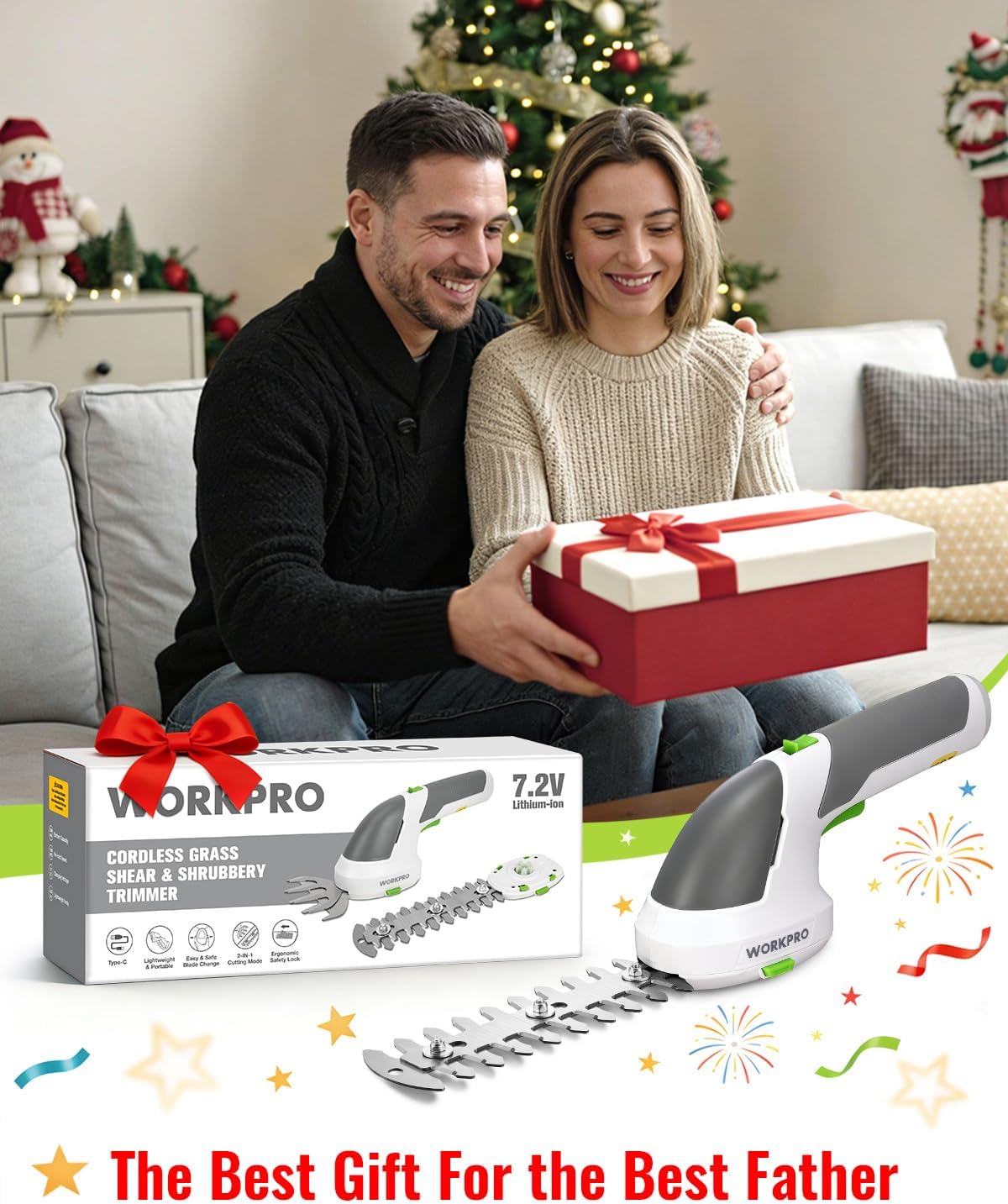
Image: Detailed diagram showing the Type-C charging socket, Charger LED Indicator, Safety Lock-off Button, ON/OFF Switch, Shrub Blade, Blade Release Button, Grass Cutter Blade, and TPR Anti-Slip Handle.
3. 설정
3.1 배터리 충전
The trimmer is equipped with a 2000mAh high-capacity Lithium-Ion battery. Before first use, or if the battery is low, charge the unit fully.
- Locate the Type-C charging socket on the trimmer unit.
- Connect the provided USB-C charging cable to the trimmer.
- Plug the other end of the USB-C cable into a compatible power source (5V/2A mobile phone charger, laptop/PC, car charger, or power bank USB port).
- The Charger LED Indicator will show the charging status (e.g., red for charging, green for fully charged).
- 일반적으로 완전 충전에는 약 2~3시간이 걸립니다.

Image: The trimmer connected via USB-C cable to a wall adapter, showing the charging indicator lights (red for charging, green for fully charged).
3.2 블레이드 부착/교체
The trimmer comes with two interchangeable blades: a grass shear blade and a shrub blade. Blade replacements are simple, fast, and do not require any tools.
- 트리머가 꺼져 있고 모든 전원에서 분리되어 있는지 확인하세요.
- To remove an installed blade, locate the two blade release buttons on either side of the blade housing.
- Press both blade release buttons simultaneously and gently pull the blade assembly away from the main unit.
- To attach a new blade, align the new blade assembly with the main unit.
- Push the blade assembly firmly into place until it clicks, ensuring both blade release buttons snap back into their locked position.

Image: Close-up showing the blade release buttons for easy and safe blade replacement.
4. 사용 설명서
4.1 전원 켜기/끄기
The trimmer features an ergonomic dual-lock safety mechanism to prevent accidental startup.
- To turn on the trimmer, first push the Safety Lock-off Button located at the top of the handle.
- While holding the safety button, press and hold the ON/OFF Switch (trigger).
- You may release the Safety Lock-off Button once the trimmer is running, continuing to hold the ON/OFF Switch for operation.
- To turn off the trimmer, release the ON/OFF Switch.

Image: Illustration demonstrating the two-step process to activate the trimmer using the ergonomic safety lock and ON/OFF switch.
4.2 잔디깎이 칼날 사용
The grass shear blade is ideal for precise trimming of lawn edges and small grass areas.
- Attach the grass shear blade (4.17'' wide) as described in Section 3.2.
- Hold the trimmer comfortably with one hand. Its lightweight design (0.82 lbs) reduces fatigue.
- Activate the trimmer and guide the blade along the edges of your lawn or around obstacles.

Image: The trimmer in grass shear mode, showing its maximum cutting width of 4.17 inches (106mm) for efficient trimming.
4.3 Using the Shrub Blade
The shrub blade is designed for shaping hedges, cleaning small shrubs, and trimming twigs.
- Attach the shrub blade (5.9'' long) as described in Section 3.2.
- Activate the trimmer and carefully guide the blade to shape your shrubs or trim hedges.
- The hedge trim blades are suitable for branches with a thickness of less than 7.95 mm (0.31 inches).

Image: The trimmer in hedge trimmer mode, illustrating its maximum cutting length of 5.90 inches (150mm) and maximum cutting thickness of 0.31 inches (7.95mm).
5. 유지관리
5.1 배터리 유지 관리
- To prolong the life of the cordless grass trimmer, recharge the battery every 3-6 months if it is not used often.
5.2 블레이드 유지 관리
- After each use, clean the blades thoroughly to remove any sap, debris, or plant residue.
- Ensure the blades are completely dry before storing to prevent rust.
- Store the blades with their protective covers on in a dry place.
6. 문제 해결
If you encounter any issues with your WORKPRO trimmer, please refer to the following common troubleshooting steps:
- 트리머가 작동하지 않음: Ensure the battery is fully charged and properly inserted. Verify that the dual-lock safety mechanism is engaged correctly (push safety button, then press trigger).
- 절단 성능 저하: Check if the blades are clean and free of debris. Ensure the blades are sharp; dull blades may require replacement. Verify that the material being cut is within the specified thickness limits for the shrub blade.
- 배터리가 충전되지 않음: Confirm that the USB-C cable is securely connected to both the trimmer and the power source. Ensure the power source is active and providing 5V/2A output.
추가적인 도움이 필요하시면 WORKPRO 고객 지원팀에 문의하십시오.
7. 사양
| 특징 | 세부 사항 |
|---|---|
| 상표 | 워크프로 |
| 전원 | 배터리 구동 |
| 색상 | 하얀색 |
| 제품 치수 | 10.24인치 길이 x 2.36인치 너비 x 4.13인치 높이 |
| 품목 무게 | 2.16 파운드 |
| Blade Length (Shrub) | 5.9 인치 |
| Cutting Width (Grass) | 4.17 인치 |
| 재료 | 금속, 플라스틱 |
| 블레이드 소재 | 금속 |
| 권tage | 7.2볼트(DC) |
| 품목 모델 번호 | W159032AE |
| 배터리 | 1개의 리튬 이온 배터리 필요(포함) |
| 한국어: | 820909687481 |
8. 보증 및 지원
For warranty information, product registration, or technical support, please visit the official WORKPRO web해당 사이트를 방문하거나 고객 서비스 부서에 문의하세요. 보증 청구를 위해 구매 영수증을 보관하세요.