
1. 서론
Thank you for choosing the SelfieShow 45" Selfie Stick Tripod with 2 Lights. This versatile 5-in-1 device combines an extendable selfie stick, a stable tripod, dual detachable fill lights, and a wireless remote control, designed to enhance your photography and videography experience. This manual provides detailed instructions for setup, operation, maintenance, and troubleshooting to ensure optimal performance.
2. 패키지 내용
- Selfie Stick Tripod (Model L13D)
- 무선 원격 제어
- 2 Detachable and Dimmable Fill Lights
- USB Charging Cable (for lights)
- Spare Lithium Metal Battery (for remote)
Refer to the unboxing videos for visual confirmation of package contents.
비디오 설명: A user unboxes the SelfieShow selfie stick tripod, demonstrating its components including the main unit, remote, and lights. The video highlights the initial setup and charging of the lights.
3. 주요 특징
- 5-in-1 디자인: Functions as an extendable selfie stick, a stable tripod, and includes dual fill lights with a wireless remote.
- Dual Detachable Fill Lights: Two independent LED lights with 3 color modes (warm, natural, white) and 2 brightness levels each (total 6 options). USB rechargeable.
- Upgraded Stable Tripod: Features a built-in umbrella tripod structure and a weighted base for enhanced stability.
- 확장 가능한 길이: Telescopic pole extends from 8.3 inches (21 cm) to 45.3 inches (115 cm).
- 유연한 회전: 180° neck rotation and 360° head rotation for optimal shooting angles.
- 무선 원격 제어: Detachable Bluetooth remote with a toggle power switch for quick on/off, capable of taking over 12,000 photos. Includes a spare battery.
- 경량 및 휴대 성 : Folds down to 8.27 inches (21 cm) and weighs only 7.8 ounces (220g) for easy transport.
- 폭넓은 호환성: Compatible with most iOS/Android devices, including iPhone 15/14/13/12/11 Pro Max, Samsung Galaxy Note/S series, and GoPro cameras.
- 내구성 있는 소재: Constructed from aluminum for durability.
4. 설정 가이드
4.1 Unfolding the Tripod/Selfie Stick
- 핸들을 단단히 잡으십시오.
- Gently pull the bottom part to extend the tripod legs outwards until they lock into place, forming a stable base.
- Extend the telescopic pole upwards to your desired height.

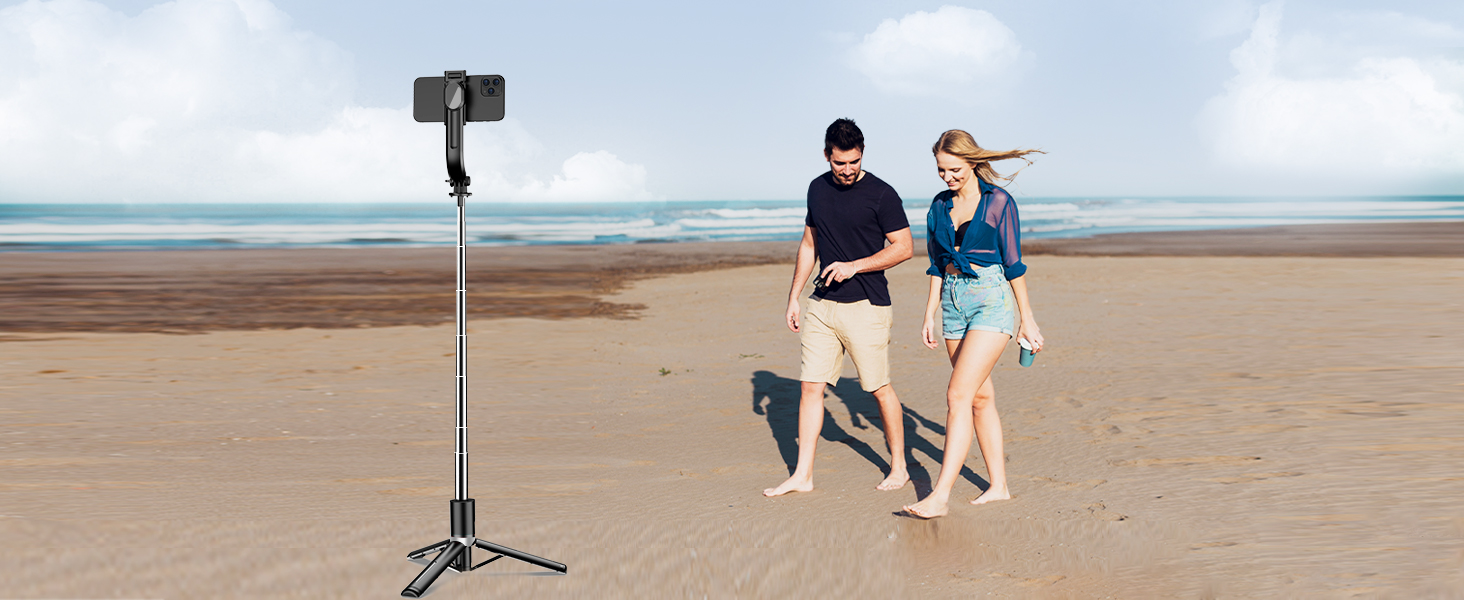
이미지 설명: The SelfieShow selfie stick tripod is shown fully extended to 113 cm, with a smartphone mounted at the top. The tripod legs are deployed, providing stability on a beach setting with a couple in the background, illustrating its extendable height feature.
4.2 휴대폰 연결
- 전화 열기 clamp 막대기의 맨 윗부분에.
- 스마트폰을 조심스럽게 클립에 넣으세요amp, ensuring it is securely held. The clamp is compatible with phones between 2.5 to 3.9 inches (6.4-10 cm) wide.
- Adjust the phone holder's angle and rotation (180° neck, 360° head) as needed.

이미지 설명: A smartphone is securely mounted on the selfie stick tripod, illustrating its 360-degree rotation capability for horizontal and vertical orientations, and a 270-degree neck adjustment for various angles. The image highlights the flexibility in positioning the phone.
4.3 무선 리모컨 페어링
- Remove the wireless remote from its slot in the handle.
- Turn on the remote by sliding the toggle power switch. A blue indicator light will flash.
- 스마트폰에서 Bluetooth를 활성화하고 사용 가능한 기기를 검색하세요.
- Select "SelfieShow" from the list to pair. The indicator light on the remote will stop flashing once successfully paired.
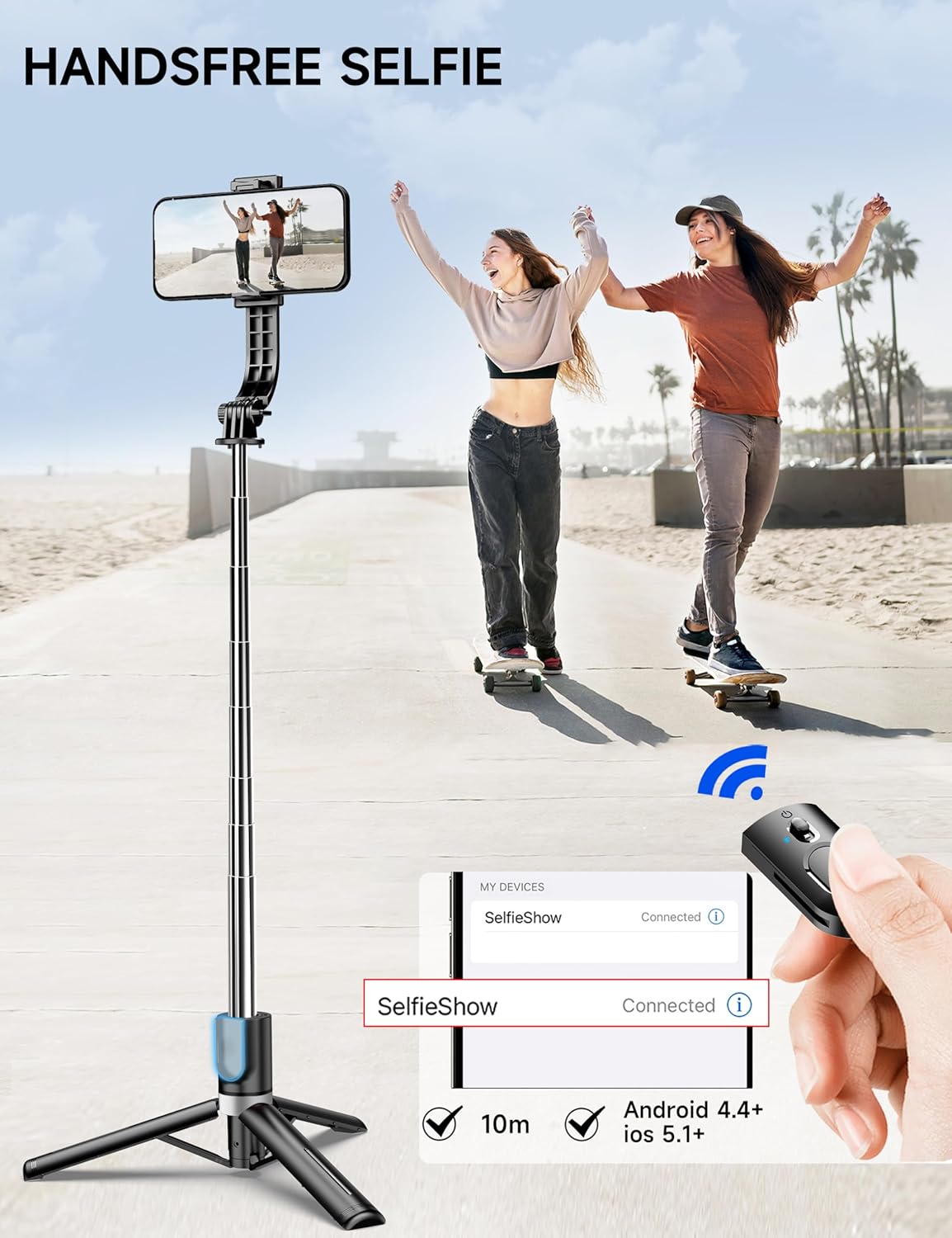
이미지 설명: A hand holds the detachable wireless remote control, positioned next to a smartphone screen displaying a successful Bluetooth connection to "SelfieShow." The image emphasizes the remote's ease of use for hands-free selfies and its compatibility with smartphones.
4.4 Charging the Fill Lights
- Gently detach the two fill lights from the phone clamp.
- Connect the provided USB charging cable to the charging port on each light.
- USB 케이블의 다른 쪽 끝을 호환되는 USB 전원(예: 컴퓨터, 벽면 어댑터)에 꽂습니다.
- A red light will indicate charging, and it will turn off when fully charged.

이미지 설명: A close-up shot shows one of the detachable fill lights connected to a USB charging cable. A red light indicates that the device is currently charging, highlighting the convenience of its rechargeable design.
5. 사용 설명서
5.1 셀카봉으로 사용하기
- Ensure the tripod legs are folded securely into the handle.
- Extend the telescopic pole to your desired length.
- Adjust your phone's angle and orientation using the rotating head and neck.
- Use the wireless remote to capture photos or start/stop video recording.
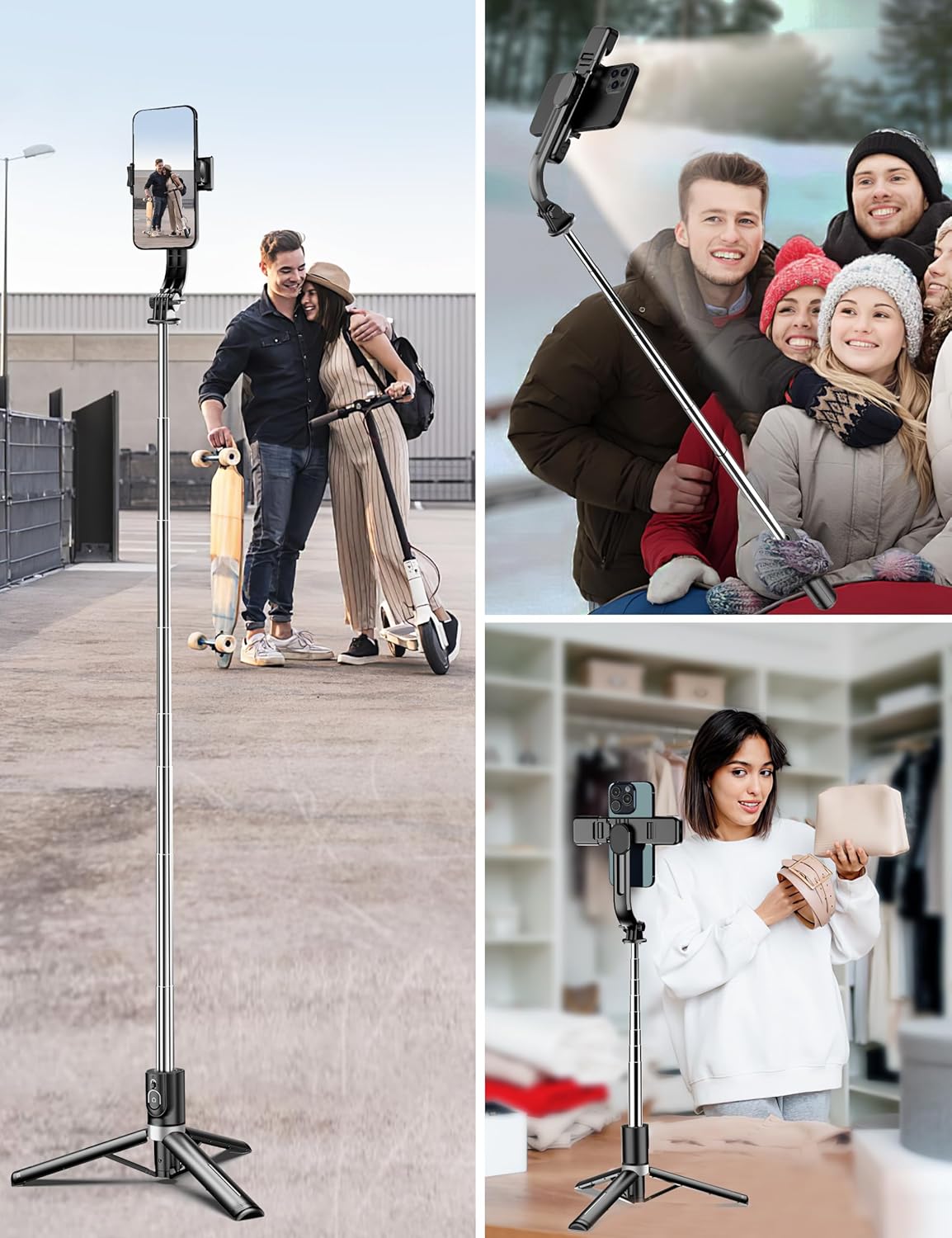
이미지 설명: Two women are shown smiling and taking a selfie using the SelfieShow selfie stick, which is fully extended to capture a wider angle. The image demonstrates the product's use in a typical selfie scenario.
5.2 삼각대로 사용하기
- Extend the tripod legs fully and place the device on a flat, stable surface.
- Extend the telescopic pole to achieve the desired height for your shot.
- Adjust your phone's position and angle.
- Use the wireless remote for hands-free photo or video capture.
이미지 설명: A woman is applying makeup at a desk, with her smartphone mounted vertically on the SelfieShow tripod. The integrated lights on the tripod illuminate her face, showcasing its utility for content creation or video calls in a home setting.
5.3 Operating the Remote Control
- 짧은 보도: Press the button on the remote once to take a photo.
- 길게 누르기 : Press and hold the button to start or stop video recording.
5.4 Adjusting Fill Lights
- Press the power button on each individual light to turn it on/off.
- Press the power button repeatedly to cycle through the 3 color modes (warm, natural, white).
- Double-press the power button to switch between the 2 brightness levels for the selected color mode.

이미지 설명: A smartphone is mounted on the SelfieShow selfie stick tripod, which features dual fill lights. The image visually demonstrates the three available color temperatures for the lights: white, natural, and warm, highlighting their flexibility for different lighting needs.
비디오 설명: A user demonstrates the functionality of the SelfieShow tripod and selfie stick, including extending the pole, deploying the tripod legs, and showcasing the different light settings and their brightness levels. The video also shows the remote control in action.
6. 유지관리
- 청소: 부드럽고 마른 천으로 기기를 닦으십시오. 강한 화학 약품이나 연마성 재질은 사용하지 마십시오.
- Charging Lights: Ensure the fill lights are charged regularly to maintain optimal performance.
- 원격 배터리: Replace the remote control's lithium metal battery when its performance diminishes. A spare battery is included.
- 저장: Fold the selfie stick tripod to its compact size and store it in a dry, cool place away from direct sunlight.
7. 문제 해결
- 리모컨이 연결되지 않음:
- Ensure the remote's battery is charged or replaced.
- 스마트폰에서 Bluetooth가 활성화되어 있는지 확인하세요.
- Try unpairing and re-pairing the remote via your phone's Bluetooth settings.
- Fill Lights Not Turning On/Charging:
- Ensure the lights are fully charged using the provided USB cable.
- Check that the USB cable is securely connected to both the light and the power source.
- 삼각대 안정성 문제:
- Ensure all tripod legs are fully extended and locked into place on a flat, stable surface.
- Avoid extending the telescopic pole to its maximum height with heavy phones in windy conditions.
8. 사양
| 모델 번호 | L13D |
| 제품 치수 | 2.32 x 1.5 x 8.27인치(접힌 상태) |
| 품목 무게 | 7.8온스(220그램) |
| 최대 높이 | 45.3인치(115센티미터) |
| 최소 높이 | 8.3인치(21센티미터) |
| 재료 | 알류미늄 |
| 호환 장치 | iPhone, Samsung, Android, GoPro |
| 특별 기능 | Adjustable, Compact, Lightweight, Portable, Dual Lights, Wireless Remote |
| 배터리 | 1개의 리튬 금속 배터리 필요(포함) |
9. 보증 및 지원
For warranty information, technical support, or any questions regarding your SelfieShow 45" Selfie Stick Tripod, please contact SelfieShow customer service through the retailer's platform or visit the official SelfieShow brand store. Please retain your proof of purchase for any warranty claims.
SelfieShow Brand Store: Visit the SelfieShow Store on Amazon