
제품 끝view
The SwitchBot Blind Tilt is a smart electric blind motor designed to easily motorize existing horizontal blinds. It features Bluetooth remote control, solar power for extended battery life, and light sensing capabilities for automatic adjustments. When paired with a SwitchBot Hub Mini (sold separately), it offers compatibility with smart assistants like Alexa and Google Home for remote control and group management.
무엇이 포함됩니까?
The package contains all necessary components for installation and operation:
- 본체 × 1
- Solar Panel (Blind Tilt) × 1
- Type-C Power Cable × 1
- Spare Double-sided Tape (For Mounting Base A) × 1
- Other Accessories × 15 (includes various adapters, mounting bases, cord holder, open flex coupling, user manual, wet wipe, alignment card, adhesive sticker, ejection pin, measurement paper tape)

Image: All components included in the SwitchBot Blind Tilt package, laid out on a surface.
안전 정보
- Always unplug the device before installation or cleaning.
- 기기를 열원과 습기로부터 멀리하십시오.
- Do not install the device on blinds that are not securely fastened.
- 기기를 어린이와 애완동물이 닿지 않는 곳에 보관하세요.
- 기기와 함께 제공된 설명서를 항상 따르십시오.
설정 및 설치
The SwitchBot Blind Tilt is designed for tool-free installation, making it easy to convert your existing blinds into smart blinds.
- 호환성 검사 : Ensure your blinds have a tilt rod with a diameter between 0.25in-0.5in (6.3mm-12mm) and are horizontal blinds (not vertical or with ball chains). Compatible blind size should be less than 3 meters long.
- 맹인들을 준비시키세요: Clean the area of the blind where the device will be mounted. Use the provided measurement paper tape to determine the correct adapter size (S, M, L, XL) for your blind's tilt rod.
- Attach the Adapter and Coupling: Select the appropriate adapter and attach it to the open flex coupling. Securely fasten it around the blind's tilt rod.
- 메인 유닛 장착: Position the main unit onto the mounting base, ensuring the gears align with the coupling on the tilt rod. The unit should snap into place.
- 태양광 패널 설치: Attach the solar panel to the window glass using the adhesive tape. Ensure it receives ample sunlight for continuous charging. Plug the solar panel's Type-C cable into the main unit.
- Download and Calibrate: Download the SwitchBot app from your app store. Follow the in-app instructions to add your Blind Tilt device and perform the calibration process. This involves manually adjusting the blinds to fully closed down, fully open horizontal, and fully closed up positions to teach the device its range of motion.
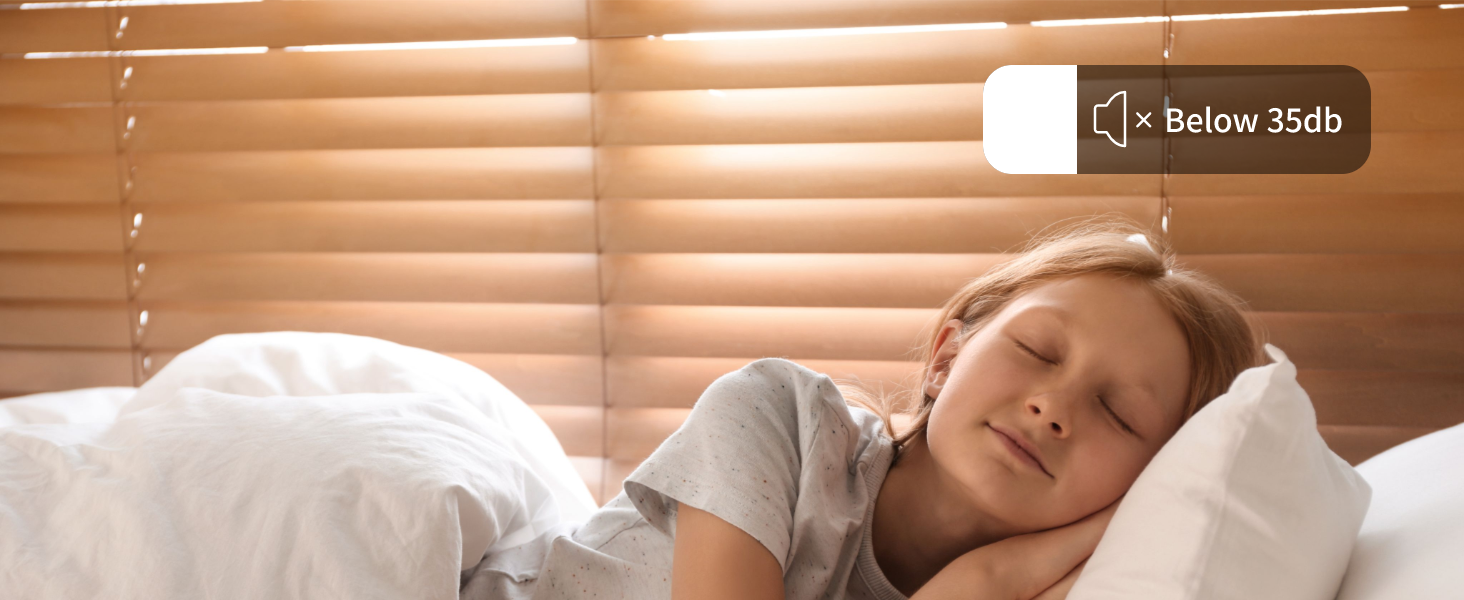
Image: Guide illustrating compatible horizontal blinds with a tilt rod and incompatible vertical or ball-chain blinds.

Image: A user measuring the blind tilt rod with the provided tool to select the correct adapter size.

Image: Hands attaching the adapter and coupling to the blind's tilt rod.

Image: The main unit being mounted onto the blind's headrail, connecting to the tilt rod mechanism.

Image: The solar panel attached to the window glass, positioned to receive sunlight.
Video: A detailed guide on unboxing, installing, and setting up the SwitchBot Blind Tilt, including the calibration process via the mobile app.
작동 지침
Control your SwitchBot Blind Tilt using various convenient methods:
- 모바일 앱: Use the SwitchBot app to open, close, or adjust your blinds to a specific percentage. The app also allows for customized actions and group control for multiple blinds.
- 타이머 및 일정: Set up daily schedules within the app to automatically open or close your blinds at specific times, aligning with your daily routine.
- Light Sensing Control: The built-in light sensor can automatically adjust the blinds based on external light intensity, helping maintain a constant indoor light level and potentially saving energy.
- Voice Control (with Hub Mini): Pair with a SwitchBot Hub Mini (sold separately) to enable voice commands via Alexa, Google Home, and Siri.
- Remote Control (optional): The blinds can also be controlled via a SwitchBot Remote (sold separately) for quick adjustments.

Image: Screenshot of the SwitchBot app interface showing various control options for the blinds, including percentag전자 조정.

Image: Screenshots of the SwitchBot app showing options to set daily schedules for opening and closing blinds.

Image: Screenshot of the SwitchBot app showing the light sensing settings, allowing automatic adjustment based on light levels.
Video: Demonstration of controlling SwitchBot Blind Tilt using voice commands via Alexa.
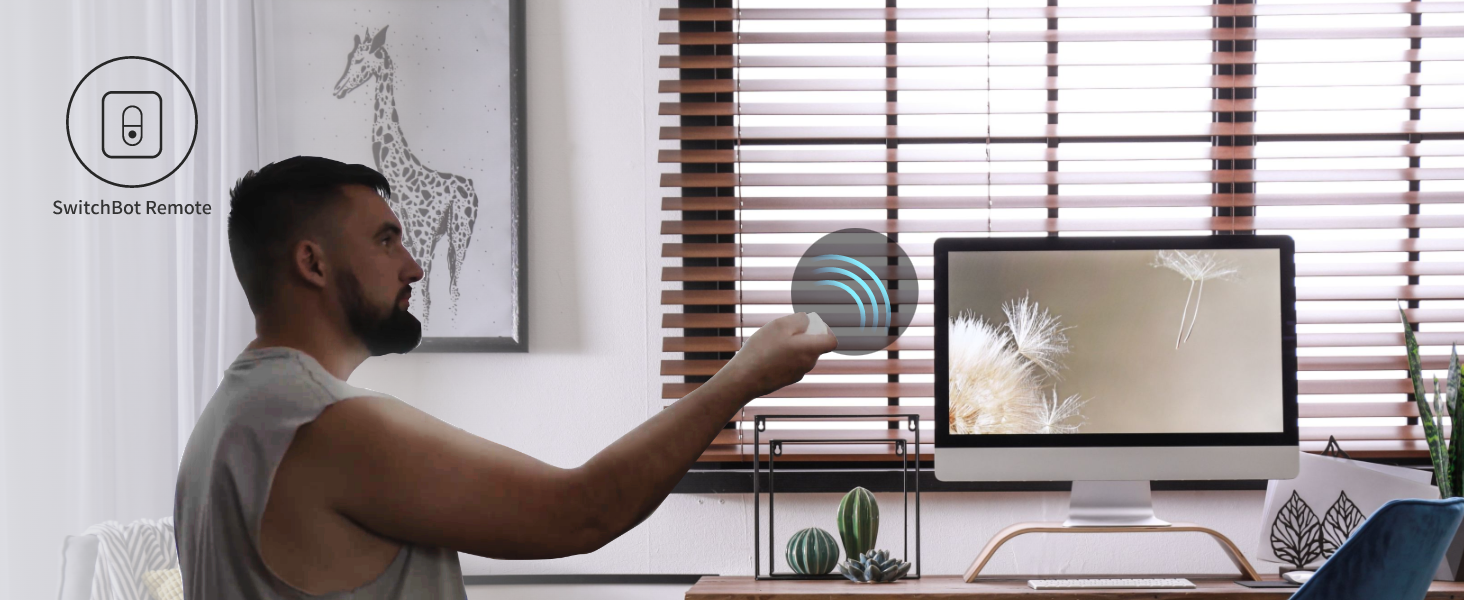
Image: A person using a SwitchBot Remote to control the blinds.
유지
For cleaning, simply spot clean the device as needed. Ensure the solar panel is kept clean to maximize charging efficiency.
문제 해결
- 장치가 응답하지 않음: Check the battery level in the app. Ensure the solar panel is receiving adequate sunlight or charge the device via the Type-C cable.
- 교정 문제: If blinds are not adjusting correctly, recalibrate the device through the app. Ensure manual adjustments during calibration are precise.
- 연결 문제: Verify Bluetooth is enabled on your phone and you are within range. If using a Hub Mini, ensure it is powered on and connected to your network.
- 작동 중 소음: The device operates below 35dB. If excessive noise is heard, ensure the device is securely mounted and the tilt rod is not obstructed.
Image: Illustration highlighting the quiet operation of the SwitchBot Blind Tilt, below 35dB.
명세서
| 특징 | 세부 사항 |
|---|---|
| 상표 | 스위치봇 |
| 모델명 | 블라인드 틸트 |
| 품목 모델 번호 | W2701600 |
| 색상 | 하얀색 |
| 재료 | Plastic (ABS+PC, UV-resistant coating) |
| 제품 치수 | 1.92인치 길이 x 11.5인치 너비 |
| 품목 무게 | 13 온스 |
| 배터리 | Built-in 2000mAh lithium battery (rechargeable via solar panel or Type-C) |
| 연결성 | 블루투스 5.0 |
| 특징 | Tool Free Installation, Light Sensing Control |
보증 및 지원
The SwitchBot Blind Tilt comes with a 1-year warranty from the manufacturer. For detailed user instructions and support, please refer to the official user manual available as a PDF document.
전체 사용자 설명서를 참조하실 수 있습니다. 여기.