
1. 서론
This manual provides detailed instructions for the setup, operation, and maintenance of your HEAD LOS Angeles H160305 Smartwatch. Please read this manual thoroughly to ensure proper use and to maximize the benefits of your device.
The HEAD LOS Angeles H160305 is a versatile smartwatch designed for both men and women, featuring a 1.78-inch color display, health monitoring capabilities, and smart notifications. It is compatible with iOS and Android devices.
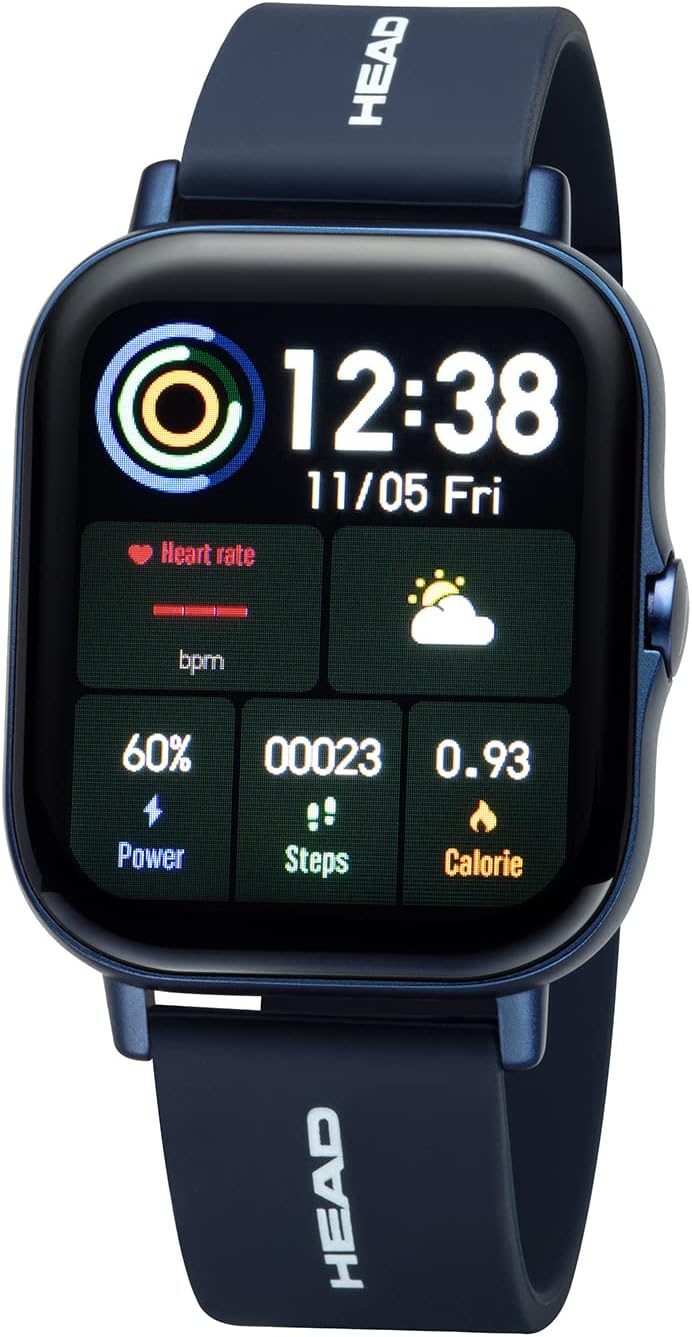
그림 1.1: 앞쪽 view of the HEAD LOS Angeles H160305 Smartwatch, displaying time, heart rate, power, steps, and calorie data on its vibrant screen.
2. 패키지 내용
패키지를 열면 모든 품목이 들어 있는지 확인하세요.
- HEAD LOS Angeles H160305 Smartwatch
- Silicone Strap (pre-attached or separate)
- 충전 케이블
- 사용 설명서 (본 문서)
3. 설정
3.1. 스마트워치 충전하기
Before first use, fully charge your smartwatch. Connect the charging cable to the charging contacts on the back of the watch and to a USB power source. The watch has a 200 mAh battery, providing up to 3 days of normal use and up to 5 days of standby time.

그림 3.1: 클로즈업 view of the back of the HEAD LOS Angeles H160305 Smartwatch, highlighting the optical sensors and magnetic charging contacts.
3.2. 앱 설치
To unlock the full functionality of your smartwatch, download and install the companion application on your smartphone. The app is compatible with Android 4.4 and above, and iOS 8.0 and above. 검색 the official HEAD Smartwatch app in your device's app store.
3.3. 기기 페어링
Once the app is installed and your smartwatch is charged:
- 스마트폰에서 블루투스를 활성화하세요.
- Open the HEAD Smartwatch app.
- Follow the on-screen instructions within the app to search for and pair with your H160305 smartwatch. Ensure the smartwatch is powered on and within Bluetooth range (Bluetooth 4.0).
4. 사용 설명서
4.1. 디스플레이 및 탐색
The smartwatch features a 1.78-inch color display. You can customize watch faces and adjust screen brightness to suit different environments.
- 터치 스크린: 메뉴와 기능을 탐색하려면 왼쪽, 오른쪽, 위, 아래로 스와이프하세요. 옵션을 선택하려면 탭하세요.
- 측면 버튼: Typically used to return to the home screen, power on/off, or activate specific functions.
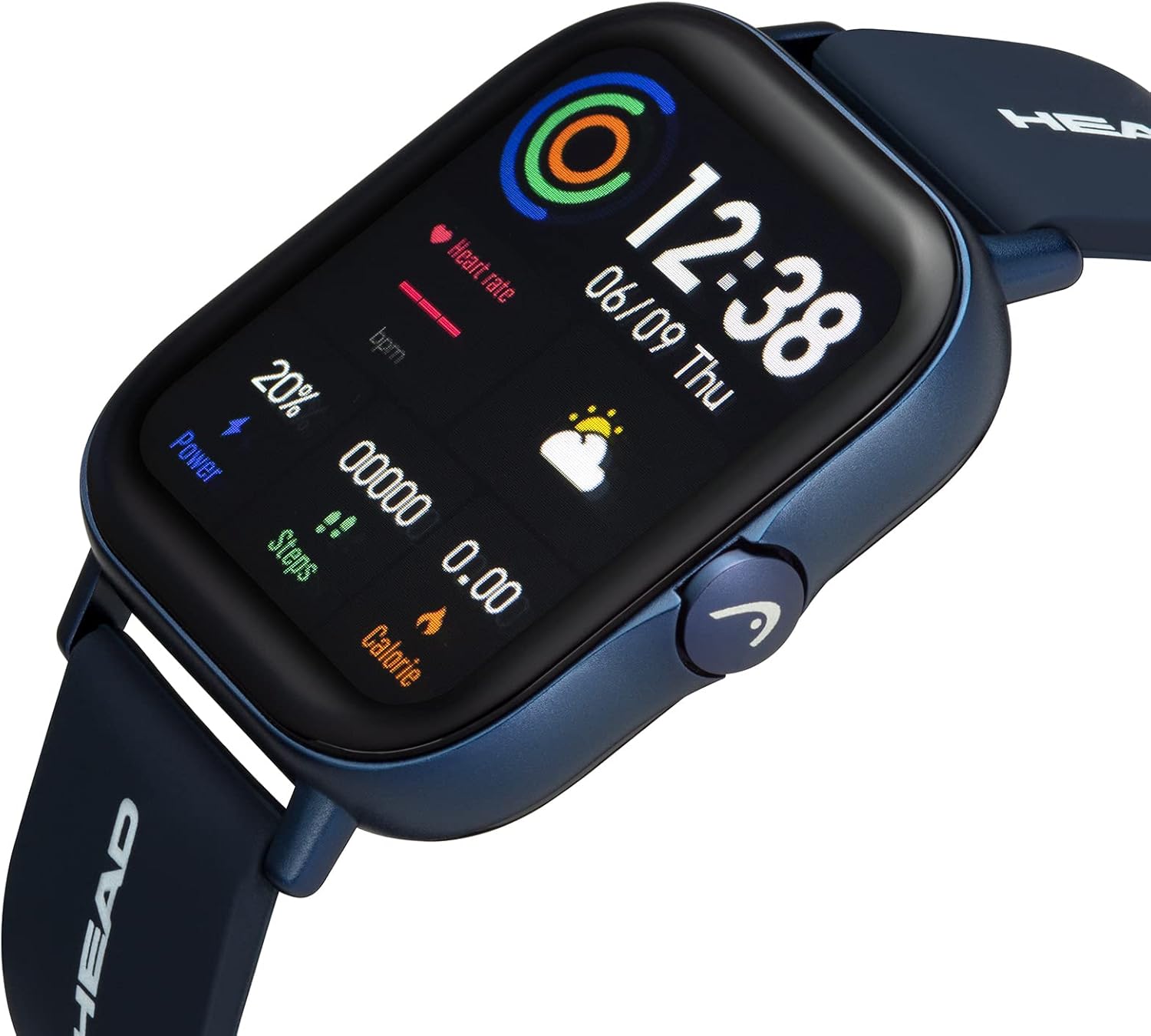
그림 4.1: 각진 view 스마트워치의 쇼casing its display and the functional side button.
4.2. 시계 화면 사용자 정의
The smartwatch supports interchangeable watch faces. You can change them directly on the watch or through the companion app to personalize your device's appearance.

그림 4.2: A smartphone screen displaying a selection of customizable watch faces available through the companion application.
5. 건강 및 피트니스 기능
The HEAD LOS Angeles H160305 Smartwatch offers a comprehensive suite of health and fitness tracking features:
- 심박수 모니터링 : 하루 종일 지속적으로 심박수를 추적하세요.
- 심전도: Electrocardiogram function for heart health assessment.
- 혈압: 혈압 수치를 꾸준히 확인하세요.
- 산소포화도(SpO2): 혈중 산소 수치를 측정합니다.
- 수면 모니터: 수면 패턴과 수면의 질을 분석해 보세요.
- 멀티 스포츠 모드: Track various activities with dedicated sport modes.
- 스톱워치: 활동의 타이밍을 위해.
- 호흡기 훈련: 이완을 위한 호흡 운동 가이드.
- 마사지 기능: Provides gentle vibrations.
- Female Cycle Monitor: 생리 주기를 추적하고 예측하세요.
- 운동 알림: 일정 시간 동안 활동이 없으면 움직이라는 알림을 보냅니다.
- 물 알림: 규칙적으로 물을 마시도록 알려줍니다.

그림 5.1: 오버view of the smartwatch's health and fitness features, including icons for heart rate, blood oxygen, ECG, blood pressure, sleep monitoring, and multi-sport modes.

그림 5.2: The smartwatch and a smartphone screen illustrating detailed sleep tracking data, showing sleep duration and quality analysis.
6. 스마트 기능
Stay connected and manage your daily tasks with these smart functionalities:
- 푸시 알림: Receive alerts from your smartphone apps directly on your watch.
- 블루투스 통화: 스마트워치에서 직접 전화를 걸고 받을 수 있습니다.
- Messages & SMS Notifications: View incoming messages and SMS alerts.
- Contact Favorites: Access your most frequent contacts.
- Music App Remote Control: 스마트폰에서 음악 재생을 제어하세요.
- 날씨: 실시간 날씨 업데이트를 받아보세요.
- Find Smartphone/Smartwatch: 페어링된 기기를 찾으세요.
- 카메라 모드: 스마트폰 카메라를 원격으로 제어하세요.
- 경보 : Set various alarms, including movement alarms.

그림 6.1: The smartwatch screen showing an incoming message notification, alongside a smartphone displaying multiple app notifications.
7. 유지관리
7.1. 방수성
The HEAD LOS Angeles H160305 Smartwatch is IP67 water-resistant. This means it is protected against dust ingress and can withstand immersion in water up to 1 meter for up to 30 minutes. It is suitable for daily use, such as hand washing or rain exposure, but not recommended for swimming or showering with hot water.
7.2. 청소
스마트워치의 외관과 기능을 유지하려면:
- 화면과 본체는 부드러운 천으로 닦아주세요.amp 옷감.
- 가혹한 화학물질이나 연마재의 사용은 피하세요.
- 충전하기 전에 충전 접점이 깨끗하고 건조한지 확인하세요.
8. 문제 해결
스마트워치 사용 중 문제가 발생하면 다음 단계를 시도해 보세요.
- 장치가 켜지지 않음: 시계가 완전히 충전되었는지 확인하세요.
- 페어링 문제: 휴대폰의 블루투스가 켜져 있는지, 스마트워치가 블루투스 범위 내에 있는지 확인하세요. 두 기기를 모두 재시작한 후 다시 페어링을 시도해 보세요.
- 부정확한 판독: 손목에 시계가 꼭 맞게 착용되었는지, 센서가 깨끗한지 확인하십시오.
- 알림이 나타나지 않음: Verify notification permissions are granted to the app on your smartphone.
For further assistance, refer to the support section of the companion app or contact customer service.
9. 사양
| 특징 | 사양 |
|---|---|
| 상표 | 머리 |
| 모델명 | 로스앤젤레스 |
| 모델 번호 | H160305 |
| 색상 | 파란색 |
| 화면 크기 | 1.78 인치 |
| 연결성 | 블루투스 4.0 |
| 호환성 | Android 4.4 이상, iOS 8.0 이상 |
| 방수성 | IP67 |
| 배터리 용량 | 200mAh |
| 특별 기능 | Time Display, Calendar, Activity Tracker, Heart Rate, ECG, Blood Pressure, SpO2, Sleep Monitor, Multi-Sport Mode, Notifications, Bluetooth Calls |
10. 보증 및 지원
For information regarding warranty coverage and customer support, please refer to the documentation included with your purchase or visit the official HEAD Watches website. You can also find support resources within the companion smartphone application.