
1. 제품 오버view
The EWAY Magnetic Wireless Backup Camera System provides enhanced visibility for various vehicles, including trucks, pickups, RVs, campers, 5th wheels, boats, and horse trailers. This system features two HD1080P wireless cameras and a 5-inch split-screen monitor, designed for easy, wire-free installation. Key functionalities include a 100ft wireless range, infrared night vision, and a strong magnetic mount for flexible placement.
2. 상자 안에 무엇이 들어있나요?
- 1 x 5" monitor kit
- 2 x rear view cameras kit

The package includes all necessary components for immediate setup and operation. Ensure all items are present before proceeding with installation.
3. 설정 및 설치
The EWAY system is designed for quick and easy installation without complex wiring. Follow these steps for optimal setup:
- 카메라 충전하기: Before first use, fully charge the camera batteries using the provided Type C cable. The cameras feature solar panels for continuous charging during daylight.
- 마운트 카메라: The cameras are equipped with strong magnets. Attach them securely to any flat metal surface on your vehicle or trailer. Common locations include the rear of a truck, trailer hitch, or inside a horse trailer for monitoring. Ensure the solar panel is exposed to sunlight for charging.
- 모니터 장착: Use the adjustable bracket to mount the 5-inch monitor on your vehicle's dashboard or windshield. Position it for clear visibility without obstructing your view.
- 전원 모니터: Plug the monitor into your vehicle's 12V cigarette lighter socket using the provided charging port.
- 편성: The cameras and monitor are designed to connect automatically upon power-up. If pairing is needed, refer to the "M" button introduction in the included manual for specific instructions.


설치 방법에 대한 시각적 안내는 아래 영상을 참조하십시오.
4. 사용 설명서
Once installed, the EWAY system offers several features to enhance your driving and monitoring experience:
- 전원 켜기/끄기: Use the power button on the monitor to turn the system on or off.
- 분할 화면 View: The 5-inch monitor supports two video channels, allowing you to view feeds from both cameras simultaneously in a split-screen mode.
- 채널 전환: Navigate between camera views or split-screen mode using the monitor's control buttons.
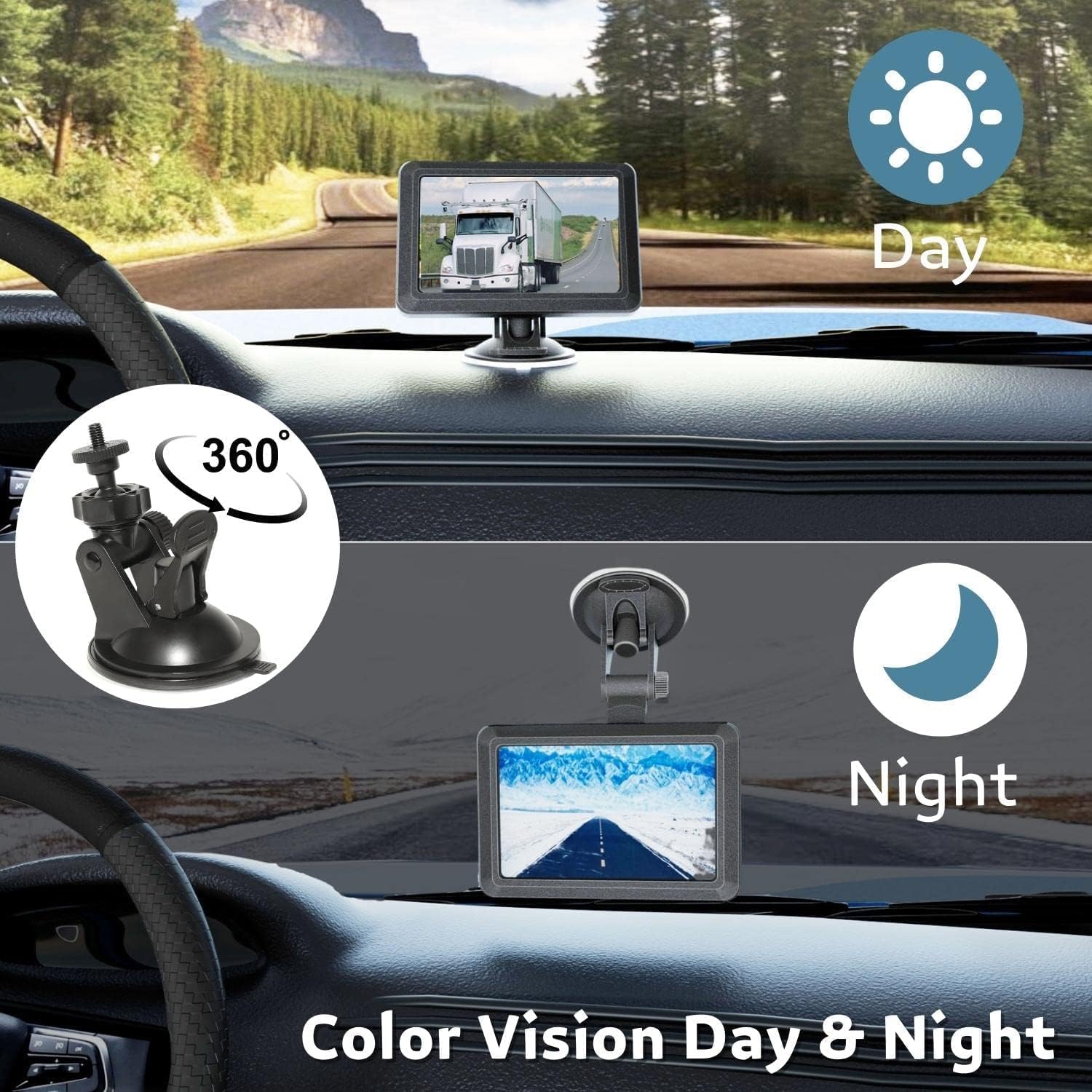
- HD 1080P Image: The cameras provide clear HD 1080P video quality during both day and night.
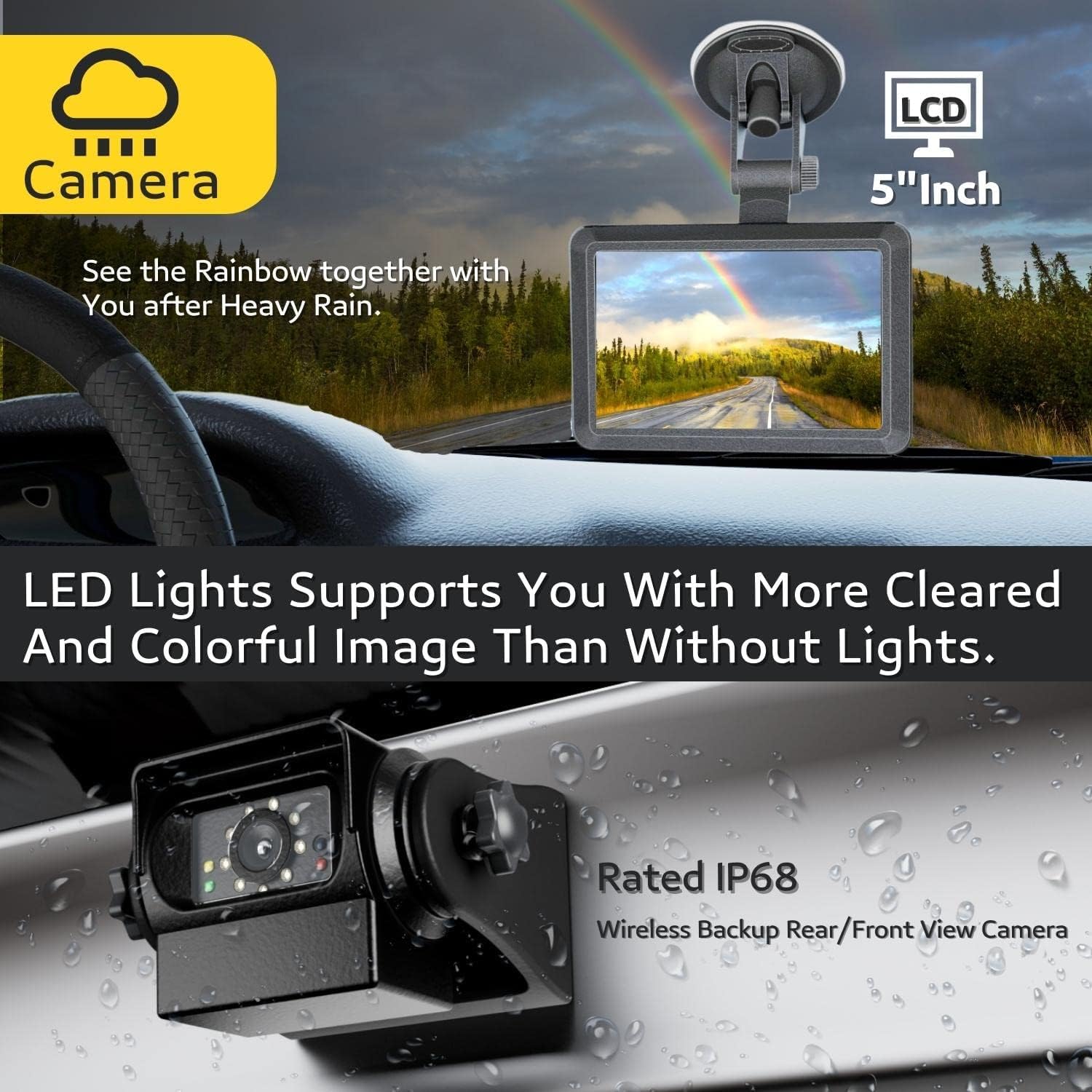
- IR 나이트 비전 : Equipped with 9 IR lights and an auto light sensor, the cameras automatically activate night vision in low-light conditions, ensuring clear visibility.
- DIY 가이드라인: Customize parking guidelines on the monitor to assist with backing up and hitching.
- 앞/뒤 View: Cameras can be installed for either front or rear viewing. The image can be mirrored or flipped vertically/horizontally via the monitor settings.


For demonstrations of the monitor's features and camera views, please watch the following videos:
5. 유지관리
To ensure the longevity and optimal performance of your EWAY Backup Camera System, follow these maintenance guidelines:
- 청소: 카메라 렌즈와 모니터 화면은 부드러운 천으로 정기적으로 닦아주세요.amp 천을 사용하세요. 표면에 흠집이 생길 수 있는 연마성 세제는 사용하지 마세요.
- 배터리 관리 : While cameras feature solar charging, ensure they receive adequate sunlight. For prolonged storage, fully charge the batteries and store the cameras in a cool, dry place.
- 마그네틱 마운트: Periodically check the magnetic mount for any debris that might reduce its holding strength. Clean the mounting surface as needed.
- 방수: The cameras are IP68P waterproof. However, avoid prolonged submersion or high-pressure water jets directly on the camera to prevent potential damage.
6. 문제 해결
If you encounter issues with your EWAY system, refer to the following common troubleshooting tips:
- 신호 없음/간섭:
- Ensure cameras and monitor are within the specified 100ft wireless range (in open areas).
- Check for obstructions between the camera and monitor that might block the signal.
- Verify both the camera and monitor are powered on and fully charged.
- Reposition the camera or monitor to improve signal reception.
- 이미지 품질이 좋지 않음:
- 카메라 렌즈에 먼지나 얼룩이 있는지 닦아주세요.
- Ensure sufficient lighting for optimal image clarity, especially at night (IR lights should activate automatically).
- 카메라가 충전되지 않음:
- 태양광 패널이 깨끗하고 직사광선에 노출되어 있는지 확인하세요.
- Connect the camera directly to a power source using the Type C cable to confirm charging functionality.
- 모니터 전원이 켜지지 않음:
- Check the 12V cigarette lighter connection and ensure it's providing power.
- Verify the power cable is securely connected to the monitor.
7. 사양
| 특징 | 세부 사항 |
|---|---|
| 제품 치수 | 12 x 9 x 5 인치 |
| 품목 무게 | 2.66파운드 |
| 배터리 | 리튬 이온 배터리 2개(포함) |
| 디스플레이 기술 | 주도의 |
| 기타 디스플레이 기능 | 무선 전화 |
| 화면 크기 | 5 인치 |
| 호환 장치 | WiFi Rechargeable Reverse Camera System for Hitching Gooseneck Horse Trailer Fifth Wheels/Car RV Camper. No Drilling, No Wiring! Easily attach the Magnetic Wireless Backup Camera to any metal surface of the vehicle. |
| 설치 유형 | Magnetic Surface Mount, Dashboard Mount |
| 권tage | 12 볼트 |
| 광센서 기술 | CMOS |
| 렌즈 유형 | 와이드 앵글 |
| 실제 각도 View | 150도 |
| 커넥터 유형 | 무선 전화 |
8. 보증 및 지원
This EWAY product is covered by the manufacturer's standard warranty. For detailed warranty information, product support, or technical assistance, please refer to the contact information provided in your product packaging or visit the official EWAY web대지.