
1. 제품 오버view
The GENBOLT 128GB TF Card (microSDXC) is designed for reliable data storage, particularly suited for continuous recording in devices such as security cameras. It offers high durability and performance for capturing Full HD video.
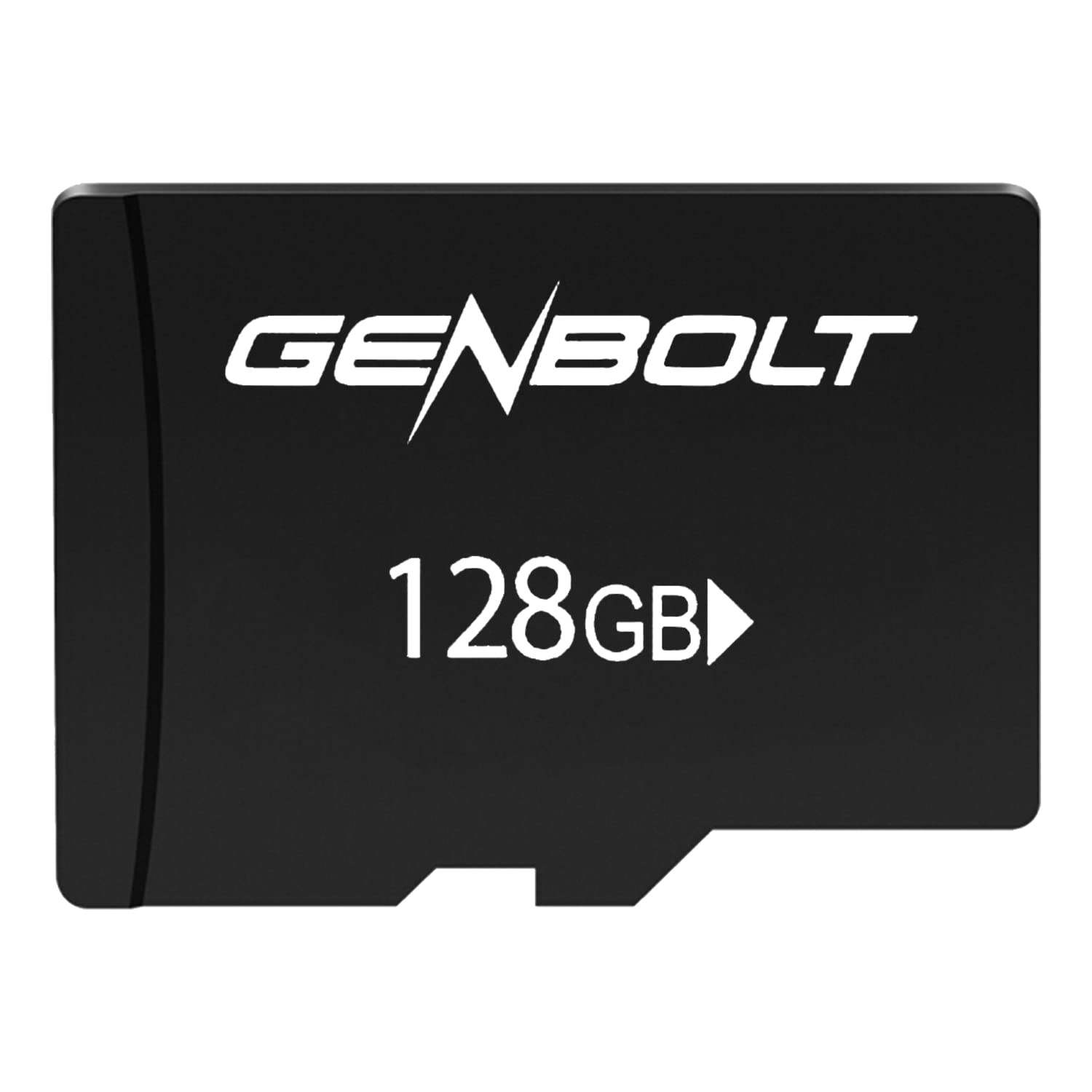
Image: GENBOLT 128GB TF Card. This card is a compact storage solution for various electronic devices.
주요 특징:
- 용량: 128GB (approximately 119GB user-accessible).
- 체재: Pre-formatted to FAT32 for broad compatibility.
- 속도: UHS Speed Class 3 and Video Speed Class 10, optimized for Full HD video recording.
- 내구성: Engineered to be waterproof, temperature resistant, shockproof, and X-ray proof.
2. 설정 및 설치
Follow these steps to properly install your GENBOLT TF Card into a compatible device.
- 전원 끄기 장치: Ensure the device (e.g., security camera, smartphone, tablet) is powered off before inserting the card to prevent data corruption or damage.
- 카드 슬롯 찾기: Identify the microSD card slot on your device. Refer to your device's manual if unsure.
- 카드 삽입: Gently insert the GENBOLT TF card into the slot with the gold contacts facing down (or as indicated by your device's manual) until it clicks into place. Do not force the card.
- 전원 켜기 장치: 기기를 켜세요. 그러면 새 저장 장치를 자동으로 감지할 것입니다.
- Format (If Necessary): Some devices may prompt you to format the card upon first use. If prompted, follow the on-screen instructions. Formatting erases all data on the card, so ensure it is empty or backed up if used previously. The card is pre-formatted to FAT32, which is compatible with most devices.
3. 사용 설명서
Once installed, the GENBOLT TF Card functions as an extended storage medium for your device.
- 비디오 녹화: For security cameras or other video recording devices, the card will automatically store video footage according to the device's settings. Its UHS Speed Class 3 and Video Speed Class 10 ratings ensure smooth Full HD video recording without dropped frames.
- Storing Photos and Files: For smartphones, tablets, or digital cameras, the card can be set as the default storage location for photos, videos, and other files through the device's settings menu.
- 데이터 접근: Data stored on the card can be accessed directly through your device's file manager or by connecting the device to a computer. Alternatively, you can remove the card and use a compatible card reader to access its contents on a computer.
- 데이터 전송: 대용량 전송 시 files, ensure a stable connection and avoid interrupting the process to prevent data corruption.
4. 유지관리 및 관리
Proper care ensures the longevity and reliability of your TF card.
- 물리적 취급: 카드를 구부리거나 떨어뜨리거나 과도한 힘을 가하지 마십시오.
- 청소: If the gold contacts appear dirty, gently wipe them with a clean, dry, lint-free cloth. Do not use liquids or abrasive materials.
- 환경 보호: While the card is waterproof, temperature resistant, shockproof, and X-ray proof, prolonged exposure to extreme conditions (e.g., direct sunlight, extreme cold, strong magnetic fields) should be avoided to maximize lifespan.
- 안전한 제거: Always safely eject the card from your device or computer before physically removing it to prevent data loss or corruption.
- 정기 백업: Periodically back up important data from the TF card to another storage medium (e.g., computer hard drive, cloud storage) to prevent permanent data loss.
5. 문제 해결
If you encounter issues with your GENBOLT TF Card, consider the following common solutions:
- 카드가 인식되지 않음:
- 카드가 기기 슬롯에 완전히 그리고 올바르게 삽입되었는지 확인하십시오.
- 기기를 다시 시작하세요.
- Try the card in another compatible device or a card reader to determine if the issue is with the card or the original device.
- Check if your device supports microSDXC cards and the 128GB capacity.
- Recording Errors or Slow Performance:
- Ensure the card is not full. Delete unnecessary file또는 다른 저장소로 옮길 수 있습니다.
- Format the card using your device's formatting function or a computer. 경고: 포맷하면 카드에 있는 모든 데이터가 삭제됩니다.
- Verify that your device's firmware is up to date.
- 데이터 손상:
- 카드를 제거하기 전에 항상 안전하게 꺼내십시오.
- Avoid powering off the device during read/write operations.
- If data is corrupted, try data recovery software (third-party) or reformat the card.
6. 사양
| 특징 | 세부 사항 |
|---|---|
| 상표 | 젠볼트 |
| 모델 번호 | GBTF128GB |
| 플래시 메모리 유형 | SDXC Card (microSDXC) |
| 메모리 저장 용량 | 128 GB (approx. 119GB user area) |
| 지원되는 형식 | FAT32 |
| SD 협회 속도 등급 | 10학년 |
| UHS 스피드 클래스 | UHS-I Speed Class 3 (U3) |
| 비디오 속도 클래스 | V10 |
| 특별 기능 | Waterproof, Temperature Resistant, Shockproof, X-ray Proof |
| 품목 무게 | 10g |
| 패키지 크기 | 15 x 12 x 0.3cm |
| ASIN | B0BCDD4KDH |
| 첫 번째 가능한 날짜 | 1년 2021월 XNUMX일 |
7. 보증 및 지원
GENBOLT is committed to providing reliable products. Please review the warranty information and support options below.
보증 정보:
This product is covered by an initial defective return policy. Returns for initial defects are accepted within 30 days from the Amazon purchase date. Please retain your proof of purchase for warranty claims.
고객 지원:
For further assistance, technical support, or warranty inquiries beyond the initial 30-day period, please contact GENBOLT customer service directly. Refer to the GENBOLT official website or your product packaging for contact details.
또한 방문할 수 있습니다 GENBOLT Store on Amazon 자세한 제품 정보와 지원 리소스를 확인하세요.