
소개
This manual provides detailed instructions for the setup, operation, and maintenance of your cimetech Type C Wireless Mouse. Please read this manual thoroughly before using the product to ensure optimal performance and longevity.
패키지 내용
- 1 x cimetech Type C Wireless Mouse
- 1 x 사용 설명서
제품 끝view
The cimetech Type C Wireless Mouse is designed for comfort and efficiency, featuring silent clicks, adjustable DPI, and broad compatibility.

Image: The cimetech Type C Wireless Mouse, a sleek black device with a scroll wheel and a Type-C receiver shown separately.

Image: Diagram illustrating the components of the cimetech Type C Wireless Mouse, including the Power Switch, Type-C Receiver storage, Battery Slot, Left-click button, Right-click button, Roller Button (scroll wheel), and DPI Key.
주요 구성 요소:
- 왼쪽 클릭 버튼: 마우스의 기본적인 기본 기능입니다.
- 마우스 오른쪽 버튼 클릭: 표준 보조 마우스 기능.
- Roller Button (Scroll Wheel): 수직 스크롤과 가운데 클릭 기능을 위해.
- DPI 키: Adjusts the mouse cursor sensitivity.
- 전원 스위치: Turns the mouse ON or OFF.
- 배터리 슬롯: AA 배터리를 위한 칸입니다.
- Type-C Receiver: The wireless dongle that connects to your device. Stored within the mouse's battery compartment.
설치 지침
- 배터리 설치 :
Open the battery compartment cover located on the underside of the mouse. Insert one AA battery, ensuring correct polarity (+/-). Close the battery compartment cover.
Image: The underside of the mouse showing the battery compartment and receiver storage.
- Locate and Connect Receiver:
The Nano Type-C receiver is stored inside the mouse's battery compartment. Carefully remove it. Plug the Type-C receiver into an available Type-C port on your computer or laptop. If your device only has USB-A ports, use the included USB-A adapter receiver by plugging the Type-C receiver into it, then plugging the adapter into your device's USB-A port.
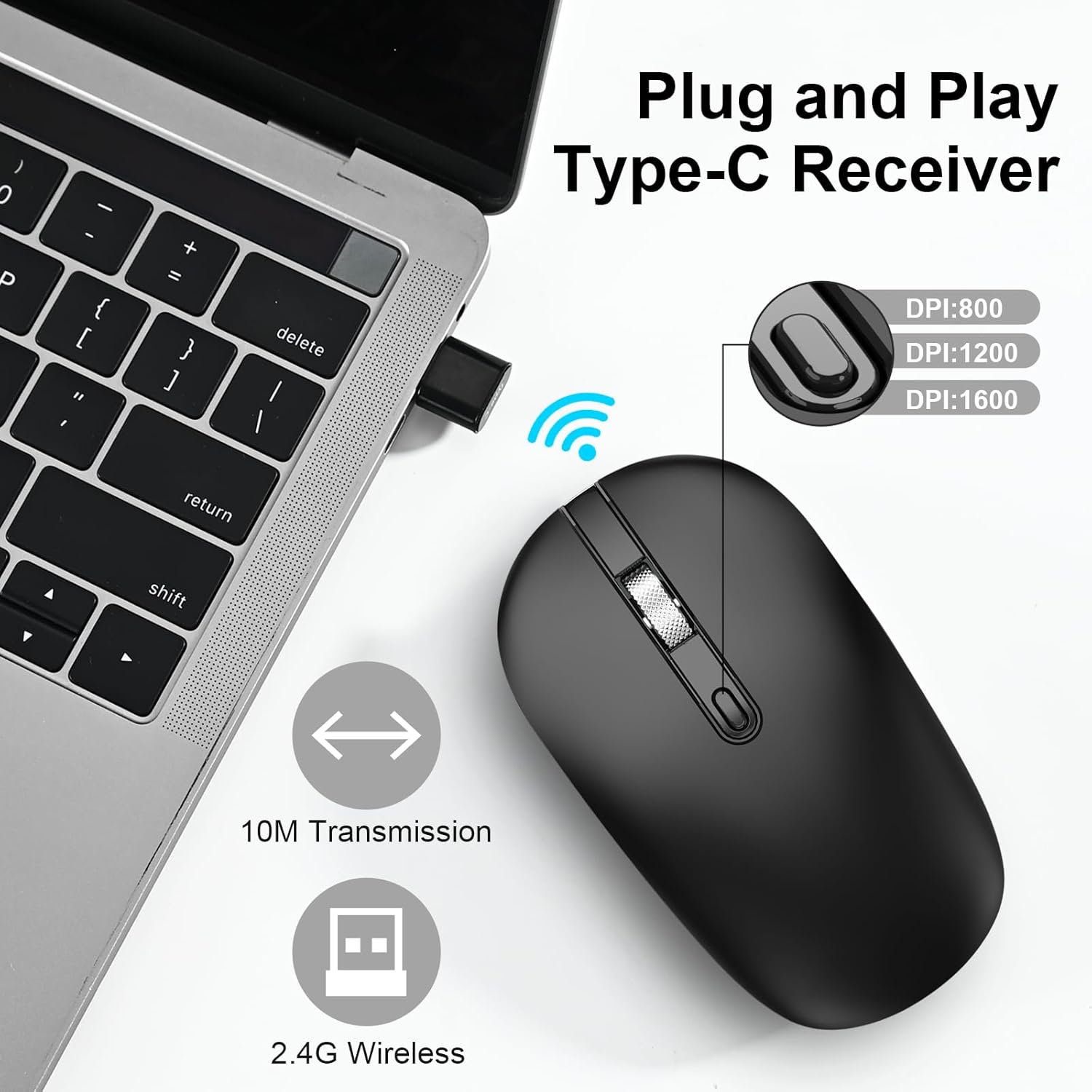
Image: A Type-C receiver plugged into a laptop, with an illustration of the mouse and text indicating 2.4G Wireless, 10M Transmission, and DPI settings (800, 1200, 1600).
- 마우스 전원 켜기:
Slide the Power Switch on the underside of the mouse to the "ON" position.
- 자동 연결:
The mouse will automatically connect to your device. No additional drivers are typically required for most operating systems.
작동 지침
기본 기능
- 왼쪽 클릭: 왼쪽 버튼을 눌러 항목을 선택하거나 기능을 활성화합니다.
- 마우스 오른쪽 클릭: 오른쪽 버튼을 눌러 상황에 맞는 메뉴를 엽니다.
- 스크롤 휠: 문서를 스크롤하려면 휠을 위아래로 굴리십시오. web 페이지를 넘기려면 마우스 휠을 누르세요. 마우스 가운데 버튼 클릭 기능이 활성화됩니다(애플리케이션에서 지원하는 경우).
DPI 조정
The mouse features adjustable DPI (Dots Per Inch) settings to control cursor sensitivity. Press the DPI Key (located behind the scroll wheel) to cycle through the available DPI levels:
- 1000DPI: 표준 감도.
- 1200DPI: 중간 감도.
- 1600DPI: High sensitivity, for faster cursor movement.
Image: Illustration showing the DPI button and the three adjustable DPI levels (800/1200/1600) as depicted in the graphic.
절전 모드
To conserve battery life, the mouse will automatically enter a sleep mode after a period of inactivity. To wake the mouse, simply click any button or move the mouse.

Image: Graphic representing the energy-saving feature with a battery icon and a circular progress bar.
무소음 작동
The mouse is designed with silent click buttons to minimize noise, allowing for a quiet working environment.
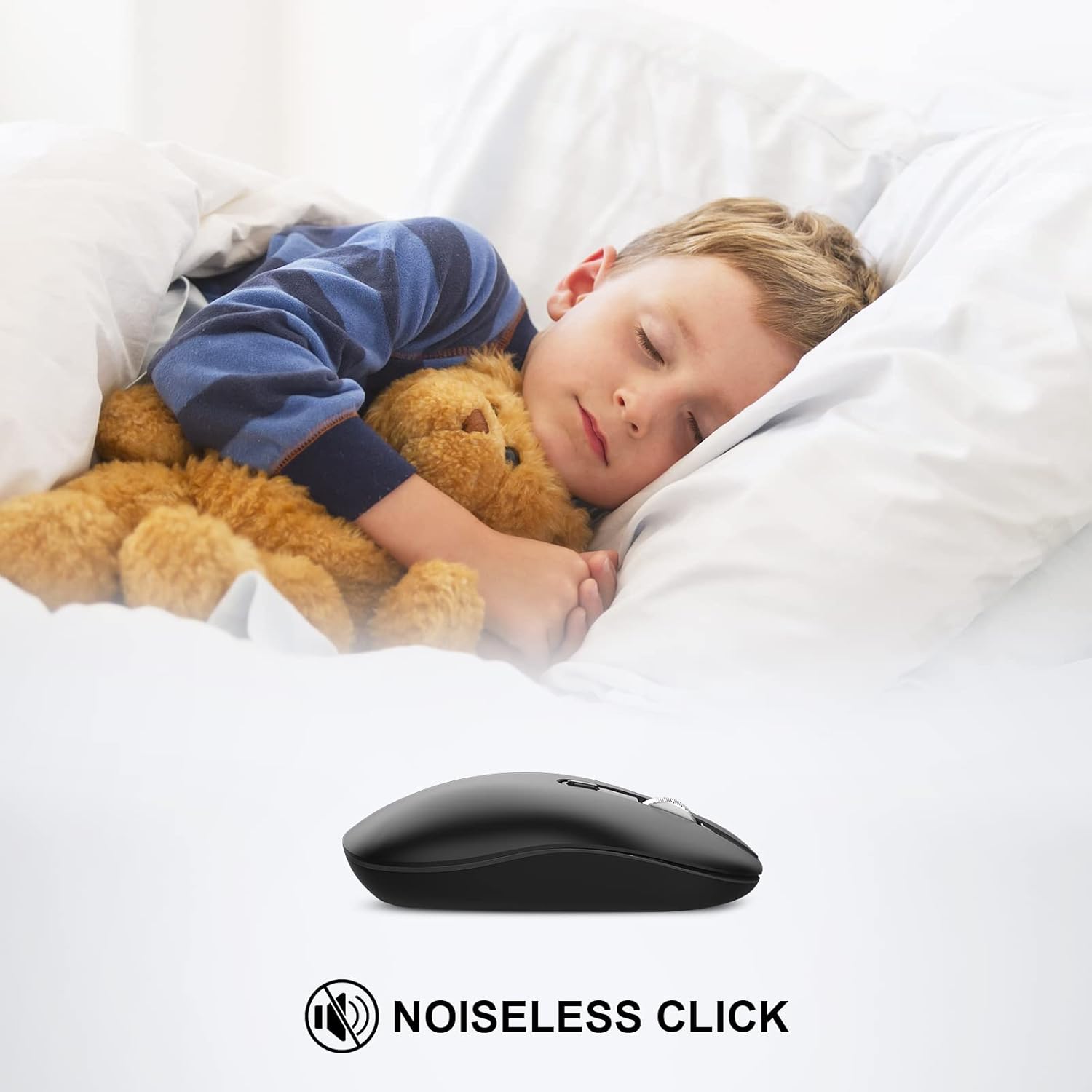
Image: A child sleeping peacefully next to the mouse, illustrating its noiseless click feature.
호환성
The cimetech Type C Wireless Mouse is compatible with a wide range of operating systems and devices:
- 윈도우 XP, 비스타, 7, 8, 8.1, 10
- 리눅스
- 맥 OS
- Desktops, Laptops, PCs, Macbooks, Chromebooks, Computers

Image: Icons representing various operating systems and device types (Laptop, Desktop, Tablet, Mac OS, Android, Linux, Windows) to illustrate wide compatibility.
유지
- 청소: Use a soft, dry cloth to clean the mouse. Avoid using liquid cleaners or abrasive materials.
- 배터리 교체: When the mouse performance degrades or stops responding, replace the AA battery. Ensure the power switch is OFF before replacing the battery.
- 수신기 보관: When not in use or during travel, store the Type-C receiver in its designated slot within the mouse's battery compartment to prevent loss.
문제 해결
명세서
- 상표: cimetech
- 모델 번호: TM013-TYPE-C
- 연결 기술 : 2.4G Wireless (Type-C Receiver, USB-A Adapter included)
- 움직임 감지 기술: 광학
- DPI 설정: 1000/1200/1600 (조절 가능)
- 특별 기능: Portable, Slim, Soundless, Wireless
- 색상: 검은색
- 품목 무게: 1.76 온스
- 배터리: AA 배터리 1개 필요
- 패키지 크기: 4.57 x 2.6 x 1.38 인치
보증 및 지원
For warranty information or technical support, please refer to the contact details provided with your purchase documentation or visit the official cimetech web사이트. 구매 증빙 자료로 구매 영수증을 보관하세요.