
소개
This manual provides detailed instructions for the setup, operation, and maintenance of your cimetech QWERTY 2.4G Wireless Keyboard. Please read this manual thoroughly before using the product to ensure proper function and longevity. This keyboard features a full-size UK layout, 2.4G wireless connectivity, and an ergonomic design for comfortable use.
1. 설정 지침
1.1 패키지 내용
- cimetech 2.4G Wireless Keyboard
- USB 나노 수신기
- 사용자 설명서
1.2 배터리 설치
The keyboard requires one AAA battery (not included) for operation. Locate the battery compartment on the underside of the keyboard. Open the compartment cover, insert the AAA battery according to the polarity indicators (+/-), and close the cover securely.

Image: Underside of the keyboard indicating the AAA battery slot and automatic power saving function.
1.3 키보드 연결
- Insert the USB Nano Receiver into an available USB port on your computer, laptop, Smart TV, or other compatible device.
- 운영 체제가 필요한 드라이버를 자동으로 감지하고 설치합니다. 이 제품은 플러그 앤 플레이 방식이므로 추가 소프트웨어 설치가 필요하지 않습니다.
- Once the receiver is recognized, the keyboard is ready for use. The 2.4G wireless connection provides a stable operating range of up to 10 meters (33 feet).
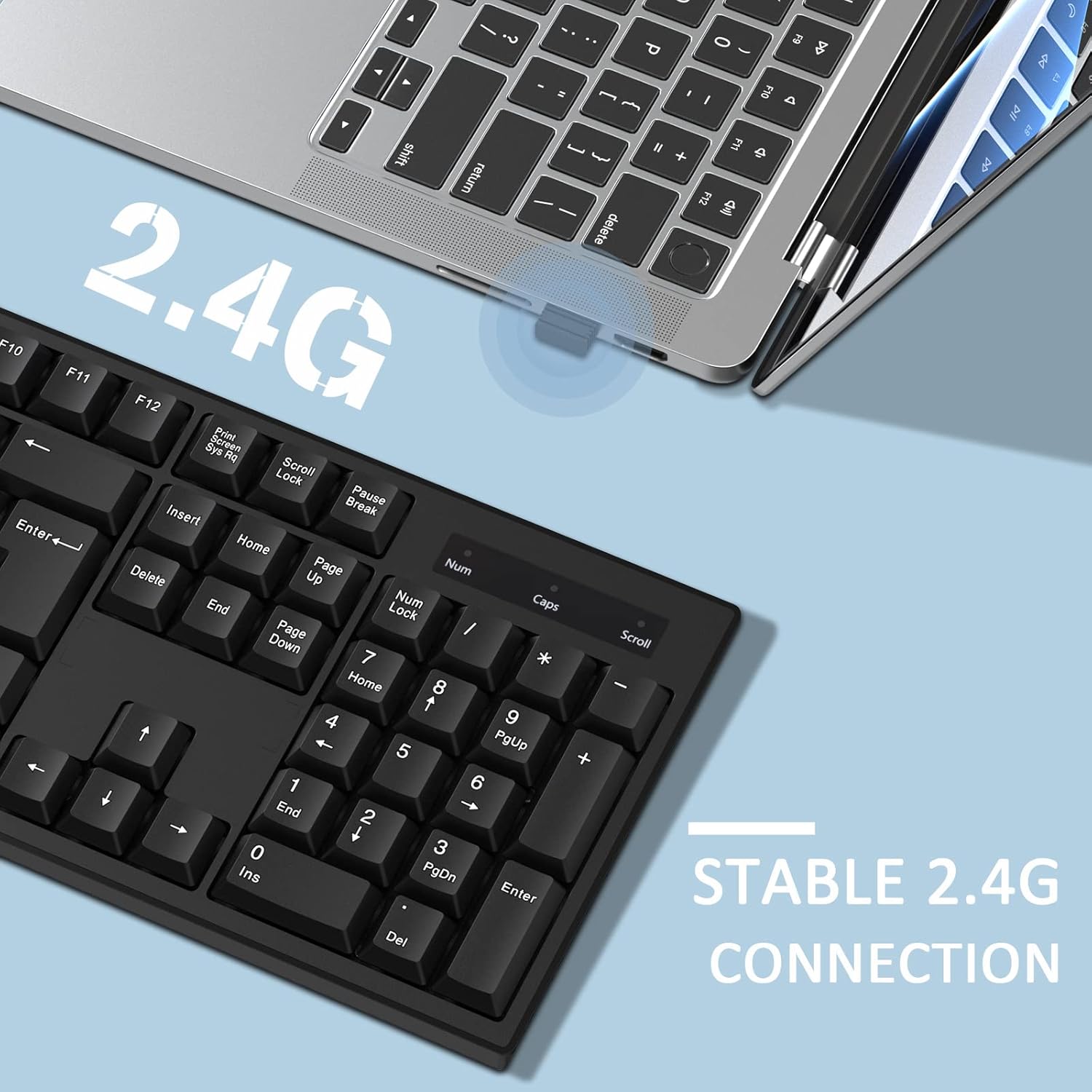
Image: A close-up of the USB Nano Receiver being inserted into a laptop, illustrating the easy setup and 10-meter wireless range.
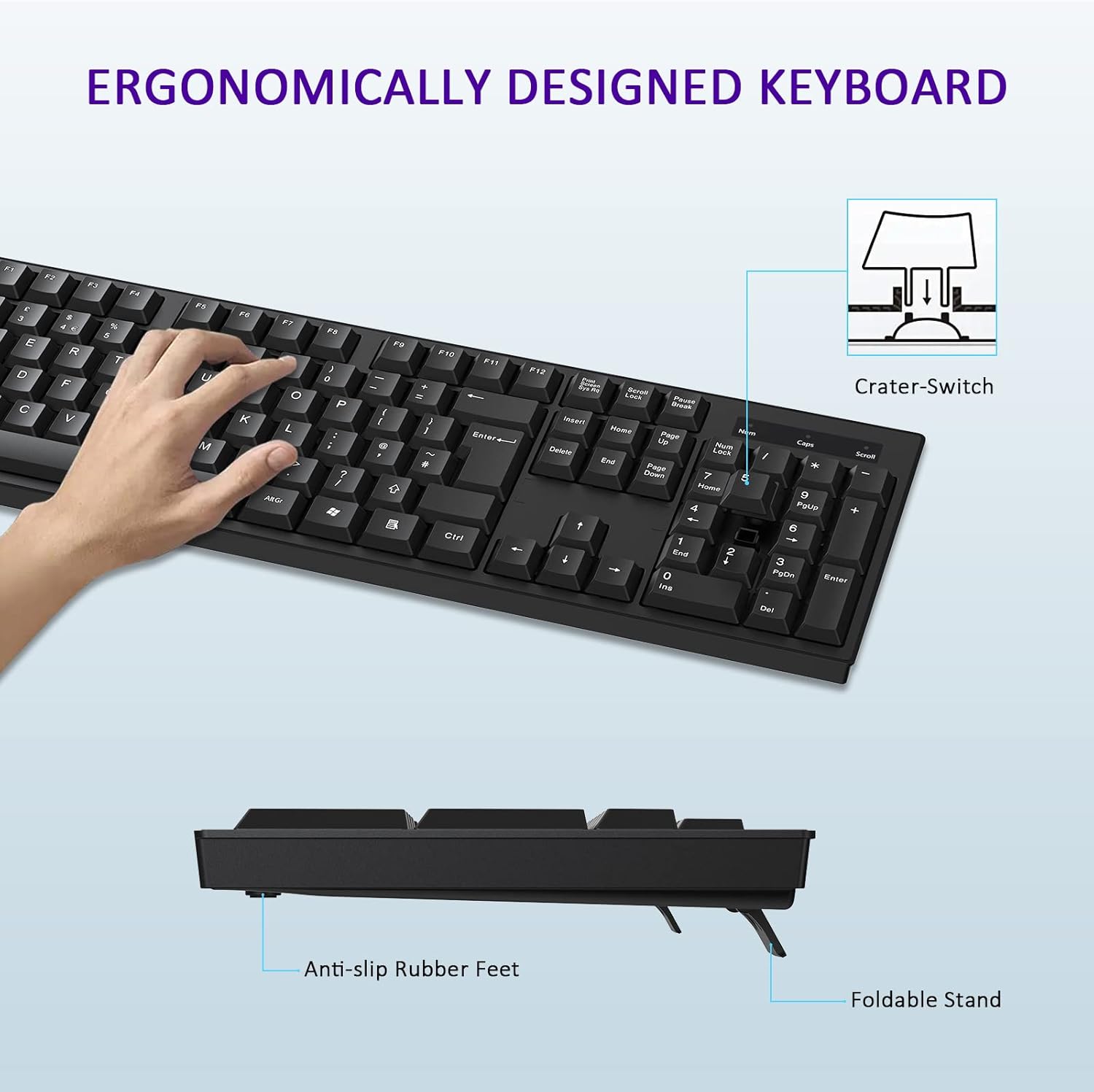
Image: The keyboard positioned next to a laptop, demonstrating the stable 2.4G wireless connection.
2. 사용 설명서
2.1 기본 키보드 기능
The cimetech keyboard features a full-size UK QWERTY layout, including a dedicated numeric keypad for enhanced productivity. All standard keys function as expected with compatible operating systems.

Image: The cimetech keyboard in use with a desktop monitor, showcasing는 모든 기능을 갖추고 있습니다.
2.2 Ergonomic Design Features
키보드는 low-pro로 설계되었습니다.file keys and foldable feet to provide an ergonomic typing experience. Adjust the foldable feet on the underside of the keyboard to achieve your preferred typing angle for optimal comfort.
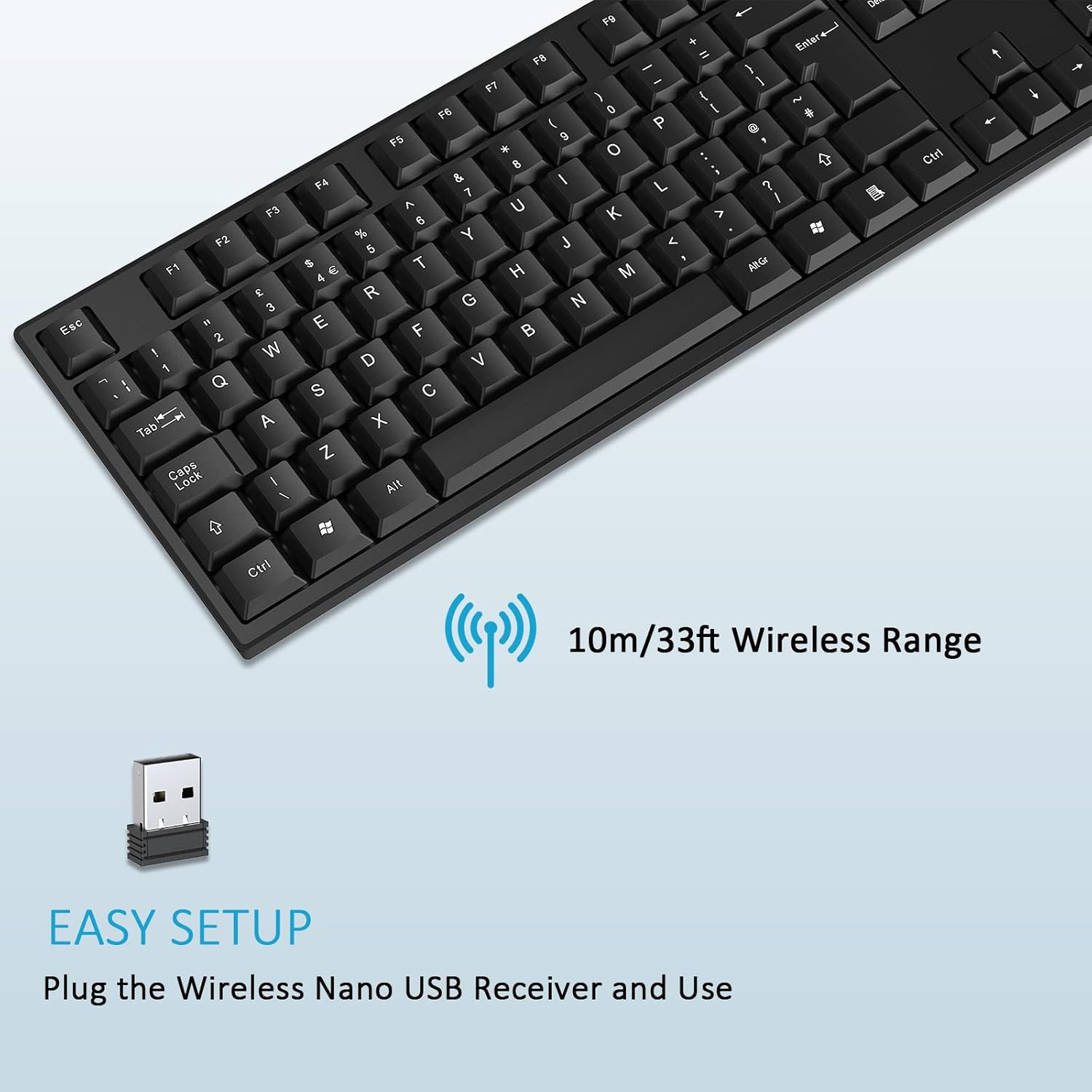
Image: A hand typing on the keyboard, highlighting its ergonomic design, foldable stand, and anti-slip rubber feet.
2.3 절전 모드
To conserve battery life, the keyboard features an automatic power-saving function. After approximately 10 seconds of inactivity, the keyboard will enter sleep mode. To reactivate the keyboard, simply press any key.
Image: The keyboard illustrating its automatic power saving feature, showing it enters sleep mode after 10 seconds and requires pressing any key to activate.
3. 유지관리
3.1 청소
To clean your keyboard, ensure it is disconnected from power (remove battery if possible). Use a soft, lint-free cloth lightly damp물이나 순한 세척액으로 닦아주세요. 과도한 습기를 피하고 키보드에 세척제를 직접 분사하지 마세요. 키 사이의 찌든 때는 압축 공기를 사용하세요.
3.2 배터리 교체
When the keyboard's performance diminishes or it stops responding, it may be time to replace the AAA battery. Follow the instructions in Section 1.2 to replace the battery. Dispose of old batteries responsibly according to local regulations.
4. 문제 해결
4.1 키보드가 응답하지 않음
- 배터리 확인: Ensure the AAA battery is correctly installed and has sufficient charge. Replace if necessary.
- USB 수신기를 확인하세요: Make sure the USB Nano Receiver is securely plugged into a working USB port on your device. Try a different USB port.
- 거리: Ensure the keyboard is within the 10-meter operating range of the USB receiver.
- 간섭: 키보드를 다른 무선 기기나 간섭을 일으킬 수 있는 큰 금속 물체에서 멀리 떨어뜨려 놓으십시오.
- 연결 재설정: USB 수신기를 뽑고 몇 초 기다린 후 다시 꽂으세요.
4.2 특정 키가 작동하지 않음
- 클린 키: Check for any debris or foreign objects lodged under the non-functioning keys. Use compressed air to clear any obstructions.
- 다른 장치에서 테스트: If possible, test the keyboard on another computer or device to determine if the issue is with the keyboard or the original device's software/settings.
5. 제품 사양
| 특징 | 사양 |
|---|---|
| 상표 | cimetech |
| 모델 | B0B9BGW1GP |
| 연결 기술 | 2.4G 무선(USB 수신기) |
| 무선 범위 | 최대 10미터(33피트) |
| 키보드 레이아웃 | Full-size UK QWERTY with Numpad |
| 키의 개수 | 104 |
| 키 유형 | Clicky (Crater-Switch) |
| 특징 | Ergonomic Design, Foldable Feet, Automatic Power Saving |
| 호환 장치 | Laptop, PC, Smart TV (Windows, macOS, Chrome OS, Linux) |
| 색상 | 검은색 |
| 치수(L x W) | 43.5cm x 13cm(17.12인치 x 5.12인치) |
| Height (Min/Max) | 1.8 cm / 2.8 cm (0.7 in / 1.1 in) |

이미지: 상단 및 측면 views of the keyboard with detailed dimensions.
6. 보증 및 지원
Specific warranty information for this product is not provided within this manual. For details regarding warranty coverage, returns, or technical support, please refer to the product packaging, the retailer where the product was purchased, or contact cimetech customer service directly through their official web사이트 또는 연락처 채널.