
중요 안전 지침
Please read all instructions carefully before using the projector and retain this manual for future reference. Improper use may result in electric shock, fire, or other hazards.
- 프로젝터를 열지 마십시오asing. 모든 서비스는 자격을 갖춘 담당자에게 의뢰하세요.
- 화재나 감전을 방지하려면 프로젝터를 비나 습기에 노출시키지 마십시오.
- 적절한 환기를 유지하세요. 환기구를 막지 마세요.
- 프로젝터와 함께 제공된 전원 어댑터만 사용하세요.
- 프로젝터 렌즈에 눈이 직접 닿지 않도록 주의하세요.amp 켜져있습니다.
- 프로젝터를 안정적이고 평평한 표면에 놓으세요.
- 천둥번개가 칠 때나 장기간 사용하지 않을 때는 프로젝터의 전원을 뽑아 두십시오.
패키지 내용
아래 나열된 모든 품목이 패키지에 포함되어 있는지 확인하세요.
- YOWHICK Projector (Model GDP1W)
- 전원 케이블
- 원격 제어
- HDMI 케이블
- AV 케이블
- 사용자 설명서
- 100-inch Projection Screen

The projector features 28000 lumens brightness and supports 4K resolution. A 100-inch screen is included. The compact design (under 1.4kg) allows for easy portability and ceiling projection. Suitable for home use and small business presentations (up to 15 people).
제품 끝view
The YOWHICK GDP1W projector is designed for versatile use, offering high-quality visuals and flexible connectivity in a compact form factor.
주요 특징
- 높은 밝기 및 해상도: 28000 Lumens, Native 1080P, 4K Supported.
- 소형 및 휴대성: Weighs under 1.4kg, dimensions 18 x 8.9 x 22.9 cm.
- 몰입형 오디오: Built-in HIFI speaker and Bluetooth 5.3 for external audio devices.
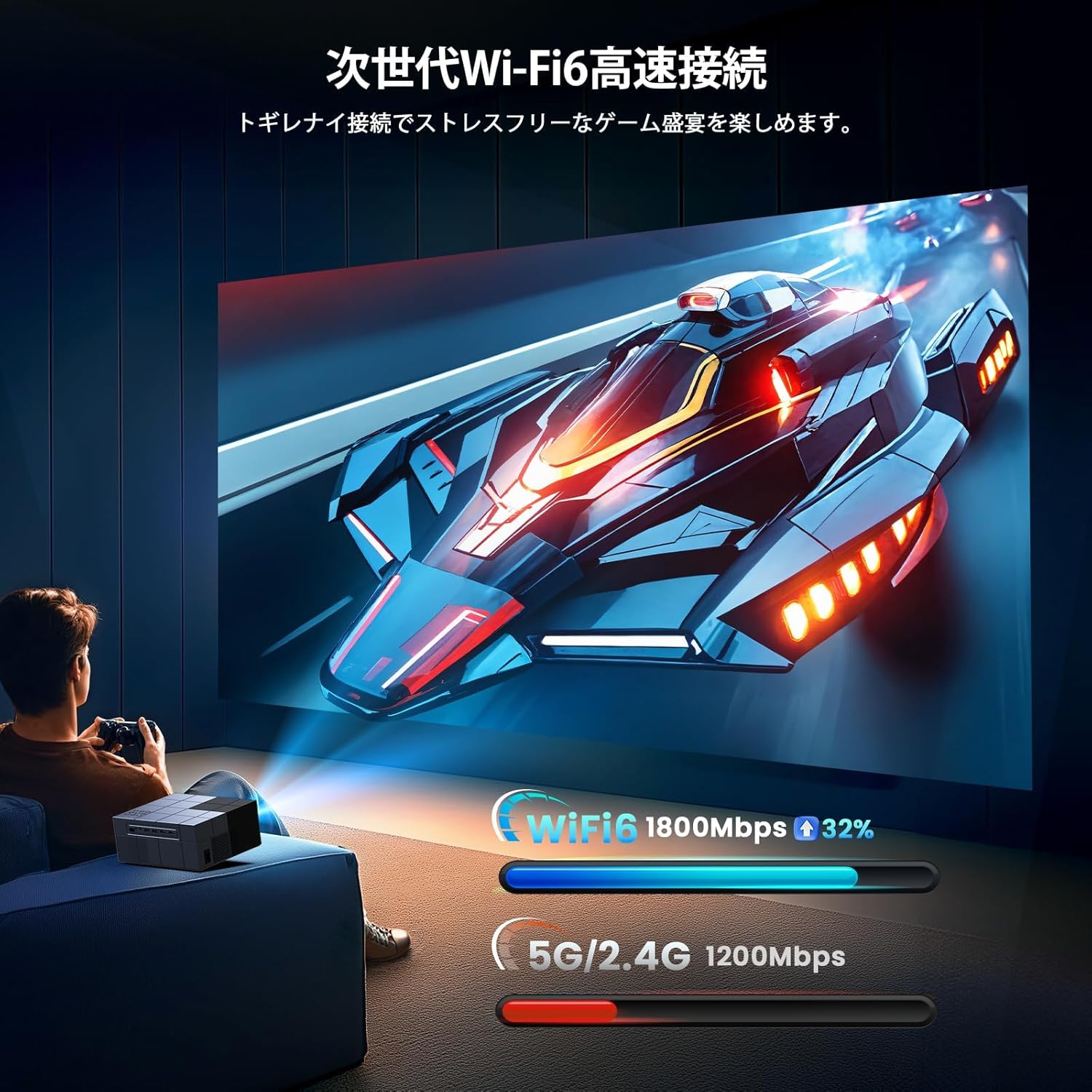
- 고급 연결성 : Dual-band 2.4G/5G WiFi for stable streaming and screen mirroring.
- 유연한 투영: Up to 300-inch screen size, 50-100% zoom function, vertical keystone correction.
- 효율적인 냉각: Advanced cooling system for effective heat dissipation and low noise (approx. 40dB).
- 다중 입력 : AV, USB (x2), HDMI (x2) for wide device compatibility.

설정
배치 옵션
The projector offers various placement options to suit your view환경:
- 전면 투영: 프로젝터를 테이블이나 스탠드 위에 놓고 스크린 앞에 놓으세요.
- 후면 투영: 프로젝터를 반투명 스크린 뒤에 놓으세요.
- 천장 돌출부: Mount the projector to the ceiling (requires a compatible ceiling mount, not included).

초기 전원 켜기
- 프로젝터와 전원 콘센트에 전원 케이블을 연결하세요.
- 프로젝터나 리모컨의 전원 버튼을 눌러 전원을 켜세요.
- The projector will display the home screen.
초점 및 키스톤 보정
Adjust the image clarity and shape:
- 집중하다: 프로젝터 렌즈의 초점 링을 돌려 이미지가 선명하고 깨끗해질 때까지 돌립니다.
- 키스톤 보정: Use the manual vertical keystone adjustment to correct distorted images (trapezoid effect) if the projector is not perfectly perpendicular to the screen. The projector supports vertical keystone correction of ±15 degrees.

작동 지침
Screen Size Adjustment (Zoom)
The projector features a zoom function that allows you to adjust the screen display size from 100% to 50% without moving the projector. Access this function through the projector's menu settings.
오디오 출력
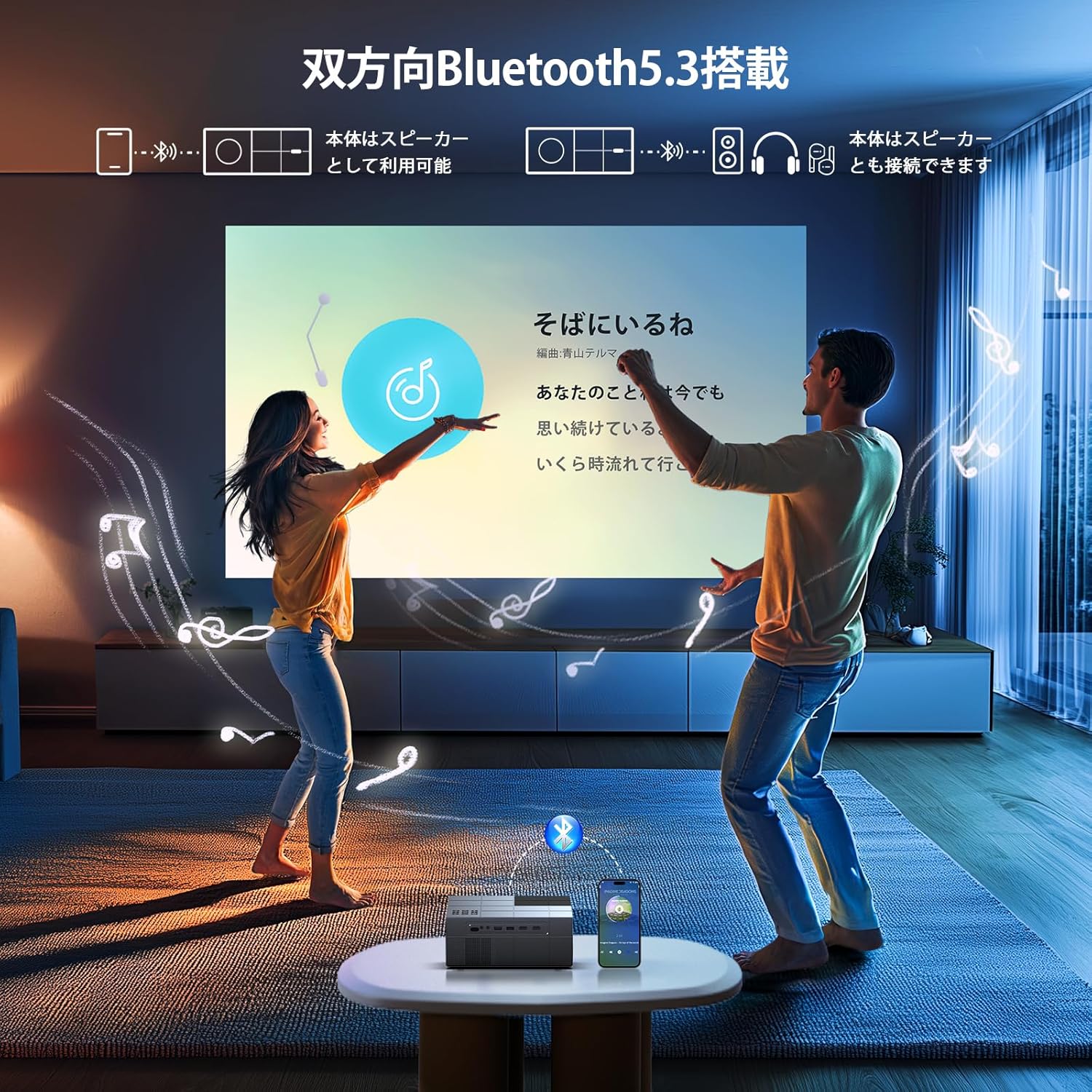
You can use the projector's built-in HIFI speaker or connect external audio devices via Bluetooth 5.3 for a more powerful sound experience. Adjust the volume using the remote control.
타이머 모드
Set a sleep timer for the projector to automatically turn off after a specified period. This is useful for watching content before sleeping.

연결성
무선 연결(Wi-Fi)
The projector supports dual-band 2.4G/5G WiFi for stable and fast wireless screen mirroring from your smartphones, tablets, and PCs. This allows you to project content without physical cables.
블루투스 연결
Equipped with Bluetooth 5.3, the projector can connect to your favorite Bluetooth speakers or wireless headphones. This provides flexibility for audio output, whether you prefer a powerful sound system or private listening.
유선 연결
The projector offers a variety of wired input terminals for broad compatibility:
- HDMI(x2): Connect to PCs, laptops, game consoles (PS4/PS5), TV boxes, and other HDMI-enabled devices.
- USB(x2): Connect USB memory drives for direct media playback.
- 유명인 : Connect to DVD players or older devices using the included AV cable.

Connecting to Streaming Devices
The projector is compatible with various streaming devices such as Amazon Fire TV Stick, Google Chromecast, Roku, and more. Simply connect the streaming device to an HDMI port on the projector.

유지
정기적인 유지관리를 통해 최적의 성능을 보장하고 프로젝터의 수명을 연장할 수 있습니다.
- 렌즈 청소: 안경 렌즈 전용으로 제작된 부드럽고 보풀 없는 천을 사용하십시오. 연마성 세척제나 용제를 사용하지 마십시오.
- 환풍구 청소: Periodically clean the air vents with a soft brush or compressed air to prevent dust buildup, which can affect cooling performance.
- 저장: When not in use, store the projector in a cool, dry, and dust-free environment. Use the original packaging or a protective case if available.
문제 해결
프로젝터에 문제가 발생하면 다음의 일반적인 문제와 해결 방법을 참조하세요.
| 문제 | 가능한 원인 | 해결책 |
|---|---|---|
| 전원이 없습니다 | 전원 케이블이 분리되었습니다. 전원 콘센트 문제 | 전원 케이블 연결 상태를 확인하십시오. 다른 콘센트에 연결해 보십시오. |
| 이미지 없음 | 잘못된 입력 소스; HDMI/AV 케이블이 헐거워졌습니다 | 올바른 입력 소스를 선택하십시오. 케이블을 단단히 다시 연결하십시오. |
| 흐릿한 이미지 | Focus not adjusted; Incorrect keystone | Adjust focus ring; Adjust keystone correction |
| 소리가 나지 않습니다 | Volume too low; Incorrect audio output; Fire TV Stick audio setting | Increase volume; Check audio output settings; For Fire TV Stick, set audio to PCM in its settings menu |
| 원격 작동하지 않음 | 배터리 방전; 방해 | Replace batteries; Ensure clear line of sight to projector's IR receiver |
| Wi-Fi 연결 문제 | Incorrect password; Weak signal | Verify Wi-Fi password; Move projector closer to router |
Note for Amazon Fire TV Stick Users: If you experience no sound from the projector when using an Amazon Fire TV Stick, please open the Fire TV Stick's settings menu and change the sound output to [PCM].
명세서
| 특징 | 사양 |
|---|---|
| 상표 | 요윅 |
| 모델 번호 | GDP1W |
| 제품 치수 | 22.9 x 18 x 8.9cm |
| 품목 무게 | 1.4 킬로그램 |
| 색상 | 회색 |
| 명도 | 28000루멘 |
| 네이티브 해상도 | 1920 x 1080 (1080P 풀 HD) |
| 지원되는 해상도 | 최대 3840 x 2160(4K) |
| 투사 크기 | 40~300인치 |
| 연결 기술 | Bluetooth 5.3, HDMI, IR, USB, Wi-Fi (2.4G/5G) |
| HDMI 포트 | 2 |
| USB 포트 | 2 |
| 키스톤 보정 | Manual Vertical ±15 degrees |
| 줌 기능 | 50% - 100% |
| 소음 수준 | 약 40dB |
| 전력 소비 | 최대 84W |
| 권장 사용 | Gaming, Business, Home Cinema, Education |
보증 및 지원
YOWHICK is committed to providing excellent customer service and product support.
- 보증 기간: This product comes with a 2-year manufacturer's warranty from the date of purchase.
- 수리 서비스: A 3-year repair service is provided.
- 기술 지원: 모든 사용자에게 평생 기술 지원이 제공됩니다.
- 연락처 정보: For initial defects, natural failures, exchanges, returns, or any technical inquiries, please contact our customer service team.
이메일: support@yowhick.jp
라인 아이디: @286hjalm

제품 비디오
Watch these videos for additional information and demonstrations of the YOWHICK Projector.
비디오: 제품 종료view (0:16)
Video: Feature Highlight (0:14)
Video: Detailed Demonstration (0:52)
Video: Extended Usage Guide (2:51)
Video: Setup and Configuration (1:31)
Video: Connectivity Options (0:40)
Video: Quick Start Guide (0:23)
Video: Advanced Features (1:22)
Video: Troubleshooting Tips (1:19)