
소개
This user manual provides comprehensive instructions for the Ciays Automatic Pet Feeder, a 4-liter capacity device designed for convenient and consistent feeding of small to medium cats and dogs. It supports up to 6 meals per day with adjustable portion sizes and includes a voice recording feature to call your pet at meal times. This manual covers assembly, operation, maintenance, and troubleshooting to ensure optimal performance and longevity of your feeder.
Important Safety Information & Reminders
- This automatic pet feeder is designed for dry food only.
- To prevent food jams, the pellet size should 15mm를 초과하지 마십시오.
- 음식 배출구에 손가락을 넣거나 회전자를 만지려고 하지 마십시오.
- Do not submerge the main unit in water as this will damage the electronic components.
- This timed cat feeder requires 3 D-type batteries for backup power. If the device is powered by batteries only, they will last up to 3 months under normal usage. Batteries are not included in the package.
상자 안에 무엇이 들어있나요?
패키지를 열면 다음 구성품이 모두 들어 있는지 확인하세요.
- 펫 피더 x 1
- 전원 어댑터 x 1
- 전원 코드 x 1
- 제습제 1팩
- 스테인리스 스틸 볼 x 1
- Plastic Bowl x 1
- 사용설명서 x 1

Image: Ciays Automatic Pet Feeder with its included accessories, including the main unit, food bowls, and power supply.
설정
집회
- Unpack all components: main feeder unit, lid, food bowl (stainless steel and plastic options), power adapter, power cord, and desiccant pack.
- Insert the stainless steel bowl into the plastic base.
- Attach the assembled bowl to the main feeder unit, ensuring it clicks securely into place.
- Open the top lid of the feeder. Insert the desiccant pack into its designated slot in the lid to maintain food freshness.
- Fill the food reservoir with dry pet food. Ensure kibble size does not exceed 15mm to prevent jams.
- Close the lid securely, ensuring the spring-loaded switch is engaged to prevent accidental opening by pets.
- Connect the power adapter to the feeder and plug it into a wall outlet. For backup power, install 3 D-type batteries (not included) in the battery compartment at the bottom of the unit.
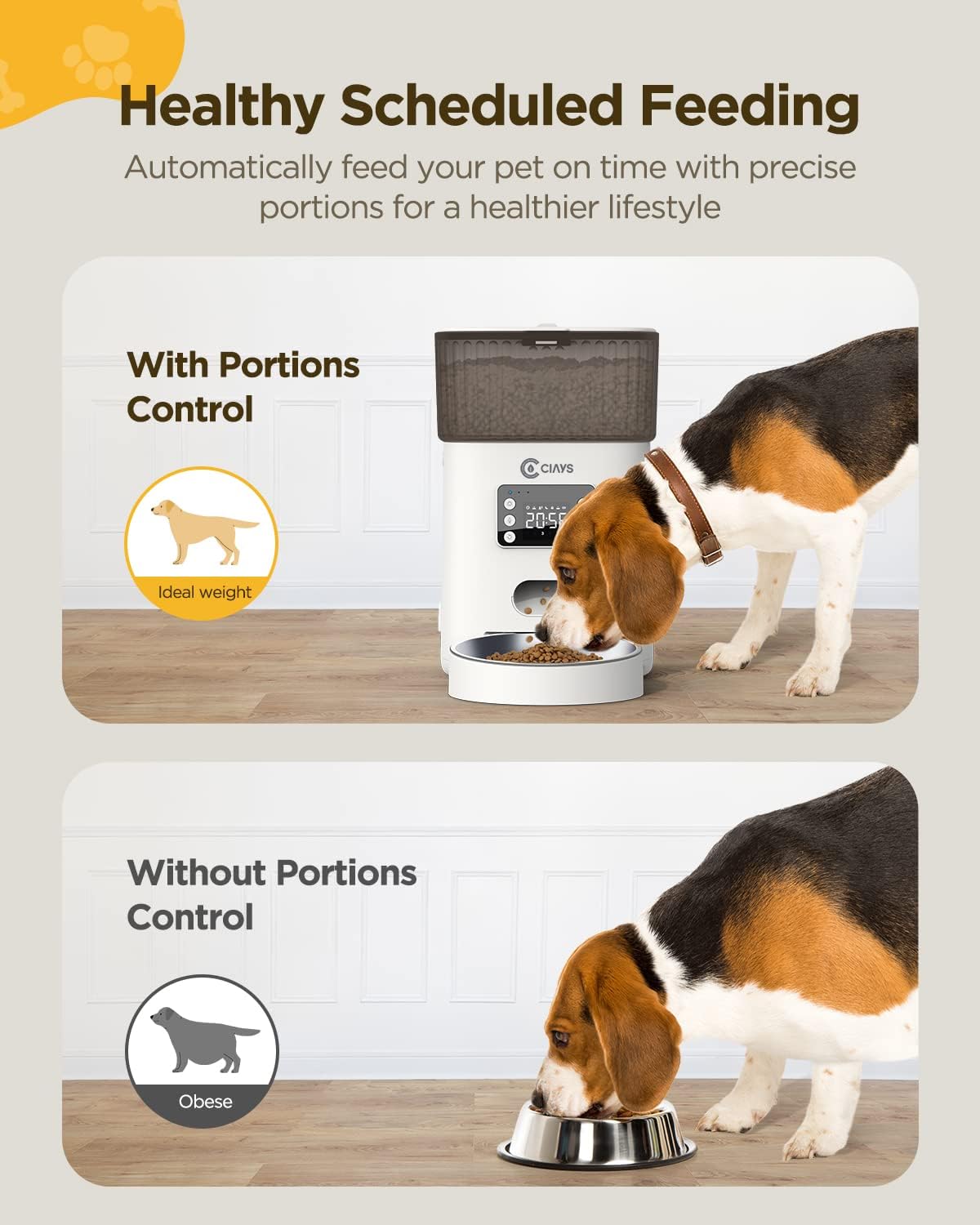
Image: The feeder demonstrating precise portion control for healthy feeding.

Image: The secure, spring-loaded lid designed to prevent pets from accessing food prematurely.

Image: The feeder illustrating its backup battery power capability for uninterrupted operation.
작동 지침
제어판 이상view
The control panel features a digital display and six buttons for navigation and settings, allowing for easy programming of feeding schedules and other features.
시계 설정
- Press the 'Set' button (usually top-left) to enter time setting mode. The hour display will blink.
- Use the 'Up' and 'Down' arrow buttons to adjust the hour (24-hour format).
- Press 'OK' to confirm the hour and move to minute setting.
- Use 'Up' and 'Down' arrows to adjust the minutes.
- Press 'OK' to save the time.
프로그래밍 수유 일정
- Press the 'Set' button repeatedly until 'F-01' (or similar) appears, indicating the first feeding program.
- Press 'OK' to enter the feeding time setting for this program.
- Adjust the hour and minutes using 'Up'/'Down' arrows and 'OK' to confirm, similar to setting the clock.
- After setting the time, the portion size will blink. Use 'Up'/'Down' arrows to select the desired portion size (1-20 portions).
- Press 'OK' to save the portion size. The feeder supports up to 6 feeding times per day.
- Repeat for additional feeding programs (F-02 to F-06) as needed.
음성 녹음
- Press and hold the 'Record' button (microphone icon) for 3 seconds until the indicator light blinks.
- Record your 10-second message (e.g., 'Hey, it's mealtime!').
- Release the 'Record' button to save. The message will play during each scheduled feeding.
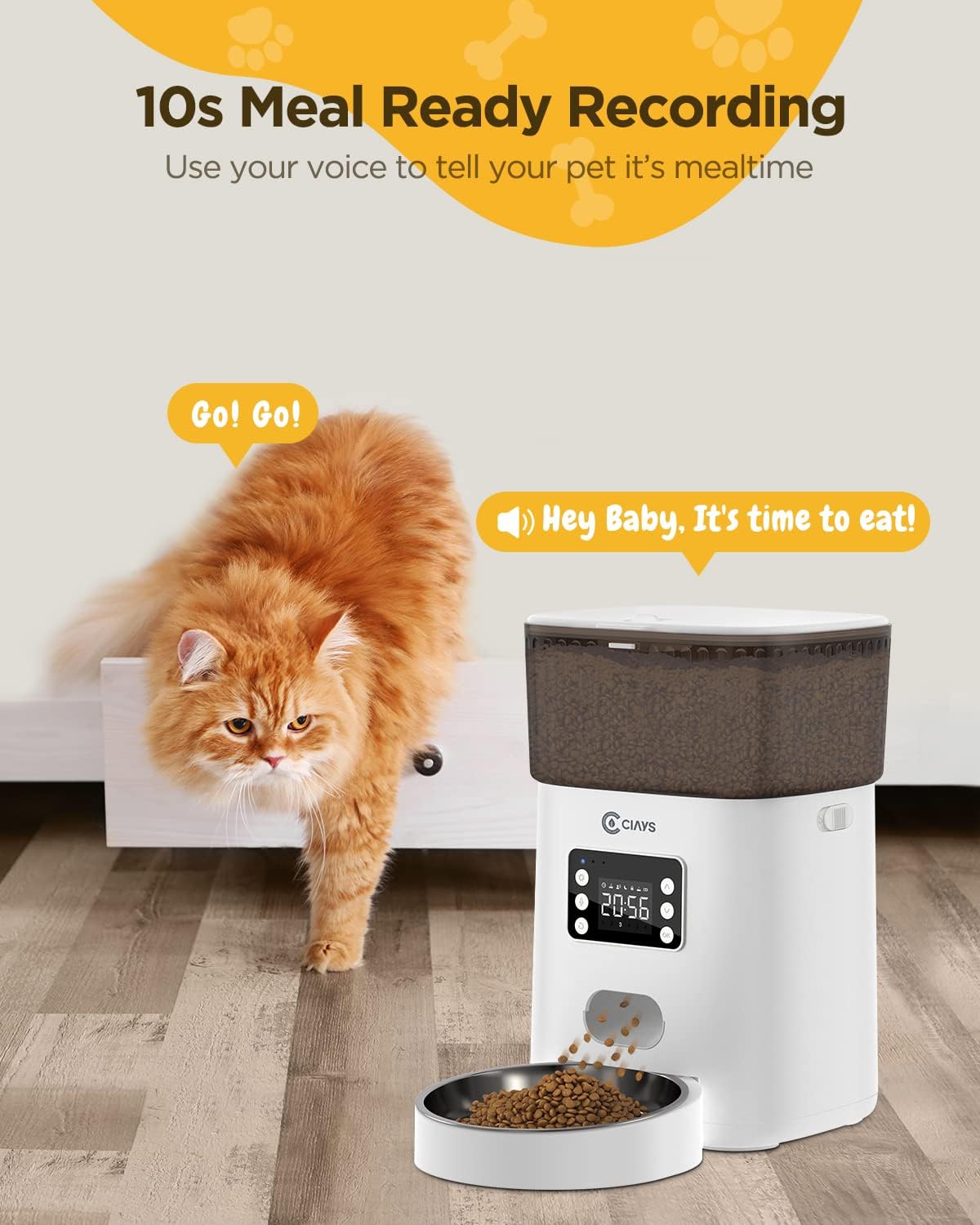
Image: The feeder highlighting its 10-second voice recording feature to call pets for meals.
수동 공급
To dispense food immediately outside of the schedule, press the 'Manual Feed' button (often a single food drop icon). Each press dispenses one portion.
유지
청소
- 손세탁만 가능: Disassemble the food reservoir, lid, and bowls. Wash all removable parts with mild soap and water. Rinse thoroughly and dry completely before reassembling.
- Do not submerge the main unit in water as this will damage the electronic components.
저장
When not in use for extended periods, ensure the feeder is clean and dry. Store in a cool, dry place.
문제 해결
일반적인 문제
- 피더에서 음식이 나오지 않음: Check for food jams (kibble size too large), ensure the food reservoir is not empty, verify power connection or battery level.
- 디스플레이가 작동하지 않습니다: Ensure power adapter is securely plugged in or batteries are correctly installed and charged. Check the brightness setting.
- 음성 녹음이 재생되지 않습니다. Ensure the recording was saved correctly. Re-record if necessary.
- 신선하지 않은 음식: Ensure the desiccant pack is active and the lid is securely sealed.
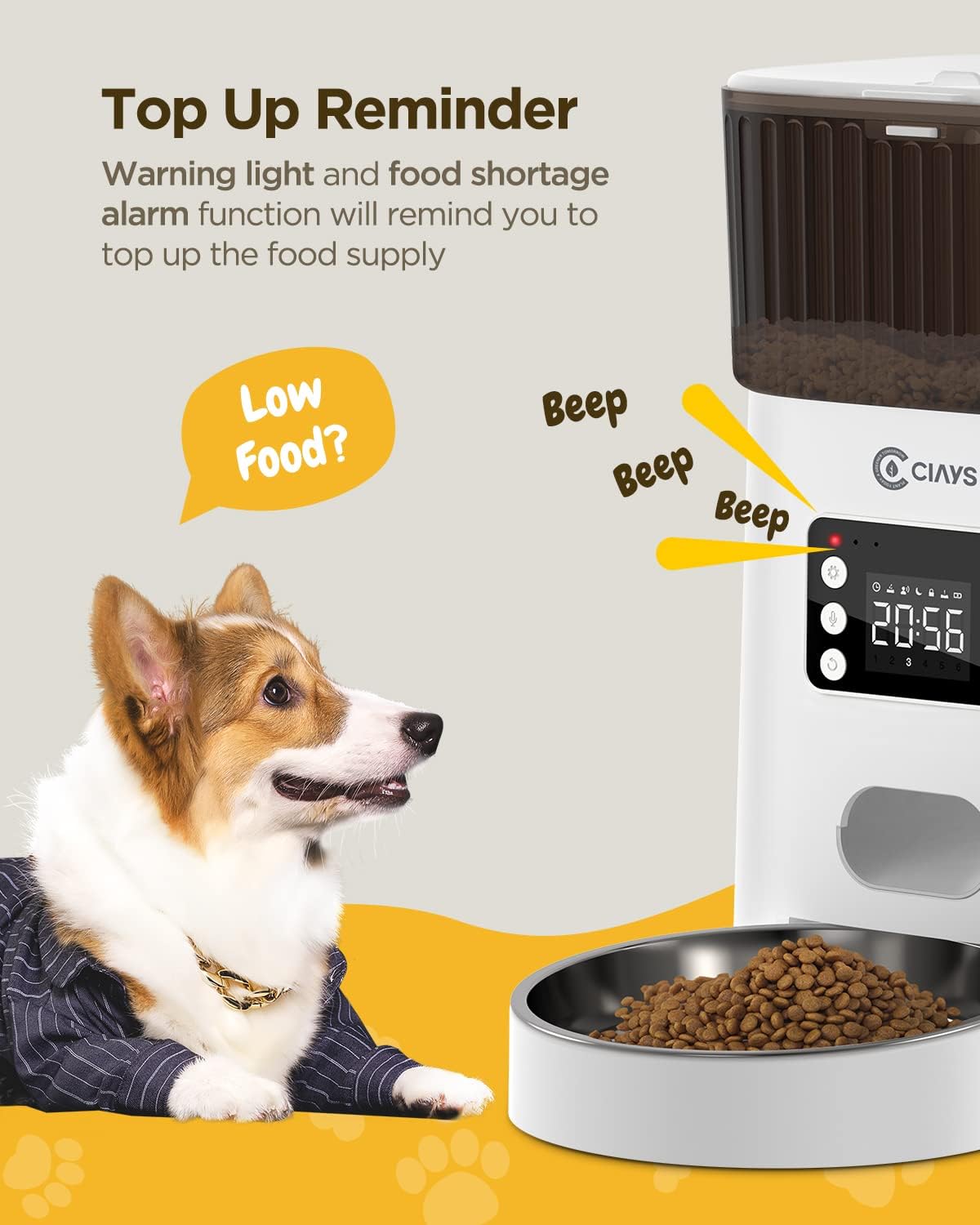
Image: The feeder displaying a warning light for low food supply, prompting a refill.
명세서
| 품목 무게 | 4.41파운드 |
| 제조업체 | 시아이스 |
| 품목 모델 번호 | CIPS0102 |
| 품목 패키지 크기(L x W x H) | 12.05 x 9.57 x 7.83 인치 |
| 품목 치수(L x W x H) | 8.26 x 13.46 x 12.95 인치 |
| 재료 | 스테인리스 스틸, 플라스틱 |
| 크기 | 4L |
| 색상 | 하얀색 |
| 대상 청중 | 집고양이, 개 |
| 추천 용도 | 여러 애완동물 |
| 특징 | 음성 녹음 |
| 전원 | AC Adapter (included), 3 D-type batteries (not included) |
보증 및 지원
보증 정보
The Ciays Automatic Cat Feeder comes with a 1년 보증 구매일로부터 제조상의 결함에 대한 보증을 제공합니다.
고객 지원
For any questions, technical assistance, or warranty claims, please contact Ciays customer support through their official web제품을 구매한 사이트 또는 소매업체.