
1. 서론
Thank you for choosing the TMEZON 718TW Intercom Monitor. This manual provides detailed instructions for the installation, operation, and maintenance of your new video intercom system. Please read this manual thoroughly before installation and use to ensure proper functionality and safety. The TMEZON 718TW is designed to enhance your home security and communication, allowing you to see and speak with visitors, and even unlock doors remotely via a mobile application.
2. 안전 정보
- 전기 안전: Ensure all wiring is performed by a qualified electrician and complies with local electrical codes. Disconnect power before performing any installation or maintenance.
- 환경: Do not expose the device to rain, moisture, direct sunlight, or extreme temperatures. Operate within the specified temperature and humidity ranges.
- 손질: Handle the monitor and outdoor unit with care. Avoid dropping or subjecting them to strong impacts.
- 청소: 부드럽고 마른 천으로 닦아주세요. 액체나 에어로졸 세척제는 사용하지 마세요.
- 수정 사항: Do not attempt to open or modify the device. Unauthorized modifications can void the warranty and pose safety risks.
3. 패키지 내용
Please check the package contents upon receipt. If any items are missing or damaged, contact your retailer immediately.
- Indoor Monitor (718TW)
- 실외용 초인종
- 전원 어댑터
- 실내 모니터용 장착 브래킷
- 장착 나사 및 벽면 플러그
- 배선 케이블
- RFID Key Fobs (Quantity may vary)
- 사용 설명서(본 문서)
This image displays the complete TMEZON 718TW intercom system, including the indoor monitor, outdoor doorbell unit, several RFID key fobs, and a smartphone screen showing the mobile application interface.
4. 제품 오버view
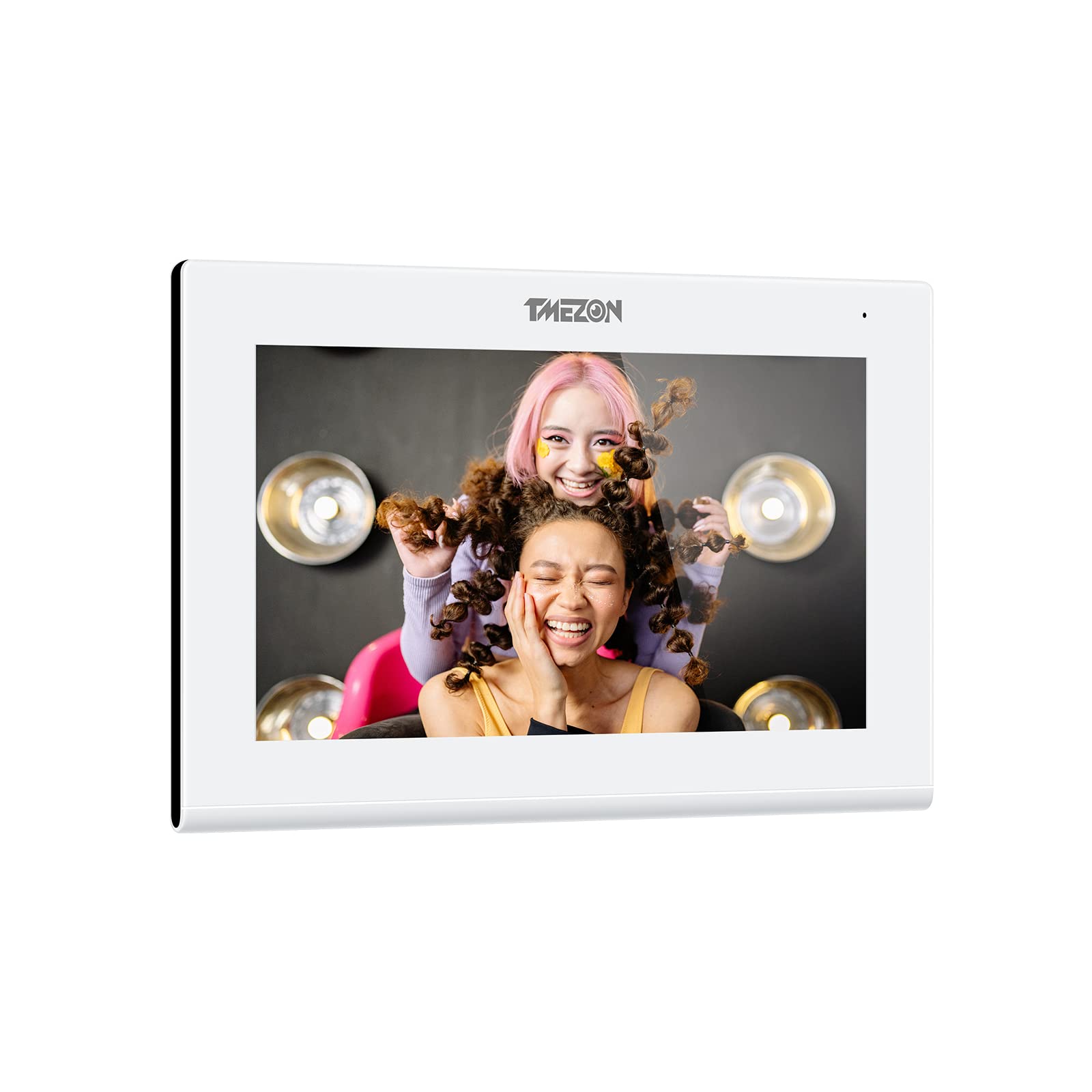
The TMEZON 718TW Intercom Monitor system consists of an indoor monitor and an outdoor doorbell unit. It features Wi-Fi connectivity, allowing remote viewing and control via a dedicated mobile application. The system supports two-way audio communication, video monitoring, and remote door unlocking.
주요 특징:
- High-resolution display on the indoor monitor.
- Wide-angle camera on the outdoor unit for clear visitor identification.
- Wi-Fi connectivity for remote access via smartphone app.
- 양방향 오디오 통신.
- Remote door unlocking (requires compatible electronic lock, not included).
- Motion detection and recording capabilities.

A smartphone displaying the Tuya application interface, which allows remote control and monitoring of the TMEZON 718TW intercom system. The app shows a live video feed from the outdoor unit.
5. 설정 및 설치
Follow these steps carefully for proper installation of your TMEZON 718TW intercom system.
5.1 Outdoor Doorbell Unit Installation
- 위치를 선택하십시오 : Select a suitable location near your entrance, typically at eye level, ensuring clear visibility of visitors and protection from direct weather exposure.
- 설치: Use the provided screws and wall plugs to securely mount the outdoor unit to the wall. Ensure all wiring connections are accessible.
- 배선: Connect the power, video, and audio cables from the outdoor unit to the indoor monitor according to the wiring diagram in the full manual (not provided here). If connecting to an electronic lock, ensure proper wiring for the unlock function.
5.2 실내 모니터 설치
- 위치를 선택하십시오 : Select a central and easily accessible location inside your home.
- 설치: Attach the mounting bracket to the wall using screws and wall plugs.
- 배선: Connect the cables from the outdoor unit and the power adapter to the indoor monitor. Ensure all connections are secure.
- 모니터 장착: 실내 모니터를 장착 브래킷에 조심스럽게 부착하십시오.
5.3 전원 켜기 및 초기 구성
- 전원 켜기: Plug in the power adapter to an electrical outlet. The indoor monitor should power on.
- Wi-Fi 연결: Follow the on-screen prompts on the indoor monitor to connect it to your home Wi-Fi network. This is crucial for mobile app functionality.
- 앱 다운로드 : Download the 'Tuya Smart' or 'Smart Life' application from your smartphone's app store (iOS or Android).
- 장치 페어링: Open the app, create an account, and follow the in-app instructions to add your TMEZON 718TW intercom system. This typically involves scanning a QR code displayed on the indoor monitor.
6. 사용 설명서
Once installed and configured, your TMEZON 718TW intercom system is ready for use.
6.1 전화 받기
- When a visitor presses the doorbell button, the indoor monitor will ring and display the visitor's video.
- On the indoor monitor, tap the 'Answer' button to establish two-way audio communication.
- If using the mobile app, you will receive a notification. Tap the notification to open the app and answer the call remotely.
6.2 모니터링
- From the indoor monitor, you can manually activate the outdoor camera to view the entrance area at any time.
- Through the mobile app, you can access the live video feed from the outdoor unit remotely, allowing you to monitor your entrance from anywhere.
6.3 문 잠금 해제
- During a call or while monitoring, tap the 'Unlock' button on the indoor monitor or in the mobile app to open a connected electronic door lock.
- RFID key fobs can also be used to unlock the door by presenting them to the outdoor unit's reader (if equipped).
6.4 설정 및 사용자 지정
Access the settings menu on the indoor monitor to adjust:
- Ring volume and melody.
- Display brightness and contrast.
- Recording settings (motion detection, video duration).
- 네트워크 설정.
7. 유지관리
정기적인 유지보수는 인터콤 시스템의 수명 연장과 최적의 성능을 보장합니다.
- 청소: 부드럽고 약간 d를 사용하세요amp cloth to clean the surfaces of the indoor monitor and outdoor unit. Avoid abrasive cleaners or solvents.
- 펌웨어 업데이트: Periodically check for firmware updates through the mobile application or TMEZON's official web사이트. 업데이트를 통해 성능을 개선하고 새로운 기능을 추가할 수 있습니다.
- 케이블 검사: 모든 케이블에 마모나 손상 흔적이 있는지 정기적으로 점검하십시오. 손상된 케이블은 즉시 교체하십시오.
- Outdoor Unit Lens: Keep the camera lens on the outdoor unit clean and free from obstructions (dirt, spiderwebs) for clear video quality.
8. 문제 해결
If you encounter issues with your TMEZON 718TW intercom system, refer to the following common problems and solutions.
8.1 No Power to Indoor Monitor
- 전원 어댑터 확인: Ensure the power adapter is securely plugged into both the monitor and a working electrical outlet.
- 회로 차단기를 확인하십시오. 콘센트의 회로 차단기가 트립되지 않았는지 확인하십시오.
8.2 No Video from Outdoor Unit
- 배선 확인: Ensure the video cable between the outdoor unit and indoor monitor is correctly and securely connected.
- 전원 주기: Disconnect and reconnect power to both units.
8.3 통화 중 소리가 나지 않음
- 볼륨 확인: Ensure the volume on the indoor monitor and your smartphone app is not muted or set too low.
- 배선 확인: Verify audio wiring connections between the outdoor unit and indoor monitor.
8.4 Mobile App Cannot Connect / Offline
- Wi-Fi 연결: Ensure the indoor monitor is connected to a stable 2.4GHz Wi-Fi network.
- 라우터: Wi-Fi 라우터를 다시 시작하세요.
- 앱 권한: Check that the mobile app has necessary network permissions on your smartphone.
- 장치 재페어링: If issues persist, try removing the device from the app and re-pairing it.
9. 사양
| 제조업체 | 티메존 |
| 모델 | 718TW |
| ASIN | B0B21782BN |
| Date first available on Amazon.fr | 29년 2022월 XNUMX일 |
| 예비 부품 가용성 | 예비 부품에 대한 정보가 없습니다. |
10. 보증 및 지원
For warranty information, technical support, or further assistance, please contact TMEZON customer service through your purchase platform or the official TMEZON website. Please have your product model number (718TW) and purchase details ready when contacting support.