
1. 서론
The j5create JCH474 USB-C 3-Port Hub with Gigabit Ethernet is designed to expand the connectivity of your computer. This multi-adapter provides three USB Type-A ports for connecting peripherals and a Gigabit Ethernet port for wired network access. It offers data transfer speeds of up to 5Gbps for USB devices and 10/100/1000Mbps for Ethernet connections.
This compact device is ideal for laptops and desktop computers equipped with a USB Type-C port, especially those lacking an integrated Ethernet port.

Image: The j5create JCH474 hub, highlighting its USB-C input, three USB 3.2 Gen 1 Type-A ports, and Gigabit Ethernet port. It also indicates USB-C, Ethernet (1000 Mbps), and USB 3.2 Gen 1 (5 Gbps) capabilities.
2. 패키지 내용
- j5create JCH474 USB-C 3-Port Hub with Gigabit Ethernet
- Quick Installation Guide (if applicable, not explicitly mentioned but standard)
3. 시스템 요구 사항
- Available USB Type-C port on host computer
- Operating System: Windows 7 or later (Windows 10 recommended), macOS 9 or later, Chrome OS, Linux
4. 설정 지침
- Connect the Hub to Your Computer: Insert the USB Type-C connector of the JCH474 hub into an available USB Type-C port on your laptop or desktop computer.
- 드라이버 설치(필요한 경우): In most modern operating systems (Windows 10, macOS, Chrome OS), the necessary drivers for the USB hub and Gigabit Ethernet adapter will install automatically upon connection. If prompted, follow the on-screen instructions. For older operating systems like Windows 7 or specific Linux distributions, manual driver installation might be required. Refer to the j5create support web필요한 경우 드라이버를 다운로드할 수 있는 사이트입니다.
- USB 주변 장치 연결: Plug your USB devices (e.g., mouse, keyboard, flash drive, external hard drive) into the three available USB Type-A ports on the hub.
- Connect to a Wired Network: Connect an Ethernet cable from your router or network switch to the RJ45 Gigabit Ethernet port on the hub. The network connection should be established automatically.
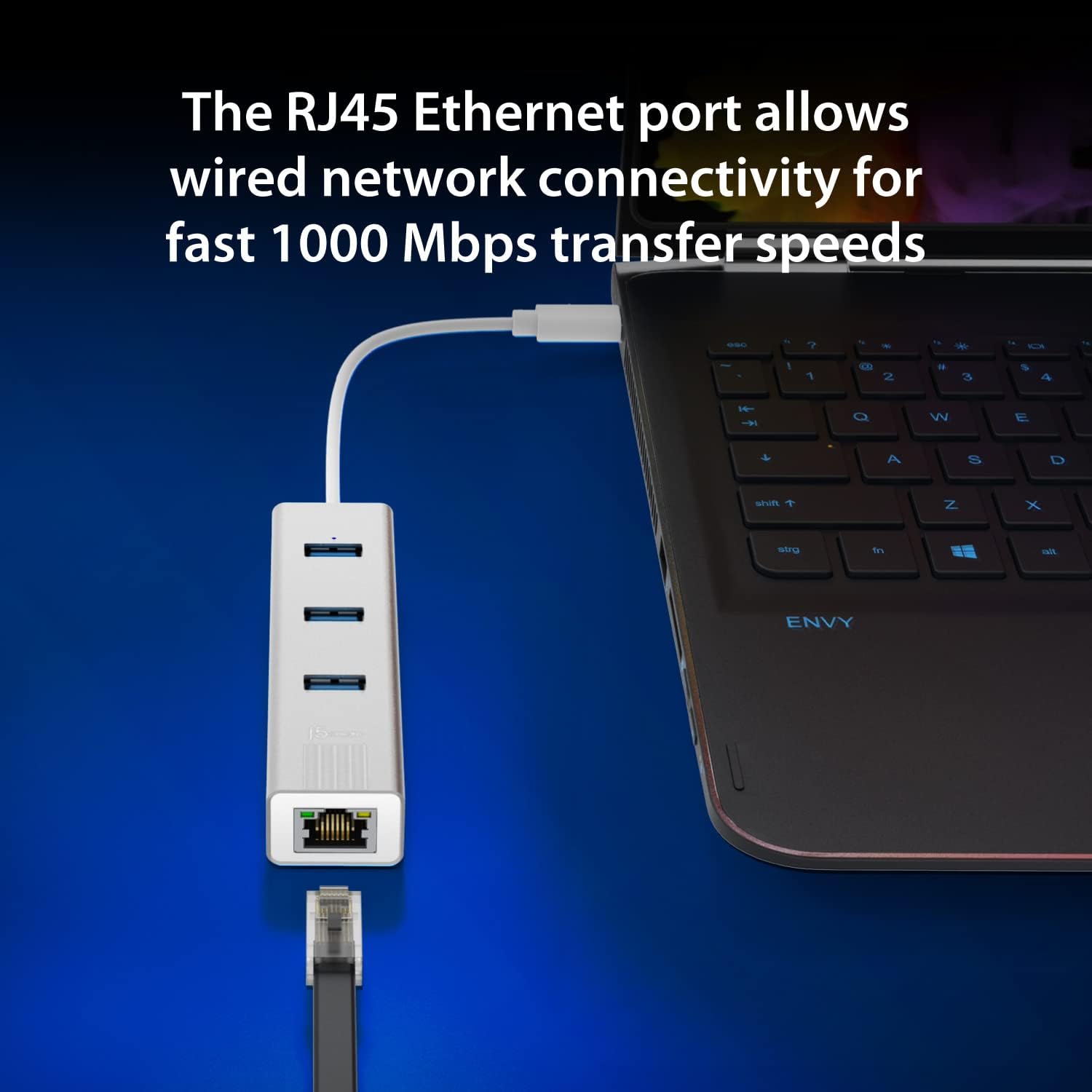
Image: The j5create JCH474 hub connected to a laptop via its USB-C cable, demonstrating an Ethernet cable plugged into the RJ45 port for wired network connectivity. The image emphasizes fast 1000 Mbps transfer speeds.
5. 사용 설명서
5.1. Using the USB Type-A Ports
The JCH474 provides three USB 3.2 Gen 1 Type-A ports, offering data transfer speeds of up to 5Gbps. These ports are backward compatible with USB 2.0 and USB 1.1 devices.
- Simply plug your USB devices into any of the three available USB Type-A ports.
- The blue LED indicator above the USB ports will illuminate when the hub is powered and connected.
- Ensure your devices are properly recognized by your operating system.

이미지: 자세한 view of the three USB Type-A ports on the j5create JCH474 hub, highlighting their capability to connect various peripherals. A graphic compares USB 2.0 (480 Mbps) and USB 3.2 Gen 1 (5 Gbps) transfer speeds.
5.2. 기가비트 이더넷 포트 사용
The RJ45 Gigabit Ethernet port allows for a stable and fast wired network connection, supporting 10/100/1000Mbps speeds.
- Connect a standard RJ45 Ethernet cable from your network source to the hub's Ethernet port.
- The LED indicators on the Ethernet port will show network activity (link and activity).
- Your computer should automatically detect the wired network connection. If not, check your network settings.
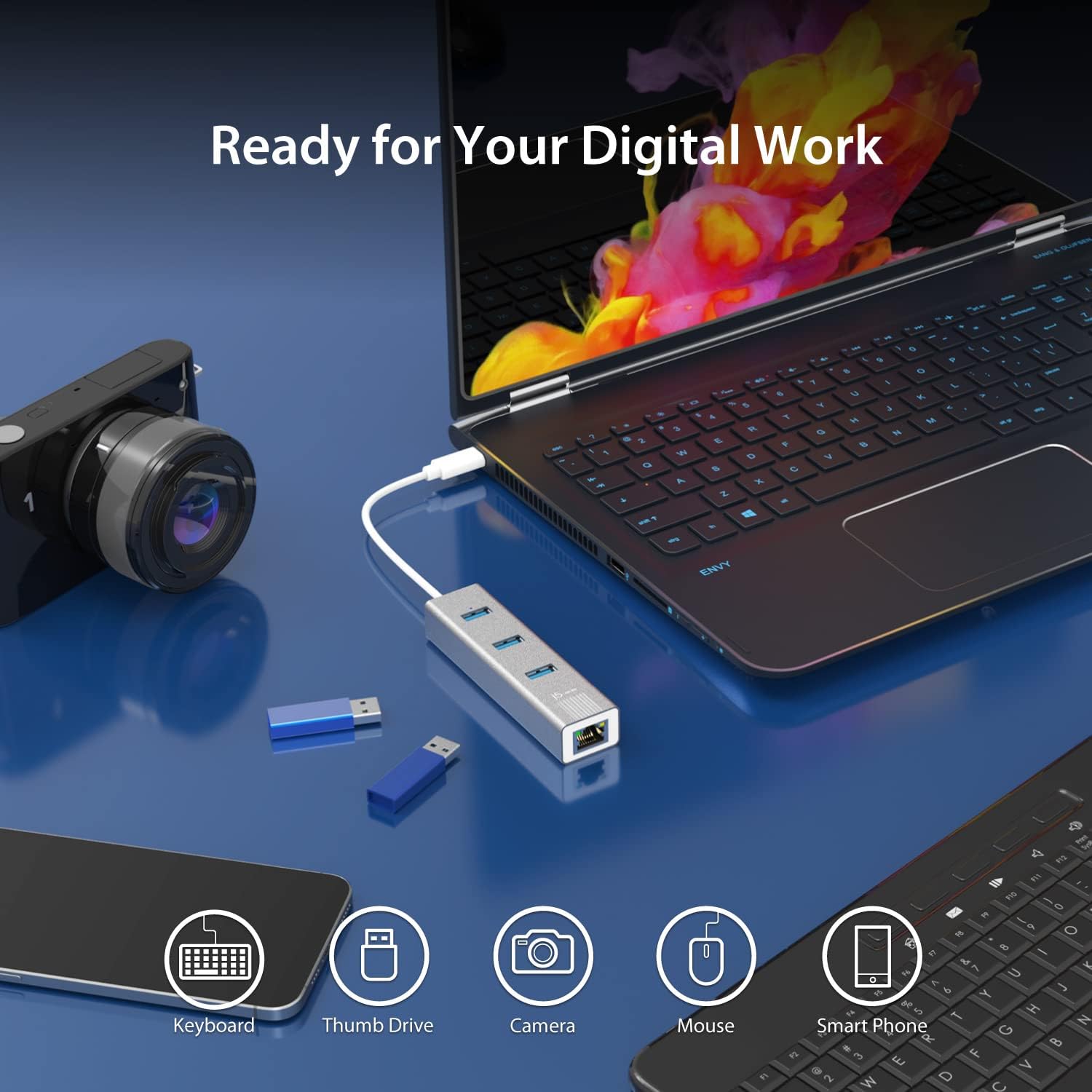
Image: The j5create JCH474 hub in a digital workspace setup, connected to a laptop. Icons below illustrate its compatibility with various devices such as keyboards, thumb drives, cameras, mice, and smartphones, emphasizing its readiness for digital work.
6. 유지관리
- 청소: 부드럽고 마른 천을 사용하여 허브를 닦으세요. 액체 세척제나 에어로졸은 사용하지 마세요.
- 저장: 사용하지 않을 때는 허브를 서늘하고 건조한 곳에 보관하십시오.
- 손질: 기기를 떨어뜨리거나 극한의 온도 또는 습도에 노출시키지 마십시오.
- The hub features an aluminum heat-dissipating housing for optimal performance. Ensure proper ventilation around the device.

Image: A visual representation of the j5create JCH474 hub's aluminum heat-dissipating housing, designed to maintain optimal operating temperatures.
7. 문제 해결
- Issue: USB devices are not recognized.
- Ensure the hub's USB-C connector is fully inserted into your computer's USB-C port.
- Try connecting the USB device directly to your computer to verify its functionality.
- Test the USB device in a different port on the hub.
- 컴퓨터를 다시 시작하세요.
- Check your computer's Device Manager (Windows) or System Information (macOS) to see if the hub or connected devices are listed.
- Issue: No network connection via Ethernet.
- Verify that the Ethernet cable is securely connected to both the hub and your router/modem/switch.
- Check the LED indicators on the Ethernet port for link and activity. If no lights, try a different Ethernet cable.
- Ensure your computer's network settings are configured for DHCP (automatic IP address assignment) or the correct static IP.
- Try connecting your computer directly to the Ethernet source to confirm the network source is active.
- Update or reinstall the Ethernet driver if necessary (check j5create support web대지).
- 문제: 데이터 전송 속도가 느립니다.
- Ensure you are using USB 3.0/3.1/3.2 compatible devices and cables to achieve 5Gbps speeds. USB 2.0 devices will operate at their native 480Mbps speed.
- Confirm your computer's USB-C port supports USB 3.0/3.1/3.2 data transfer rates.
- For Ethernet, ensure your network infrastructure (router, cables) supports Gigabit Ethernet (1000Mbps).
8. 사양
| 특징 | 세부 사항 |
|---|---|
| 모델 번호 | JCH474 |
| 상표 | j5크리에이트 |
| 하드웨어 인터페이스 | USB Type-C (Host), USB Type-A (3x), RJ45 Ethernet |
| USB 포트 | 3 x USB 3.2 Gen 1 Type-A(5Gbps) |
| 이더넷 속도 | 10/100/1000Mbps(기가비트 이더넷) |
| 데이터 전송 속도 | 5 Gigabits Per Second (USB) |
| 호환 장치 | Laptops with USB Type-C port |
| 운영 체제 지원 | Windows 7/10, Mac OS 9, Chrome OS, Linux |
| 재료 | Plastic (Enclosure Material) |
| 색상 | 스페이스 그레이 |
| 품목 무게 | 0.18 파운드 |
| 특징 | 가지고 다닐 수 있는 |

Image: An illustration demonstrating the universal compatibility of the j5create JCH474 hub across various operating systems, including Windows, macOS, Chrome OS, and Linux.
9. 보증 정보
For detailed warranty information regarding the j5create JCH474 USB-C 3-Port Hub with Gigabit Ethernet, please refer to the manufacturer's official website or contact j5create customer support directly.
The product warranty typically covers defects in materials and workmanship under normal use. Specific terms, conditions, and duration may vary by region and product. Please retain your proof of purchase for warranty claims.
10. 지원
If you encounter any issues or have questions regarding the j5create JCH474 USB-C 3-Port Hub with Gigabit Ethernet that are not covered in this manual, please visit the official j5create support webFAQ, 드라이버 다운로드 및 연락처 정보를 제공하는 사이트입니다.
온라인 지원: www.j5create.com/support (전amp(링크는 실제 링크와 다를 수 있습니다)
제조업체: j5크리에이트