
1. 중요 안전 지침
런닝머신을 사용하기 전에 모든 지침을 꼼꼼히 읽어 주십시오. 나중에 참조할 수 있도록 이 설명서를 보관하십시오.
- 중량 제한: 최대 사용자 체중 110kg(242lbs)을 초과하지 마십시오.
- 정리: Ensure a minimum of 2 meters (6.5 feet) of clear space behind the treadmill and 0.5 meters (1.6 feet) on each side.
- 비상 정지 : Familiarize yourself with the emergency stop function before use.
- 어린이와 애완동물: 작동 중에는 어린이와 애완동물을 런닝머신에 가까이 두지 마십시오.
- 신발류: 러닝머신을 사용할 때는 항상 적절한 운동화를 착용하십시오.
- 건강 상태: 운동 프로그램을 시작하기 전에, 특히 기존 질환이 있는 경우에는 의사와 상담하십시오.
- 전원: Connect the treadmill to a grounded outlet only. Do not use extension cords.
- 사용하지 않을 때는 플러그를 뽑아두세요: Always unplug the treadmill from the power outlet when not in use or before cleaning/maintenance.
2. 패키지 내용
포장을 풀 때 모든 구성 요소가 들어 있고 손상되지 않았는지 확인하세요.
- TODO Under Desk Treadmill (1 unit)
- 리모콘(1개)
- 전원 코드 (1개)
- Lubricant Oil (small bottle, 1 unit)
- 사용 설명서 (본 문서)
- Hex Wrench (for belt adjustment, 1 unit)
3. 제품 오버view
3.1 특징
- 2-in-1 디자인: Functions as both an under-desk walking pad and a jogging treadmill.
- 슬림하고 휴대성이 뛰어납니다. Designed for easy storage under furniture.
- LED 디스플레이: Integrated display shows time, speed, distance, and calories.
- 원격 제어: 사용 중에도 편리하게 설정을 조정하세요.
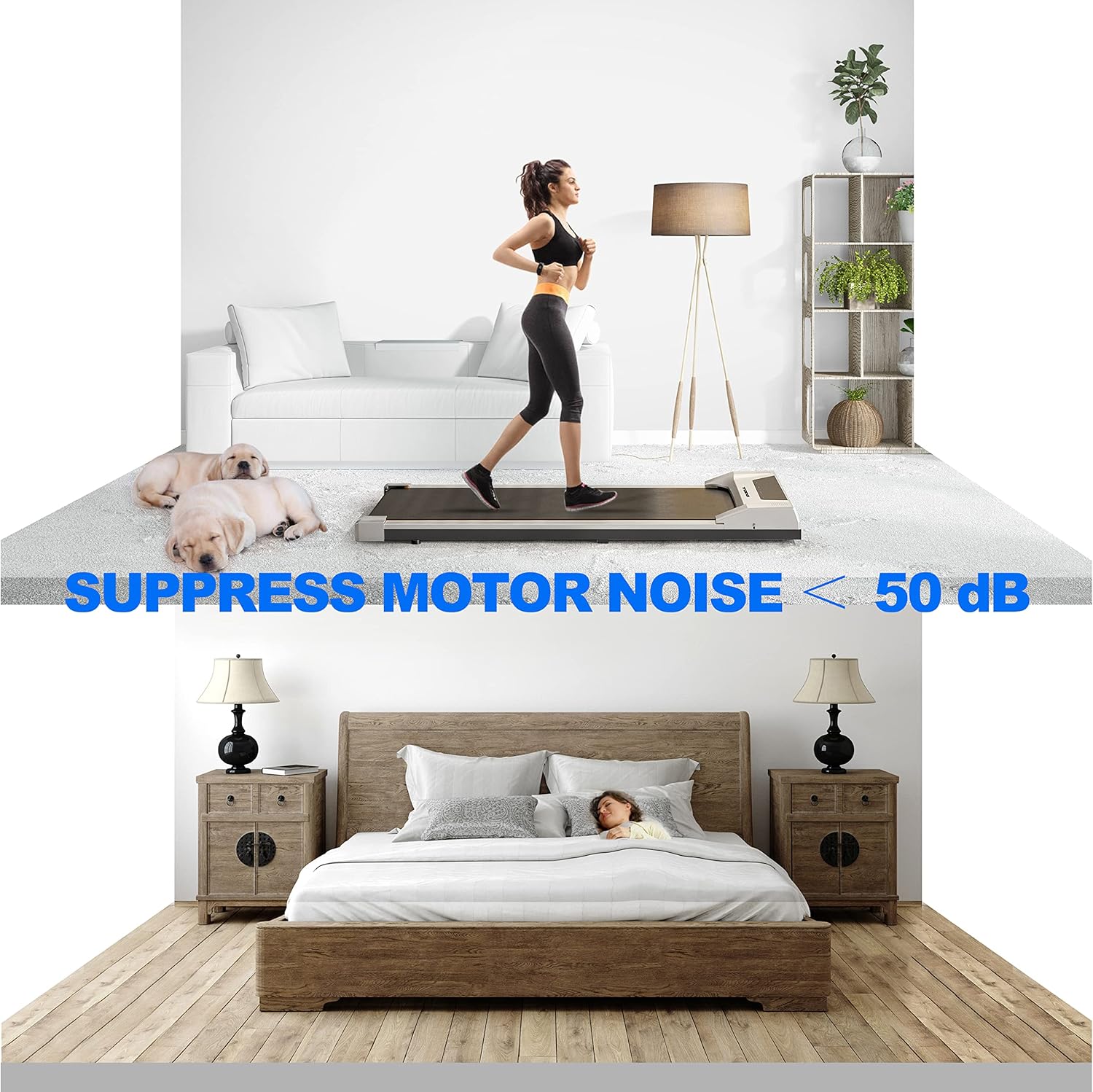
- 저소음 작동: Motor noise suppressed to below 50 dB.
- Anti-Skid Running Area: Provides a secure surface for exercise.
- 충격 흡수 디자인: Reduces impact on joints.
3.2 사양
| 모델 | CR-PB003 |
| 치수(길이 x 너비 x 높이) | 113 x 48 x 12cm(48.6 x 20 x 4.9인치) |
| 제품 무게 | 18.5kg(40파운드) |
| 최대 하중 용량 | 110kg(242파운드) |
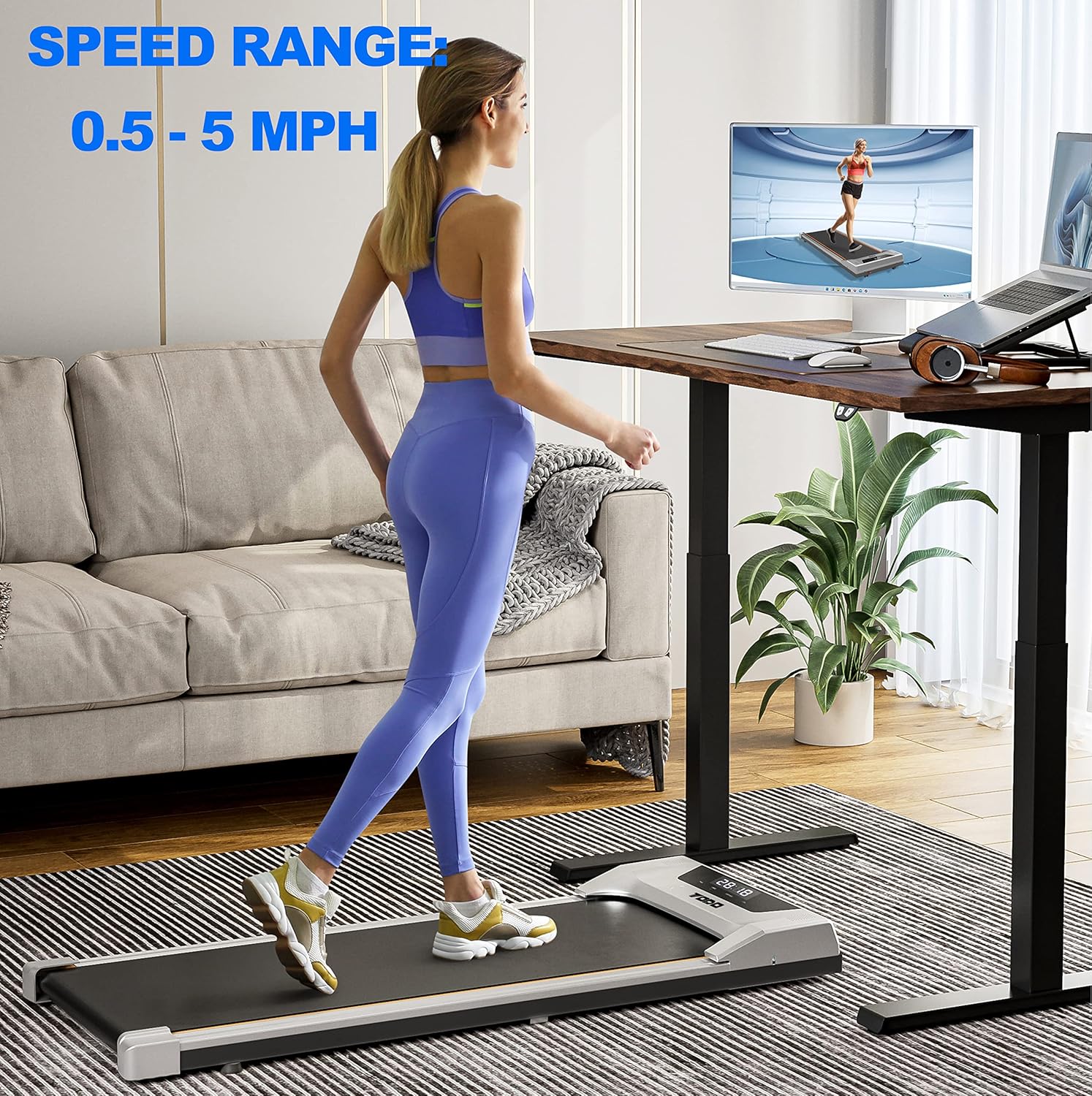
| 속도 범위 | 0.5 - 5 MPH |
| 실행 영역 | 41 x 15.3 인치 |
| 소음 수준 | < 50dB (데시벨) |
3.3개의 구성요소
- 러닝 벨트: The main surface for walking or jogging.
- LED 디스플레이: Shows exercise data.
- 전원 스위치: Located at the front or side of the unit.
- 원격 제어: Used to operate the treadmill.
4. 설정
- 풀다: 런닝머신과 모든 부속품을 포장에서 조심스럽게 꺼내세요.
- 놓기: Place the treadmill on a flat, stable surface. Ensure adequate clearance around the unit as specified in the safety instructions.
- 전원 연결: Plug the power cord into the treadmill's power inlet, then into a grounded electrical outlet.
- 초기 확인: Turn on the power switch. The LED display should illuminate.

5. 사용 설명서
5.1 전원 켜기/끄기
- 전원 켜기: Flip the main power switch located on the treadmill. The display will light up.
- 전원 끄기 : Press the stop button on the remote control to halt the belt, then flip the main power switch to off. Unplug the unit from the wall outlet.
5.2 리모컨 사용하기
The remote control allows you to manage the treadmill's functions:
- 시작 버튼: Press to begin belt movement. The treadmill will typically start at a low speed (e.g., 0.5 MPH) after a short countdown.
- 중지 버튼 : Press to immediately stop the running belt.
- 속도 높이기(+): Increases the belt speed.
- 속도 감소(-): Decreases the belt speed.
5.3 Speed Range and Modes
The treadmill offers a speed range from 0.5 to 5 MPH, suitable for both walking and light jogging.
5.4 디스플레이 정보
내장형 LED 디스플레이는 운동에 대한 실시간 피드백을 제공합니다.
- 시간: 운동 시간.
- 속도: 현재 컨베이어 벨트의 속도.
- 거리: 이동한 총 거리.
- 칼로리: 추정 칼로리 소모량


6. 유지관리
6.1 청소
Regular cleaning helps maintain the treadmill's appearance and function:
- 세척하기 전에는 항상 러닝머신의 플러그를 뽑으세요.
- 디스플레이와 외부 표면을 부드러운 천으로 닦아주세요.amp 옷감. 연마성 세제를 피하십시오.
- 러닝머신 아래를 주기적으로 진공청소기로 청소하여 먼지와 이물질을 제거하십시오.
6.2 윤활
The running belt requires periodic lubrication to ensure smooth operation and prolong its lifespan. Use the provided lubricant or a silicone-based treadmill lubricant.
- 러닝머신의 플러그를 뽑습니다.
- 러닝 벨트의 한쪽을 들어 올립니다.
- Apply a small amount of lubricant in a line down the center of the deck, underneath the belt.
- 반대쪽에서도 반복하세요.
- Plug in the treadmill and run it at a low speed (e.g., 1 MPH) for 2-3 minutes to distribute the lubricant evenly.
- Lubricate every 3-6 months, or after approximately 50 hours of use, depending on usage frequency.
6.3 벨트 조정
If the running belt shifts to one side or feels loose, it may need adjustment:
- 벨트 중앙 정렬: If the belt drifts to one side, use the provided hex wrench to turn the adjustment bolt on the rear roller. Turn clockwise to move the belt to the right, counter-clockwise to move it to the left. Make small adjustments (quarter turns) and run the treadmill for a minute to check.
- 벨트 조이기: If the belt slips, turn both rear roller adjustment bolts clockwise by a quarter turn. Test the belt. Repeat if necessary, ensuring both sides are tightened evenly.
6.4 보관
Due to its slim design, the treadmill can be stored under a sofa or bed when not in use.

7. 문제 해결
| 문제 | 가능한 원인 | 해결책 |
| 러닝머신의 전원이 켜지지 않습니다. | 전원 코드가 꽂혀 있지 않음; 전원 스위치가 꺼짐; 회로 차단기가 작동함. | Ensure power cord is securely plugged into both the treadmill and a grounded outlet. Turn the power switch on. Check your home's circuit breaker. |
| Running belt stops or slips during use. | Belt too loose; Insufficient lubrication; User weight exceeds limit. | Adjust belt tension (see Section 6.3). Lubricate the running belt (see Section 6.2). Ensure user weight is within specifications. |
| 런닝벨트가 한쪽으로 쏠려있습니다. | Belt not centered; Uneven floor surface. | Adjust belt centering (see Section 6.3). Ensure the treadmill is on a flat, level surface. |
| 러닝머신에서 평소와 다른 소음이 납니다. | Lack of lubrication; Loose components; Debris under belt. | Lubricate the belt. Check for and tighten any loose screws. Inspect under the belt for foreign objects. |
8. 보증 정보
This product comes with a manufacturer's warranty. Please refer to the warranty card included in your package or contact customer support for specific details regarding warranty coverage and duration.
9. 고객 지원
If you have any questions, concerns, or require assistance with your TODO Under Desk Treadmill, please contact our customer support team. Contact information can typically be found on the product packaging or our official web대지.