
소개
Thank you for choosing the Hoco CW31 15W Wireless Fast Charger. This device is designed to provide efficient and convenient wireless charging for compatible mobile phones and TWS earphones. Please read this manual carefully before use to ensure proper operation and to maximize the lifespan of your product.
안전 정보
- 충전기를 물, 습기 또는 극한 온도에 노출시키지 마세요.
- 충전기를 떨어뜨리거나 강한 충격을 주지 마십시오.
- Do not disassemble, modify, or attempt to repair the charger yourself. This will void the warranty and may cause damage or injury.
- 충전기를 어린이나 애완동물의 손이 닿지 않는 곳에 보관하세요.
- Use only compatible power adapters (PD/QC charger recommended) to ensure optimal performance and safety.
- 충전 패드와 기기 사이에 금속 물체, 신용 카드 또는 기타 이물질을 놓지 마십시오. 충전에 방해가 되거나 과열될 수 있습니다.
- If the charger emits smoke, unusual odors, or makes strange noises, immediately disconnect it from the power source.
패키지 내용
다음 품목이 패키지에 포함되어 있는지 확인하세요.
- Hoco CW31 Wireless Fast Charger
- USB-A to Type-C 충전 케이블
- 사용 설명서(본 문서)
제품 끝view
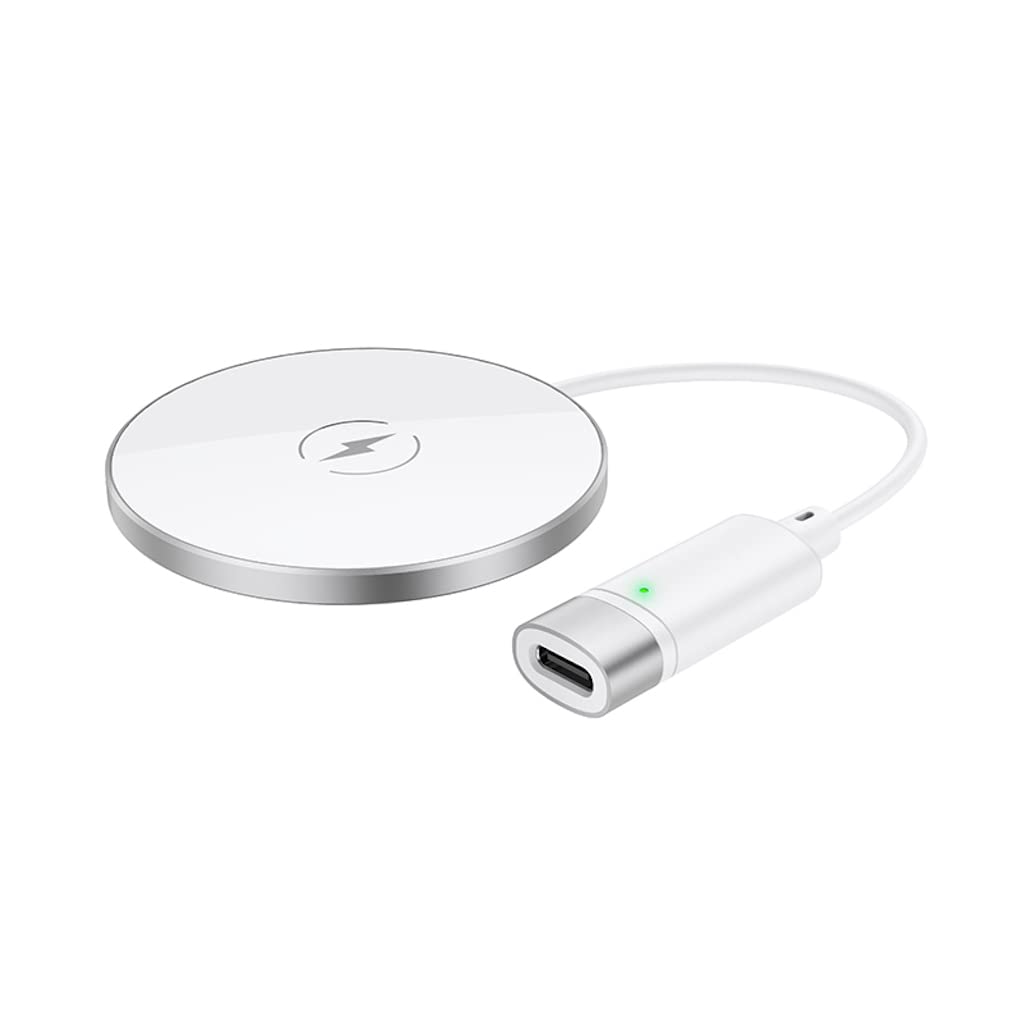
The Hoco CW31 features a sleek design with a tempered glass surface and aluminum alloy base, providing a stable and efficient charging platform.

The Hoco CW31 wireless charging pad is shown alongside its included USB-A to Type-C charging cable, highlighting the compact design of the charger.
This image shows a smartphone placed on the Hoco CW31 wireless charging pad, indicating active charging with a battery icon displaying 57% charged.
명세서
| 모델 번호 | CW31 |
| 입력(C형) | 5V-2A, 9V-2A, 12V-1.5A |
| 무선 출력 | 5W / 7.5W / 10W / 15W |
| MagSafe 무선 출력 | 7.5와트 |
| 재료 | Tempered Glass + Aluminum Alloy |
| 치수 | 204 x 60 x 5mm |
| 무게 | 37g |
| 커넥터 유형 | USB |
| 호환 장치 | Cellular Phones, Qi-compatible TWS Earphones |
| 특별 기능 | 단락 보호, 고속 충전 |
| 색상 | 은 |
| 입력 Voltage | 5V |
| 총 USB 포트 | 1 |
| 힘 | 15와트 |
| 출력 전류 | 3A |
설정
- 전원에 연결: Connect the provided USB-A to Type-C charging cable to the Type-C input port on the Hoco CW31 charger.
- Plug into Adapter: Connect the USB-A end of the cable to a compatible power adapter (a PD/QC fast charger is required for optimal 15W charging speeds, not included).
- 전원 켜기: Once connected to a power source, the charger is ready for use.

The Hoco CW31 wireless charger is depicted connected to a wall power adapter via its cable, with a smartphone placed on the charging pad.
작동 지침
- 장치 배치: Place your Qi-compatible mobile phone or TWS earphones directly onto the center of the Hoco CW31 wireless charging pad.
- 충전 확인: Ensure the device is properly aligned. Charging will begin automatically, and your device's screen or indicator light should confirm that it is charging.
- 장치 제거: Once your device is fully charged or you wish to stop charging, simply lift it from the charging pad.
For MagSafe compatible devices, the charger will magnetically align for optimal charging at 7.5W.
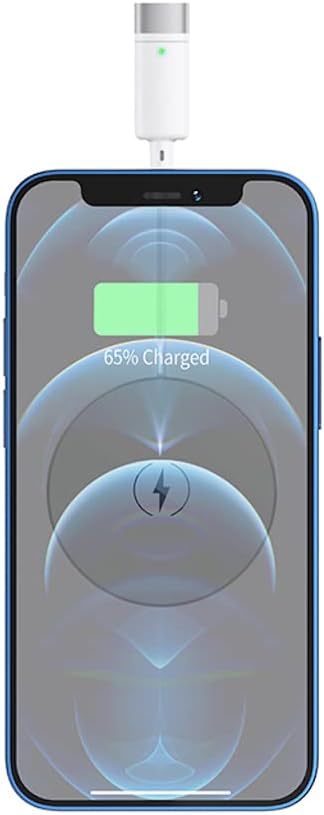
클로즈업 view of a smartphone receiving a wireless charge from the Hoco CW31 pad, with the screen showing 65% battery.
유지
- 청소: 청소하기 전에 충전기를 전원 콘센트에서 분리하십시오. 부드럽고 마른 천으로 표면을 닦으십시오. 액체 세척제나 스프레이형 세척제는 사용하지 마십시오.
- 저장: 사용하지 않을 때는 충전기를 직사광선과 극한의 온도를 피해 시원하고 건조한 곳에 보관하세요.
- 케이블 관리: Avoid bending or twisting the charging cable excessively to prevent damage.
문제 해결
| 문제 | 가능한 해결책 |
|---|---|
| 기기가 충전되지 않음 |
|
| 느린 충전 |
|
| 충전기 표시등이 작동하지 않습니다. |
|
보증 및 지원
For warranty information and customer support, please refer to the documentation included with your purchase or contact Hoco customer service directly. Keep your proof of purchase for warranty claims.