
1. 서론
Thank you for choosing the Mcdodo TB-7821 Telescopic Desktop Holder. This high-quality aluminum stand is designed to provide a stable and adjustable platform for your smartphone or tablet, enhancing your viewing and interaction experience. This manual provides essential information for the proper setup, operation, and maintenance of your device.
2. 제품 특징
- 고품질 건설: Crafted from durable aluminum for stability and longevity.
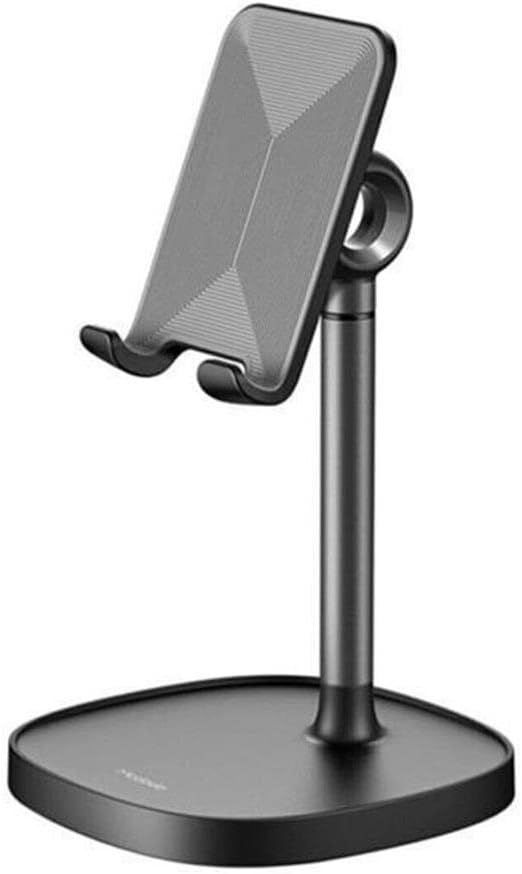
- 조절할 수 있는 View각도: The device holding platform can rotate 360 degrees horizontally and tilt 180 degrees vertically, allowing for optimal view각도를 나타냅니다.
- 높이 조절 : The telescopic pole allows you to adjust the stand's height to your preferred ergonomic position.
- Charging Cable Compatibility: Designed with a cutout to easily connect a charging cable to your device while it's on the stand.
- 통합 케이블 관리: A discreet opening at the back of the stand helps keep your charging cable tidy.
- Small Storage Tray: The base includes a small tray for storing earbuds, keys, or other small accessories.
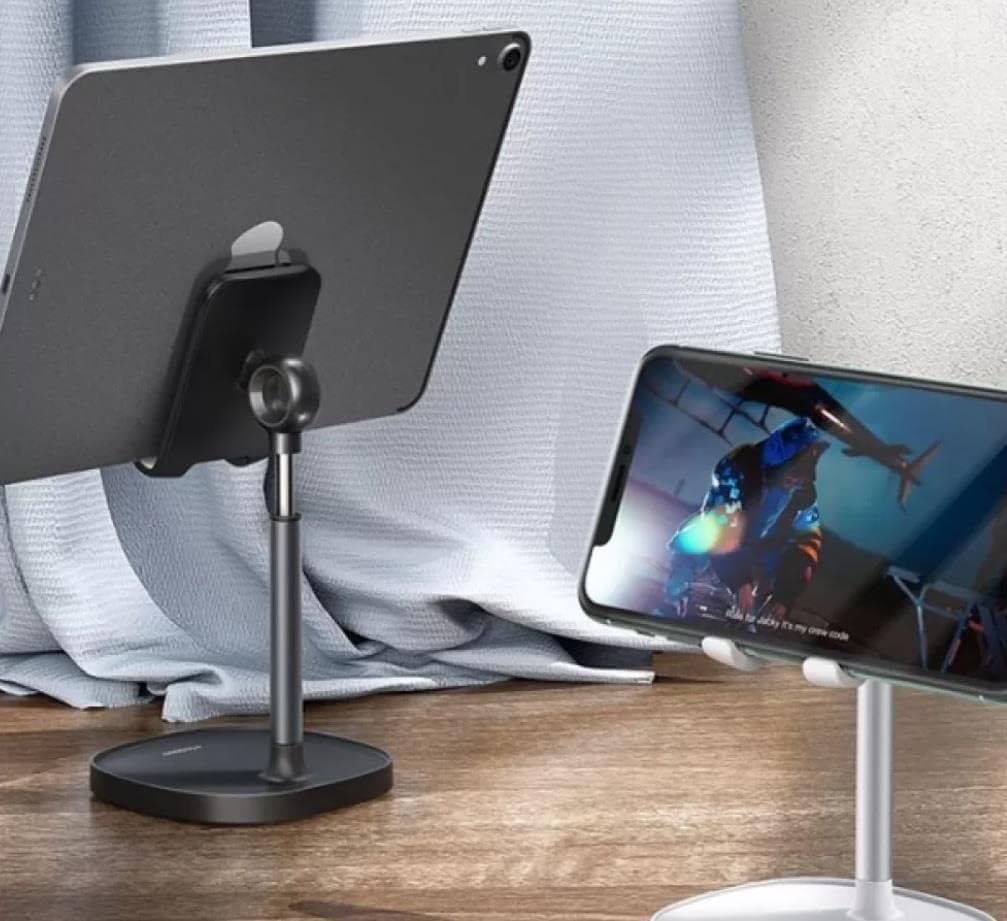
- 폭넓은 호환성: Suitable for various smartphones and tablets.
3. 설정 지침
- 풀다: 포장에서 모든 구성 요소를 조심스럽게 제거합니다.
- 놓기: Place the Mcdodo TB-7821 holder on a flat, stable, and non-slip surface. Ensure there is enough space around the stand for adjustments.
- 초기 조정: The stand is pre-assembled. You can immediately proceed to adjust the height and angle as described in the Operating Instructions.
4. 사용 설명서
4.1 Placing Your Device
- Gently place your smartphone or tablet onto the holder's cradle. Ensure it is securely seated within the two lower hooks.
4.2 높이 조절
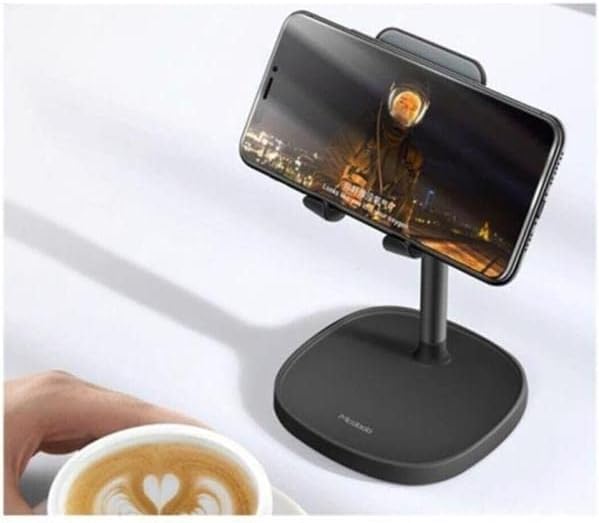
- To adjust the height, hold the base firmly with one hand.
- With the other hand, gently pull the telescopic pole upwards or push it downwards to achieve your desired height. The pole will hold its position once released.
4.3 조정 View잉 각도
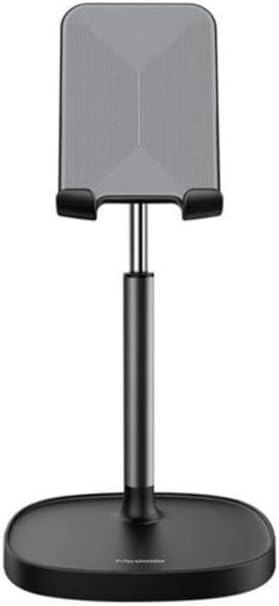
- 기울기 조정: The device holding platform can be tilted up or down by 180 degrees. Gently push or pull the platform to adjust the vertical angle.
- 회전 조정: The entire upper section (including the device platform and telescopic pole) can rotate 360 degrees horizontally on its base. Simply turn the upper section to change the horizontal view잉 방향.

4.4 Charging and Cable Management
- To charge your device while on the stand, thread your charging cable through the cutout at the bottom of the device cradle.
- For neat cable management, guide the cable through the opening at the back of the stand's pole.
5. 유지관리
To ensure the longevity and appearance of your Mcdodo TB-7821 holder, follow these simple maintenance guidelines:
- 청소: Wipe the stand with a soft, dry, or slightly damp 천을 사용하십시오. 연마성 세제, 용제 또는 강한 화학 물질은 마감재를 손상시킬 수 있으므로 사용하지 마십시오.
- 저장: When not in use, store the holder in a clean, dry place away from direct sunlight and extreme temperatures.
- 손질: Avoid dropping the holder or subjecting it to strong impacts, which could cause damage.
6. 문제 해결
If you encounter any issues with your Mcdodo TB-7821 holder, please refer to the following common solutions:
- 받침대가 불안정합니다. Ensure the holder is placed on a completely flat and stable surface. Verify that your device is centered and securely placed in the cradle.
- 높이/각도 조절에 어려움이 있습니다. Apply gentle, firm pressure when adjusting. Do not force the mechanisms. If the stand feels stiff, ensure no debris is obstructing the moving parts.
- 기기 미끄러짐: Ensure the device's surface is clean and dry. The silicone pads on the cradle are designed to provide grip. If they are dirty, clean them with a damp 옷감.
If the problem persists, please contact Mcdodo customer support for further assistance.
7. 사양
| 특징 | 사양 |
|---|---|
| 상표 | 맥도도 |
| 모델 | TB-7821 |
| 재료 | 알류미늄 |
| 장착 유형 | 데스크탑 |
| 폼 팩터 | 탑 |
| 호환 장치 | Tablets, Universal Phones |
| 제품 치수 | 19 x 11.8 x 6.8cm |
| 제품 무게 | 300그램 |
8. 보증 및 지원
For warranty information and customer support, please refer to the documentation provided with your purchase or visit the official Mcdodo web사이트. 보증 청구를 위해 구매 증빙 자료를 보관하세요.