
1. 서론
This manual provides detailed instructions for the installation, operation, and maintenance of your Reobiux 1080P Wireless WiFi Light Bulb Security Camera. Please read this manual thoroughly before using the product to ensure correct usage and optimal performance. Keep this manual for future reference.
2. 제품 오버view
The Reobiux Light Bulb Security Camera integrates a 1080P HD camera into a standard E27 light bulb form factor, offering discreet surveillance. It features 2.4GHz WiFi connectivity, two-way audio, motion detection, and night vision capabilities for comprehensive home monitoring.
- 1080P Full HD 비디오: Captures clear, high-definition video footage.
- 2.4GHz 무선 와이파이: 원격 접속을 위해 홈 네트워크에 연결됩니다.
- 팬 및 틸트 기능: Offers 355° horizontal rotation and 90° vertical tilt for wide area coverage.
- 양방향 오디오 : 내장된 마이크와 스피커로 실시간 통신이 가능합니다.
- 모션 감지 및 경고: Detects movement and sends notifications to your smartphone.
- IR Night Vision & Full Color Night Vision: Provides clear video monitoring in low-light conditions, with options for infrared or color night vision.
- 로컬 및 클라우드 스토리지: Supports Micro SD card storage (up to 128GB, not included) and optional cloud storage.
- 간편한 설치: 표준 E27 전구 소켓에 나사로 고정됩니다.

영상: 상세한 view of the Reobiux Light Bulb Security Camera, highlighting its components such as the E27 light socket, enhanced WiFi module, microphone, speaker, HD lens, light sensor, 4 white LEDs, 4 array LEDs, Micro SD card slot, and reset button. Dimensions are also shown.
3. 패키지 내용
포장을 개봉하신 후 내용물을 확인해 주십시오. 누락되거나 손상된 품목이 있을 경우 고객 지원 센터로 문의해 주십시오.
- Reobiux Light Bulb Security Camera (1)
- E27 엘amp 소지자(1)
- Mounting Screws and Wall Plugs (1 set)
- 사용자 설명서 (1)
4. 설정 가이드
4.1. 물리적 설치
- 전원 끄기 : Ensure the power to the light socket is turned off before installation to prevent electrical shock.
- 카메라에 나사를 박으세요: Carefully screw the Reobiux Light Bulb Security Camera into a standard E27 light bulb socket. Ensure it is securely tightened.
- 전원 켜기: Restore power to the light socket. The camera will power on and initiate its self-test sequence. You should hear a prompt indicating it is ready for connection.

영상: A person's hands are shown screwing the Reobiux Light Bulb Security Camera into an E27 light socket, illustrating the easy installation process.
4.2. 앱 다운로드 및 계정 등록
- 앱 다운로드 : 검색 "ICSEE" in your smartphone's app store (Google Play Store for Android or Apple App Store for iOS) and download the application.
- 계정 등록: Open the ICSEE app and follow the on-screen instructions to register a new account. If you already have an account, log in.
4.3. Connecting the Camera to WiFi
Ensure your smartphone is connected to a 2.4GHz WiFi network. The camera does not support 5GHz WiFi.
- 장치 추가: In the ICSEE app, tap the "+" icon to add a new device. Select "Add Camera" or "Smart Camera".
- 연결 방법 선택: Choose the "WiFi Connection" or "Scan QR Code" method as prompted by the app.
- WiFi 세부 정보 입력: Input your 2.4GHz WiFi network name (SSID) and password.
- 편성: Follow the app's instructions to complete the pairing process. This usually involves holding your phone's QR code in front of the camera lens or listening for a connection sound.
- 확인: Once connected, the camera will indicate successful pairing (e.g., a voice prompt or LED indicator change). You can then name your camera and begin live view주고받음.
5. 사용 설명서
5.1. 라이브 View 및 재생
- 실시간 영상 보기: Open the ICSEE app and select your camera from the device list to view 라이브 비디오 피드.
- 재생 녹음 Footage: 앱의 재생 섹션으로 이동하여 다시 재생하세요.view videos stored on the Micro SD card or cloud storage.
5.2. 좌우 회전 및 상하 회전 제어
Use the directional controls within the ICSEE app to remotely adjust the camera's view잉 각도.
- 수평 회전: The camera supports 355° pan movement.
- 수직 기울기: The camera supports 90° tilt movement.

영상: The Reobiux Light Bulb Security Camera is shown with arrows indicating its 355-degree horizontal pan and 90-degree vertical tilt capabilities, alongside a smartphone displaying the camera's control interface.
5.3. 양방향 오디오
양방향 오디오 기능을 사용하려면 다음 단계를 따르세요.
- 말하다: 라이브에서 마이크 아이콘을 탭하세요 view 카메라 스피커를 통해 말할 수 있는 인터페이스.
- 듣다: The camera's built-in microphone will pick up audio from the monitored area.
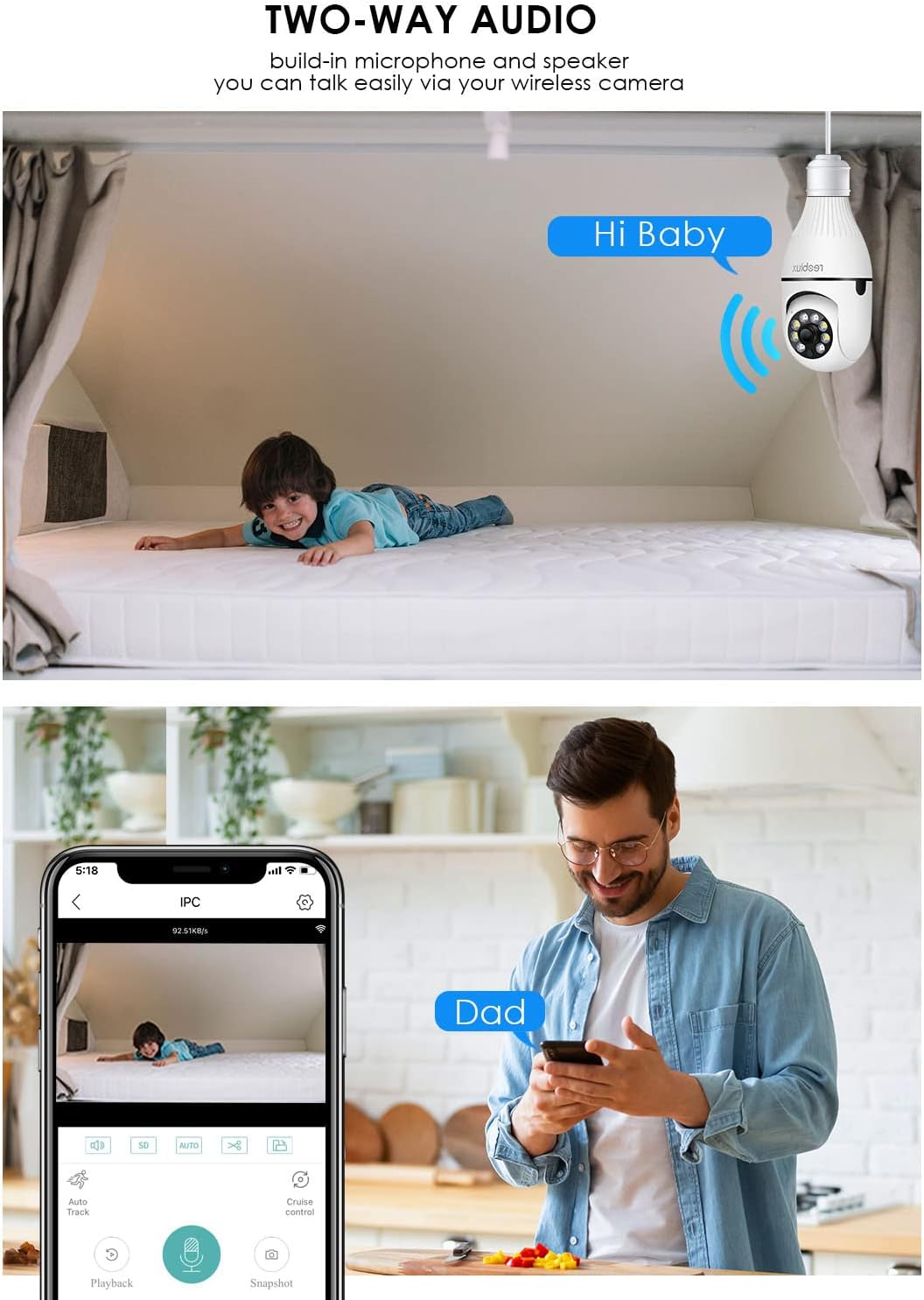
영상: Illustrates the two-way audio function, showing a child on a bed and a person on a phone, with speech bubbles indicating communication through the camera.
5.4. 동작 감지 및 알림
카메라는 움직임을 감지하고 스마트폰으로 알림을 보낼 수 있습니다.
- 활성화/비활성화: Access the camera settings in the ICSEE app to enable or disable motion detection.
- 감광도: 잘못된 경보를 최소화하려면 동작 감지 감도를 조정하세요.
- 알림: Configure notification settings to receive push alerts on your phone when motion is detected.
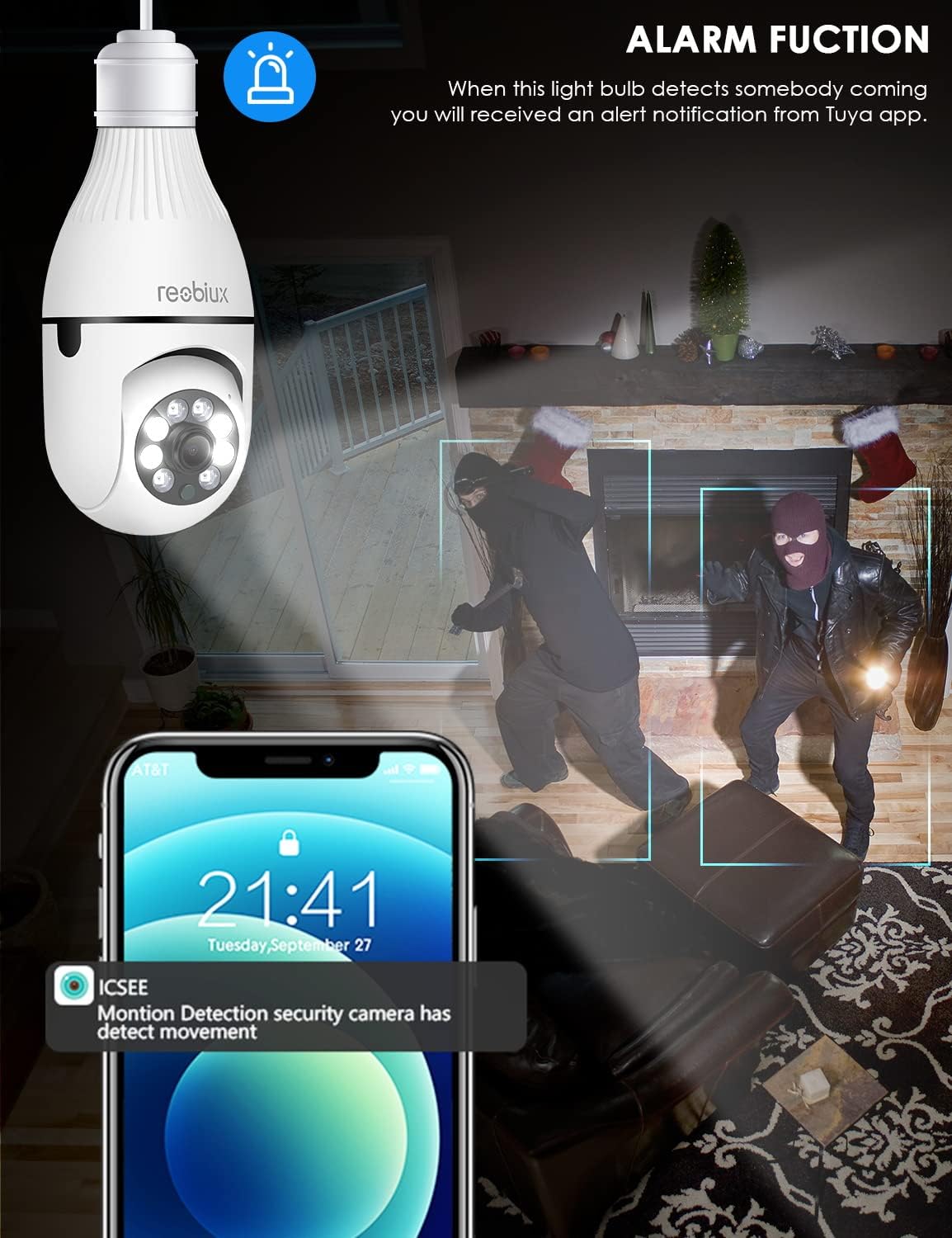
영상: Depicts the camera's alarm function, showing an alert notification on a smartphone screen when motion is detected by the light bulb camera.
5.5. 야간 투시 모드
이 카메라는 향상된 야간 투시 기능을 제공합니다.
- IR 나이트 비전 : Utilizes infrared LEDs for clear black-and-white video in complete darkness.
- 풀 컬러 야간 투시경: Activates white supplement lights to provide color video even in low-light conditions.
- 모드 선택: Select your preferred night vision mode in the app settings.
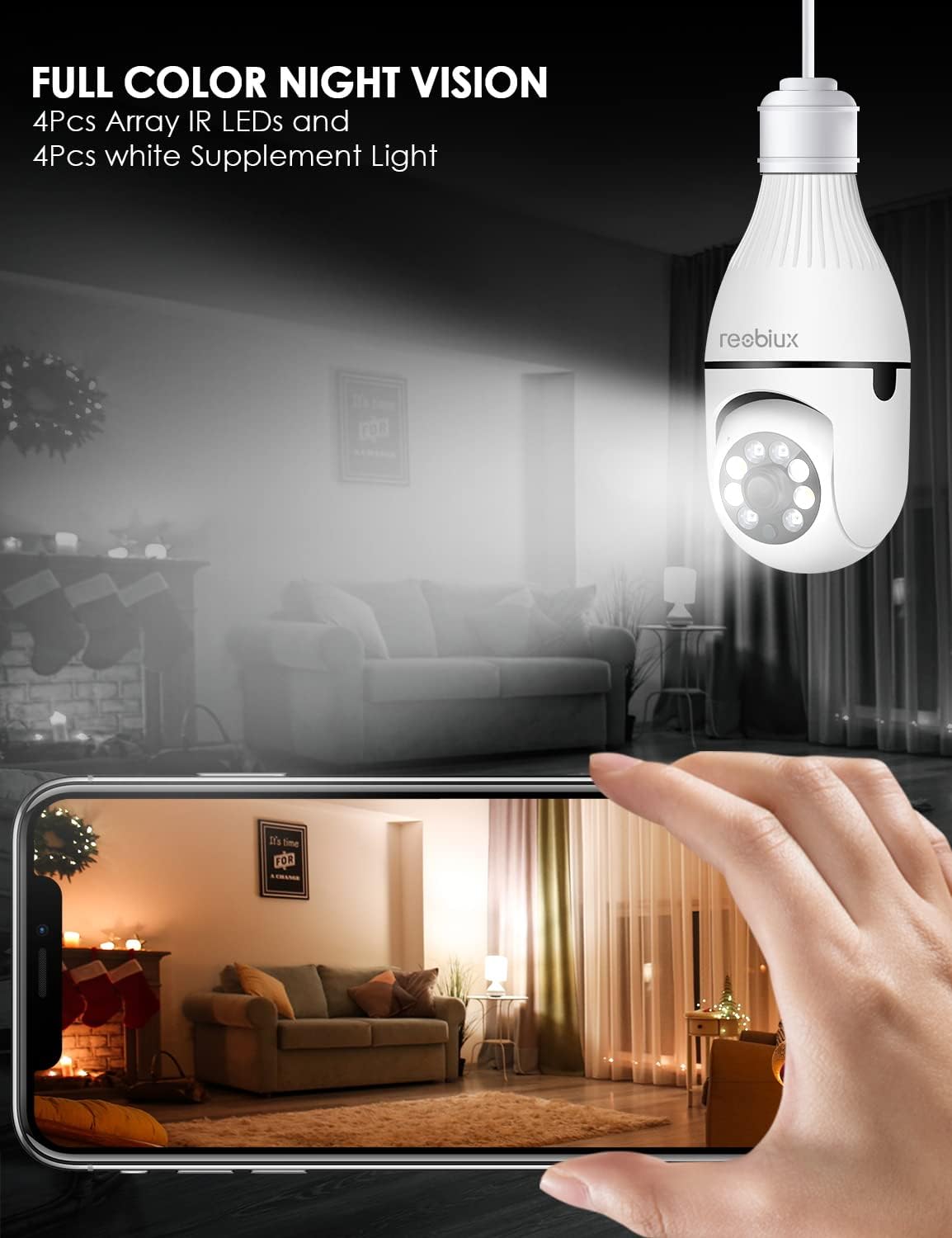
영상: Shows the camera's full-color night vision feature, with a smartphone displaying a clear, illuminated view of a room at night, enabled by the camera's IR LEDs and white supplement lights.
5.6. 저장 옵션
- 마이크로 SD 카드 : Insert a Micro SD card (up to 128GB, Class 10 or higher recommended) into the designated slot for local video storage. The camera will automatically overwrite older footag카드가 가득 찼을 때.
- 클라우드 스토리지: The ICSEE app may offer optional cloud storage services for a subscription fee. Refer to the app for details.
6. 유지관리
- 청소: 카메라 렌즈와 본체를 부드럽고 마른 천으로 살살 닦아주세요. 액체 세척제나 연마제를 사용하지 마세요.
- 펌웨어 업데이트: Periodically check the ICSEE app for available firmware updates. Keeping the firmware updated ensures optimal performance and security.
- 카메라 재설정: If you encounter persistent issues or need to reconfigure the camera, locate the reset button (refer to Product Overview image) and press and hold it for approximately 5-10 seconds until you hear a reset confirmation.
7. 문제 해결
| 문제 | 가능한 원인 | 해결책 |
|---|---|---|
| Camera fails to connect to WiFi. | Incorrect WiFi password, 5GHz WiFi network, camera too far from router, weak signal. |
|
| 실시간 영상 중계는 제공되지 않습니다. | No internet connection, camera offline, app issue. |
|
| 동작 감지 알림이 수신되지 않았습니다. | Motion detection disabled, app notifications off, incorrect sensitivity. |
|
| 비디오 품질이 좋지 않습니다. | Weak WiFi signal, dirty lens, low light conditions. |
|
8. 사양
| 모델 | B09P8H6BMY |
| 비디오 캡처 해상도 | 1080p |
| 무선 통신 기술 | Wi-Fi(2.4GHz만 해당) |
| 장착 유형 | Ceiling Mount (E27 Socket) |
| 컨트롤러 유형 | Android, iOS (via ICSEE app) |
| 전원 | AC/DC (via E27 socket) |
| 권tage | 240 볼트 |
| 왓tage | 3 와트 |
| 저조도 기술 | Night Color, Infrared |
| 경고 유형 | 모션 전용 |
| 재료 | 플라스틱 |
| 국제 보호 등급 | IP67 (Note: The lightbulb connection itself is not typically rated for outdoor exposure without additional protection.) |
| 품목 무게 | 10.5 온스 |
| 패키지 크기 | 6.46 x 4.13 x 3.62 인치 |
9. 보증 정보
Reobiux products are typically covered by a limited warranty against defects in materials and workmanship. For specific warranty terms and conditions, please refer to the documentation included with your purchase or contact Reobiux customer support. Keep your proof of purchase for warranty claims.
10. 고객 지원
If you have any questions, encounter issues, or require technical assistance with your Reobiux Light Bulb Security Camera, please contact our customer support team. Refer to the product packaging or the official Reobiux web최신 연락처 정보는 사이트에서 확인하세요.
- 온라인 지원: Visit the official Reobiux webFAQ, 문제 해결 가이드, 문의 양식을 제공하는 사이트입니다.
- 이메일 지원: (Specific email address not provided in data, so general statement)
- 전화 지원: (Specific phone number not provided in data, so general statement)