
1. 서론
This manual provides detailed instructions for the setup, operation, and maintenance of your Artlii Enjoy 2 Mini Portable Projector and its accompanying 120-inch portable projection screen. Please read this manual thoroughly before use to ensure proper functionality and to maximize your view경험.
2. 패키지 내용
아래 나열된 모든 품목이 패키지에 포함되어 있는지 확인하세요. 품목이 누락되었거나 손상된 경우 고객 지원팀에 문의하세요.
- Artlii Enjoy 2 Mini Portable Projector
- 120-inch Portable Projection Screen
- Screen Stand Components (poles, connectors, bases)
- Carrying Bag for Screen
- 전원 어댑터
- 원격 제어
- 사용 설명서 (본 문서)

이미지: 이상view of the Artlii Enjoy 2 Mini Portable Projector and its 120-inch screen components, including the projector unit, screen fabric, frame poles, and stand bases.
3. 설정
3.1 Projector Setup
- 놓기: 프로젝터를 안정적이고 평평한 표면에 놓으십시오. 기기 주변에 충분한 환기가 이루어지도록 하십시오.
- 전원 연결: 프로젝터의 전원 입력 포트에 전원 어댑터를 연결한 다음 전원 콘센트에 꽂으십시오.
- 전원 켜기: 프로젝터나 리모컨의 전원 버튼을 눌러 장치를 켜세요.

Image: The Artlii Enjoy 2 projector positioned on a shelf, demonstrating a typical indoor placement scenario.
3.2 120-inch Portable Screen Setup
Follow these steps to assemble your 120-inch portable projection screen. The process is designed for quick and easy assembly, typically within 5 minutes.
- Connect Cross Bars: Assemble the horizontal bracket cross bars by connecting Tube A, Tube B, Tube C, and Tube A as shown in the diagram.
- Connect Vertical Bars: Attach the vertical bracket bars by connecting Tube A, Tube B, and Tube D to the bases.
- Attach Screen Fabric: Carefully slide the screen fabric onto the vertical racket bars.
- Install Elbows: Secure the two elbow connectors to form the top corners of the frame.
- Install Curtain Hooks: Attach the curtain hooks to the screen fabric grommets and hang them on the assembled frame.
- Secure with Ground Nails and Water Bag: For outdoor use, utilize the provided ground nails and counterweight water bag to enhance stability against wind.

Image: A visual guide illustrating the six steps for assembling the 120-inch portable projector screen, from connecting poles to securing it with ground nails and a water bag.
4. 사용 설명서
4.1 기본 작업
- 전원 켜기/끄기: 프로젝터 또는 리모컨의 전원 버튼을 사용하세요.
- 초점 조정: 프로젝터 렌즈의 초점 링을 돌려 이미지가 선명해질 때까지 조정하십시오.
- 키스톤 보정: Adjust the keystone dial to correct trapezoidal distortion if the projector is not perfectly perpendicular to the screen. The projector supports ±15° keystone correction.
- 줌 기능 : Use the zoom function in the projector's menu to adjust the image size from 60% to 100% without moving the projector.

Image: Visual representation of the projector's compact size, keystone correction capability (±15°), and digital zoom function (60% to 100%).
4.2 연결성
The Artlii Enjoy 2 projector offers multiple connectivity options for various devices.
- Wireless WiFi Screen Mirroring:
Connect your iOS or Android smartphone wirelessly to the projector to mirror your screen. Navigate to the projector's input menu, select "Screen Mirroring," and follow the on-screen instructions to connect your device via WiFi.
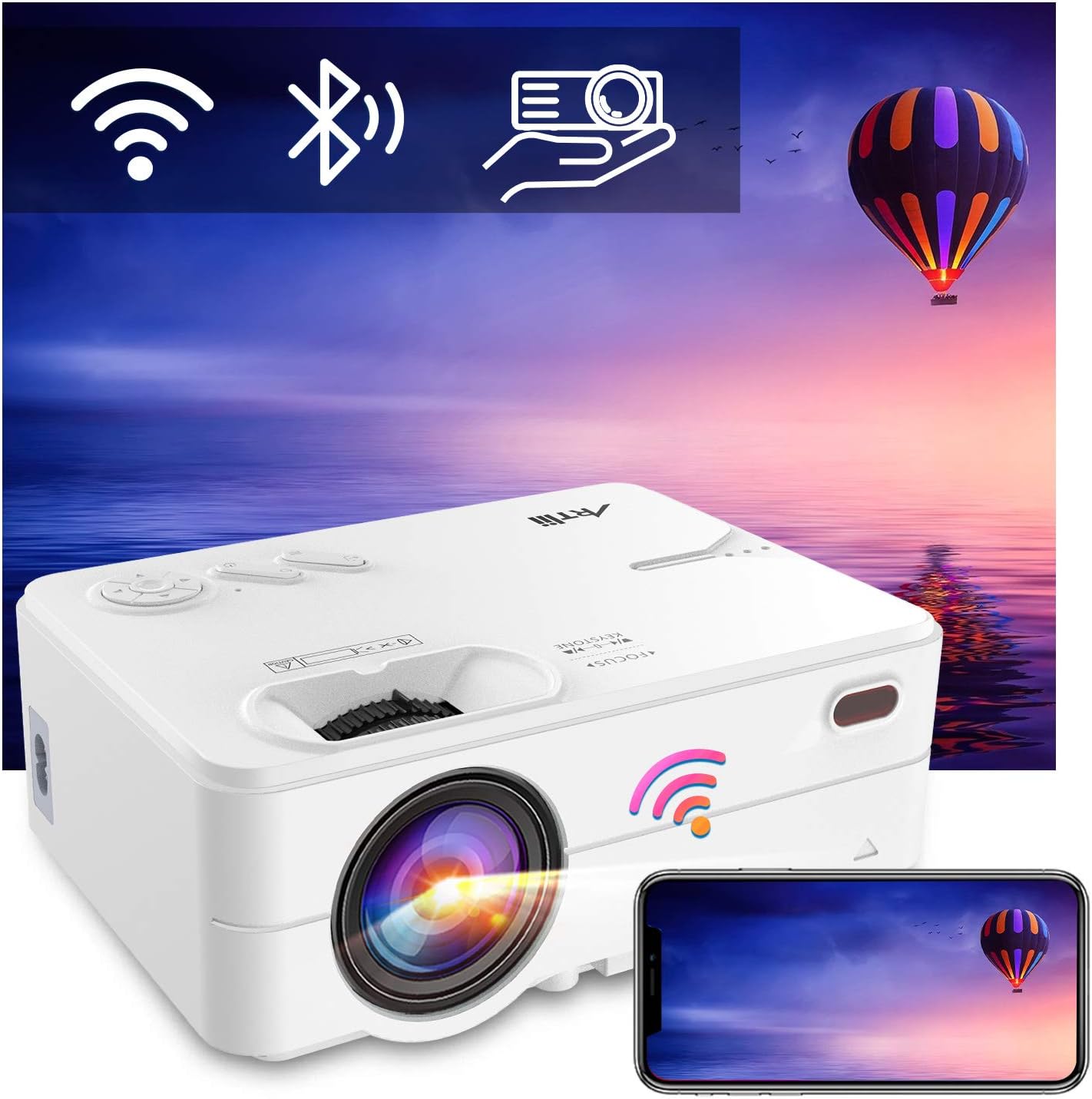
Image: The Artlii Enjoy 2 projector displaying icons for WiFi, Bluetooth, and screen mirroring, with a smartphone mirroring its display to the projector.
- 블루투스 오디오 연결:
Pair the projector with external Bluetooth speakers or headphones for enhanced audio. Go to the projector's settings, enable Bluetooth, and select your desired audio device from the list to connect.

Image: The Artlii Enjoy 2 projector wirelessly connected via Bluetooth to both headphones and an external speaker, illustrating its audio output flexibility.
- 유선 연결:
The projector typically includes ports for HDMI and USB devices. Connect your laptop, gaming console, USB drive, or other compatible devices using the appropriate cables.
5. 유지관리
- 렌즈 청소: 부드럽고 보풀이 없는 광학 렌즈 전용 천을 사용하세요. 연마재나 강한 화학 물질은 사용하지 마세요.
- 프로젝터 본체 청소: 외부를 부드럽고 마른 천으로 닦으십시오. 프로젝터에 액체 세척제를 직접 사용하지 마십시오.
- 스크린 관리: The 120-inch screen is made of wrinkle-free polyester fiber and can be cleaned with a damp cloth. It will not deform after hand washing.
- 저장: When not in use, store the projector and screen in a cool, dry place, preferably in their original packaging or the provided carrying bag.

Image: A family loading the portable carrying bag for the Artlii projector screen into a car, highlighting its ease of transport and storage.
6. 문제 해결
| 문제 | 가능한 원인 | 해결책 |
|---|---|---|
| 화면에 이미지가 없습니다. | Power not connected; input source incorrect; lens cap on. | Ensure power is connected. Select correct input source. Remove lens cap. |
| 흐릿한 이미지 | 초점이 조정되지 않았고, 키스톤 보정도 되지 않았습니다. | Adjust the focus ring. Use keystone correction. |
| 소리가 나지 않습니다 | 볼륨이 너무 낮습니다. 외부 오디오 장치가 연결/페어링되지 않았습니다. | Increase volume. Check Bluetooth connection or wired audio connection. |
| 와이파이/블루투스 연결 문제 | Interference; incorrect pairing steps. | Ensure devices are within range. Re-attempt pairing process. Check for firmware updates. |
7. 사양
| 특징 | 세부 사항 |
|---|---|
| 상표 | 아트리 |
| 모델 | 2을 즐기세요 |
| 네이티브 해상도 | 1280x720P (1080P 지원) |
| 연결 기술 | 와이파이, 블루투스 |
| 특별 기능 | 내장 Wi-Fi, 휴대용, 무선 |
| 스피커 유형 | Built-In, Stereo (5W dual HiFi with SRS) |
| 추천 용도 | Tabletop Mount, Indoor/Outdoor Movies |
| Projector Screen Size | 120인치 대각선 |
| Projector Screen Aspect Ratio | 16시 9분 |
| Projector Screen Material | Natural Polyester Fiber (Wrinkle-Free) |
8. 보증 및 지원
ARTlii is committed to optimizing product quality and enhancing user experience. If you encounter any problems while using your Artlii Enjoy 2 projector or screen, please contact our dedicated after-sales support team. We are available to assist you.
For support, please visit the official ARTlii store or contact customer service through your purchase platform.

Image: The ARTlii brand logo, representing the company's commitment to user satisfaction and simple connections.