
1. 서론
Thank you for choosing the JOMISE D530 4K Dual Dash Cam. This manual provides essential information for setting up, operating, and maintaining your device. Please read it thoroughly before use to ensure proper functionality and safety.
2. 제품 오버view
주요 특징
- 전면 카메라: 4K (3840x2160P) video recording.
- 후방 카메라: 1080P video recording.
- 내장 GPS: Records driving route, speed, and other location data.
- 내장형 WiFi : Connects to a mobile app for live viewing, settings adjustment, and video download.
- 3인치 IPS 화면: Clear display for real-time monitoring and playback.
- 170° 광각 렌즈: Comprehensive coverage of the road.
- JOMISE Starvis Sensor: Enhanced low-light performance.
- 슈퍼 커패시터: Provides reliable power in extreme temperatures and extends lifespan.
- 32GB SD 카드 포함: 바로 사용 가능합니다.
패키지 내용
The JOMISE D530 package includes the following items:
- JOMISE D530 Front Dash Cam
- 연결 케이블이 포함된 후방 카메라
- 차량용 충전기 (시가잭 어댑터)
- GPS Module (integrated into mount)
- 32GB 마이크로 SD 카드
- 사용자 설명서
- Mounting accessories (adhesive pads, cable clips)

Image: Contents of the JOMISE D530 Dash Cam package.
3. 설정
3.1 설치
- 깨끗한 앞 유리: 대시캠을 설치할 앞유리 부분이 깨끗하고 건조한지 확인하십시오.
- 전면 카메라 부착: Secure the front dash cam to the windshield using the provided adhesive mount. Position it to ensure a clear view 운전 시야를 가리지 않으면서 도로를 볼 수 있습니다.
- 후방 카메라 설치: Mount the rear camera on the rear windshield. Connect the rear camera cable to the main unit. For reverse assist functionality, connect the red wire from the rear camera cable to your vehicle's reverse light power supply.
- 전원 연결: Plug the car charger into your vehicle's cigarette lighter socket and connect the other end to the main dash cam unit. Route the cable neatly along the windshield and dashboard using the provided cable clips.
- SD 카드 삽입: Insert the 32GB Micro SD card (or a larger compatible card, up to 256GB) into the designated slot on the dash cam.

Image: Front dash cam mounted on the windshield.
3.2 초기 구성
Upon first power-on, the dash cam may prompt you to set the date and time. Follow the on-screen instructions. It is recommended to format the SD card through the dash cam's menu before first use.
Video: This video demonstrates the installation process and key features of the JOMISE D530 Dash Cam.
4. 사용 설명서
4.1 기본 작업
- 전원 켜기/끄기: The dash cam will automatically power on and start recording when your vehicle starts, and power off when the engine is turned off.
- 루프 녹음: The device records video in continuous loops. When the SD card is full, the oldest unlocked files를 덮어씁니다.
- 중력 센서 및 비상 녹화: In case of a sudden impact or collision, the built-in G-sensor will automatically lock the current video file 덮어쓰기를 방지합니다.
- 주차 모니터: With a hardwire kit (sold separately), the dash cam can monitor your vehicle while parked, recording incidents or using time-lapse recording to save storage space.

Image: Illustration of the G-Sensor and Emergency Recording feature.

Image: Time-lapse recording for extended parking surveillance.
4.2 GPS 기능
The built-in GPS module records your vehicle's location, speed, and driving route. This data can be viewed using the dedicated PC player software (DVPlayer), which can be downloaded from the official JOMISE website. The software allows you to synchronize video playback with your route on a map.

Image: Dash cam screen displaying GPS information and speed.
4.3 WiFi 및 앱 연결
Download the "OK CAM Plus" app from your smartphone's app store. Enable Wi-Fi on your dash cam via the settings menu. Connect your smartphone to the dash cam's Wi-Fi network (SSID and password displayed on the dash cam screen). Through the app, you can:
- View 라이브 푸tag두 카메라 모두에서.
- 대시캠 설정을 조정하세요.
- 녹화된 동영상과 사진을 휴대폰으로 바로 다운로드하세요.
- Share content to social media.
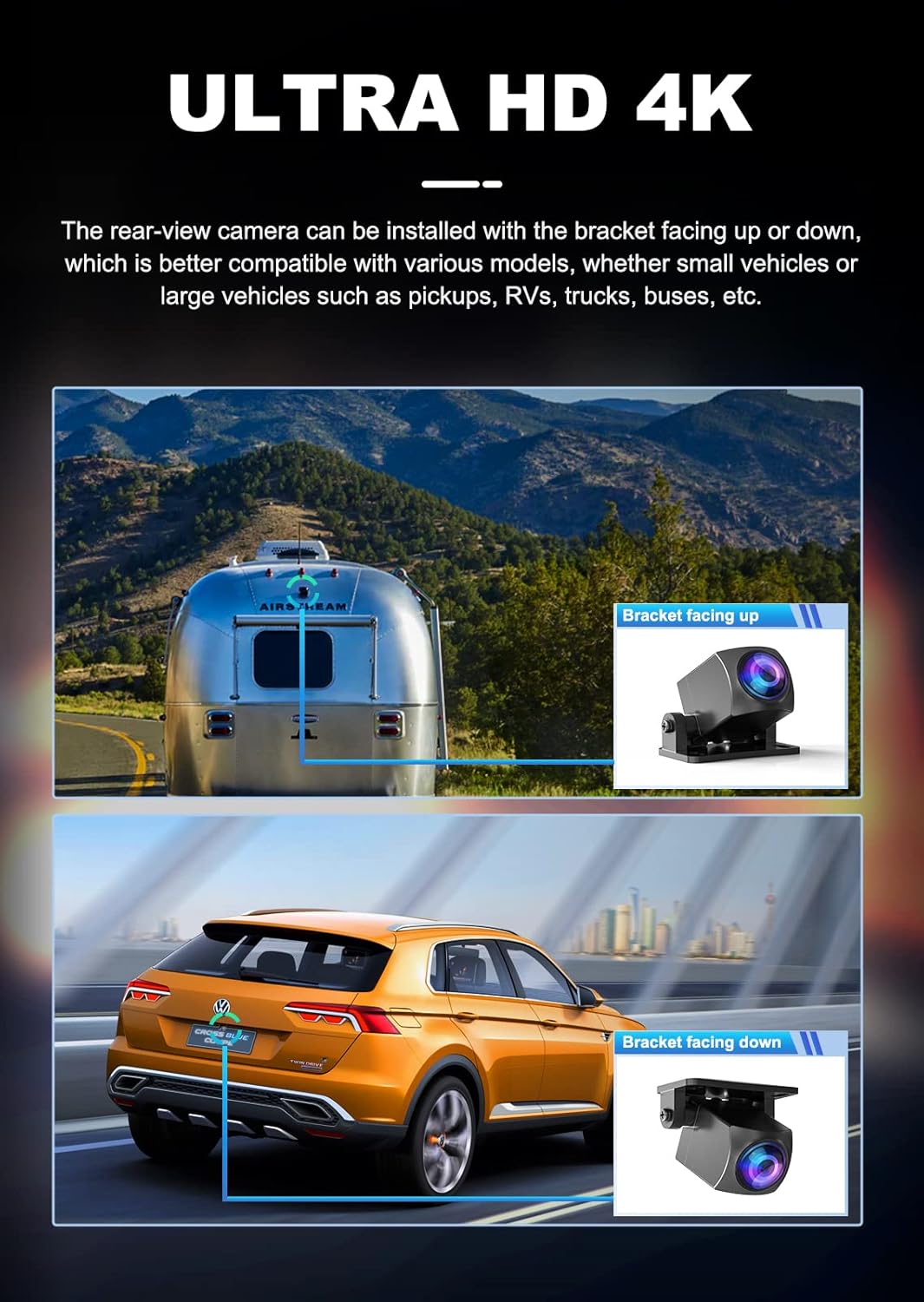
Image: Smartphone displaying live view from the dash cam via the mobile app.
4.4 향상된 야간 시야
The JOMISE D530 utilizes a SONY Starvis sensor and Wide Dynamic Range (WDR) technology to provide clear video quality in low-light conditions. This helps to balance exposure and suppress glare from headlights, improving visibility during night driving.

Image: Visual representation of WDR technology improving image clarity in varying light conditions.
5. 유지관리
5.1 SD 카드 관리
- 서식: Regularly format the SD card (at least once a month) to ensure optimal performance and prevent data corruption. This can be done through the dash cam's settings menu.
- 대사: Replace the SD card every 6-12 months, depending on usage, as continuous overwriting can degrade its performance.
5.2 청소
- 렌즈: Use a soft, lint-free cloth to gently clean the camera lenses. Avoid abrasive materials or chemical cleaners.
- 화면: 부드럽고 마른 천으로 화면을 닦으십시오.
6. 문제 해결
- 대시캠 전원이 켜지지 않음: Check the car charger connection and ensure the vehicle's cigarette lighter socket is functioning.
- 녹음 문제: Ensure the SD card is inserted correctly and has sufficient free space. Format the SD card. If issues persist, try a new SD card.
- 낮은 비디오 품질: Clean the camera lenses. Ensure the protective film is removed from the lenses. Adjust exposure settings if necessary.
- GPS가 작동하지 않음: Ensure the GPS module is properly connected and the vehicle is in an open area with clear sky view.
- Wi-Fi 연결 문제: Restart both the dash cam and your smartphone. Ensure you are within range of the dash cam's Wi-Fi signal.
7. 사양
| 특징 | 사양 |
|---|---|
| 모델명 | JOMISE D530 |
| 전면 비디오 해상도 | 4K(3840x2160) |
| 후면 비디오 해상도 | 1080피 |
| 화면 크기 | 3인치 IPS |
| 분야 View | 170도 (전면) |
| 연결성 | 와이파이, GPS |
| 저장 | 최대 256GB 마이크로 SD 카드 지원 (32GB 포함) |
| 전원 | 슈퍼 커패시터 |
| 장착 유형 | 윈드 실드 마운트 |
| 제어 방법 | 앱 |
| 품목 무게 | 1.41파운드 |
| 패키지 크기 | 8.23 x 6.14 x 2.64 인치 |
8. 보증 및 지원
JOMISE products come with a standard manufacturer's warranty. For detailed warranty information, technical support, or any inquiries regarding your D530 Dash Cam, please refer to the official JOMISE website or contact JOMISE customer service directly. Contact information can typically be found in the packaging or on the product's support page online.