
1. 제품 오버view
The JOMISE G814 is an 11-inch 4K Rear View Mirror Camera designed as a pure evidence recorder. It operates without Wi-Fi or Bluetooth, ensuring no wireless interference and a straightforward user experience without the need for additional applications. This dash cam provides crystal-clear 4K front recording and 2.5K rear recording, capturing every detail for reliable video evidence. Its responsive touchscreen and intuitive controls make operation simple for any driver.
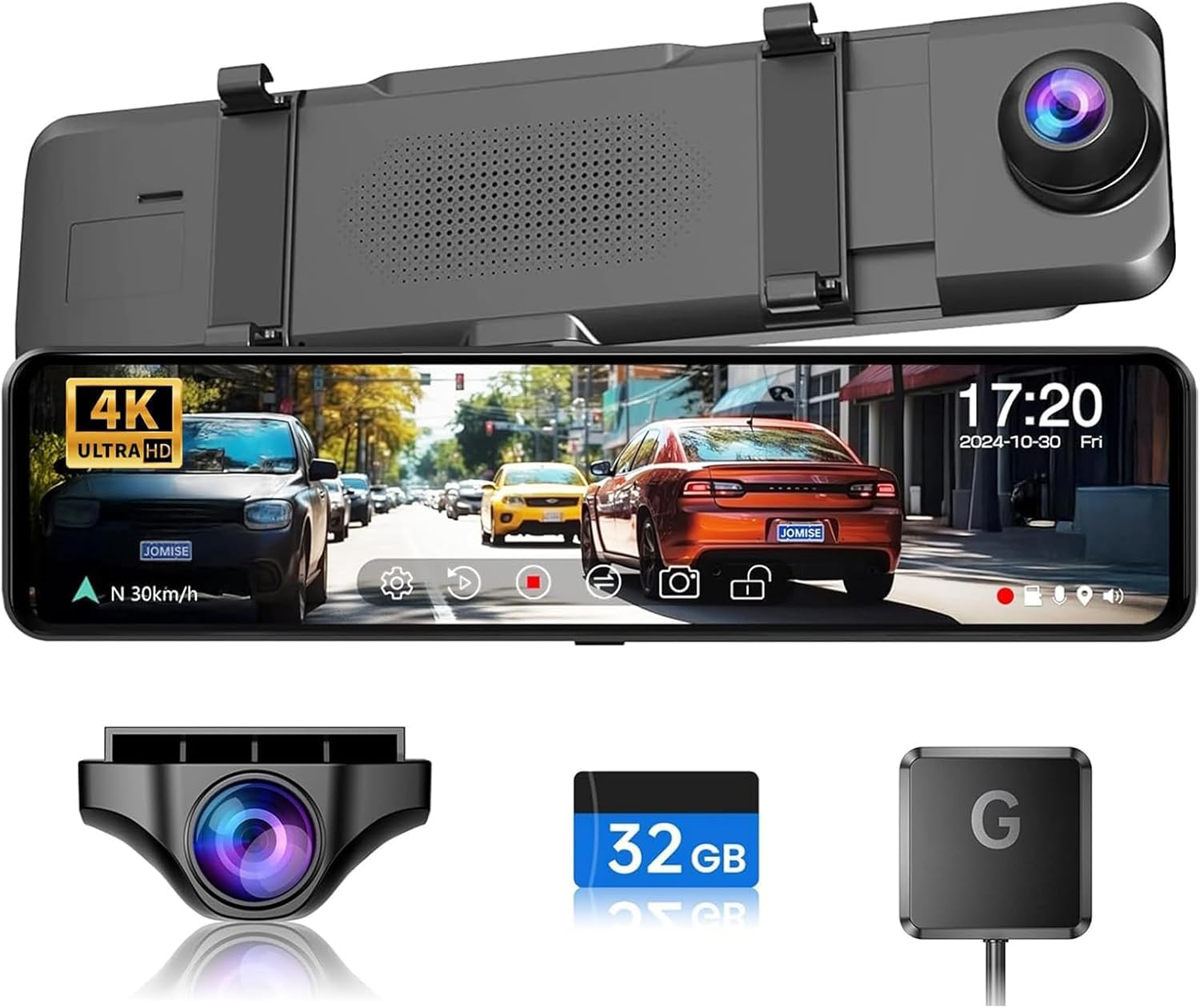
Image: JOMISE G814 4K Mirror Dash Cam with included components.
2. 상자 안에 무엇이 들어있나요?
패키지에 다음 구성품이 모두 포함되어 있는지 확인하세요.
- 1 x 4K Mirror Camera & Car Charger
- 1 x 1080P Backup Camera & GPS Module
- 1 x Rear Camera Cable & Straps
- 1 x User Manual & 32GB Card
- 1 x 마운트 브래킷

Image: All components included in the JOMISE G814 package.
3. 설정 및 설치
The JOMISE G814 is designed for quick and easy strap-on installation, fitting most vehicles. Follow these steps for proper setup:
- 미러형 블랙박스를 장착하세요: Securely attach the 4K Mirror Camera over your existing rearview mirror using the provided straps. Ensure it is centered and stable.
- 후면 카메라를 연결합니다: Route the rear camera cable from the main unit to the back of your vehicle. Connect the rear camera to the cable and mount it in a suitable position, typically above the license plate or inside the rear window.
- GPS 모듈을 연결하세요: Plug the GPS module into the designated GPS interface on the main unit. Position the module on your dashboard or windshield where it has a clear view 최적의 신호 수신을 위해 하늘을 살펴보세요.
- 전원 연결: Plug the car charger into your vehicle's 12V power outlet (cigarette lighter) and connect the other end to the Type-C port on the dash cam.
- SD 카드 삽입: Insert the provided 32GB SD card (or a compatible card up to 128GB) into the memory card slot. Ensure it is inserted correctly until it clicks into place.

Image: Illustrates the strap-on installation of the mirror dash cam.

이미지: 상세 view of the Type-C port, GPS interface, and rear camera connector.
4. 사용 설명서
4.1 터치스크린 조작
The 11-inch IPS touchscreen offers responsive and intuitive controls. Simply tap or swipe to navigate menus and adjust settings. The device supports three display modes for ease of use.
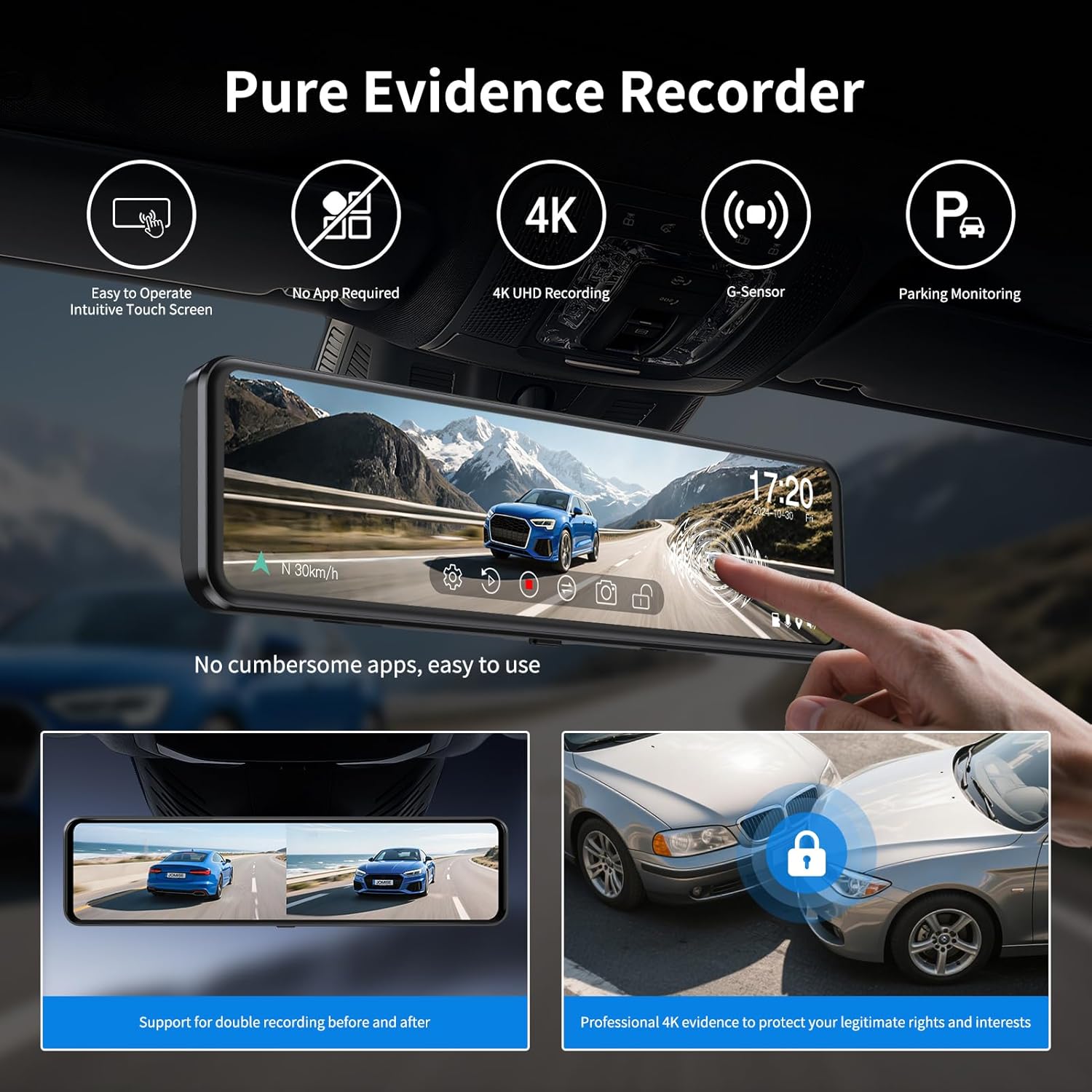
Image: Demonstrates the simple touchscreen operation of the dash cam.

Image: Shows the dash cam display with both front and rear camera views.
4.2 녹음 기능
The dash cam records in a continuous loop, ensuring that your footage is always up-to-date. When the memory card is full, the oldest unlocked videos are automatically overwritten.
- 전면 녹음: Captures video in 4K resolution.
- 후방 녹화: Captures video in 2.5K resolution.

Image: Illustrates the dual recording capability of the dash cam.

Image: Visual representation of continuous loop recording.
4.3 G-센서(비상 잠금 장치)
The built-in G-Sensor automatically detects sudden impacts or collisions. When an event is detected, the current video segment is locked and protected from being overwritten by loop recording, ensuring critical evidence is saved.

Image: Depicts the G-Sensor automatically locking footag충돌 중에.

Image: A lock icon symbolizing the G-Sensor's function to protect video files.
4.4 주차 모니터
For 24-hour parking monitoring, an optional hardware kit (ASIN: B0B6TZSF9P) is required. When installed, the dash cam can monitor your vehicle even when parked, recording events like collisions or time-lapse footage.

Image: Visual representation of the 24-hour parking monitoring feature.
4.5 3X Zoom & Ultra-Wide View
The JOMISE G814 features an exclusive 3X rear zoom and an 11-inch ultra-wide view. This functionality assists in parking and driving, providing a wider and safer perspective, especially useful for tight spots, trailers, and blind zones.

Image: Compares the ultra-wide view of the JOMISE G814 with other dash cams.

Image: Shows parking assist lines on the dash cam display for easier maneuvering.
4.6 야간 투시경
Equipped with advanced F1.8 and F2.0 lenses, the G814 reduces glare and captures sharp images in low-light conditions, ensuring clear and safe driving day and night.
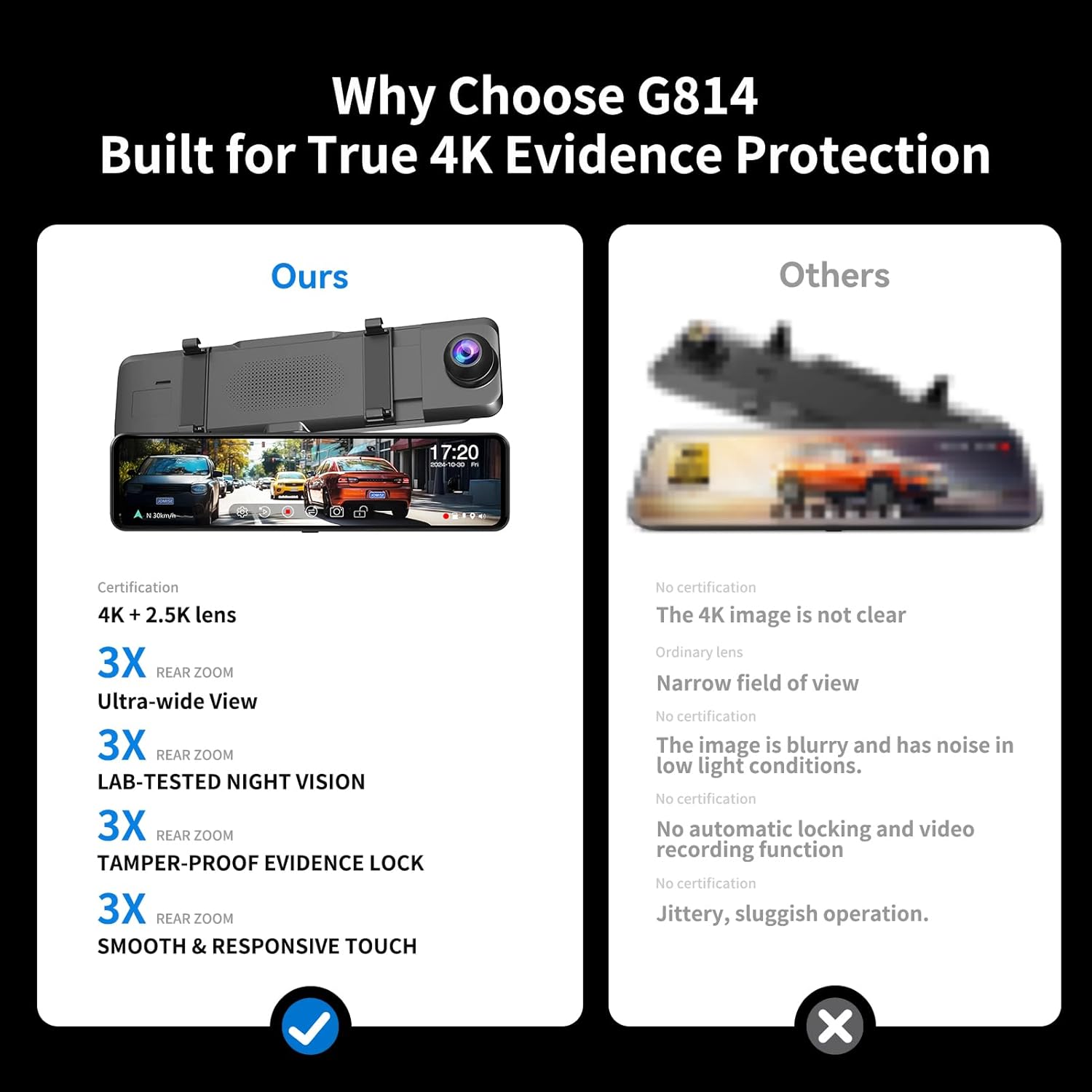
Image: Demonstrates the clear night vision performance of the dash cam.
4.7 광역 동적 범위(WDR)
The WDR function optimizes video quality by eliminating excessively bright spots and correcting color balance, resulting in a clear image even in challenging lighting environments.

Image: Illustrates how WDR balances exposure in varying light conditions.
4.8 GPS 기능
The included GPS module allows the dash cam to record your driving route, speed, and location data. This information can be reviewed using compatible playback software on a computer, providing comprehensive evidence.

Image: Shows GPS data playback on a computer screen with map and driving information.
5. 유지관리
- 청소: Use the provided cleaning cloth or a soft, dry cloth to wipe the screen and lenses. Avoid using abrasive cleaners or solvents.
- SD 카드 관리: Regularly format the SD card (at least once a month) within the dash cam's settings to ensure optimal performance and prevent data corruption. Use a high-quality, high-speed (Class 10 or U3) SD card.
- 온도: 블랙박스를 장시간 극한 온도에 노출시키지 마십시오. 배터리 수명과 부품 내구성에 영향을 줄 수 있습니다.
- 펌웨어 업데이트: Check the official JOMISE web기기에 최신 기능과 버그 수정 사항이 적용되도록 정기적으로 웹사이트에서 펌웨어 업데이트가 있는지 확인하십시오.
6. 문제 해결
- 대시캠 전원이 켜지지 않음:
- 차량용 충전기가 블랙박스와 차량의 12V 전원 소켓에 제대로 연결되어 있는지 확인하십시오.
- Check the vehicle's 12V power outlet for power (e.g., by plugging in another device).
- 차량용 충전기 케이블이 손상되지 않았는지 확인하십시오.
- Recording Issues (e.g., freezing, skipping frames):
- SD 카드를 정기적으로 포맷하세요.
- 평판이 좋은 브랜드의 고속(Class 10 또는 U3) SD 카드를 사용하고 있는지 확인하세요.
- The SD card may be full; replace it or format the existing one.
- Date/Time is Incorrect:
- GPS 모듈이 제대로 연결되었고 명확한지 확인하십시오. view of the sky. The GPS module automatically updates the date and time.
- If the issue persists, manually set the date and time in the dash cam's settings.
- Image is Blurry or Unclear:
- 부드러운 천으로 카메라 렌즈를 닦으세요.
- 렌즈에서 보호 필름을 제거했는지 확인하세요.
- 카메라가 단단히 고정되어 있고 진동이 없는지 확인하십시오.
- Sun Visor Interference:
- Due to the 11-inch size of the mirror dash cam, some vehicle models, particularly those with larger or lower-set sun visors, may experience interference when the sun visor is lowered. This is a design consideration for larger screens and may not be resolvable by adjustment. Consider the dimensions of your vehicle's interior before purchase.
7. 사양
| 특징 | 세부 사항 |
|---|---|
| 제품 치수 | 2.75 x 10 x 1 인치 |
| 품목 무게 | 1.54파운드 |
| 품목 모델 번호 | DAGD716 |
| 상표 | 조미세 |
| 모델명 | G814 |
| 정위 | 전면 및 후면 |
| 차량 서비스 유형 | Car, Pickup, SUV, Sedan, Truck |
| 연결 기술 | USB |
| 특별 기능 | 4K+2.5K Loop Recording, Built-In GPS, G-Sensor, Night Vision, Parking Monitor |
| 비디오 캡처 해상도 | 4K Front and 1080P Rear |
| 장착 유형 | 뒤쪽view 미러 마운트 |
| 색상 | 검은색 |
| 보이는 화면 대각선 | 11인치 / 28cm |
8. 보증 및 지원
JOMISE is committed to providing reliable products and excellent customer service. Your G814 dash cam comes with the following:
- 12개월 보증: Enjoy peace of mind with a one-year warranty covering manufacturing defects.
- 7일 반품 정책: 구매하신 상품이 마음에 들지 않으시면 수령일로부터 7일 이내에 반품하실 수 있습니다.
- 결함에 대한 반품: Products with confirmed defects are eligible for return.
문의사항이나 도움이 필요하시면 언제든지 연락주세요.
- 이메일: jomise-us@jomise-cam.com
- 핸드폰: +1 866 788 8775


Images: JOMISE warranty and support information.