
1. 서론
Thank you for choosing the ACT AC5105 Wireless Optical Mouse. This device is designed for comfortable and efficient use at home, in the office, or while traveling. It features a compact Nano USB receiver and an intelligent power-saving mode to extend battery life. This manual provides detailed instructions for setup, operation, and maintenance of your new wireless mouse.
2. 패키지 내용
- ACT AC5105 Wireless Optical Mouse
- 나노 USB 수신기
- AA 배터리 1개(포함)
3. 설정 가이드
- 배터리 삽입:
Open the battery compartment cover located on the underside of the mouse. Insert the included AA battery, ensuring correct polarity (+/-). Close the battery compartment cover securely.

Figure 3.1: Battery and Nano Receiver Storage
This image illustrates the underside of the mouse with the battery compartment open, showing where to insert the AA battery and store the Nano USB receiver. The on/off switch is also visible.
- Connect the Nano USB Receiver:
Remove the Nano USB receiver from its storage slot inside the battery compartment. Plug the receiver into an available USB-A port on your computer. Your operating system will automatically detect and install the necessary drivers.
- 마우스 전원 켜기:
Locate the On/Off switch on the underside of the mouse and slide it to the "ON" position. The mouse is now ready for use.
4. 사용 설명서
4.1 기본 기능
- 좌 클릭: Primary function, typically for selecting items or opening links.
- 마우스 오른쪽 버튼으로 클릭: Secondary function, typically for opening context menus.
- 스크롤 휠: 문서를 위아래로 스크롤하고 web 페이지를 넘길 수 있습니다. 마우스 휠을 누르면 가운데 클릭 기능이 실행될 수도 있습니다.

Figure 4.1: Mouse Features Overview
This diagram highlights key features such as silent click buttons, the scroll wheel, the USB-A wireless receiver, the 1600 DPI optical sensor, and the use of recycled materials in its construction.
4.2 DPI 조정
The ACT AC5105 mouse features an adjustable DPI (Dots Per Inch) setting, allowing you to change the cursor speed and sensitivity. You can cycle through 800, 1200, and 1600 DPI settings by pressing the DPI switch button located behind the scroll wheel.
- 800DPI: 커서 움직임이 느려 정밀한 작업에 적합합니다.
- 1200DPI: 일반적인 사용에 적합한 표준 커서 움직임입니다.
- 1600DPI: Faster cursor movement, suitable for quick navigation across large screens.
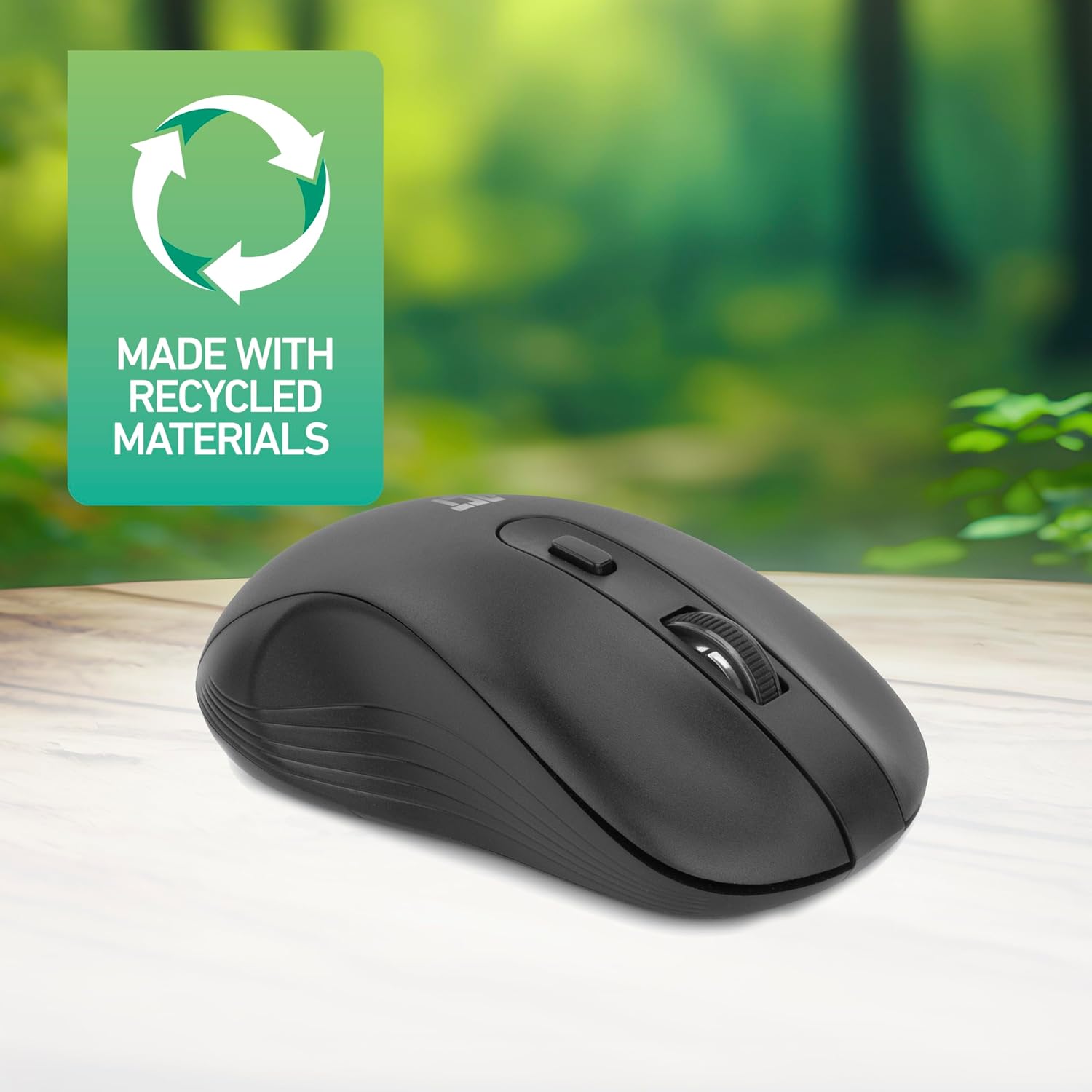
Figure 4.2: DPI Switch Location
This image shows the mouse in use on a desk, highlighting the DPI switch button for adjusting sensitivity between 800, 1200, and 1600 DPI.
4.3 절전 모드
The mouse is equipped with an intelligent power-saving feature. If the mouse is inactive for a period, it will automatically enter standby mode to conserve battery power. To wake the mouse, simply move it or click any button.
For extended periods of non-use, it is recommended to switch the mouse off using the On/Off switch on the underside of the device.
5. 유지관리
- 청소: 부드럽고 마른 천을 사용하여 마우스를 닦으세요. 강한 화학 물질이나 연마재는 사용하지 마세요.
- 배터리 교체: When the mouse performance degrades or it stops responding, replace the AA battery with a new one. Follow the steps in Section 3.1.
- 저장: When not in use, especially during travel, you can store the Nano USB receiver inside the mouse's battery compartment to prevent loss.
6. 문제 해결
| 문제 | 해결책 |
|---|---|
| 마우스가 응답하지 않음 |
|
| 커서 움직임이 불규칙하거나 느립니다. |
|
| 무선 연결 문제 |
|
7. 사양
| 특징 | 세부 사항 |
|---|---|
| 모델 번호 | AC5105 |
| 연결 기술 | 2.4GHz Radio Frequency Wireless |
| 무선 범위 | 최대 10미터 |
| 움직임 감지 기술 | 광학 |
| DPI 설정 | 800 / 1200 / 1600 DPI (조절 가능) |
| 버튼의 수 | 4 (Left, Right, Scroll Wheel Click, DPI Switch) |
| 손의 방향 | 양손잡이(왼손잡이 및 오른손잡이 사용자 모두에게 적합) |
| 전원 | 1x AA 배터리 |
| 제품 크기(L x W x H) | 10.5 x 6.5 x 3.5cm |
| 무게 | 60g |
| 호환 장치 | PC |
| 운영 체제 | ChromeOS, Linux Mint 22 (minimum required version) |
| 특별 기능 | Wireless, Intelligent Power Saving, Silent Click |

그림 7.1: 마우스 치수
This image provides a top-down and side view of the mouse, clearly indicating its physical dimensions: 105mm in length, 65mm in width, and 35mm in height.
8. 보증 및 지원
ACT products are manufactured to high quality standards. This product comes with a 2-year warranty from the date of purchase against defects in materials and workmanship.
For technical support, warranty claims, or further assistance, please refer to the official ACT web사이트를 방문하거나 가까운 판매점에 문의하세요.
보증을 위해 구매 증빙서류를 보관하세요.