
MINLOVE PJ118S
MINLOVE PJ118S 프로젝터 사용 설명서
Model: PJ118S | Brand: MINLOVE
1. 서론
Thank you for choosing the MINLOVE PJ118S Native 1080P WiFi Bluetooth Projector with Built-in DVD Player. This projector is designed to provide a versatile and immersive home theater experience, offering high-definition visuals, robust connectivity, and the convenience of an integrated DVD player. This manual will guide you through the setup, operation, maintenance, and troubleshooting of your new device.

Figure 1.1: MINLOVE PJ118S Projector highlighting its key features.
2. 상자 안에 무엇이 들어있나요?
모든 품목이 들어 있는지 확인하려면 패키지 내용물을 확인하세요.
- Projector (x1)
- 휴대용 가방 (1개)
- 리모콘(x1)
- 삼각대(x1)
- AV 케이블 (1개)
- HDMI 케이블(x1)
- 전원 코드(x1)
- 프로젝터 렌즈 커버 (1개)
- 사용 설명서(x1)
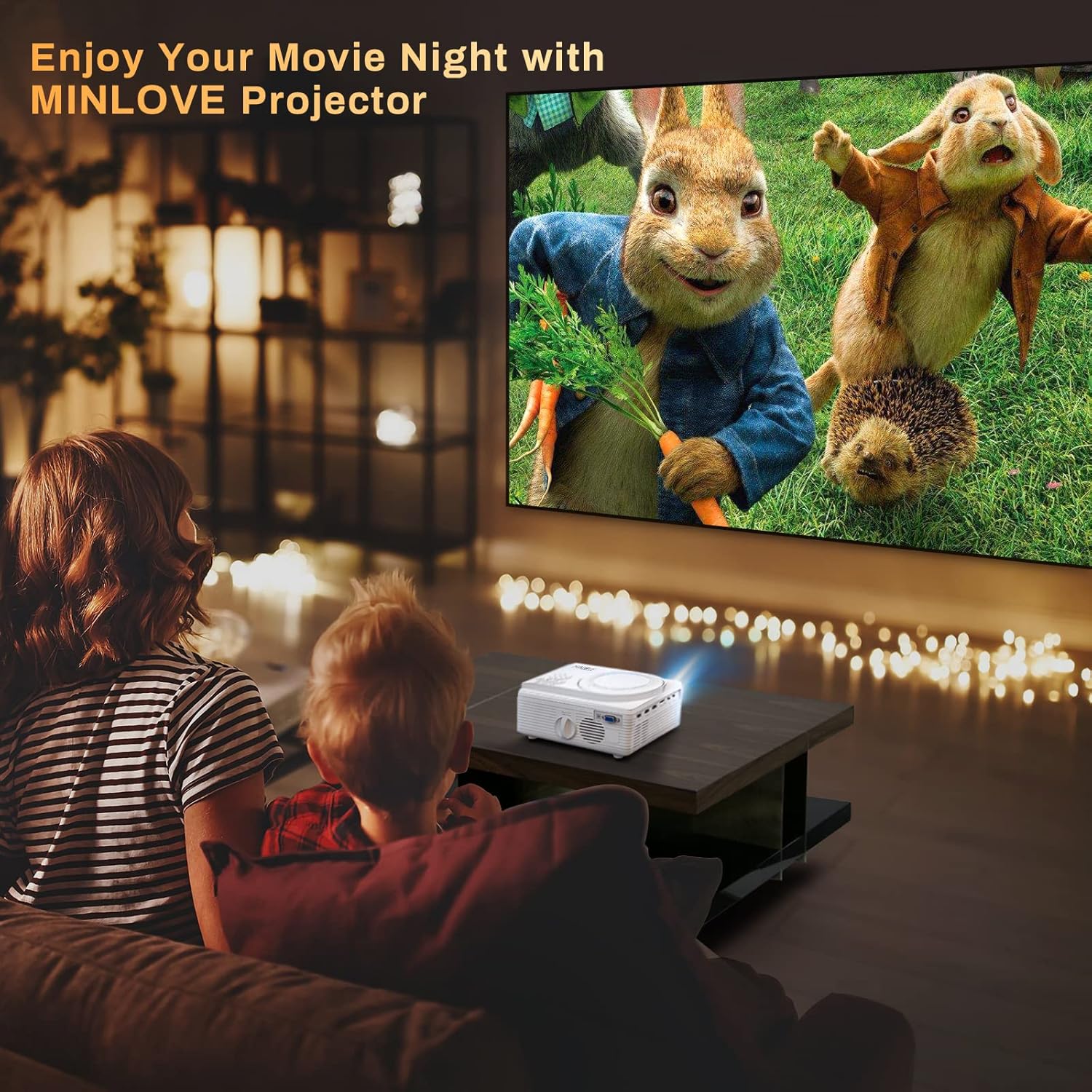
Figure 2.1: All items included in the MINLOVE PJ118S Projector package.
3. 설정 가이드
3.1 포장 풀기 및 배치
- 프로젝터와 모든 액세서리를 포장에서 조심스럽게 꺼내세요.
- 프로젝터를 안정적이고 평평한 표면에 놓으십시오. 최적의 성능을 위해서는 viewing, position it directly in front of your projection screen or wall.
- Ensure there is adequate ventilation around the projector to prevent overheating.
3.2 전원 연결
- 프로젝터의 전원 입력 포트에 전원 코드를 연결하십시오.
- 전원 코드의 다른 쪽 끝을 표준 전기 콘센트에 꽂습니다.
3.3 Lens Cap Removal
Before powering on the projector, ensure you remove the lens cap.

Figure 3.1: Remove the lens cap before operating the projector.
3.4 초점 및 키스톤 조정
After powering on, adjust the focus and keystone correction for a clear, rectangular image.
- 초점 링: 프로젝터 렌즈의 초점 링을 돌려 이미지가 선명하고 깨끗하게 보이도록 하십시오.
- 키스톤 보정: Use the keystone adjustment knob (usually located near the lens) to correct any trapezoidal distortion, ensuring the image is perfectly rectangular. The projector supports ±15° keystone correction.

Figure 3.2: Adjusting keystone correction for a perfect image.
4. 사용 설명서
4.1 기본 작업
Use the included remote control or the buttons on the projector to navigate menus, select input sources, and adjust settings.
4.2 내장 DVD 플레이어
The MINLOVE PJ118S features an integrated DVD player, allowing you to play your favorite discs directly.
- Open the DVD tray located on top of the projector.
- Gently place a DVD or CD onto the spindle, ensuring it is seated correctly.
- Close the DVD tray. The projector will automatically detect the disc and begin playback.

Figure 4.1: The projector's built-in DVD player in action.
4.3 Wireless Connectivity (WiFi & Bluetooth)
The projector supports WiFi for screen mirroring and Bluetooth for audio output.
4.3.1 WiFi & Screen Mirroring
Connect your iOS or Android device wirelessly to mirror its screen content.
- For iOS Devices (Airplay Mode):
- Connect your iPhone/iPad to the projector's WiFi network (e.g., "MINLOVE-xxx").
- On your iPhone/iPad, open Control Center and tap "Screen Mirroring".
- Select "MINLOVE-xxx" from the list of devices.
- For Android Devices (Miracast Mode):
- On your Android phone, enable the "Miracast Function" (or similar, e.g., "Wireless Display", "Smart View").
- Select "MINLOVE-xxx" from the available devices.

Figure 4.2: Screen mirroring setup for iOS and Android devices.
4.3.2 블루투스 연결
외부 Bluetooth 스피커나 헤드폰을 연결하여 오디오를 향상시키세요.
- Bluetooth 오디오 장치가 페어링 모드인지 확인하세요.
- 프로젝터에서 블루투스 설정으로 이동하세요.
- 목록에서 페어링할 기기를 선택하세요.

Figure 4.3: Connecting Bluetooth audio devices.
4.4 외부 장치 연결
프로젝터는 다양한 장치를 연결할 수 있는 여러 포트를 제공합니다.
- HDMI(x2): Connect TV Box, Chromebook, PC, Laptop, Tablet, Blue-ray DVD player, Game Consoles (PS5, Xbox).
- USB: Connect USB Flash Drives for media playback.
- 유명인 : 동봉된 AV 케이블을 사용하여 구형 기기를 연결하세요.
- VGA : Connect computers or laptops.
- 마이크로 SD 카드 : Insert Micro SD cards for media playback (supports up to 32GB; 64GB high-speed flash memory cards are not supported).

Figure 4.4: Various input ports and compatible devices.
4.5 Audio Settings for Fire TV Stick
If using a Fire TV Stick, you may need to adjust audio settings for optimal sound output, especially for copyrighted content.
- Click the "Setting" button on your Fire TV Stick remote.
- Choose "Display & Audio".
- Click "Audio".
- Click "Surround Sound", then select "PCM".
Note: Due to Netflix copyright protection, the sound of some Netflix videos may not play normally. Turning off Dolby sound (by selecting PCM) can resolve this. The WiFi feature does not support copyrighted smartphone apps such as Netflix, Amazon Prime Video, and Hulu directly; these can be played via HDMI connection.

Figure 4.5: Steps to adjust Fire TV Stick audio settings.
5. 유지관리
적절한 유지관리는 프로젝터의 수명과 최적의 성능을 보장합니다.
- 렌즈 청소: 부드럽고 보풀이 없는 광학 렌즈용 천을 사용하세요. 렌즈에 흠집을 낼 수 있는 연마성 세제나 천은 사용하지 마세요.
- 프로젝터 본체 청소: Wipe the exterior with a soft, dry cloth. For stubborn dirt, a slightly damp 천을 사용한 후 마른 천을 사용할 수 있습니다.
- 통풍: Regularly check that the ventilation ports are clear of dust and debris to ensure proper airflow and prevent overheating.
- 저장: When not in use for extended periods, store the projector in its carrying bag in a cool, dry place, away from direct sunlight and extreme temperatures.
6. 문제 해결
프로젝터에 문제가 발생하면 다음의 일반적인 문제와 해결 방법을 참조하세요.
| 문제 | 가능한 원인 | 해결책 |
|---|---|---|
| 이미지가 없거나 흐릿하게 보입니다. | Lens cap on, out of focus, incorrect keystone, incorrect input source. | Remove lens cap, adjust focus ring, adjust keystone, select correct input source. |
| 소리가 나지 않거나 소리가 작음 | Volume too low, incorrect audio output settings, incompatible audio format (e.g., Dolby for Netflix). | Increase volume, check projector's audio settings, adjust external device audio settings (e.g., Fire TV Stick to PCM), connect external speakers. |
| WiFi/Screen Mirroring issues | Incorrect network connection, device compatibility, app copyright restrictions. | Ensure correct WiFi connection, verify device compatibility, use HDMI for copyrighted streaming apps. |
| 프로젝터 과열 | 통풍구 막힘, 장시간 사용. | Ensure vents are clear, turn off projector and allow to cool, operate in a well-ventilated area. |
| 리모컨이 작동하지 않습니다 | Dead batteries, obstruction, too far from projector. | 배터리를 교체하고, 장애물을 제거하고, 적외선 수신기와의 시야 확보를 확인하십시오. |
7. 사양
| 특징 | 세부 사항 |
|---|---|
| 모델 번호 | PJ118S |
| 네이티브 해상도 | 1920 x 1080P (풀 HD) |
| 명도 | 8000 Lumens (approx. 75% higher than similar projectors) |
| 대비율 | 10000시 1분 |
| 연결 기술 | 와이파이, 블루투스 5.0 |
| 입력 포트 | 2x HDMI, USB, AV, VGA, Micro SD Card |
| 내장된 기능 | DVD Player, Stereo Speaker |
| Max Projection Screen Size | 250인치 |
| 키스톤 보정 | ±15° |
| Lamp 삶 | 최대 60,000시간 |
| 품목 무게 | 5.19파운드 |
| 제품 치수 | 8.67 x 7.3 x 3.9 인치 |
8. 보증 및 지원
The MINLOVE PJ118S Projector comes with a 1년 보증. For any questions, technical assistance, or support, please contact our customer service team. We offer 7*24 after-sales service to provide satisfactory solutions as soon as possible.
더 자세한 내용은 공식 사용자 설명서 PDF를 참조하십시오. MINLOVE PJ118S User Manual (PDF)
Ask a question about this manual
Ask about setup, troubleshooting, compatibility, parts, safety, or missing instructions. Manuals+ will review the question and use this page’s manual context to help answer it.