
소개
The Ring Spotlight Cam Plus, Battery is a versatile security camera designed for home or business surveillance. It features 1080p HD video, Two-Way Talk, Color Night Vision, and a built-in security siren to enhance your property's safety. This manual provides essential information for setting up, operating, and maintaining your device.
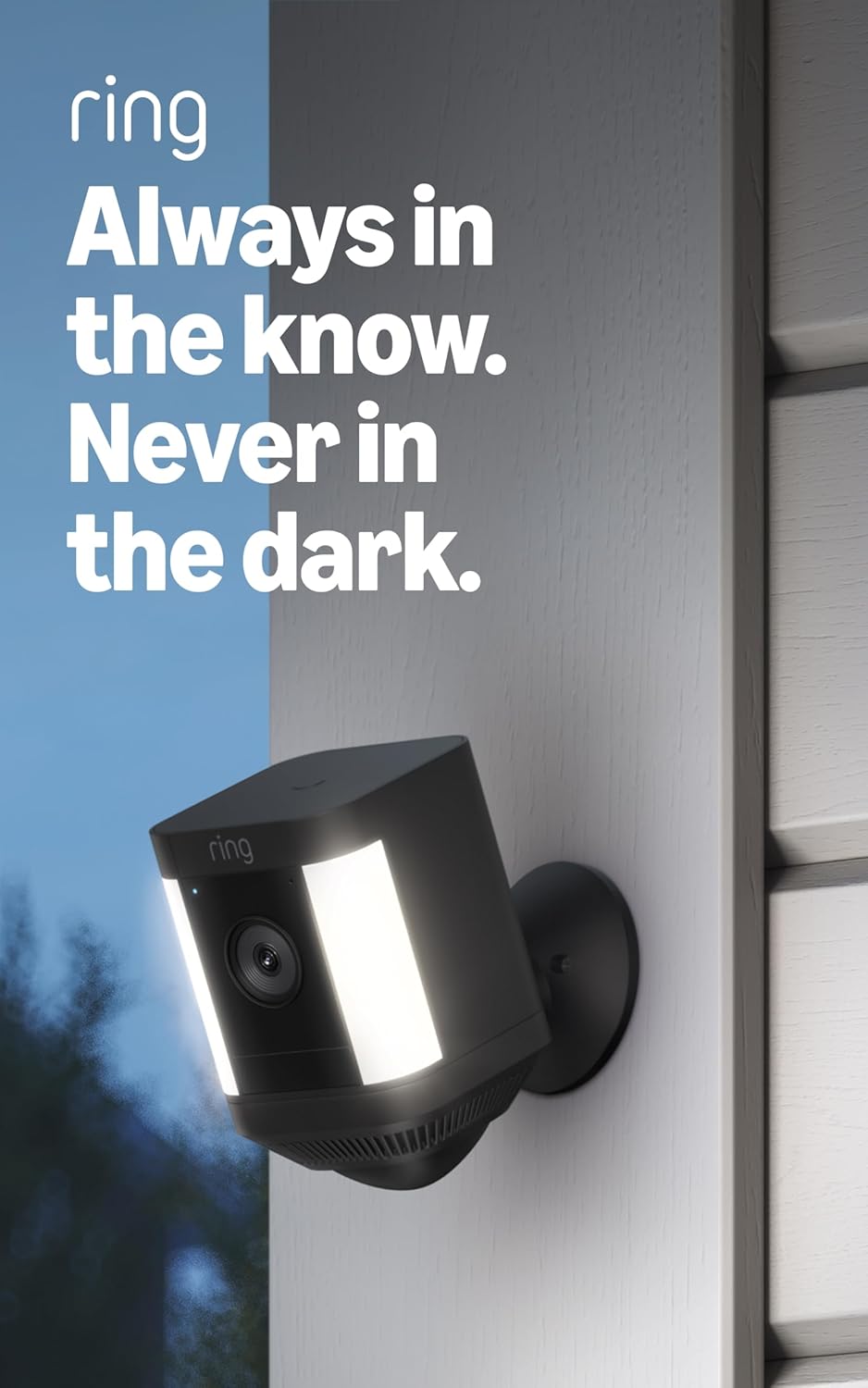
Image: The Ring Spotlight Cam Plus, Battery, showcasing its design and integrated spotlights.
설정
The average installation time for the Spotlight Cam Plus, Battery is 5 to 10 minutes. Ensure you have a vertical or horizontal surface for mounting and a stable 2.4 GHz Wi-Fi connection with a minimum upload speed of 2 Mbps for optimal performance.
상자 내용물:
- 스포트라이트 캠 플러스(배터리)
- 장착베이스
- 퀵 릴리스 배터리 팩
- 설치 하드웨어
- 마이크로 USB 충전 케이블
- 사용자 설명서
- 보안 스티커
설치 단계:
- 배터리 충전: Fully charge the Quick-Release Battery Pack using the provided Micro USB charging cable.
- Ring 앱 다운로드: Download the Ring app from your device's app store and create an account or log in.
- 장치 추가: In the Ring app, select "Set Up a Device" and follow the on-screen instructions to add your Spotlight Cam Plus.
- 카메라 장착: Secure the mounting base to your desired vertical or horizontal surface using the installation hardware. Insert the charged battery pack into the camera and attach the camera to the mounting base.
- 조정하다 View: Adjust the camera angle to cover your desired area.

Image: A user performing a DIY installation of the Ring Spotlight Cam Plus camera on a home exterior.
작동 지침
Your Ring Spotlight Cam Plus offers various features for comprehensive security monitoring.
주요 특징:
- 1080p HD Video & Live View: Access real-time, high-definition video of your property at any time through the Ring app.
- 컬러 나이트 비전: See clear, full-color video even in low-light conditions.
- 양방향 대화: Speak to visitors or deter intruders using the built-in microphone and speaker.

Image: A user interacting with the Ring app on a smartphone, utilizing the Two-Way Talk function to communicate with individuals visible on camera.
- 고급 동작 감지: Receive alerts when motion is detected. Customize motion zones to focus on specific areas and reduce unnecessary notifications.

Image: The Ring app displaying a customizable motion zone feature, allowing users to define specific areas for motion detection.
- Remote-Activated Security Siren: Activate a loud siren from the Ring app to deter unwanted visitors.
- Alexa와 함께 작동 : Integrate your camera with Alexa-enabled devices. Receive motion announcements, stream live video to Echo Show devices, and use voice commands to control security features.
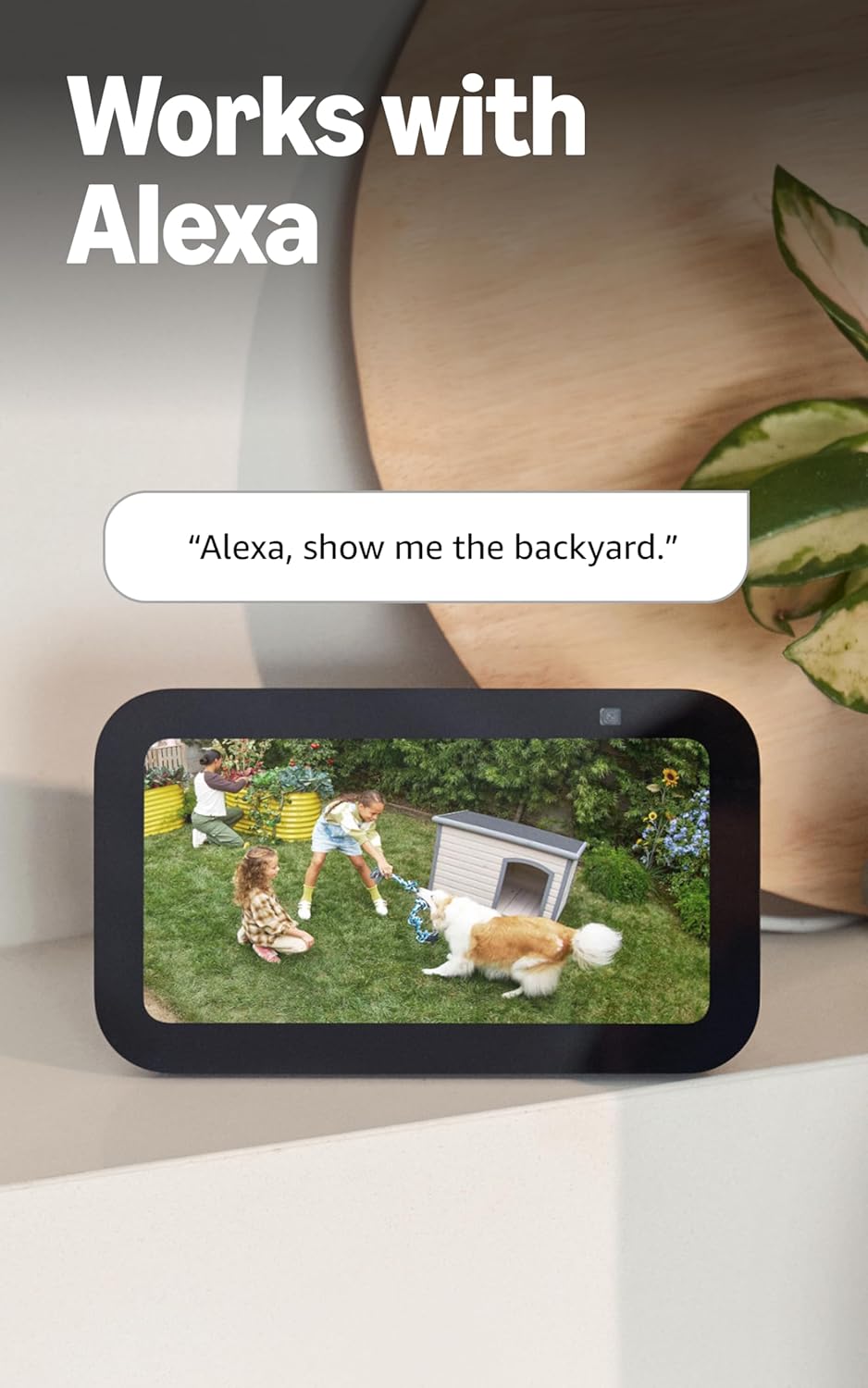
Image: An Echo Show device displaying a live video feed from a Ring camera, demonstrating integration with Alexa.
유지
Proper maintenance ensures optimal performance and longevity of your Ring Spotlight Cam Plus.
배터리 관리:
- The camera uses a Quick-Release Battery Pack. Monitor battery levels via the Ring app.
- To recharge, remove the battery pack from the camera and connect it to the Micro USB charging cable.
- 구매를 고려하세요asing an additional battery pack (sold separately) to ensure continuous operation while one battery charges.
- An optional solar panel (sold separately) can be connected to provide continuous charging.
청소:
- 카메라 렌즈와 본체는 부드러운 천으로 주기적으로 청소하세요.amp 천을 사용하여 먼지와 이물질을 제거하세요. 연마성 세제는 사용하지 마세요.
- 카메라의 시야각을 확인하십시오 view remains unobstructed by foliage or other objects.
문제 해결
If you encounter issues with your Ring Spotlight Cam Plus, refer to the following common solutions:
- No Power/Battery Issues: Ensure the Quick-Release Battery Pack is fully charged and correctly inserted. If using a solar panel, verify it is receiving adequate sunlight and properly connected.
- 연결 문제: Check your Wi-Fi router and ensure it is functioning correctly. Confirm your camera is within range of your 2.4 GHz Wi-Fi network. A minimum upload speed of 2 Mbps is required for optimal performance.
- 동작 감지가 작동하지 않음: Review your motion zone settings in the Ring app. Ensure the zones cover the desired areas and sensitivity is adjusted appropriately.
- 낮은 비디오 품질: Verify your internet connection meets the minimum speed requirements. Ensure the camera lens is clean and free from obstructions.
- 앱 문제: Ensure your Ring app is updated to the latest version. Try restarting the app or your mobile device.
For further assistance, consult the Ring app's help section or the official Ring support web대지.
명세서
| 특징 | 세부 사항 |
|---|---|
| 치수 | 3.0인치 x 3.2인치 x 5.0인치(76.40mm x 80.50mm x 126.25mm) |
| 색상 옵션 | 검은색, 흰색 |
| 동영상 | 1080p HD 비디오, 라이브 View, 컬러 나이트 비전 |
| 동작 감지 | 사용자 지정 가능한 동작 영역을 갖춘 고급 동작 감지 기능 |
| 분야 View | 수평 140 ° |
| 사이렌 | 원격으로 활성화되는 보안 사이렌 |
| 오디오 | 소음 제거 기능이 있는 양방향 오디오 |
| 힘 | 충전식 배터리 팩(1개 포함, 최대 2개 수용), 옵션 태양광 패널(별도 판매) |
| 이중 전원 모드 | 플러그인 및 배터리 전원 모드 간의 동적 전환(플러그인 어댑터 구매 필요) |
| 인터넷 요구 사항 | Minimum upload speed of 2 Mbps for optimal performance |
| 연결성 | 802.11 b/g/n Wi-Fi 연결 @ 2.4GHz |
| 평균 설치 시간 | 5~10분 |
| 작동 조건 | -5°F ~ 120°F(-20°C ~ 48°C), 내후성 |
| 설치 요구 사항 | 수직 또는 수평면에 장착 가능 |
추가 참고 사항:
- Ring Home Plan: Your Ring videos in the cloud are stored temporarily, up to 180 days of Video Event History. Changing your video storage time will only affect videos recorded after the adjustment. Snapshot Capture photos are stored for up to 7 days. Refer to Ring Home Plan for more details.
- 알렉사 통합: Works with Alexa to illuminate and send announcements to Echo devices, and allows viewing, hearing, and speaking to people on camera with select Echo and Fire TV devices.
보증
The Ring Spotlight Cam Plus, Battery comes with a 1년 한정 보증. Please retain your proof of purchase for warranty claims. For specific terms and conditions, refer to the warranty documentation included with your product or visit the official Ring web대지.
지원하다
For technical support, product information, or assistance with your Ring Spotlight Cam Plus, Battery, please utilize the following resources:
- Ring App: The Ring app provides in-app help, FAQs, and troubleshooting guides.
- 소프트웨어 보안 업데이트: For information specific to your device regarding software security updates, visit the Software Security Updates section in the Ring Control Center.
- 온라인 리소스: Visit the official Ring support website for comprehensive guides, video tutorials, and community forums.