
1. 서론
This manual provides essential information for the safe and efficient installation, operation, and maintenance of your LEDVANCE ORBIS SPARKLE SMART+ WiFi Ceiling Light. Please read these instructions carefully before use and retain them for future reference.
The LEDVANCE ORBIS SPARKLE SMART+ WiFi Ceiling Light is a smart, dimmable LED luminaire designed for indoor use, offering tunable white light (2700K to 6500K) and a decorative sparkle effect. It integrates seamlessly with smart home systems via WiFi, allowing control through the LEDVANCE SMART+ WiFi app, Amazon Alexa, or Google Assistant.
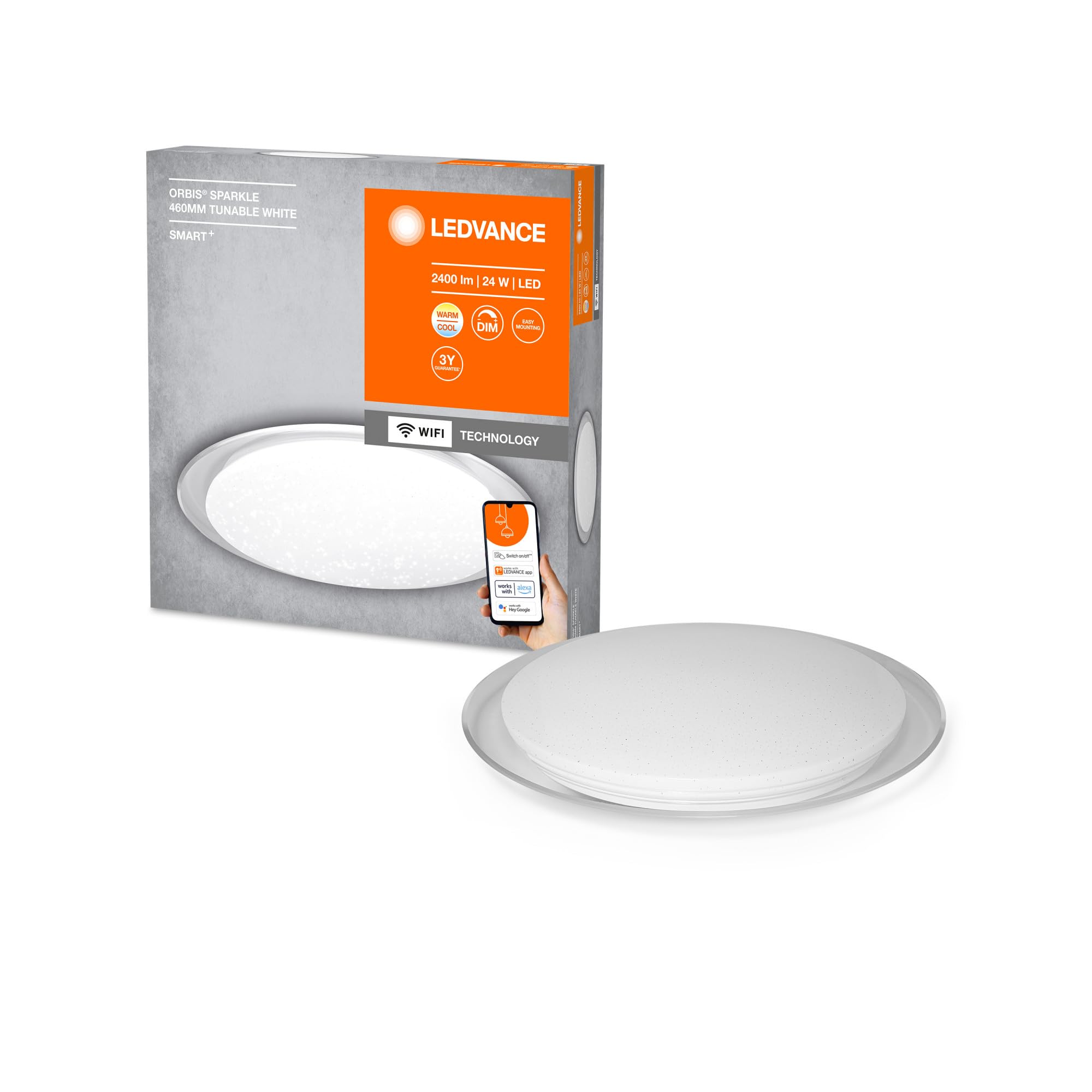
Image: The LEDVANCE ORBIS SPARKLE SMART+ WiFi Ceiling Light providing illumination in a room.
2. 안전 정보
- 전기 안전: Installation must be performed by a qualified electrician in accordance with local wiring regulations. Always switch off the power supply at the main fuse box before installation or maintenance.
- 실내에서만 사용 가능: This product is designed exclusively for indoor applications. Do not expose to moisture or extreme temperatures.
- 손질: Handle the luminaire with care to avoid damage. Do not attempt to modify the product.
- 청소: 청소하기 전에 전원을 차단하십시오. 부드럽고 마른 천을 사용하십시오. 연마성 세제나 용제를 사용하지 마십시오.
- 빛의 출처: The LED light source is non-replaceable. If the light source reaches its end of life, the entire luminaire must be replaced.
3. 패키지 내용
설치를 시작하기 전에 모든 구성 요소가 있는지 확인하세요.
- 1 x LEDVANCE ORBIS SPARKLE SMART+ WiFi Ceiling Light
- 마운팅 브래킷
- 장착 나사 및 벽면 플러그
- 사용 설명서(본 문서)
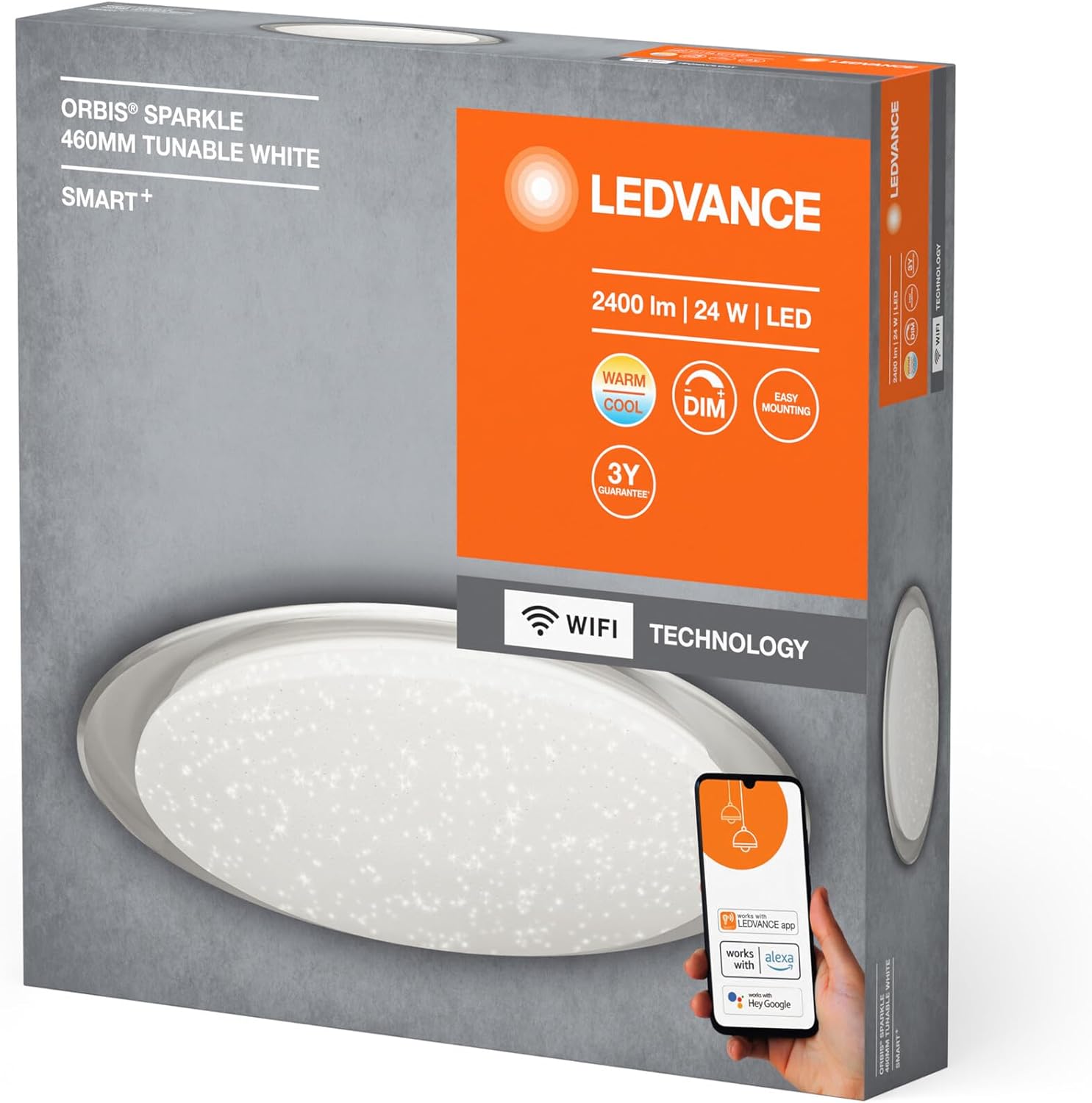
Image: Product packaging showing the LEDVANCE ORBIS SPARKLE SMART+ WiFi Ceiling Light and its features.
4. 설정 및 설치
올바른 설치를 위해 다음 단계를 따르세요. 시작하기 전에 전원이 꺼져 있는지 확인하세요.
- 설치 준비: Switch off the main power supply at the circuit breaker to prevent electrical shock.
- 장착 브래킷 : Secure the mounting bracket to the ceiling using the provided screws and wall plugs. Ensure the bracket is firmly attached to a suitable surface.
- 전기 연결: Connect the household electrical wires to the terminals on the luminaire. Ensure correct polarity (Live, Neutral, Earth) as per local regulations.
- 조명기구 부착: Carefully attach the LEDVANCE ORBIS SPARKLE SMART+ WiFi Ceiling Light to the mounting bracket. Ensure it is securely fastened.
- 복원력 : Once the luminaire is securely installed and wired, restore power at the circuit breaker.

Image: Technical drawing showing the dimensions of the LEDVANCE ORBIS SPARKLE SMART+ WiFi Ceiling Light (Ø 460mm, height 76mm).
5. 사용 설명서
5.1 Smart Home Integration (LEDVANCE SMART+ WiFi App)
To control your LEDVANCE ORBIS SPARKLE SMART+ WiFi Ceiling Light, you need to connect it to the LEDVANCE SMART+ WiFi app.
- 앱 다운로드 : Download the LEDVANCE SMART+ WiFi app from the App Store (iOS) or Google Play Store (Android). The app requires at least Android 4.4 or iOS 9.0.
Download LEDVANCE SMART+ WiFi App - 등록/로그인: 앱을 열고 화면의 지시에 따라 계정을 만들거나 로그인하세요.
- 장치 추가: Follow the app's instructions to add a new device. Ensure your smartphone or tablet is connected to a 2.4 GHz WiFi network.
- 페어링 모드 : The light will enter pairing mode automatically when first powered on. If not, cycle the power switch OFF-ON three times until the light blinks.
- 제어: Once paired, you can control the light's brightness, color temperature (2700K-6500K), and activate the sparkle effect directly from the app.

Image: Product packaging highlighting compatibility with the LEDVANCE SMART+ app, Amazon Alexa, and Google Assistant.
5.2 음성 제어 (아마존 알렉사 / 구글 어시스턴트)
After successful integration with the LEDVANCE SMART+ WiFi app, you can link your light to Amazon Alexa or Google Assistant for voice control.
- 계정 연결: Open your Amazon Alexa or Google Home app. Navigate to the "Skills" or "Works with Google" section.
- 검색 LEDVANCE SMART+: 검색 and enable the "LEDVANCE SMART+" skill/service.
- 연결하다: Link your LEDVANCE SMART+ account with your Alexa or Google account.
- 장치 검색: Ask Alexa or Google Assistant to "discover devices" or manually add the light through the app.
- 음성 명령: 이제 다음과 같은 음성 명령을 사용할 수 있습니다.
- "Alexa/Hey Google, turn on [Light Name]"
- "Alexa/Hey Google, dim [Light Name] to 50%"
- "Alexa/Hey Google, set [Light Name] to warm white"
- "Alexa/Hey Google, change [Light Name] to cool white"
6. 유지관리
- 청소: Ensure the power is off before cleaning. Wipe the surface of the luminaire with a soft, dry, or slightly damp cloth. Do not use harsh chemicals, abrasive cleaners, or sprays directly on the light.
- 사용자가 수리할 수 없는 부품: The LED light source is integrated and cannot be replaced by the user. Do not attempt to open or repair the luminaire.
- 정기 점검: Periodically check the mounting for security.
7. 문제 해결
| 문제 | 가능한 원인 | 해결책 |
|---|---|---|
| 조명이 켜지지 않습니다. | No power supply; incorrect wiring; faulty luminaire. | Check power supply at the circuit breaker. Verify wiring connections. If problem persists, contact support. |
| 와이파이/앱에 연결할 수 없습니다. | Incorrect WiFi password; not on 2.4 GHz network; light not in pairing mode; app issues. | Ensure correct WiFi password. Connect phone to 2.4 GHz WiFi. Cycle power OFF-ON three times to enter pairing mode. Restart app or phone. |
| 음성 제어가 작동하지 않습니다. | Not linked to Alexa/Google Assistant; incorrect device name; internet connectivity issues. | Ensure LEDVANCE SMART+ skill is enabled and accounts are linked. Verify device name in Alexa/Google Home app. Check internet connection. |
| 빛이 깜빡이거나 불규칙하게 작동합니다. | Unstable power supply; interference; internal fault. | Check power supply stability. Ensure no strong interference sources nearby. If problem persists, contact support. |
8. 사양
| 모델 번호 | 4058075573475 |
| 상표 | 레드밴스 |
| 제품 유형 | Smart WiFi Dimmable LED Ceiling Light |
| 치수(길이 x 너비 x 높이) | 46 x 46 x 7.6cm |
| 무게 | 800그램 |
| 재료 | Alloy Steel, Polycarbonate |
| 전원 | AC |
| 권tage | 240 볼트 |
| 왓tage | 24 와트 |
| 광속 | 2500루멘 |
| 색온도 | 2700 - 6500 Kelvin (Tunable White) |
| 밝기 조절 가능 | 예 |
| 연결성 | Wi-Fi (2.4GHz) |
| 제어 방법 | Application (LEDVANCE SMART+ WiFi), Voice (Amazon Alexa, Google Assistant) |
| 수명 | 25,000시간 |
| 에너지 효율 등급 | F |
| 실내/실외 사용 | 실내 |
9. 보증
LEDVANCE provides a 3-year guarantee for this product. Please refer to the official LEDVANCE website or your purchase documentation for detailed warranty terms and conditions. Retain your proof of purchase for warranty claims.
10. 지원
For technical assistance, troubleshooting beyond this manual, or warranty inquiries, please contact LEDVANCE customer support through their official web사이트 또는 제품과 함께 제공된 연락처 정보.
You can also visit the LEDVANCE brand store on Amazon for more product information: LEDVANCE 아마존 스토어