
PANOEAGLE PG-PTZ-2804-I2
PANOEAGLE 8MP PTZ PoE IP Camera Dome User Manual
Model: PG-PTZ-2804-I2
1. 서론
This manual provides detailed instructions for the installation, operation, and maintenance of your PANOEAGLE 8MP PTZ PoE IP Camera Dome. Please read this manual thoroughly before using the product to ensure correct usage and optimal performance. Keep this manual for future reference.
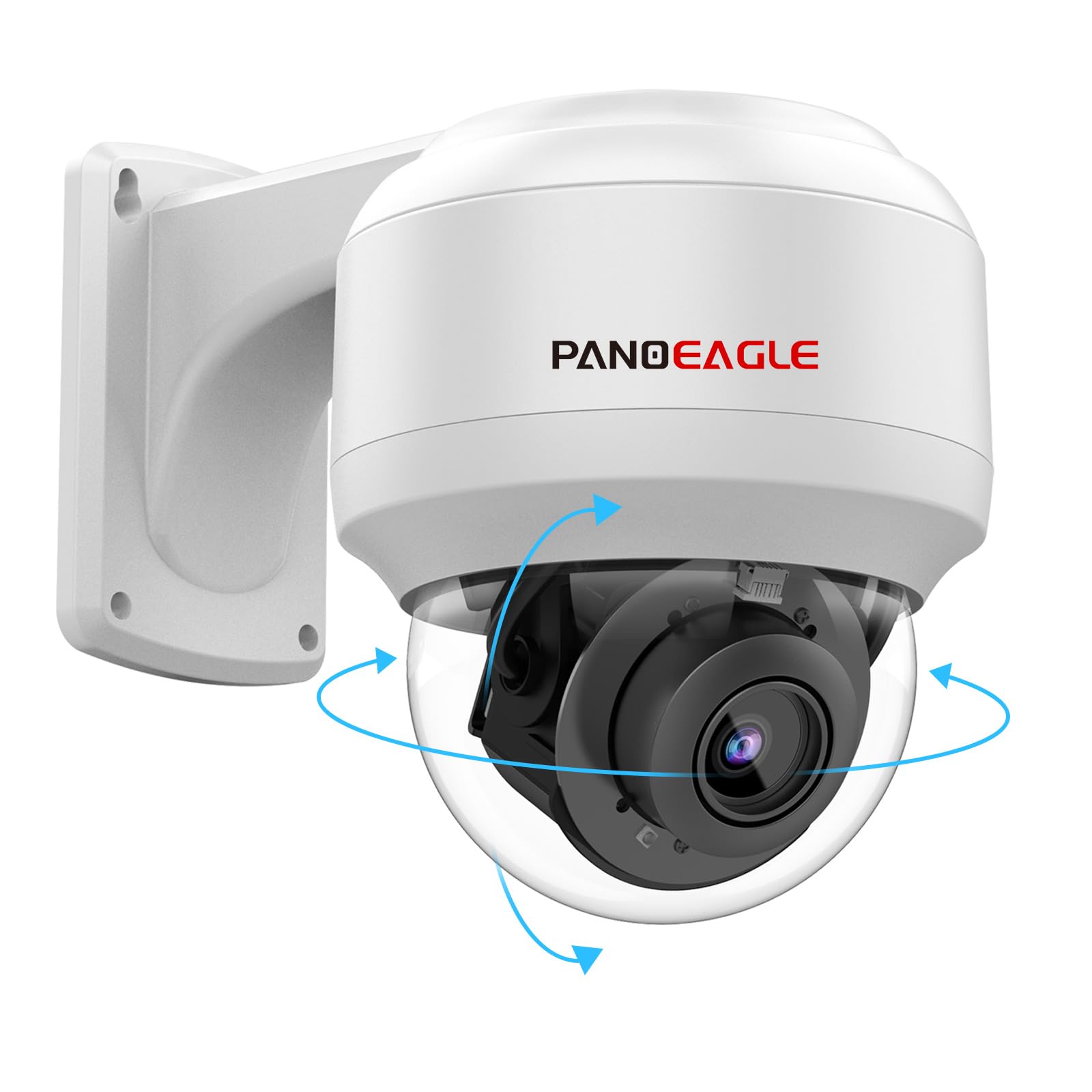
Figure 1: PANOEAGLE 8MP PTZ PoE IP Camera Dome
2. 상자 안에 무엇이 들어있나요?
포장을 풀 때 모든 구성품이 들어 있는지 확인하세요.
- 카메라 본체
- 카메라 스탠드
- 사용자 설명서
- 장착 나사

Figure 2: Contents of the product packaging
3. 설정
3.1 물리적 설치
The PANOEAGLE 8MP PTZ PoE IP Camera Dome is designed for both indoor and outdoor use and can be mounted on a wall or ceiling. Ensure the mounting surface is sturdy enough to support the camera's weight.
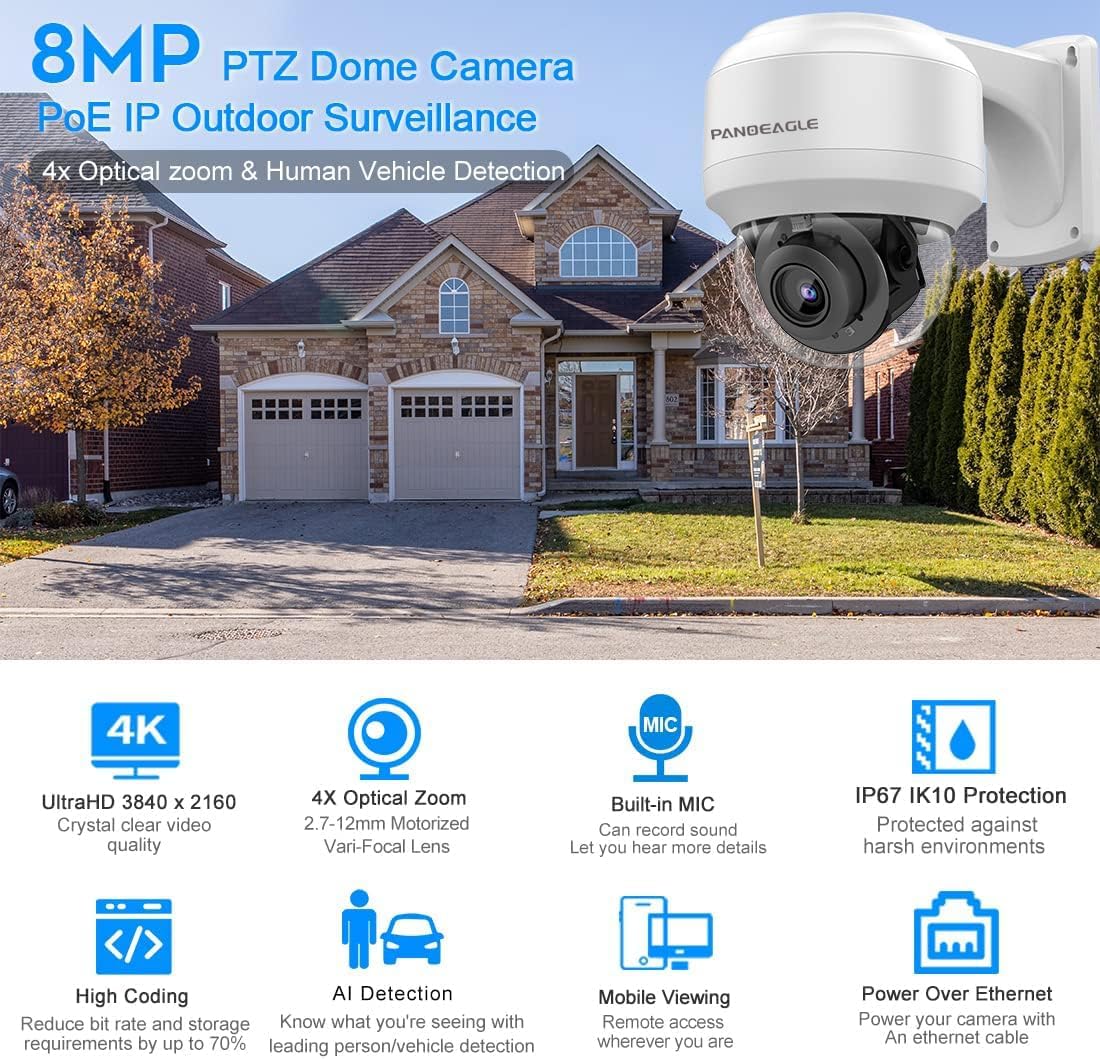
Figure 3: Camera with mounting bracket
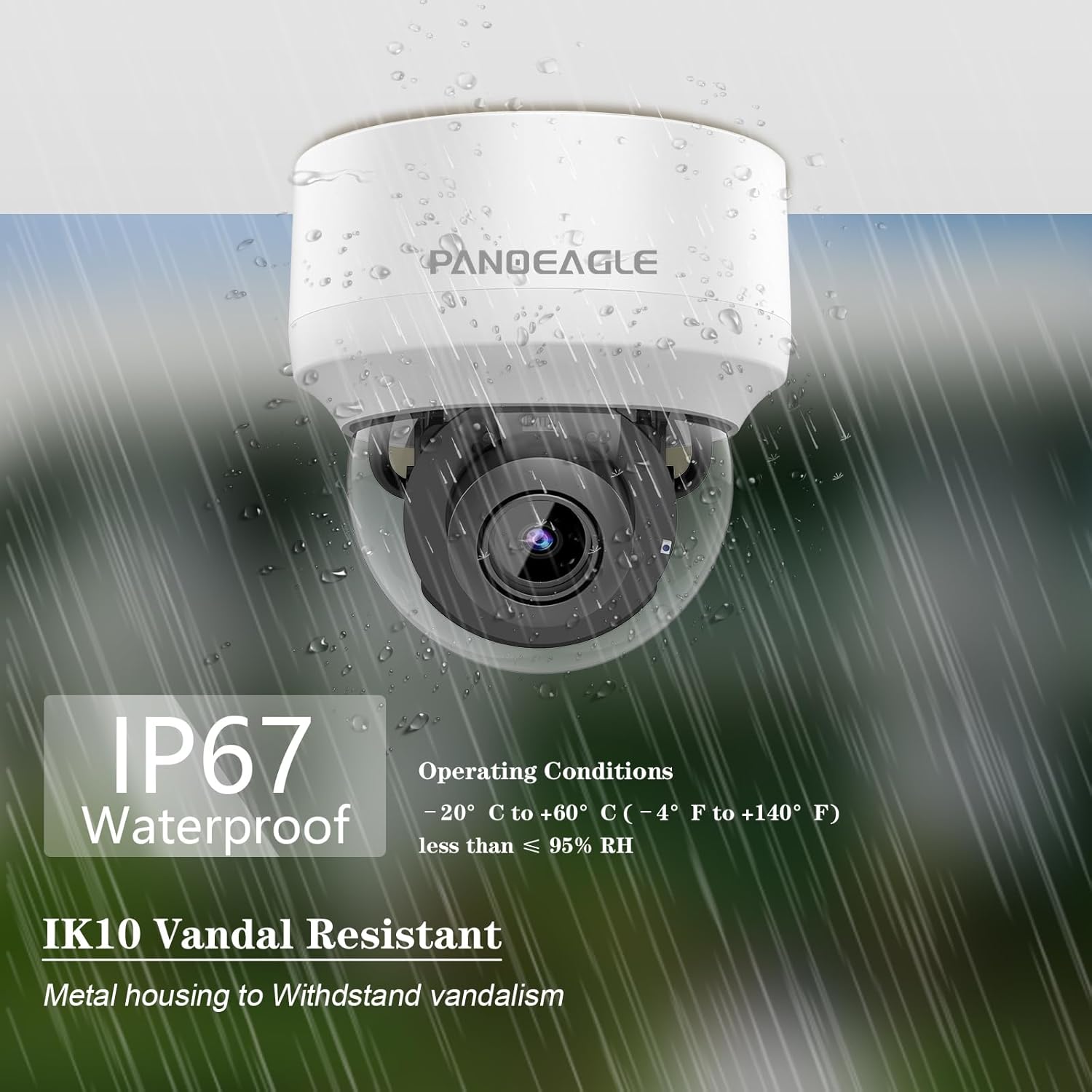
그림 4: 예ample of wall mounting
3.2 네트워크 연결(PoE)
This camera supports Power over Ethernet (PoE), requiring only a single Ethernet cable for both power and data transmission. This simplifies installation and reduces wiring complexity. The camera is compatible with third-party NVRs and Open Network Video Interface (ONVIF) standards.

Figure 5: PoE network connection diagram
Video 1: Instructions on how to change the camera's IP address and access its web 초기 설정을 위한 인터페이스.
4. 사용 설명서
4.1 팬, 틸트 및 줌(PTZ) 제어
The camera features 4X optical zoom and extensive pan and tilt capabilities. The pan range is 0° to 355°, and the tilt range is 0° to 90°, allowing for comprehensive area coverage.

Figure 6: 4X Optical Zoom in action
Video 2: Demonstration of the 4X optical zoom and PTZ functions of the dome camera.
4.2 Smart Detection (Human/Vehicle)
The camera incorporates advanced human and vehicle detection algorithms to accurately identify real threats and minimize false alarms. Upon detection, an alarm message is sent to your connected device.
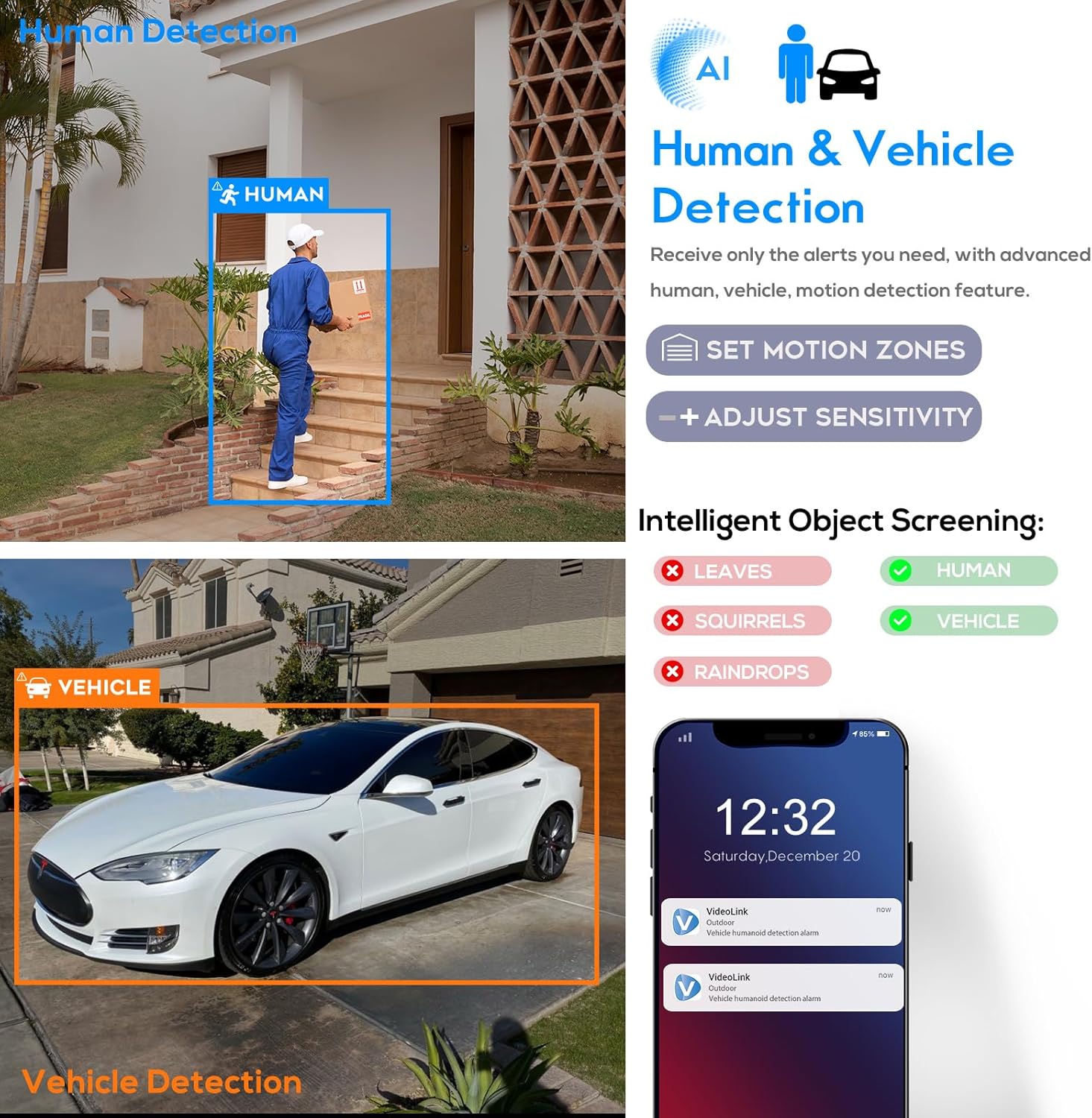
Figure 7: Human and Vehicle Detection interface
Video 3: Guide on enabling and configuring detection alarms for motion and intelligent human/vehicle detection.
비디오 4: 끝view of the outdoor PTZ PoE IP camera's human and vehicle detection features.
4.3 야간 투시경
Equipped with 2 high-performance infrared array LED lights and EXIR 2.0 low-light technology, the camera provides clear night vision up to 164 feet (50 meters).

Figure 8: Night Vision capability
4.4 내장 마이크
The camera features a built-in microphone with environmental noise filtering, enabling clear audio recording alongside video footage.
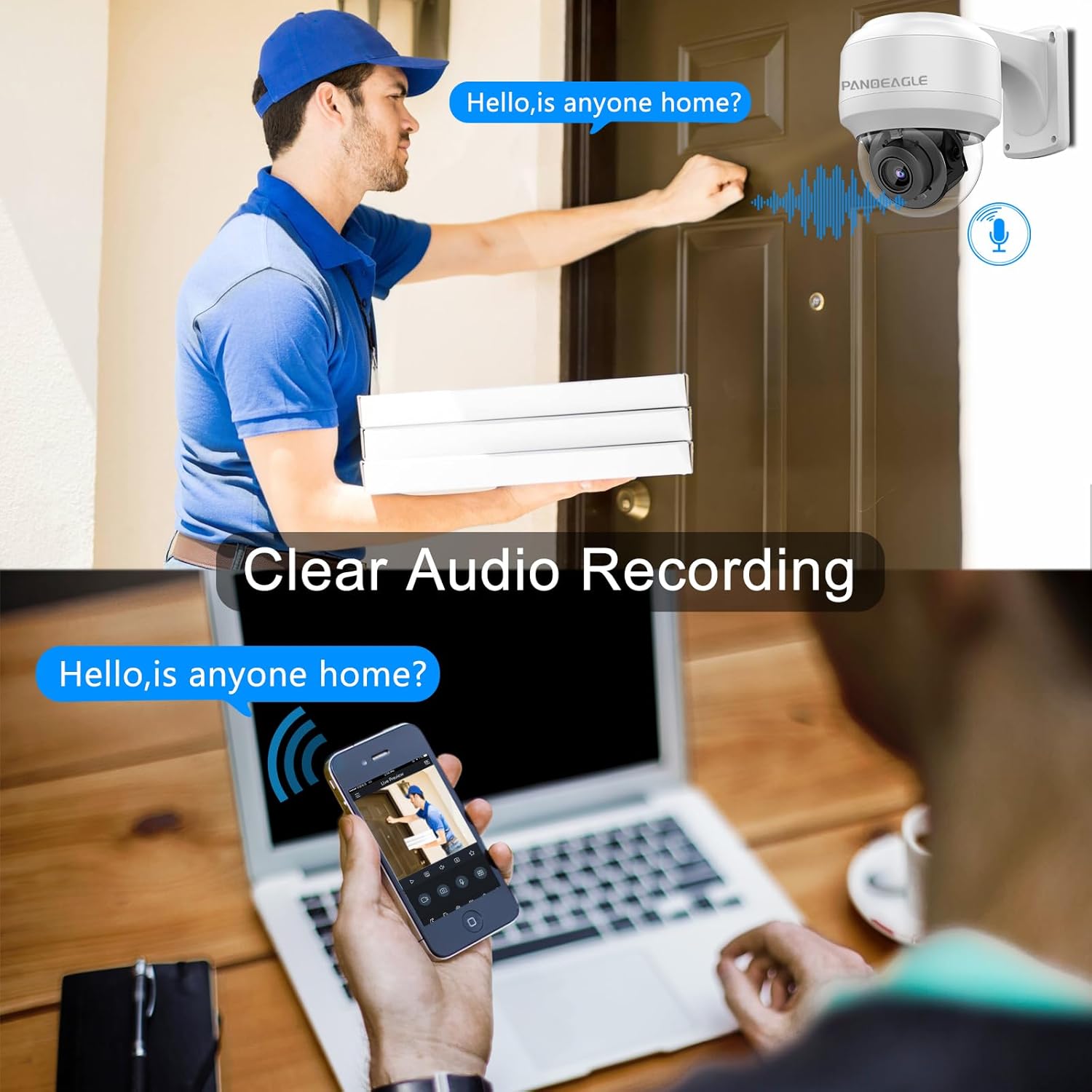
Figure 9: Clear Audio Recording feature
4.5 원격 모니터링
라이브 피드 및 녹화된 foo에 액세스tage remotely via the "Videolink" smartphone application (available for iOS and Android) or through a web browser. The camera supports multi-platform monitoring.
그림 10: 다중 플랫폼 모니터링
Video 5: Guide on connecting the camera to the AC18PRO mobile software for remote view주고받음.
5. 유지관리
The camera is built with a metal housing and features IP67 waterproof and IK10 vandal-resistant ratings, ensuring durability in various environmental conditions. Regular cleaning of the lens and housing is recommended to maintain optimal image quality. Use a soft, damp 청소용 천. 가혹한 화학 물질을 피하십시오.

Figure 11: IP67 Waterproof and IK10 Vandal Resistant features
6. 문제 해결
- 네트워크 연결 없음:
Ensure the Ethernet cable is securely connected to both the camera and the PoE switch/NVR. Verify that the camera's IP address is within the same network segment as your computer or NVR. Use the provided software tools (e.g., AJDevTools, SADP) to search for and configure the camera's IP address if necessary. - PTZ Functions Not Responding:
Check the power supply to the camera. Ensure the network connection is stable. If controlling via software, verify that the PTZ controls are correctly configured and the software is up-to-date. Some issues may occur with rapid adjustments; try making smaller, slower movements. - Motion/Human/Vehicle Detection Not Triggering:
카메라에 접근 web interface or app settings. Verify that motion detection and intelligent detection features are enabled. Adjust the sensitivity and threshold settings. Ensure the detection area is correctly defined and covers the desired surveillance zone. - 이미지 품질이 좋지 않음:
Check the camera lens for dirt or obstructions. Ensure the camera's firmware is updated. Verify network bandwidth, as insufficient bandwidth can affect streaming quality.
7. 사양
| 특징 | 세부 사항 |
|---|---|
| 모델명 | 8MP PTZ PoE IP Camera Outoodoor (PG-PTZ-2804-I2) |
| 효과적인 스틸 해상도 | 8 MP |
| 비디오 캡처 해상도 | 4k |
| 광학 줌 | 4 개 |
| 팬 범위 | 0° ~ 355° |
| 기울기 범위 | 0° ~ 90° |
| 나이트 비전 범위 | 164 피트 |
| 국제 보호 등급 | IP66 (Note: Product description states IP67, please refer to product packaging for exact rating) |
| 반달 저항 | 아이케이10 |
| 전원 | Wired Motorized (PoE) |
| 연결 기술 | 열광한 |
| 호환 장치 | Third-party NVR, Open Network Video Interface (ONVIF) |
| 경고 유형 | Humanoid detection and motion |
| 시청각 녹화 기능 | Audio (Built-in Mic) |
| 작동 온도 | -20°C ~ 60°C (-4°F ~ 140°F) |
| 재료 | 금속 |
| 품목 치수 L x W x H | 10 x 8 x 6 인치 |
| 품목 무게 | 2.67파운드 |
8. 보증 및 지원
PANOEAGLE provides a 2-year manufacturer's warranty service for this product. Additionally, lifetime technical support is available for all customers. For any questions or assistance, please contact customer support.

그림 12: 보증 및 지원 정보
Ask a question about this manual
Ask about setup, troubleshooting, compatibility, parts, safety, or missing instructions. Manuals+ will review the question and use this page’s manual context to help answer it.