
소개
Thank you for choosing the Tronsmart Battle Wireless Gaming Earbuds. These earbuds are designed to provide an immersive audio experience for gaming and everyday listening, featuring low-latency mode, touch controls, and a durable design. This manual will guide you through the setup, operation, and maintenance of your new earbuds.

Image: User enjoying gaming with Tronsmart Battle Wireless Gaming Earbuds.
설정
1. 패키지 내용
패키지에 모든 품목이 들어 있는지 확인하세요.
- 2 x Tronsmart Battle Wireless Gaming Earbuds
- 1 x 충전 케이스
- 1 x USB 유형 C 충전 케이블
- 1 x 사용자 설명서
2. 이어버드와 케이스 충전
처음 사용하기 전에 이어버드와 충전 케이스를 완전히 충전하세요.
- 이어버드를 충전 케이스에 넣으세요.
- USB Type-C 케이블을 케이스의 충전 포트와 전원에 연결합니다.
- 케이스의 표시등은 충전 상태를 나타냅니다. 완전히 충전하는 데는 약 2시간이 걸립니다.
The charging case provides up to 20 hours of total playtime, with earbuds offering up to 5 hours on a single charge.

Image: Battery life details for Tronsmart Battle Earbuds and Charging Case.
3. 블루투스 페어링
이어버드를 장치에 연결하려면:
- 충전 케이스를 여세요. 이어버드가 자동으로 페어링 모드로 진입합니다.
- 기기(스마트폰, 태블릿, 노트북)에서 Bluetooth를 활성화하세요.
- 검색 "Tronsmart Battle" in the list of available Bluetooth devices.
- Select "Tronsmart Battle" to connect. Once connected, you will hear an audio prompt.
The earbuds use Bluetooth v5.0 for a stable connection up to 10 meters (33 feet).
작동 지침
터치 컨트롤
The Tronsmart Battle earbuds feature intuitive touch controls on each earbud. Refer to the following table for common functions:
| 행동 | 기능 |
|---|---|
| 단일 탭(왼쪽/오른쪽) | 음악 재생/일시 정지, 전화 받기/종료 |
| 더블 탭(왼쪽) | 이전 트랙 |
| 더블 탭(오른쪽) | 다음 트랙 |
| 트리플 탭(왼쪽/오른쪽) | Toggle Gaming Mode / Music Mode |
| 길게 누르기(좌/우 방향, 2초) | 음성 어시스턴트 활성화(Siri, Google 어시스턴트) |
| 길게 누르기(좌/우 방향, 3초) | 전화 거부 |
게임 모드(낮은 대기 시간)
The earbuds feature a dedicated low-latency gaming mode for synchronized audio and visuals, providing an immersive experience with accurate sound cues like gunshots and footsteps.
- To activate Gaming Mode: Triple tap either earbud.
- To switch back to Music Mode: Triple tap either earbud again.

Image: Illustration of the Ultra Low Latency Gaming Mode for immersive audio.
Sound Quality and Driver
Equipped with 13mm drivers, the Tronsmart Battle earbuds deliver expansive sound with refined high-quality audio, optimized for gaming and music listening.
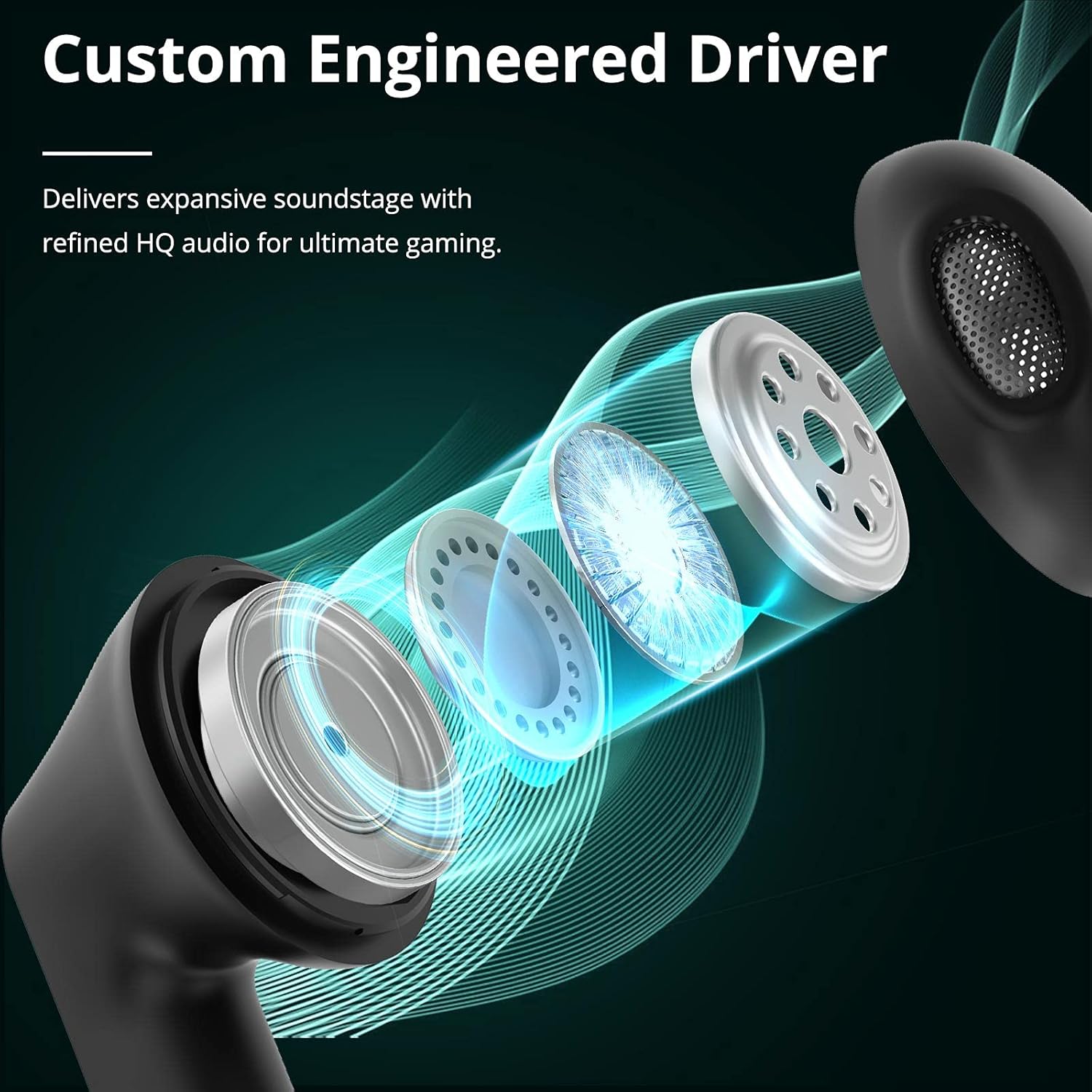
Image: Custom Engineered Driver for enhanced sound quality.
조명 효과
The charging case features dynamic lighting effects that enhance the gaming aesthetic and can also serve as a stress-relief feature by rotating the case.

Image: Charging case with integrated lighting effects.
유지
청소
정기적인 청소는 최적의 성능과 위생을 유지하는 데 도움이 됩니다.
- 부드럽고 마른 보푸라기 없는 천으로 이어폰과 충전 케이스를 닦으세요.
- 연마성 세척제, 알코올, 화학 용제는 사용하지 마세요.
- Gently clean the earbud mesh and charging contacts with a dry cotton swab if necessary.
방수 기능(IPX5)
The Tronsmart Battle earbuds are rated IPX5 water-resistant, meaning they can withstand splashes and sweat. They are not designed for submersion in water. Avoid exposing them to heavy rain or showering.
저장
사용하지 않을 때는 이어버드를 충전 케이스에 보관하여 보호하고 충전 상태를 유지하세요. 서늘하고 건조한 곳에 극한의 온도를 피해 보관하세요.
문제 해결
If you encounter issues with your Tronsmart Battle earbuds, try the following solutions:
- 이어버드가 페어링되지 않음:
- 두 개의 이어버드가 모두 충전 케이스에 들어 있고 완전히 충전되어 있는지 확인하세요.
- Remove "Tronsmart Battle" from your device's Bluetooth list and try pairing again.
- 기기의 블루투스 기능을 다시 시작하세요.
- 한쪽 이어버드에서 소리가 나지 않습니다.
- 두 개의 이어버드를 충전 케이스에 다시 넣고 뚜껑을 닫은 후 다시 꺼내세요.
- 양쪽 이어버드가 모두 충전되어 있는지 확인하세요.
- Try resetting the earbuds (refer to the full Tronsmart support web(필요한 경우 구체적인 재설정 지침은 해당 사이트를 참조하세요).
- 충전 문제:
- USB Type-C 케이블과 전원 어댑터에 손상이 있는지 확인하십시오.
- 이어버드와 케이스의 충전 접점이 깨끗하고 이물질이 없는지 확인하십시오.
- 다른 충전 케이블이나 전원을 사용해 보세요.
- 볼륨이 낮거나 음질이 좋지 않음:
- 기기와 이어버드 모두의 볼륨을 조절하세요.
- 이어버드가 귀에 제대로 꽂혔는지 확인하세요.
- 이어버드 메시에서 이물질을 청소하세요.
기술 사양
| 특징 | 사양 |
|---|---|
| 모델명 | Tronsmart Battle |
| 모델 번호 | 52325 |
| 블루투스 버전 | 5.0 |
| 블루투스 프로files | AVRCP, A2DP, HFP |
| 전송 범위 | 최대 10미터(33피트) |
| 드라이버 크기 | 13mm (XNUMXmm) |
| 임피던스 | 16옴 |
| 이어버드 배터리 용량 | 35mAh(각) |
| 충전 케이스 배터리 용량 | 500mAh |
| 이어버드 재생 시간(1회 충전) | 최대 5시간 |
| 총 재생 시간(충전 케이스 포함) | 최대 20시간 |
| 충전 시간 | 약 2시간 (이어폰 및 케이스 포함) |
| 충전 포트 | USB 타입-C |
| 방수 등급 | IPX5 |
| 마이크로폰 | 내장형 |
| 크기 (충전 케이스 포함) | 59 x 60.93 x 31.79mm |
| 무게(합계) | 41g |
| 색상 | 검은색 |
보증 정보
According to the product information, a specific warranty description is not applicable. Please refer to the retailer's return policy or contact Tronsmart customer support for details regarding any applicable guarantees or consumer rights in your region.
고객 지원
For further assistance, technical support, or inquiries about your Tronsmart Battle Wireless Gaming Earbuds, please visit the official Tronsmart web사이트를 방문하거나 고객 서비스에 직접 문의하세요.
공식적인 Web대지: www.tronsmart.com