
1. 제품 오버view
The ELRO DV477W-M is an additional indoor monitor designed to expand your existing ELRO DV477W or DV477IP series video intercom system. This 7-inch color monitor allows for clear two-way communication with visitors at your door and provides convenient door opening functionality.
주요 특징:
- 7-inch (18 cm) color display for clear video.
- High-quality microphone and speaker for two-way audio communication.
- Door opening function for convenient access control.
- Modern design with brushed aluminum finish.
- Compatible with ELRO DV477W and DV477IP series video intercoms.
패키지 내용:
- ELRO DV477W-M 7-inch Indoor Monitor
- 장착 브래킷
- 15m 4-wire Electrical Cable
- 전원 어댑터
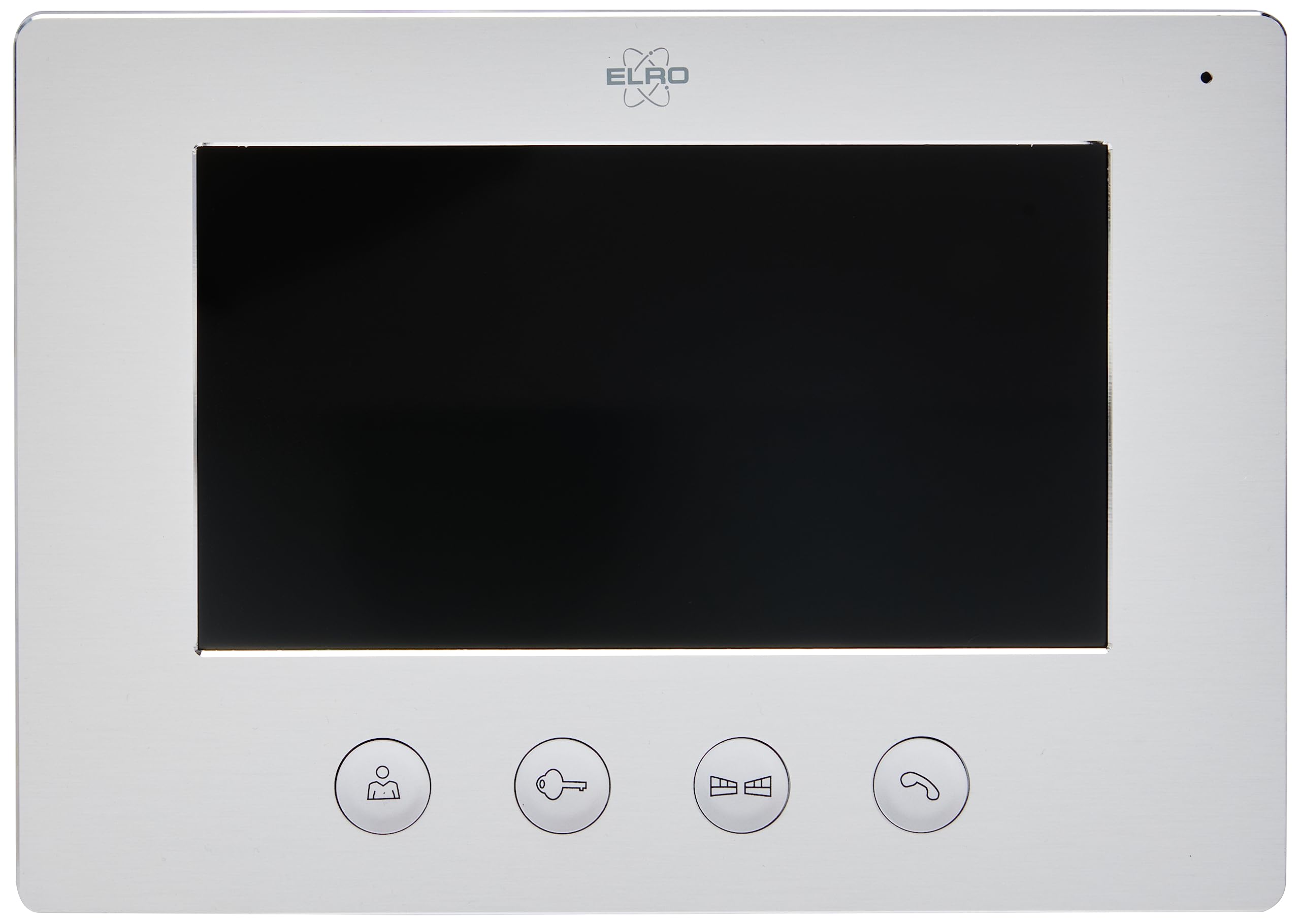
Image 1.1: The ELRO DV477W-M 7-inch indoor monitor, featuring a sleek design and control buttons.
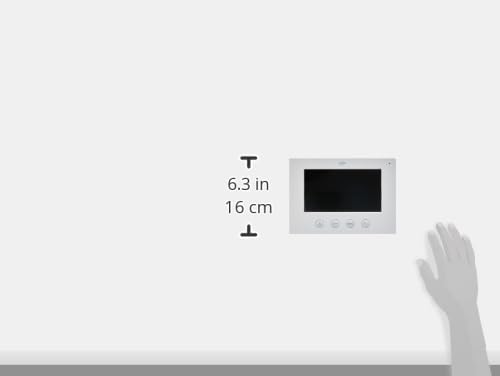
Image 1.2: Diagram showing the dimensions of the ELRO DV477W-M monitor, approximately 6.3 inches (16 cm) in height.
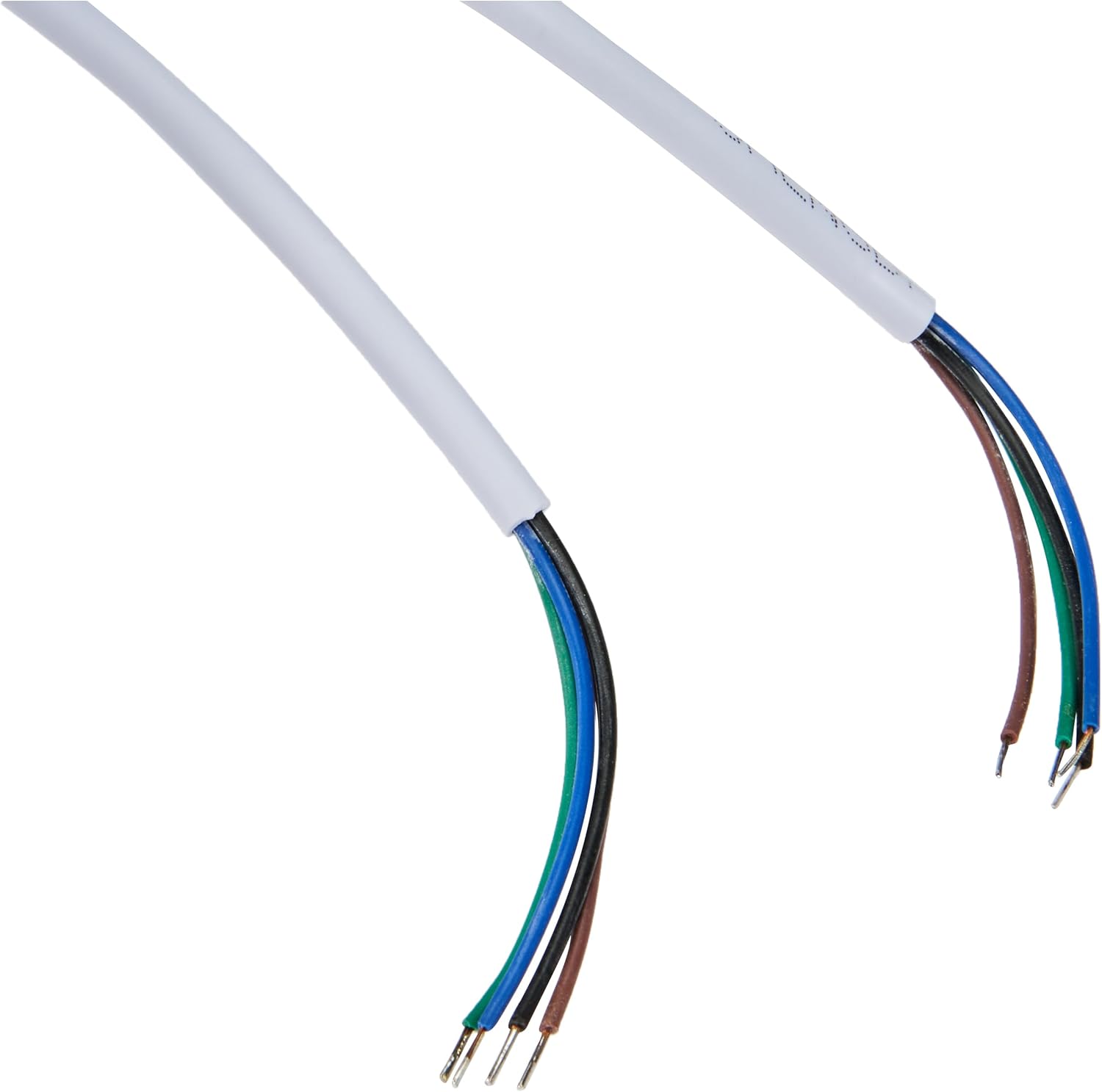
Image 1.3: The included 15-meter 4-wire electrical cable for connecting the monitor to the intercom system.
2. 설정 및 설치
This section provides instructions for installing your ELRO DV477W-M additional indoor monitor. Ensure all power is disconnected from your existing intercom system before beginning installation.
2.1 안전 예방 조치:
- 설치 또는 유지 관리 전에 항상 전원을 차단하십시오.
- 배선 절차에 대해 확신이 서지 않는다면 자격을 갖춘 전기 기술자에게 문의하십시오.
- Do not expose the monitor to moisture or extreme temperatures.
2.2 Mounting the Monitor:
- Choose a suitable indoor location for the monitor, ensuring it is within reach of the 15m cable and a power outlet.
- 제공된 장착 브래킷을 본떠서 벽에 드릴로 구멍을 뚫을 위치를 표시하십시오.
- 필요한 경우 구멍을 뚫고 벽면 플러그를 삽입하세요.
- 적절한 나사를 사용하여 벽에 장착 브래킷을 고정합니다.
2.3 배선 연결:
- Connect the 4-wire electrical cable from your existing ELRO DV477W or DV477IP outdoor unit/main monitor to the corresponding terminals on the back of the DV477W-M additional monitor. Ensure correct polarity for each wire (e.g., power, ground, audio, video). Refer to your main intercom system's manual for specific wiring diagrams.
- 전원 어댑터를 모니터의 전원 입력 단자에 연결한 다음 벽면 콘센트에 꽂습니다.
- 모니터를 장착된 브래킷에 조심스럽게 부착하십시오.
메모: The 4-wire cable typically carries power, ground, audio, and video signals. Incorrect wiring can damage the device or prevent proper operation.
3. 사용 설명서
Once installed and powered on, the ELRO DV477W-M monitor is ready for use. It functions as an extension of your main intercom system.
3.1 Receiving a Call:
- When a visitor presses the doorbell button on the outdoor unit, the monitor will ring and display the visitor's image.
- 를 누르세요 답변 button (usually indicated by a telephone icon) to initiate two-way audio communication.
- 대화를 끝내려면 통화 종료 단추.
3.2 Opening the Door:
- 통화 중이거나, 또는 viewing the visitor, press the 도어 잠금 해제 button (often depicted as a key or unlock icon) to activate the electronic door lock connected to your main intercom system.
- The door will unlock for a short period, allowing the visitor to enter.
3.3 Monitoring:
- Some systems allow you to manually activate the camera on the outdoor unit to view the entrance area without a visitor pressing the doorbell. Refer to your main intercom system's manual for this feature.
4. 유지관리
Proper maintenance ensures the longevity and optimal performance of your ELRO DV477W-M monitor.
4.1 청소:
- Wipe the monitor screen and casin부드럽고 마른 보푸라기 없는 천으로 닦으세요.
- 완고한 자국의 경우 약간 damp물에 적신 천으로 닦으십시오. 독한 화학 약품, 연마성 세척제 또는 용제는 마감재를 손상시킬 수 있으므로 사용하지 마십시오.
- Do not spray cleaning liquids directly onto the monitor.
4.2 일반 관리:
- Keep the monitor away from direct sunlight, heat sources, and areas with high humidity.
- Ensure ventilation openings (if any) are not blocked.
- 모니터를 떨어뜨리거나 강한 충격을 가하지 마십시오.
5. 문제 해결
If you encounter issues with your ELRO DV477W-M monitor, refer to the following common problems and solutions.
| 문제 | 가능한 원인 | 해결책 |
|---|---|---|
| No image or sound on the monitor. |
|
|
| Image is distorted or unclear. |
|
|
| 통신 중 오디오가 나오지 않습니다. |
|
|
| Door unlock function does not work. |
|
|
If these solutions do not resolve the issue, please contact ELRO customer support.
6. 사양
| 특징 | 세부 사항 |
|---|---|
| 모델 번호 | DV477W-M |
| 제조업체 | 엘로 |
| 디스플레이 크기 | 7인치(18cm) |
| 제품 크기(L x W x H) | 21.5 x 2.5 x 15cm |
| 무게 | 386그램 |
| 재료 | 알류미늄 |
| 포함된 구성 요소 | Monitor, Mounting Bracket, 15m 4-wire Electrical Cable, Power Adapter |
| 필요한 배터리 | 아니요 |
| 호환성 | ELRO DV477W and DV477IP series video intercom systems |
7. 보증 및 지원
ELRO products are designed for reliability and performance. For specific warranty information, please refer to the documentation included with your original ELRO video intercom system or visit the official ELRO web대지.
If you require technical assistance, have questions about installation, or need to report a fault, please contact ELRO customer support. Contact details can typically be found on the ELRO web사이트 또는 제품 포장에 포함되어 있습니다.
메모: 현재 예비 부품 재고 정보는 제공되지 않습니다.