
소개
Thank you for choosing the MEDION MD 10319 Tower Fan. This manual provides essential information for the safe and efficient operation of your new fan. Please read these instructions carefully before use and keep them for future reference.
중요 안전 지침
화재, 감전, 부상의 위험을 줄이기 위해 전기 제품을 사용할 때는 항상 기본적인 안전 예방 조치를 따르세요.
- 전원 공급 장치 볼륨을 확인하십시오.tage는 팬의 등급 라벨과 일치합니다.
- 손상된 코드나 플러그로 선풍기를 작동하지 마십시오. 코드가 손상된 경우, 위험을 방지하기 위해 제조업체, 서비스 담당자 또는 이와 동등한 자격을 갖춘 전문가가 코드를 교체해야 합니다.
- 선풍기를 물이나 기타 액체로부터 멀리하십시오. 선풍기를 물에 담그지 마십시오.
- 선풍기가 작동 중일 때는 손가락이나 이물질을 통풍구에 넣지 마십시오.
- 사용하지 않을 때, 한 장소에서 다른 장소로 옮길 때, 그리고 청소하기 전에는 선풍기의 플러그를 콘센트에서 뽑아 두세요.
- 본 기기는 신체적, 감각적 또는 정신적 능력이 저하된 사람(어린이 포함)이나 경험 및 지식이 부족한 사람이 사용하도록 의도된 것이 아니며, 안전을 책임질 사람으로부터 기기 사용에 관한 감독이나 지시를 받은 경우에만 사용할 수 있습니다.
- 어린이가 이 제품을 가지고 놀지 않도록 감독해야 합니다.
- 선풍기가 넘어지지 않도록 안정적이고 평평한 표면에 놓으세요.
패키지 내용
다음 구성품이 패키지에 포함되어 있는지 확인하세요.
- MEDION MD 10319 Tower Fan
- Base (two halves)
- 고정 너트
- 4 Mounting Screws for Base
- Remote Control (with 2 x AAA batteries)
- 사용 설명서
조립 및 설정
타워형 선풍기를 조립하려면 다음 단계를 따르세요.
- 포장에서 모든 구성 요소를 조심스럽게 제거합니다.
- Assemble the two halves of the base by interlocking them.
- Align the assembled base with the bottom of the fan unit. Ensure the power cord passes through the designated slot in the base.
- Secure the base to the fan unit using the 4 mounting screws provided.
- Tighten the securing nut from underneath the base to firmly attach it to the fan body.
- 리모컨에 AAA 배터리 2개를 넣을 때 극성을 확인하세요.
- 선풍기를 단단하고 평평한 표면에 놓으세요.
- 전원 코드를 적합한 콘센트(220V)에 꽂으세요.
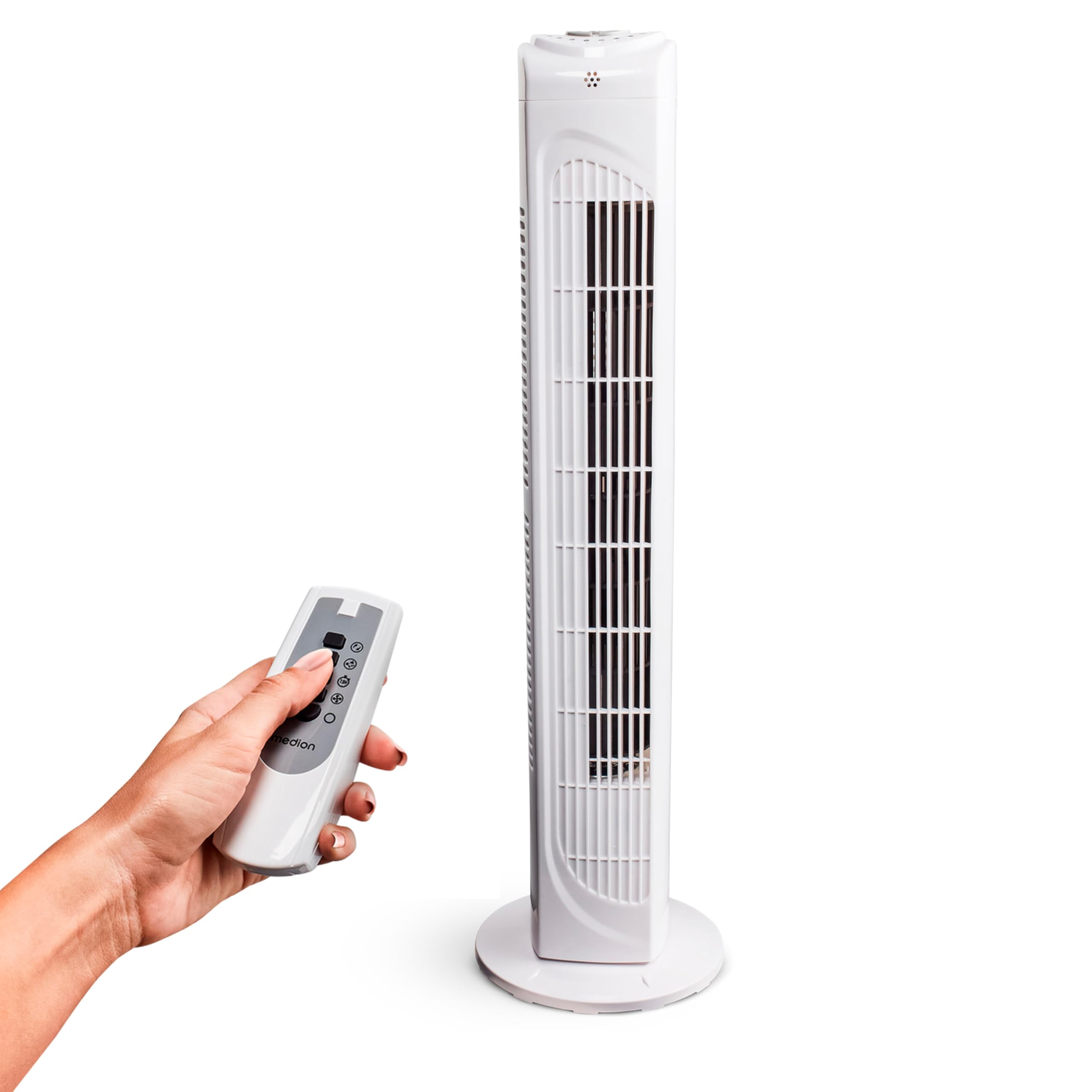
Image: The MEDION MD 10319 Tower Fan, fully assembled with its base, ready for use.

Image: A hand demonstrating the integrated carrying handle on top of the fan for easy portability.
제품 끝view
제어판
The control panel is located on the top of the fan unit. It features buttons for power, speed, oscillation, and timer functions.

이미지: 상세 view of the fan's top control panel, showing buttons for power, speed settings (3 levels), timer, and oscillation.
원격 제어
The included remote control allows you to operate all fan functions from a distance.
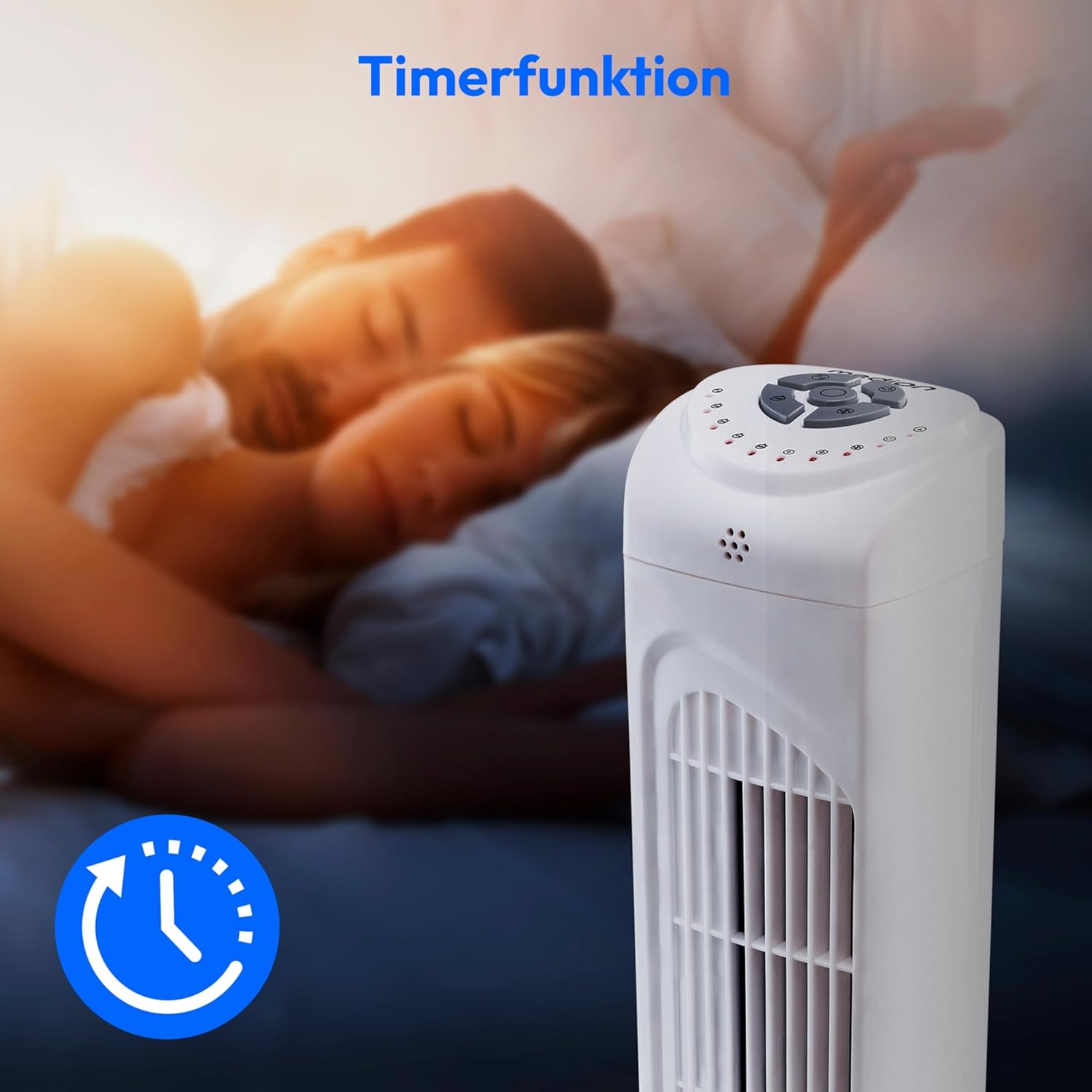
Image: A hand holding the remote control, which features buttons for power, speed, oscillation, and timer, mirroring the main control panel.
작동 지침
전원 켜기/끄기
- 를 누르세요 힘 button on the control panel or remote control to turn the fan ON.
- 를 누르세요 힘 팬을 끄려면 버튼을 다시 누르세요.
팬 속도 조정
The fan has 3 speed settings: Low, Medium, and High.
- 를 누르세요 속도 button repeatedly to cycle through the speed settings.
- The current speed level will be indicated by LED lights on the control panel.
진동 기능
The oscillation function allows the fan to rotate horizontally, distributing air over a wider area.
- 를 누르세요 오에스씨 button on the control panel or remote control to activate oscillation. The fan will rotate approximately 60 degrees.
- 를 누르세요 오에스씨 button again to stop oscillation. The fan will stop in its current position.

Image: The tower fan oscillating, indicated by blue arrows showing a 60-degree rotation for wider air distribution.
타이머 기능
The timer function allows you to set the fan to automatically turn off after a specified period, up to 7.5 hours.
- 를 누르세요 시간제 노동자 button repeatedly to set the desired operating time (e.g., 0.5h, 1h, 2h, 4h, up to 7.5h).
- The selected timer duration will be indicated by LED lights on the control panel.
- To cancel the timer, cycle through the settings until no timer LEDs are illuminated, or turn the fan off.

Image: The fan with a timer icon, illustrating its use for setting automatic shut-off, ideal for use during sleep.
유지
Regular cleaning will help maintain the performance and extend the lifespan of your fan.
- 청소하기 전에 항상 팬의 플러그를 전원 콘센트에서 뽑으세요.
- 부드러운 d를 사용하세요amp 팬 외부 표면을 닦을 때는 천을 사용하세요. 연마성 세제나 용제는 사용하지 마세요.
- 브러시 부착물이 있는 진공청소기를 사용하여 공기 흡입구와 배출구 그릴에서 먼지를 부드럽게 제거하십시오.
- Do not allow water to drip into the interior of the fan.
- 장기간 사용하지 않을 때는 선풍기를 서늘하고 건조한 곳에 보관하십시오.
문제 해결
If you encounter any issues with your MEDION MD 10319 Tower Fan, please refer to the following common problems and solutions:
| 문제 | 가능한 원인 | 해결책 |
|---|---|---|
| 팬이 켜지지 않습니다. | 전원 공급이 없습니다. 전원 버튼을 누르지 않았습니다. | 전원 코드가 작동하는 콘센트에 단단히 꽂혀 있는지 확인하세요. Press the POWER button on the fan or remote. |
| 원격 제어가 작동하지 않습니다. | 배터리가 소진되었거나 잘못 삽입되었습니다. 리모컨과 팬 사이에 장애물이 있습니다. | Replace batteries (2 x AAA) and ensure correct polarity. Remove any objects blocking the signal path. Ensure you are within range. |
| 선풍기에서 평소와 다른 소음이 납니다. | 선풍기가 평평한 곳에 놓여 있지 않습니다. Obstruction in the fan grille. | 선풍기를 안정적이고 평평한 표면에 놓으세요. Unplug the fan and carefully check for any foreign objects in the grilles. |
| 진동 기능이 작동하지 않습니다. | 진동 버튼이 활성화되지 않았습니다. | Press the OSC button on the control panel or remote control. |
명세서
| 특징 | 세부 사항 |
|---|---|
| 상표 | MEDION |
| 모델명 | MD 10319 |
| 유형 | Tower Fan / Floor Fan |
| 색상 | 하얀색 |
| 전원 | 코드식 전기 |
| 왓tage | 45와트 |
| 권tage | 220 볼트 |
| 속도의 수 | 3 |
| 특별 기능 | Oscillating, Timer Function |
| 진동 각도 | 60° |
| 타이머 기능 | 최대 7.5시간 |
| 제어 방법 | 리모컨, 본체 버튼 |
| 소음 수준 | 50데시벨 |
| 제품 크기(D x W x H) | 28cm x 28cm x 79cm |
| 품목 무게 | 2.5 킬로그램 |
| 재료 | 플라스틱 |
| 주 전원 커넥터 유형 | CEE 7/7(슈코) |

Image: The MEDION MD 10319 Tower Fan with its height (79 cm) and base width (28 cm) clearly indicated.
보증 및 지원
Your MEDION MD 10319 Tower Fan comes with a manufacturer's warranty. Please refer to the warranty card included in your package for detailed terms and conditions, including the warranty period and coverage.
기술 지원, 서비스 또는 예비 부품 관련 문의는 메디온 고객 서비스 센터로 연락해 주십시오. 연락처 정보는 일반적으로 메디온 공식 웹사이트에서 확인할 수 있습니다. web사이트 또는 보증 문서에서 확인하세요.